Ratings & Reviews performance provides an overview of what users think of your app. Here are the key metrics to help you identify how your app is rated by users and how successful is your review management strategy.
 3.1
3.1
User reviews affect conversion to installs and app rating. Featured and helpful reviews are the first to be noticed by users and in case of no response can affect download rate.
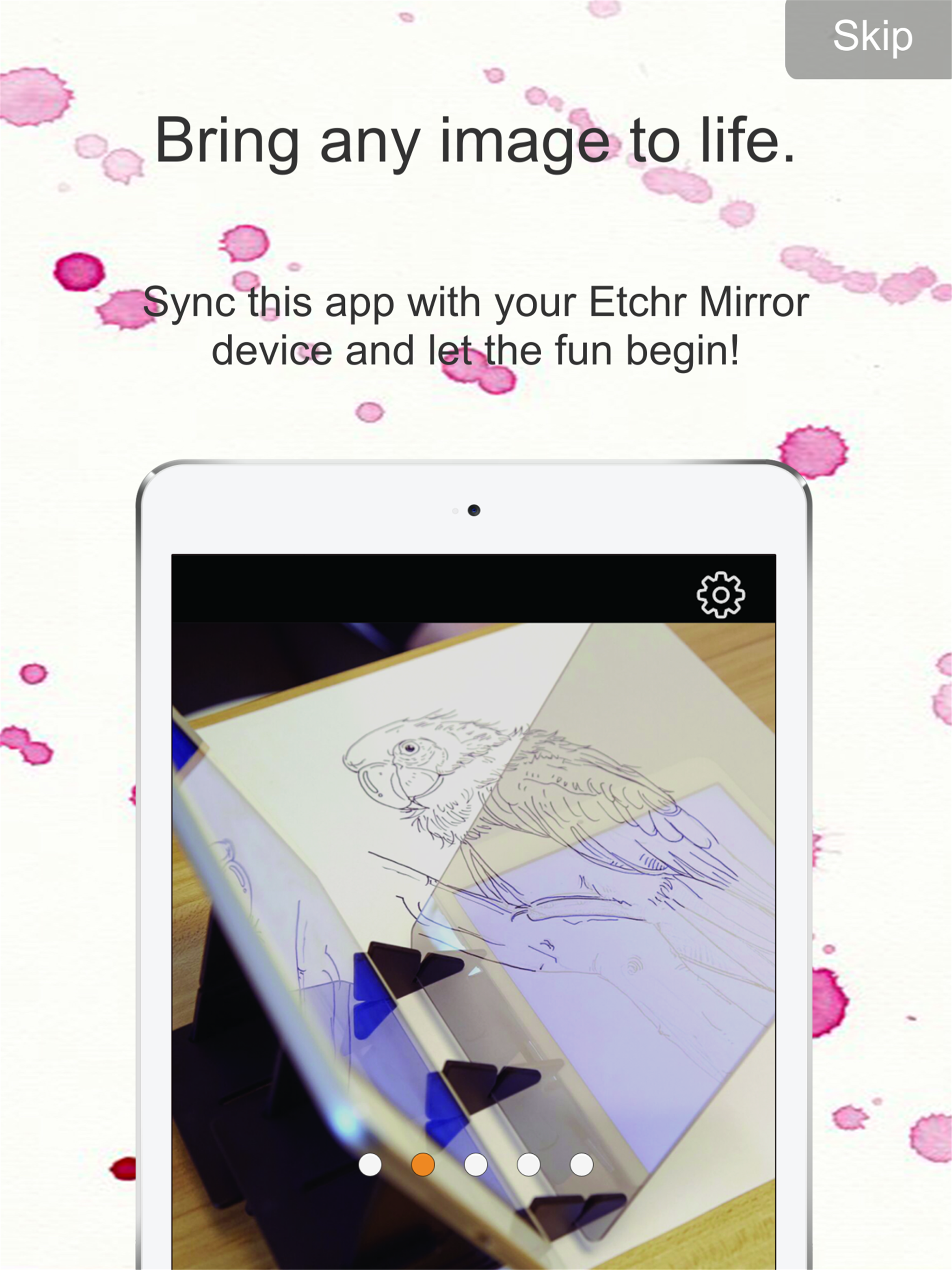
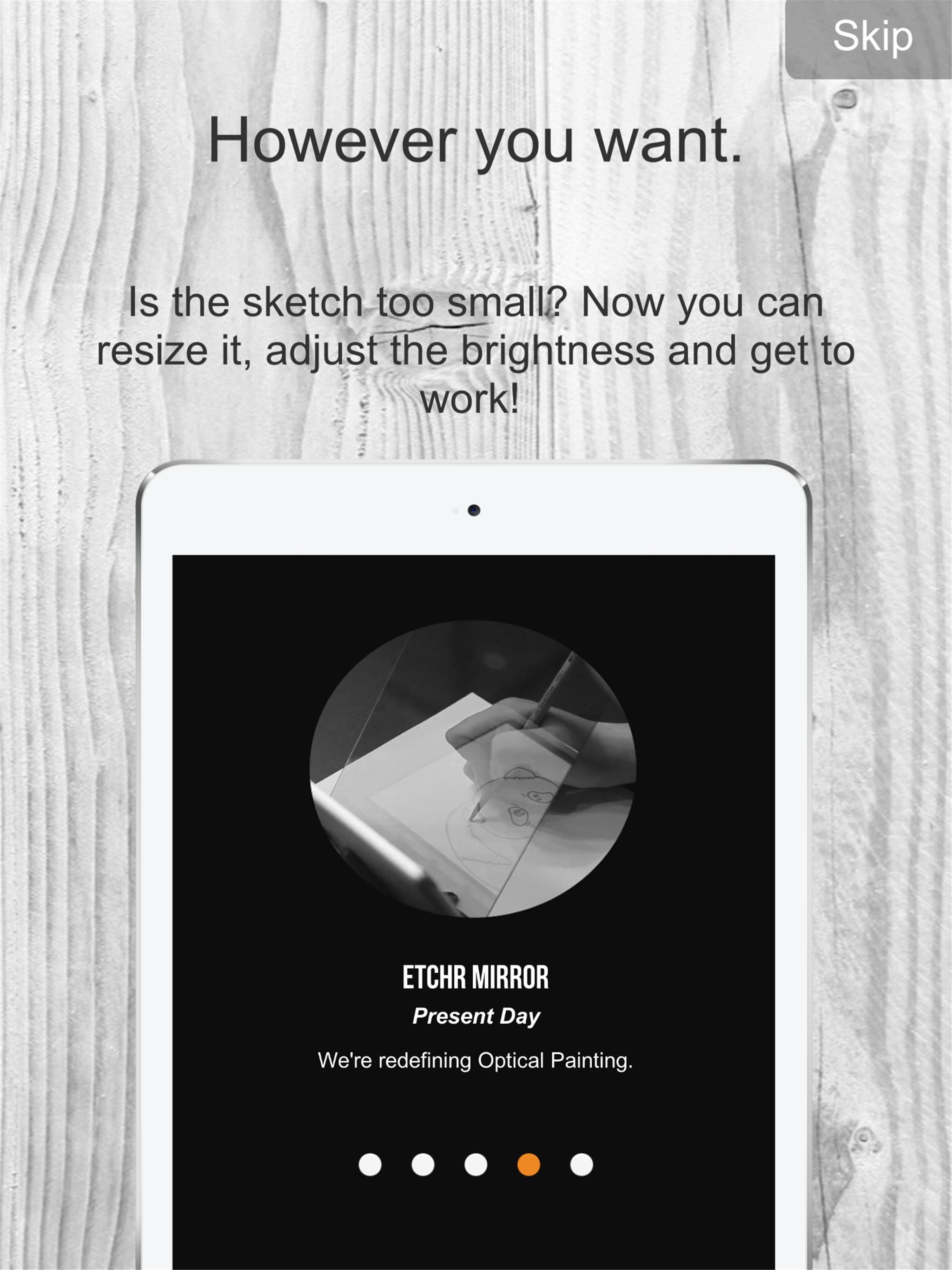
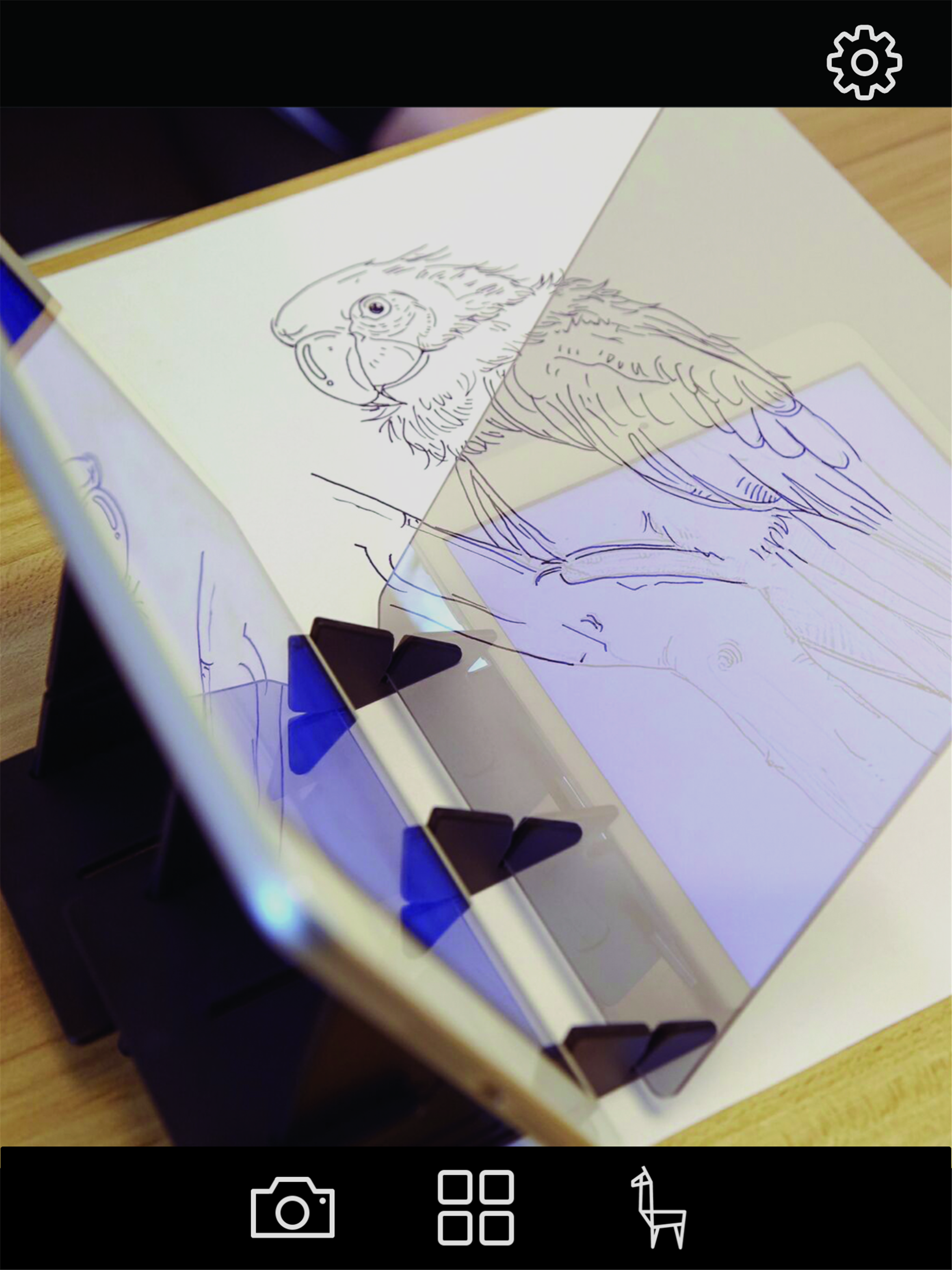
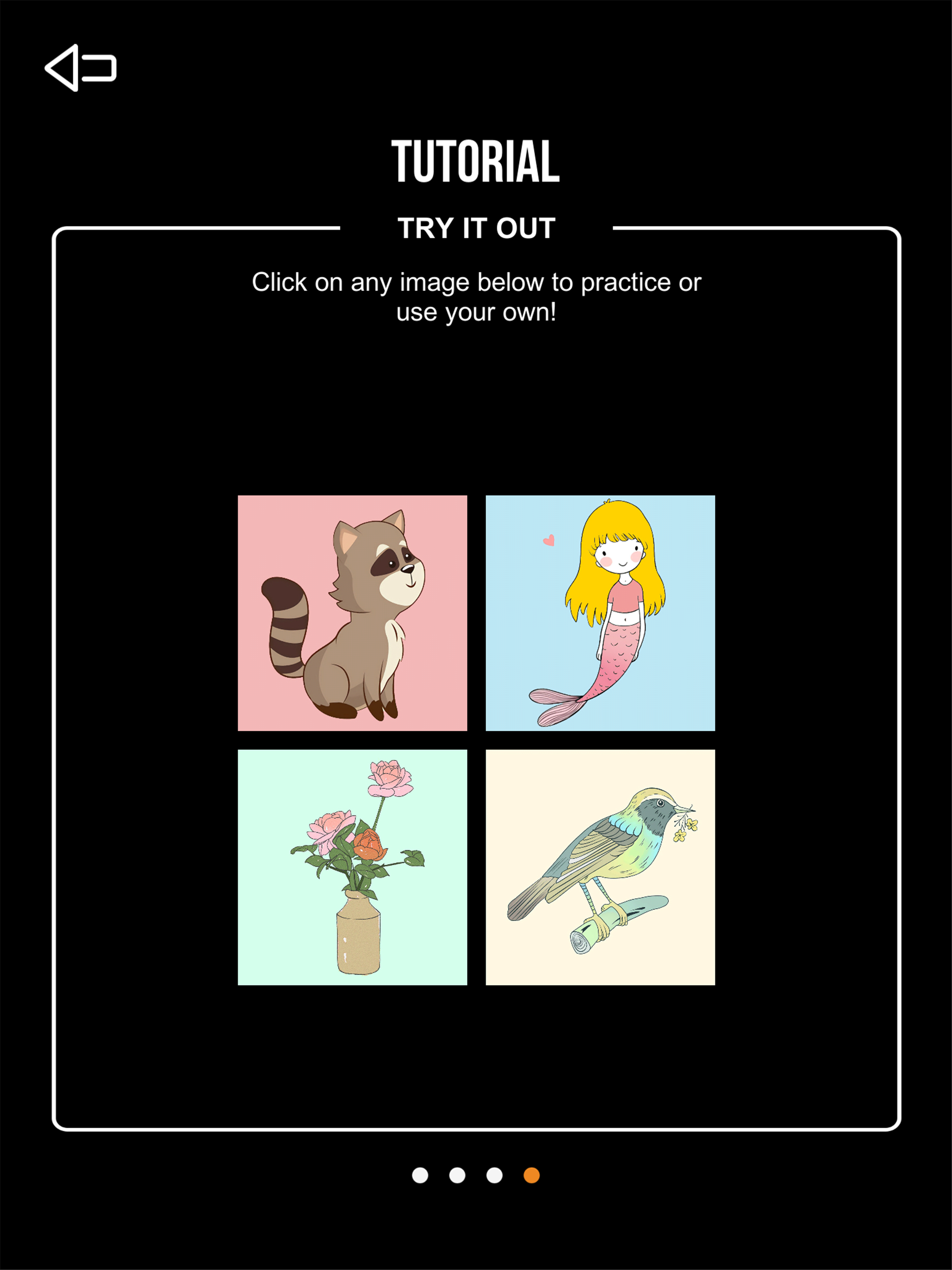
Bring images from your digital device to life! Sync the Etchr Mirror App with the Etchr Mirror and upload any picture from your own device or the Internet. Project the virtual image to a drawing, painting or colouring surface using the App. Endless fun for the artist in everyone! 1. SYNC IT: The Etchr Mirror App optimizes images for use with the Etchr Mirror device. The App allows you to customize image style, size, level of brightness and more. 2. DRAW ANY IMAGE YOU LIKE: Upload and process any picture from your own device or the Internet. With the help of the Etchr Mirror device, a virtual image can be projected to any media in the preferred size and style. 3. FOR ALL AGES: Do your children want a portable and easy way to trace their favorite pictures? Do you enjoy practising mindfulness through colouring or tracing? Tired of carrying a heavy, hot light-box around but still need a way to match colour tones or replicate your own digital work on the go? The Etchr Mirror can be used by artists of all ages and skill levels! Frequently Asked Question for iOS: - Unfortunately, default photos taken with iPhone 7 and newer models are currently not supported due to format compatibility issues. We’re working on this issue, but until we do, please go to Settings > Camera > Formats and then change from ‘High efficiency’ to ‘Most Compatible’ so you can use your photos. This change will only apply to new photos taken after the adjustment and will not affect photos already saved in your gallery.