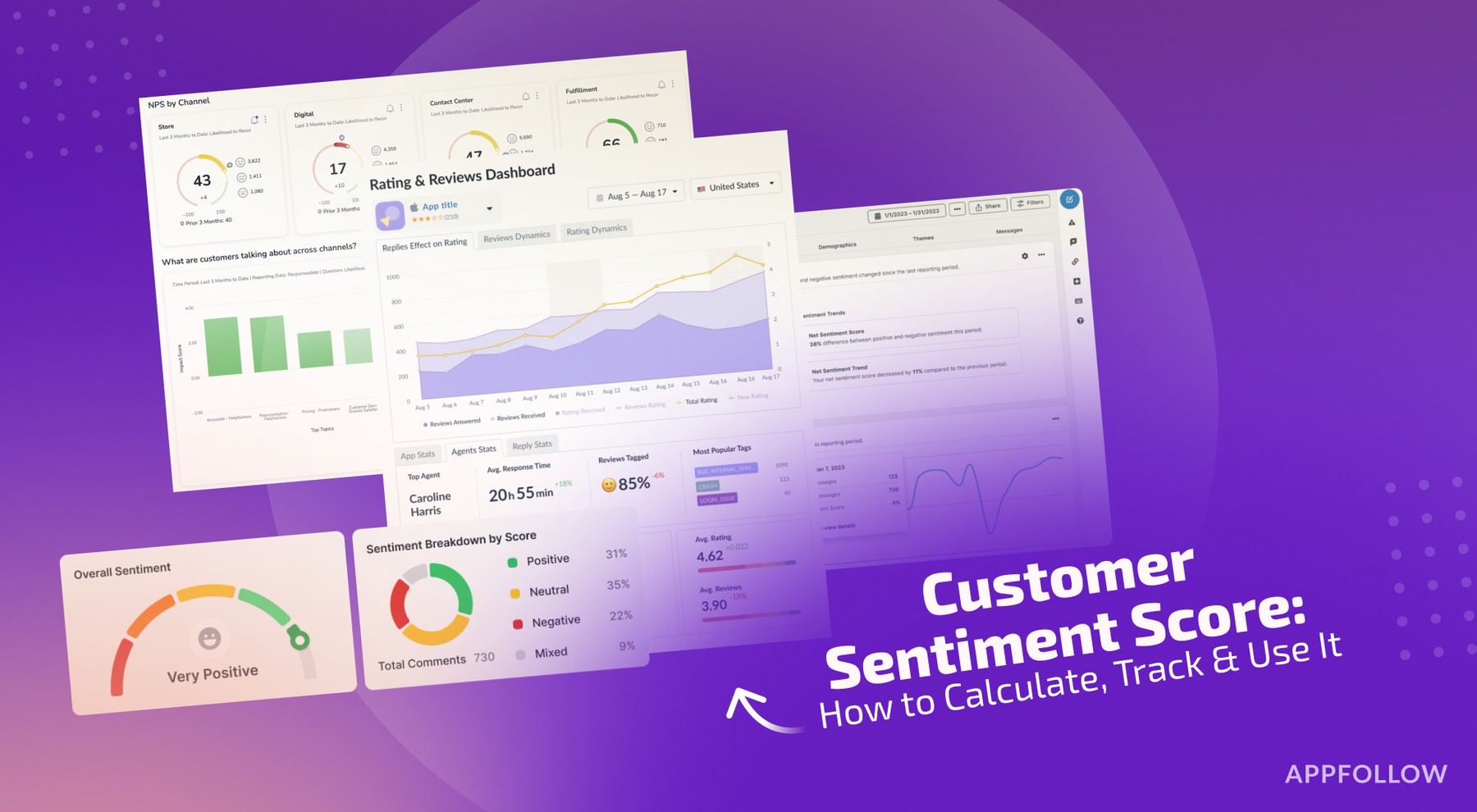
Ratings & Reviews performance provides an overview of what users think of your app. Here are the key metrics to help you identify how your app is rated by users and how successful is your review management strategy.
Sign PDF Documents Anywhere — Fast, Easy, and Paperless Tired of printing, signing, and scanning? With this app, you can sign any PDF right from your iPhone. Add signatures, stamps, or initials in seconds — and keep all your documents organized, shareable, and secure. Here’s What You Can Do: Free Access: – Browse and manage your document history – View and edit existing PDF files – Create and add signatures, stamps, and initials to existing PDFs – Delete, rename, share, or print any saved document – Access settings: contact support, read our Privacy Policy and Terms of Use, rate the app, or share it with friends Premium Tools (available with subscription): – Scan new documents using your camera – Import photos from your gallery or files to create new PDFs – Convert multiple images into a single, high-quality PDF – Unlock unlimited PDF creation functionality Ideal For: • Signing and sending contracts, forms, or agreements • Creating reusable signatures and stamps • Managing important documents without printing or scanning • Keeping all your signed PDFs in one secure place Subscription Information: Weekly – $4.99 Monthly – $17.99 Annual – $49.99 A subscription is required to create and save new PDFs. Signing and editing existing PDFs is available for free. Payment will be charged to your iTunes Account at confirmation of purchase. Subscription automatically renews unless auto-renew is turned off at least 24 hours before the end of the current period. You can manage your subscription in your Account Settings after purchase. Privacy policy: https://telegra.ph/Privacy-Policy-for-E-Signature-03-04 Terms of Service: https://telegra.ph/E-Signature-Terms-of-Use-03-04