Ratings & Reviews performance provides an overview of what users think of your app. Here are the key metrics to help you identify how your app is rated by users and how successful is your review management strategy.
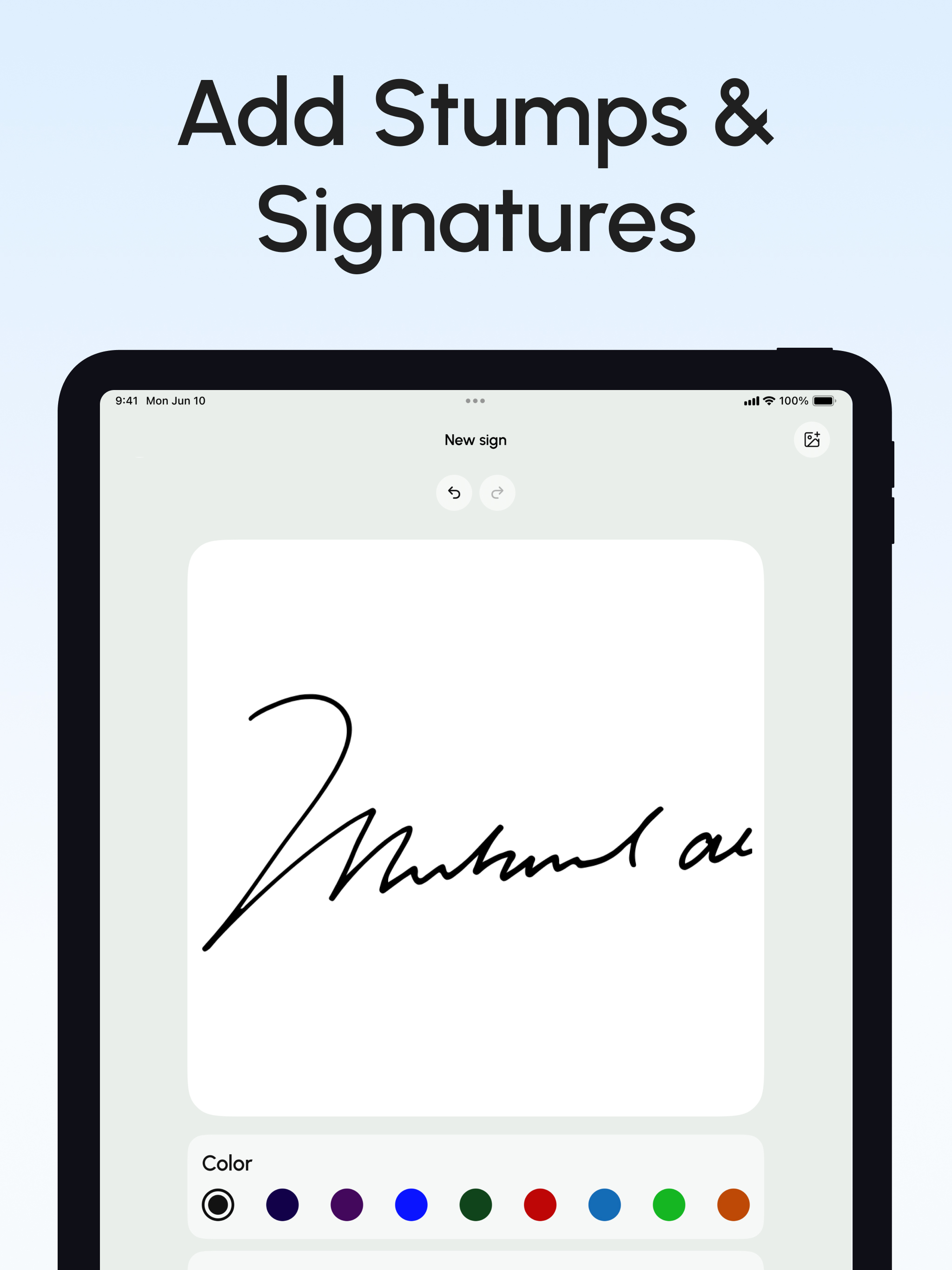
Easily sign and send documents with Scan, eSign & Fill Documents, all at your fingertips. It’s the simplest solution for your business needs, without any login or registration, and no expensive subscription charges. You can easily scan a document using your device’s camera, fill your documents within the app, and add your real signature with your finger or using a stylus. If you prefer a pen-drawn signature, you can simply sign on paper, capture a photo, and insert it into your document. Import and prepare your document entirely on your device and share it instantly. KEY FEATURES: SCAN: Quickly create a PDF scan from your camera within the app and digitize your paper documents. FILL: Fill out documents and forms with multiple options for adding Text, Checkmarks, Date, Images, QR Code, and more. SIGN: Sign realistically with hand-drawn signatures or add Initials within the app and digitally sign your documents. IMPORT: Import documents from Dropbox, OneDrive, Google Drive, iTunes Share, URL, and through other apps with “Open In” functionality. ATTACH DOCUMENTS: Attach any document at the end of your ready PDF and send it wherever you like. PRINT: You may even print your documents directly from your device and handle paperwork efficiently. Privacy Policy: https://telegra.ph/Privacy-Policy-03-04-99 Terms of use: https://telegra.ph/Terms-of-Use-03-04-2