Ratings & Reviews performance provides an overview of what users think of your app. Here are the key metrics to help you identify how your app is rated by users and how successful is your review management strategy.
 5.0
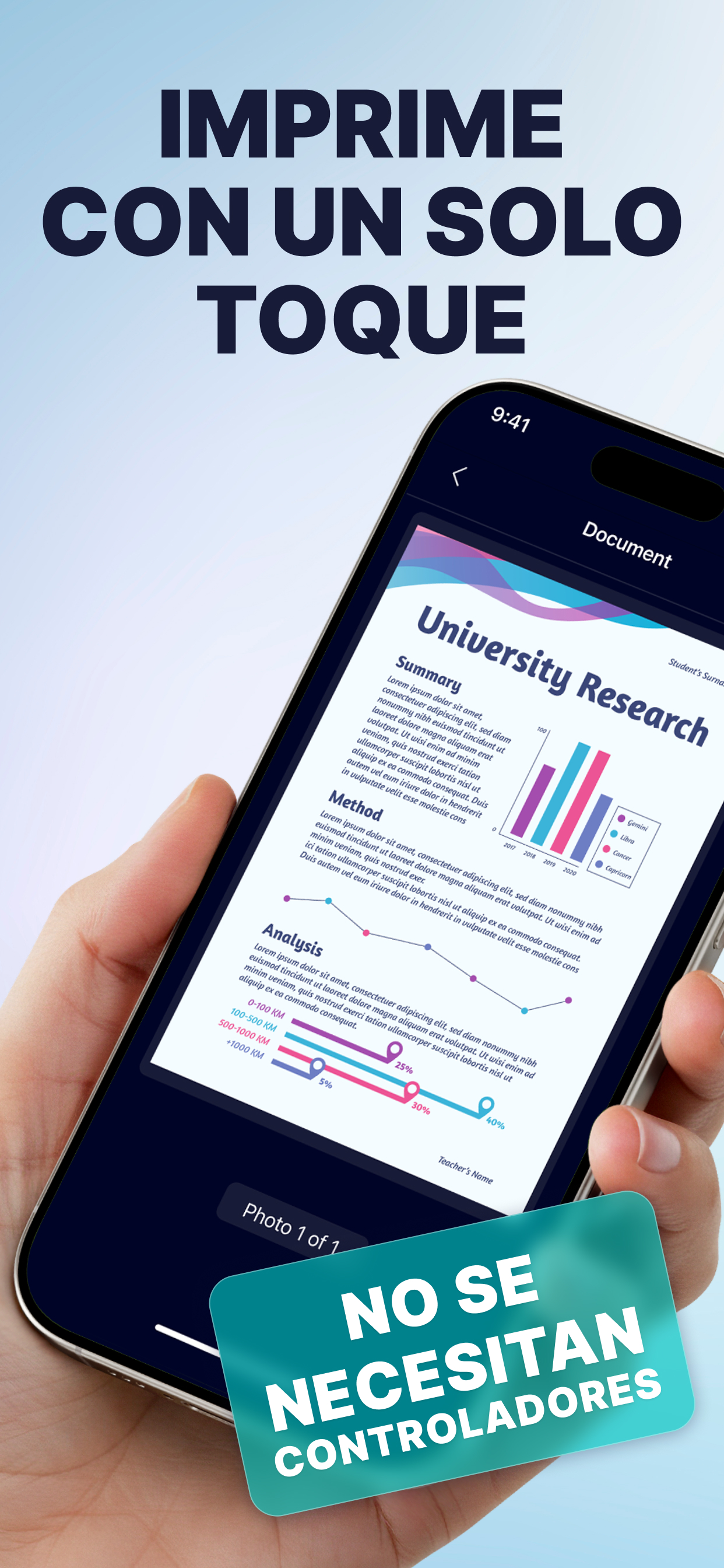
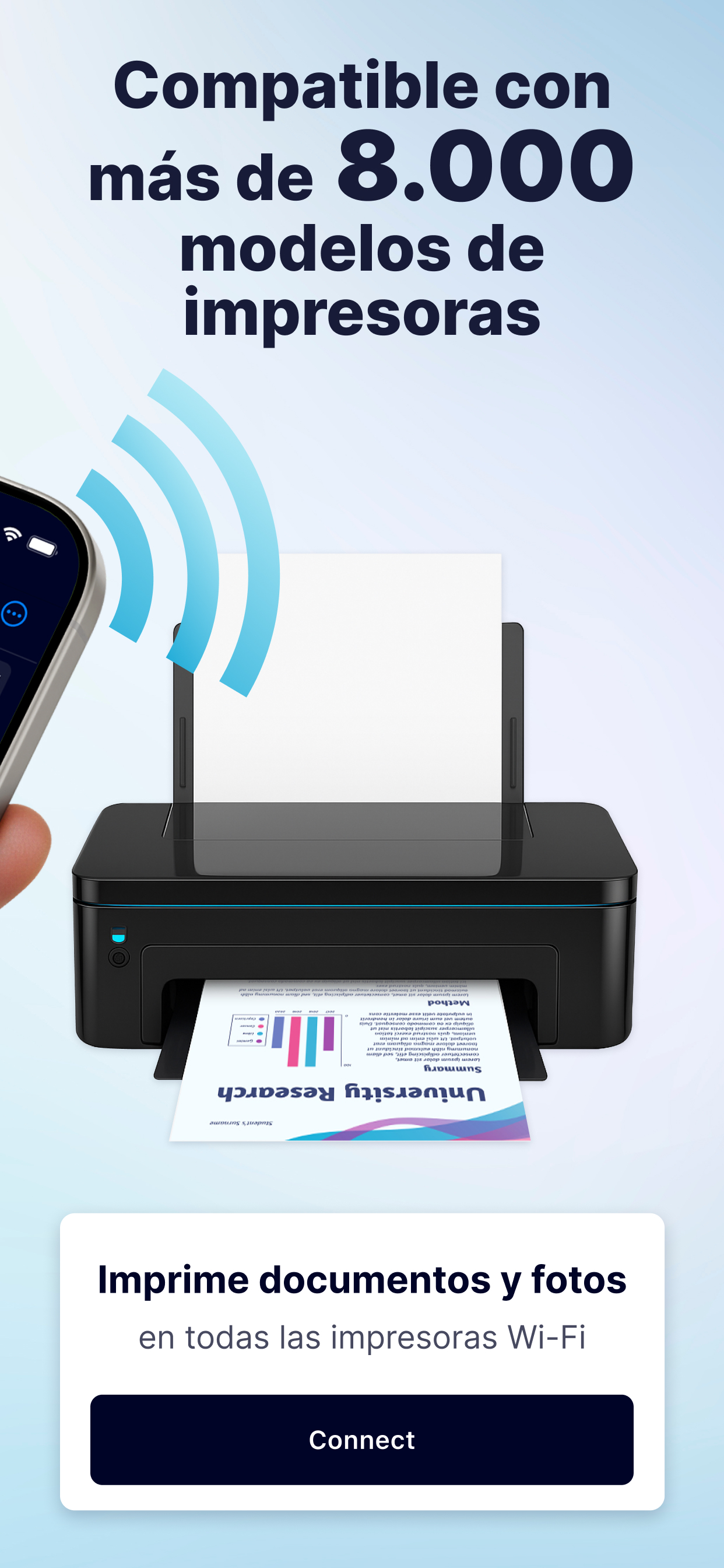
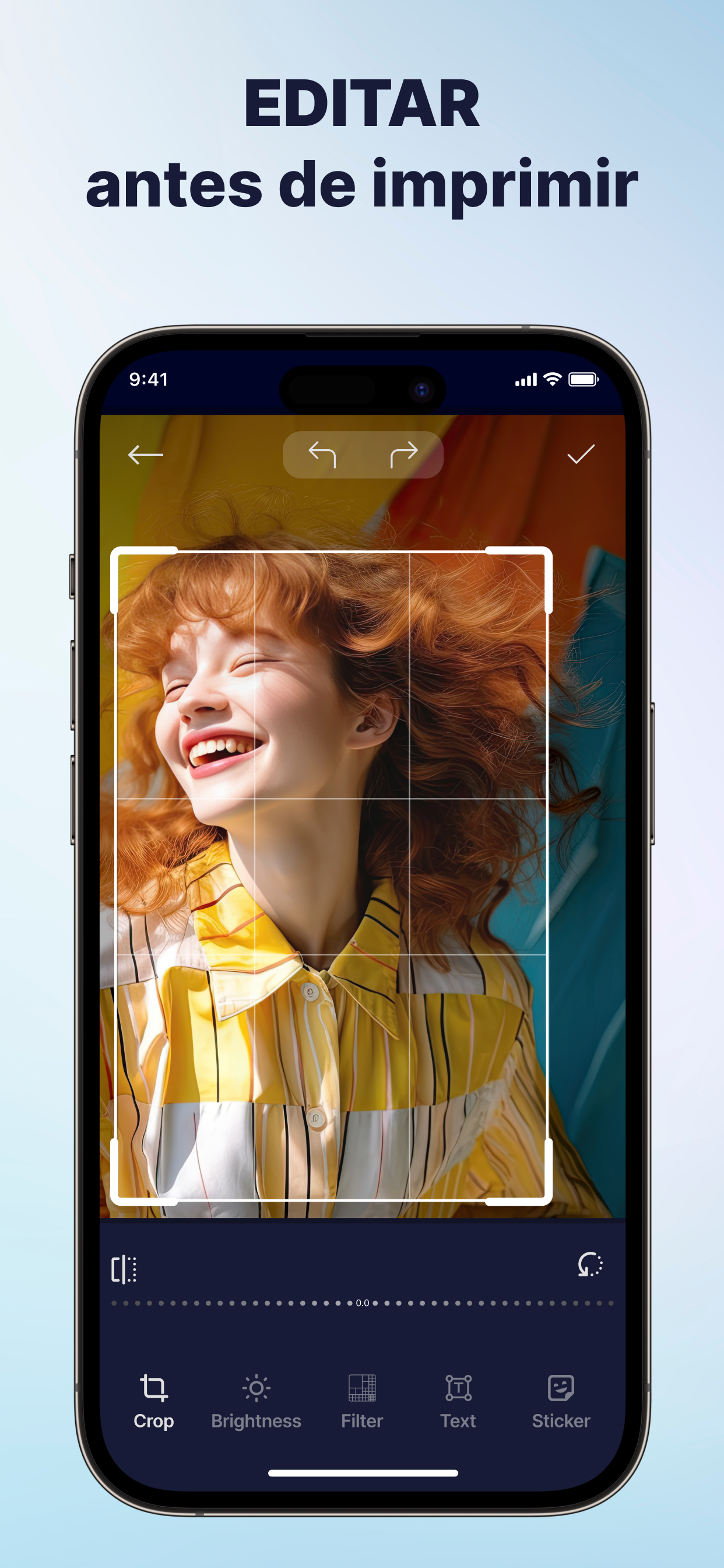
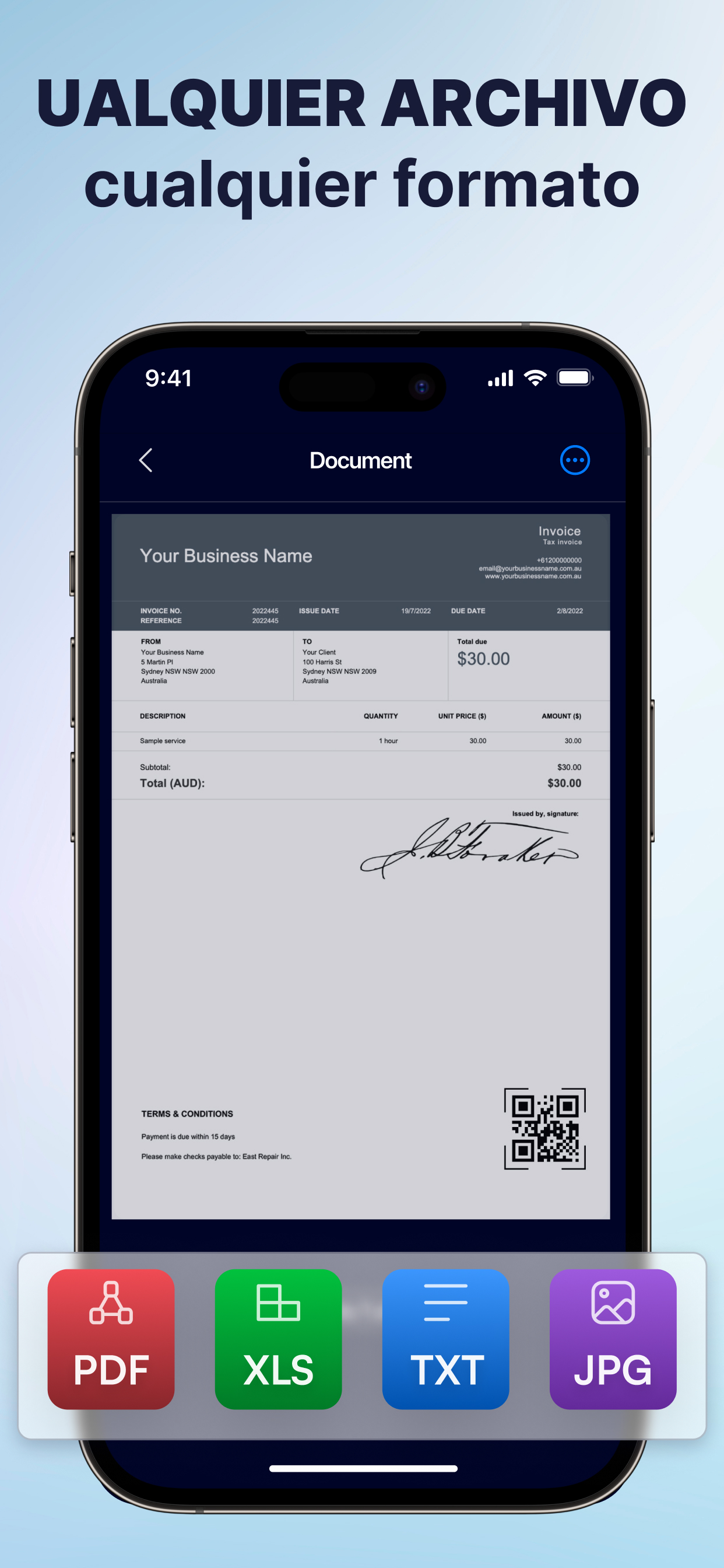
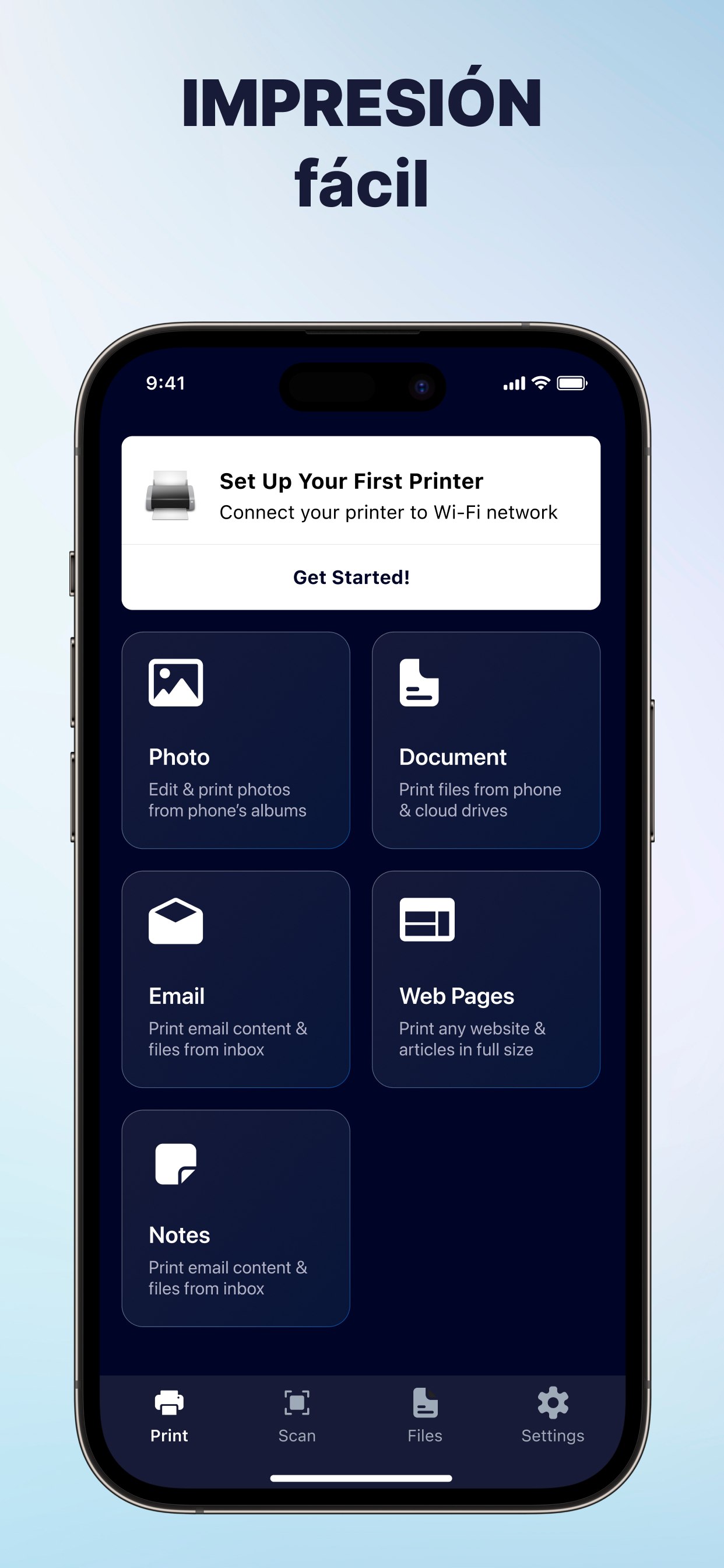
5.0Printing has never been easier. With support for over 8,000 wireless printers, AnyPrint app lets you print documents and photos in seconds - straight from your device. Just choose a file, customize it using built-in tools, and print effortlessly. Key Features: PRINT FROM YOUR iOS DEVICE - Print photos, documents, web pages, and contacts. - Print directly from Dropbox or Google Drive. - Supports 20+ file formats, including PDF, DOCX, JPG, CSV and TXT. BUILT-IN DOCUMENT SCANNER - Scan documents using your device’s camera. - Easily print or share scanned files. ADVANCED PRINT SETTINGS - Choose page orientation. - Print single or double-sided. - Select pages per sheet. - Print in black & white or color. - Customize paper size (A3, A4, B5, and more). - Set number of copies and page ranges. POWERFUL DOCUMENT EDITING - Highlight, draw, or add text to documents. - Customize with built-in markup tools. PHOTO ENHANCEMENT TOOLS - Apply filters, blur, contrast, or sharpening. - Resize and crop photos. - Fine-tune saturation, masking, and more. Seamless Compatibility. AnyPrint app works with all printer models that support AirPrint and is compatible with 99% of Wi-Fi-enabled printers. !!! To use all features, ensure your iOS device and printer are connected to the same Wi-Fi network. Premium: To receive full access to AnyPrint features, you will need to subscribe to Premium. Information about subscription auto-renewal: - Subscription automatically renews unless the auto-renewal is turned off at least 24h before the end of the current period. - The user can manage subscriptions and turn auto-renewal off by going to the user's Account Settings after purchase. - Any unused portion of the trial period will be forfeited when the user purchases a subscription. - Payment will be charged for renewal within 24h prior to the end of the current period, and the cost of the renewal will be identified. Privacy policy: https://docs.google.com/document/d/1o_WOKDaoTzMA6t973k-BEhUws46oy827BQ5ExI97zP4/edit?usp=sharing Terms of use: https://docs.google.com/document/d/1vod1jBxjoj9P2zHx_BSelNxRFxSNZIgBMSPN8uFt5gw/edit?usp=sharing