


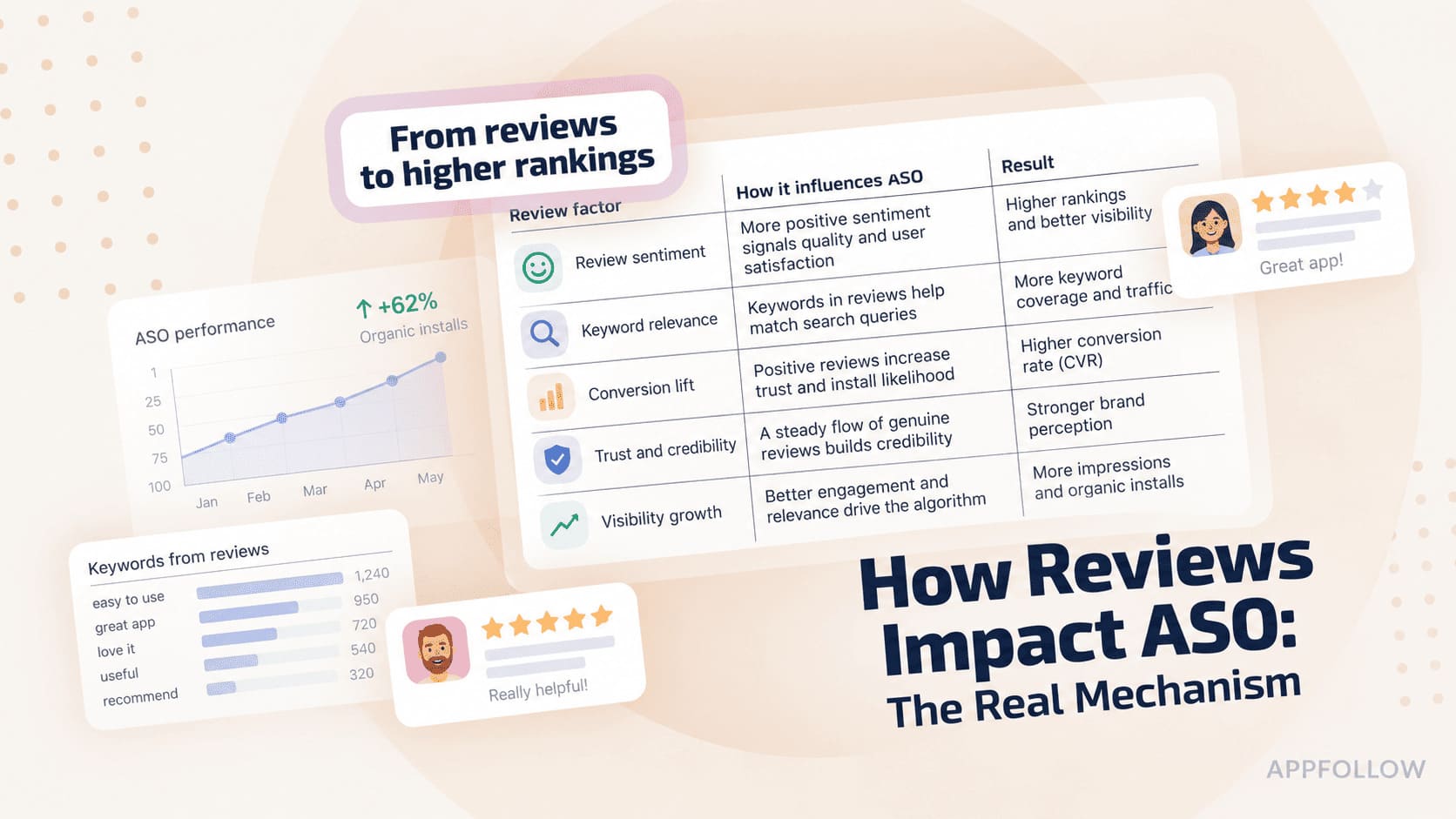
Ratings & Reviews performance provides an overview of what users think of your app. Here are the key metrics to help you identify how your app is rated by users and how successful is your review management strategy.
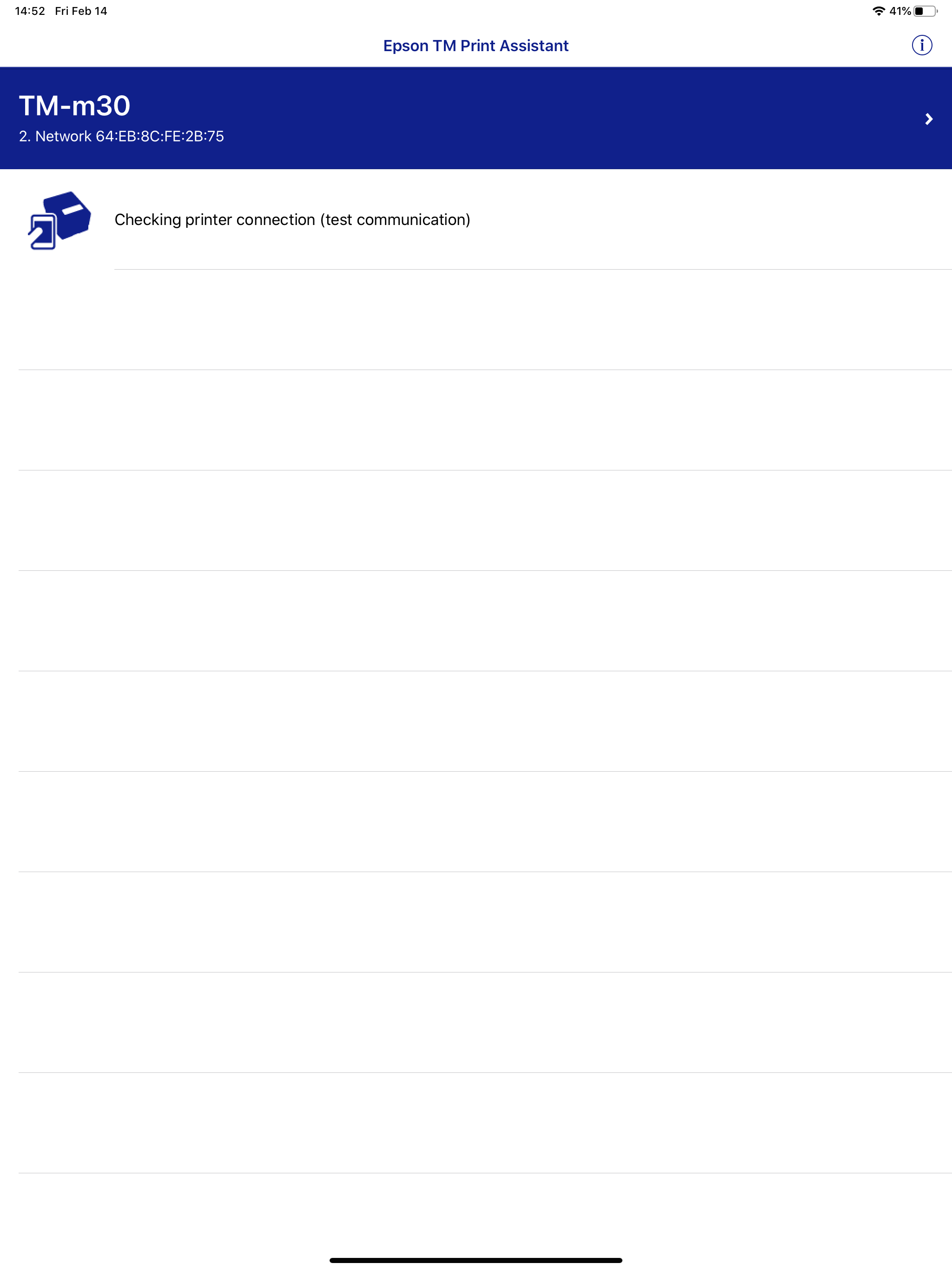
Epson TM Print Assistant allows for printing from iPad, iPhone, or iPod touch to an Epson receipt printer. This application converts print data in the XML or PDF format created with a Web application or native application (e.g., FileMaker) into printer control commands and sends them to a printer connected via Bluetooth, network, USB or Bluetooth Low Energy. For details on using Epson TM Print Assistant, refer to the sample manual that can be downloaded from the following URL: https://download.epson-biz.com/?content=utl_tmpa Supported printers -TM-L100 -TM-m10 -TM-m30 -TM-m30II Series -TM-m30III Series -TM-m50 -TM-m50II Series -TM-P20 -TM-P20II -TM-P60II -TM-P80 -TM-P80II -TM-T20II -TM-T20III -TM-T20IV -TM-T20IV-SP -TM-T88V -TM-T88VI -TM-T88VII Supported interfaces -Bluetooth -Wireless LAN -USB -Bluetooth Low Energy [App Permissions] The following permissions are required to provide the service. [Required] Location To identify and connect to the printer in use. [Optional] Local Network To communicate with the printer in use. [Optional] Bluetooth To communicate with the printer in use. * You can use the app even if you do not agree to optional permissions. * However, some features may not function properly without optional permissions.

![[Webinar recap] What gaming apps get wrong (and right) in the app stores](https://cdn.appfollow.io/blog/static/appfollow_72417f3e-2586-4881-b677-60b644c4e653.jpg)


