Ratings & Reviews performance provides an overview of what users think of your app. Here are the key metrics to help you identify how your app is rated by users and how successful is your review management strategy.
 4.7
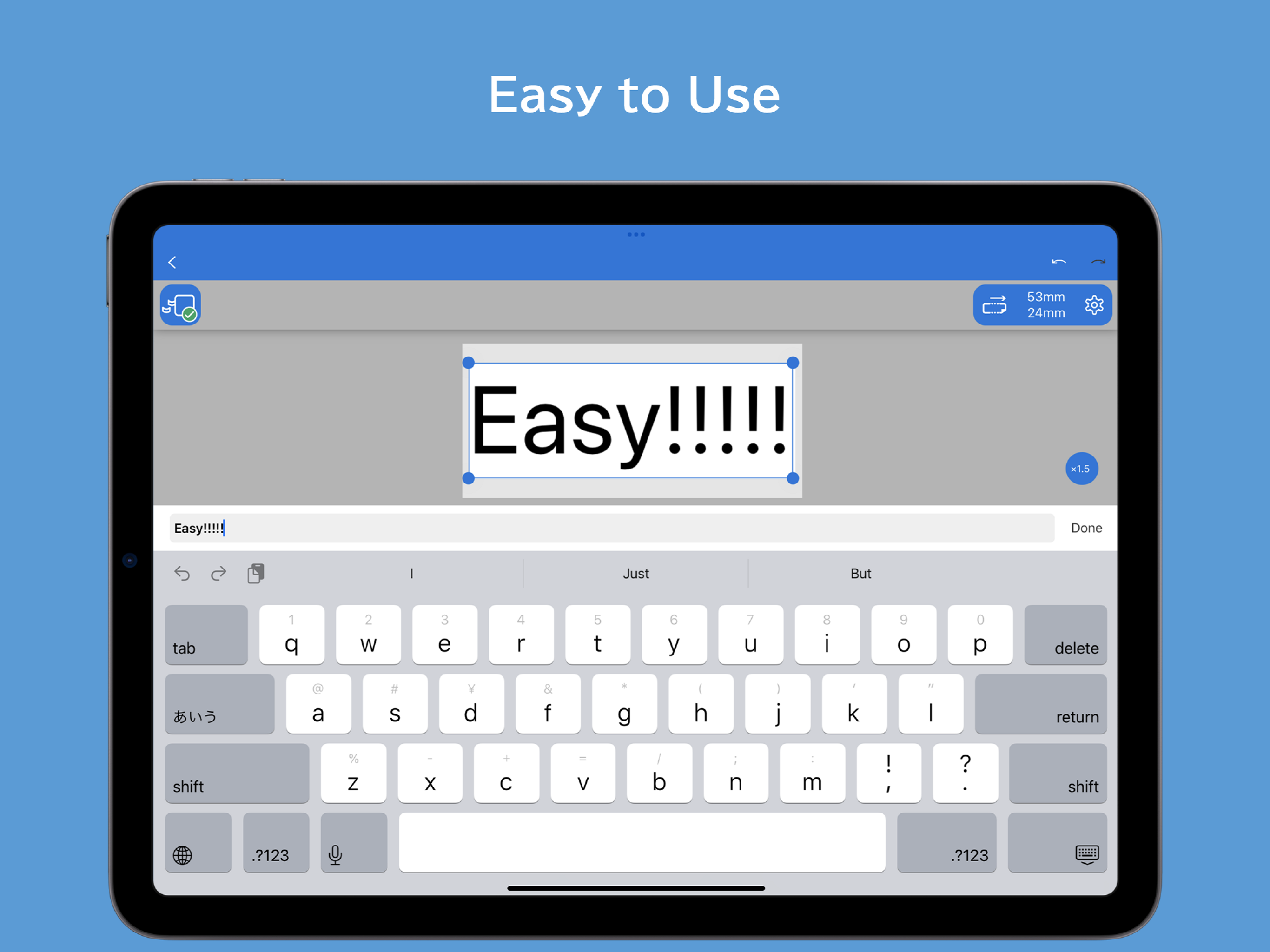
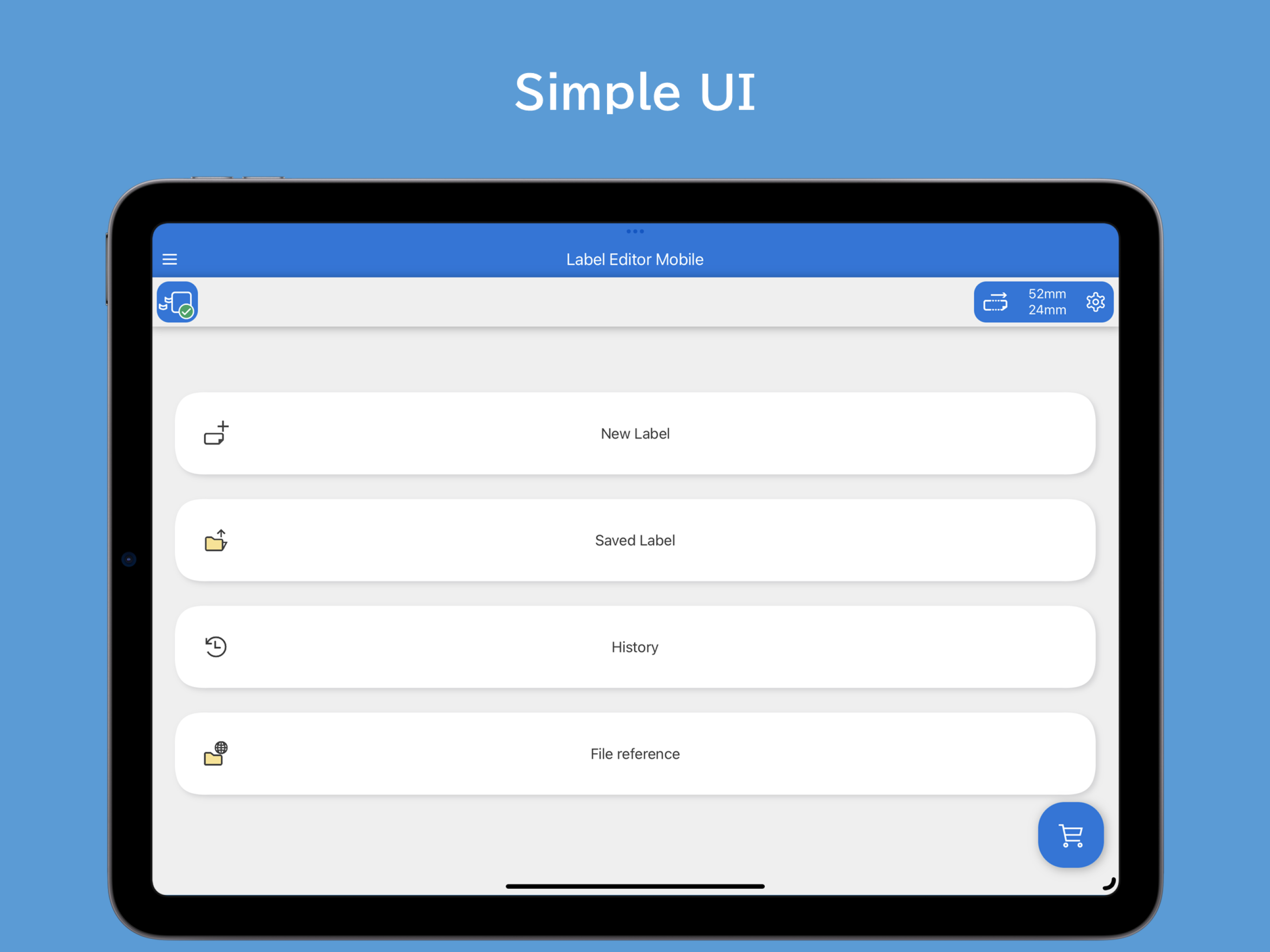
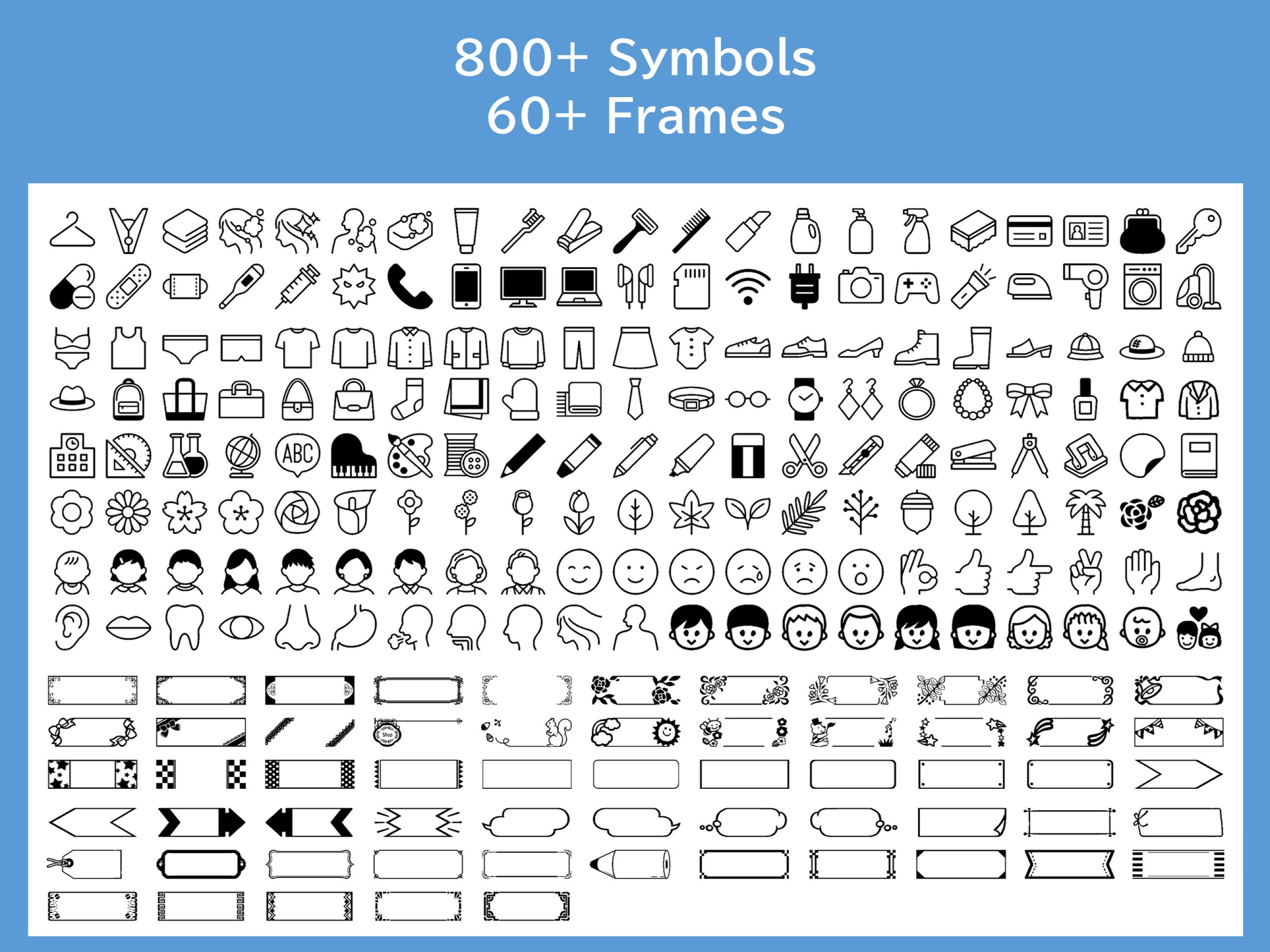
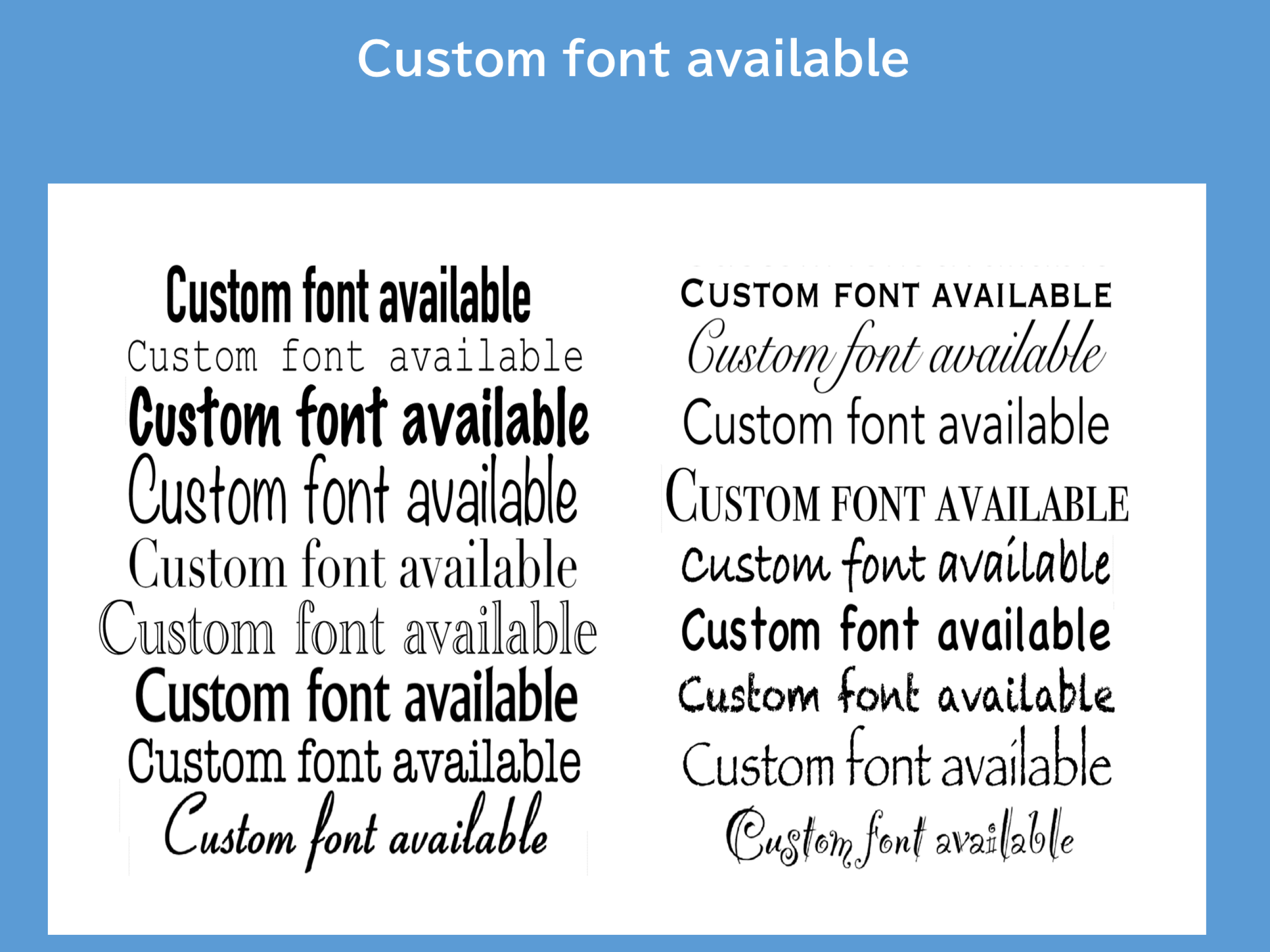
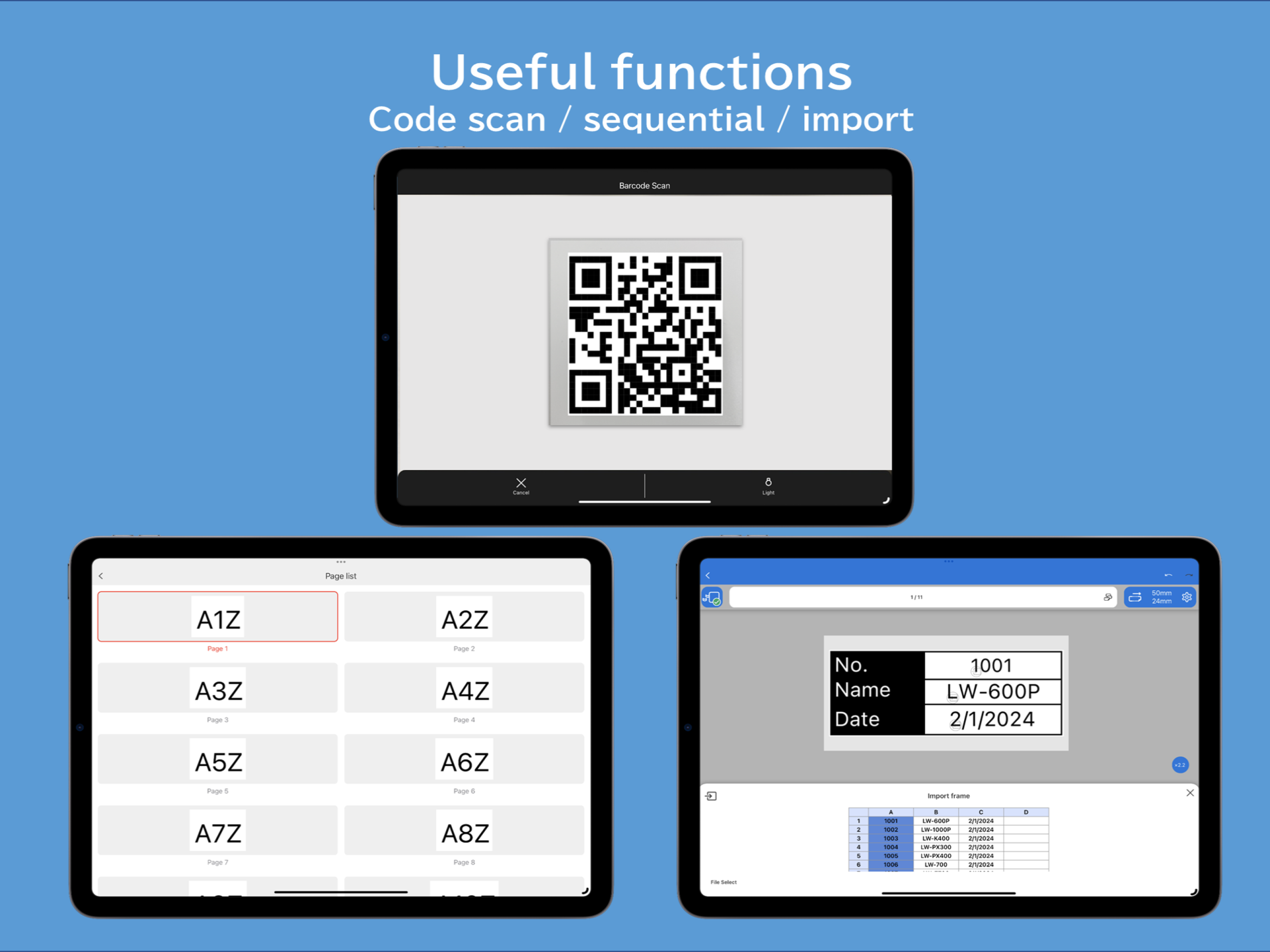
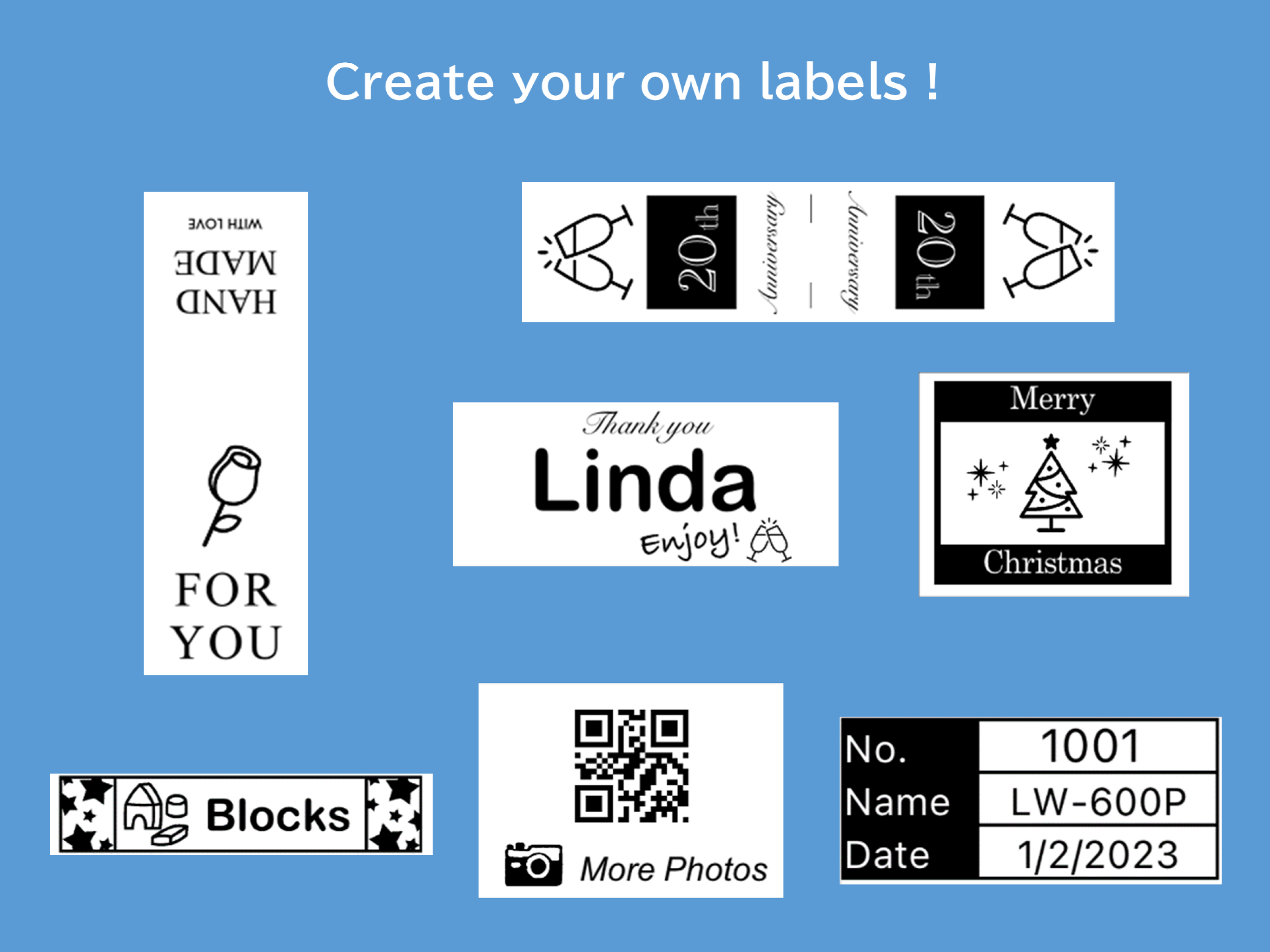
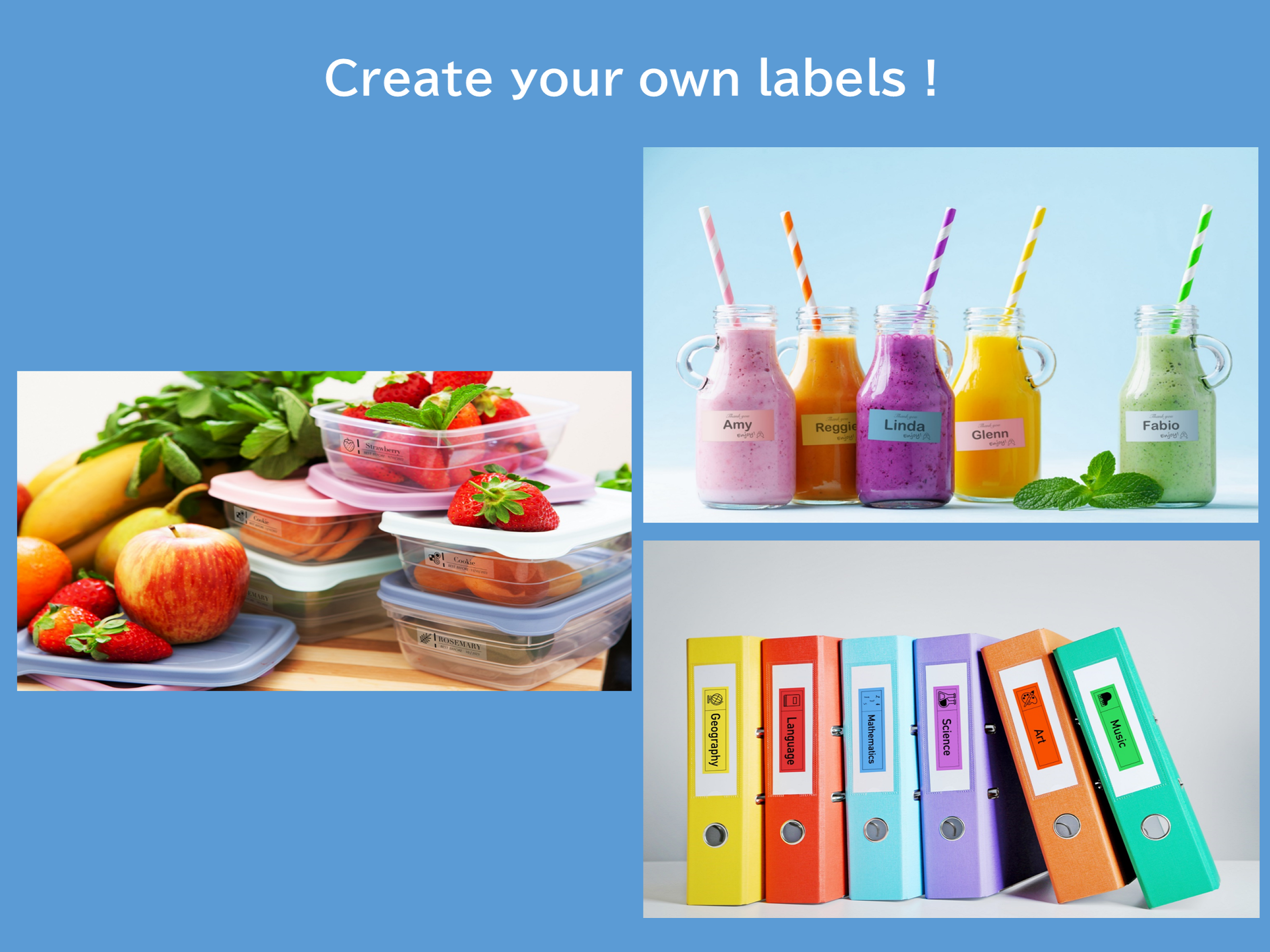
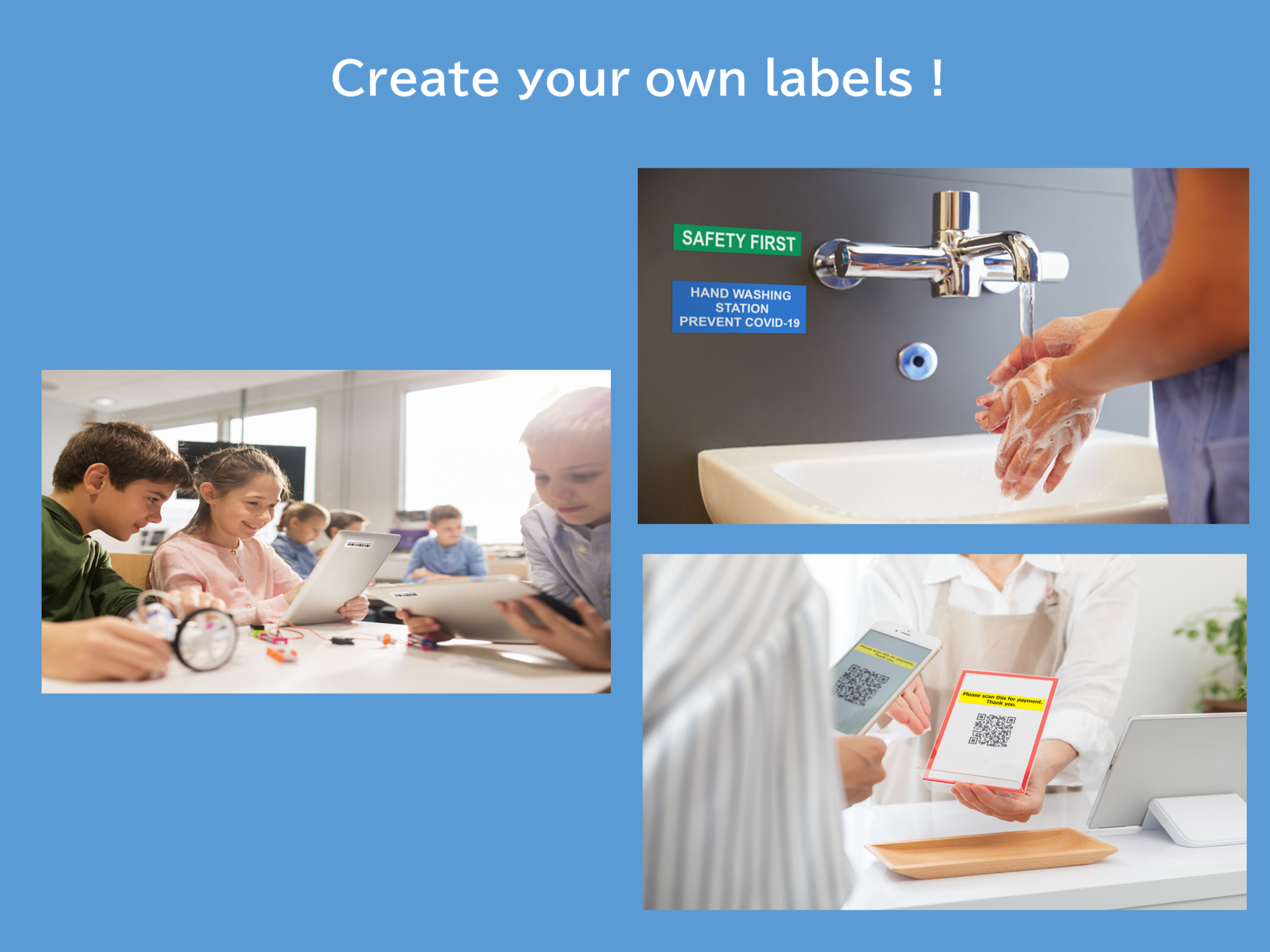
4.7Create and share custom labels with ease — anytime, anywhere. Epson Label Editor Mobile is a user-friendly app that allows you to design and print personalized labels for every situation. Whether you're organizing your home, wrapping gifts, or managing an office and on-site operations, this app offers powerful features to meet your needs. With over 870 symbols, 60+ frame designs, and full support for your own images, you can create original labels from scratch or quickly edit templates to suit your purpose. Key Features ■ Intuitive and Flexible Label Design & Templates Over 870 symbols and 60+ frames (continuously updated) Insert images, illustrations, and custom shapes Use any font installed on your device Quick and easy label creation using built-in templates Design your own marks with built-in creation tools ■ Business-Ready Advanced Tools Generate barcodes and QR codes Import data from spreadsheets (CSV file) to create labels in bulk Insert tables up to 10 rows × 10 columns ■ Save and Share Your Label Designs Save up to 100 label designs for quick reuse Share saved designs with other users for easy collaboration ■ Seamless Integration with PC Software Open and print label files created in Epson’s PC software Label Editor Easily sync and edit designs across PC and mobile devices Watch How-To Videos https://www.youtube.com/playlist?list=PL_i6ZFZucFD8kUS0JHLJRJ01APyWSli3C Check Supported Devices https://support.epson.net/appinfo/labeleditormobile/list/ *For more information about Epson Label Editor Mobile and LabelWorks solutions, please visit our official website.