Ratings & Reviews performance provides an overview of what users think of your app. Here are the key metrics to help you identify how your app is rated by users and how successful is your review management strategy.
 5.0
5.0
User reviews affect conversion to installs and app rating. Featured and helpful reviews are the first to be noticed by users and in case of no response can affect download rate.
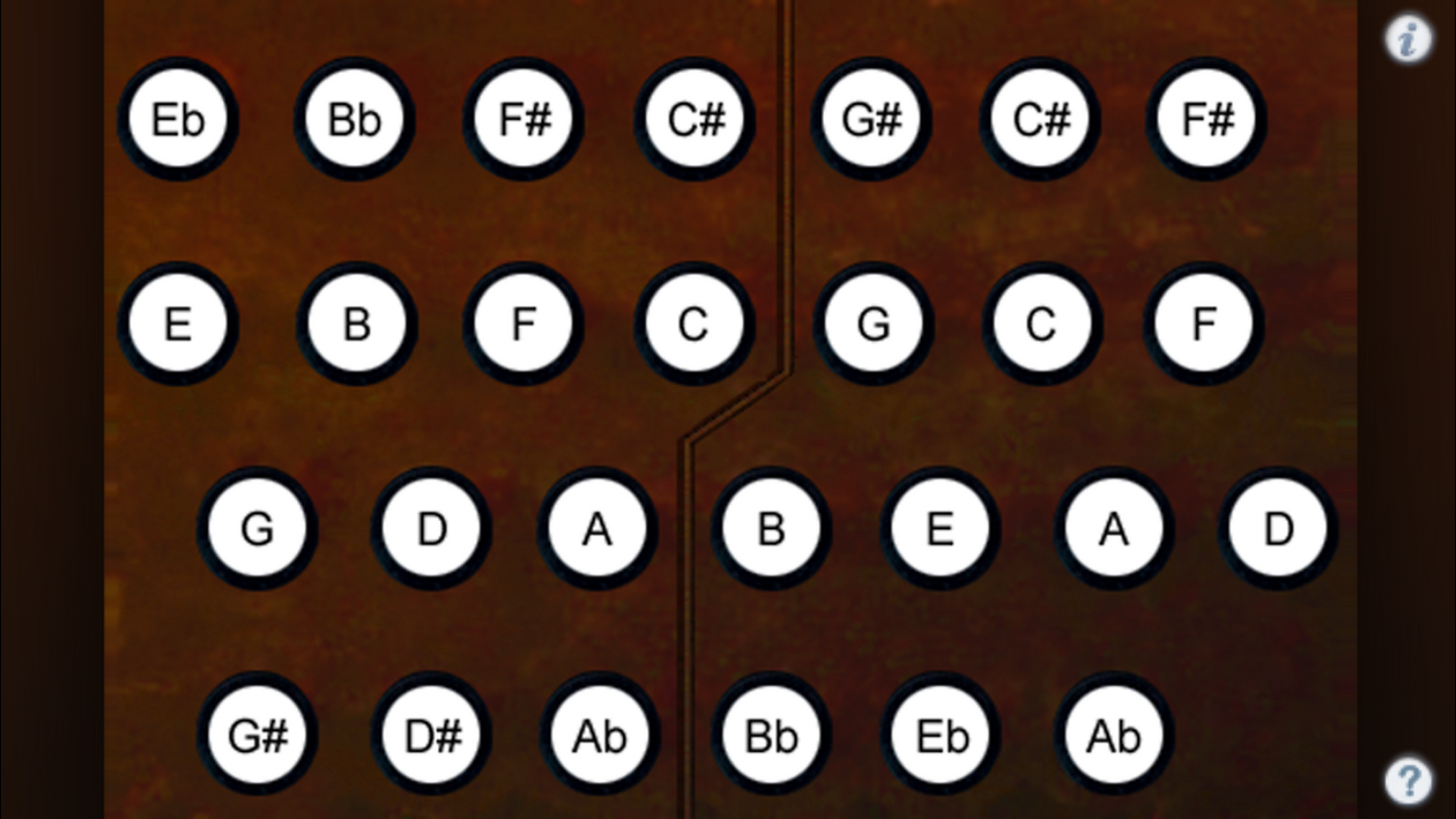
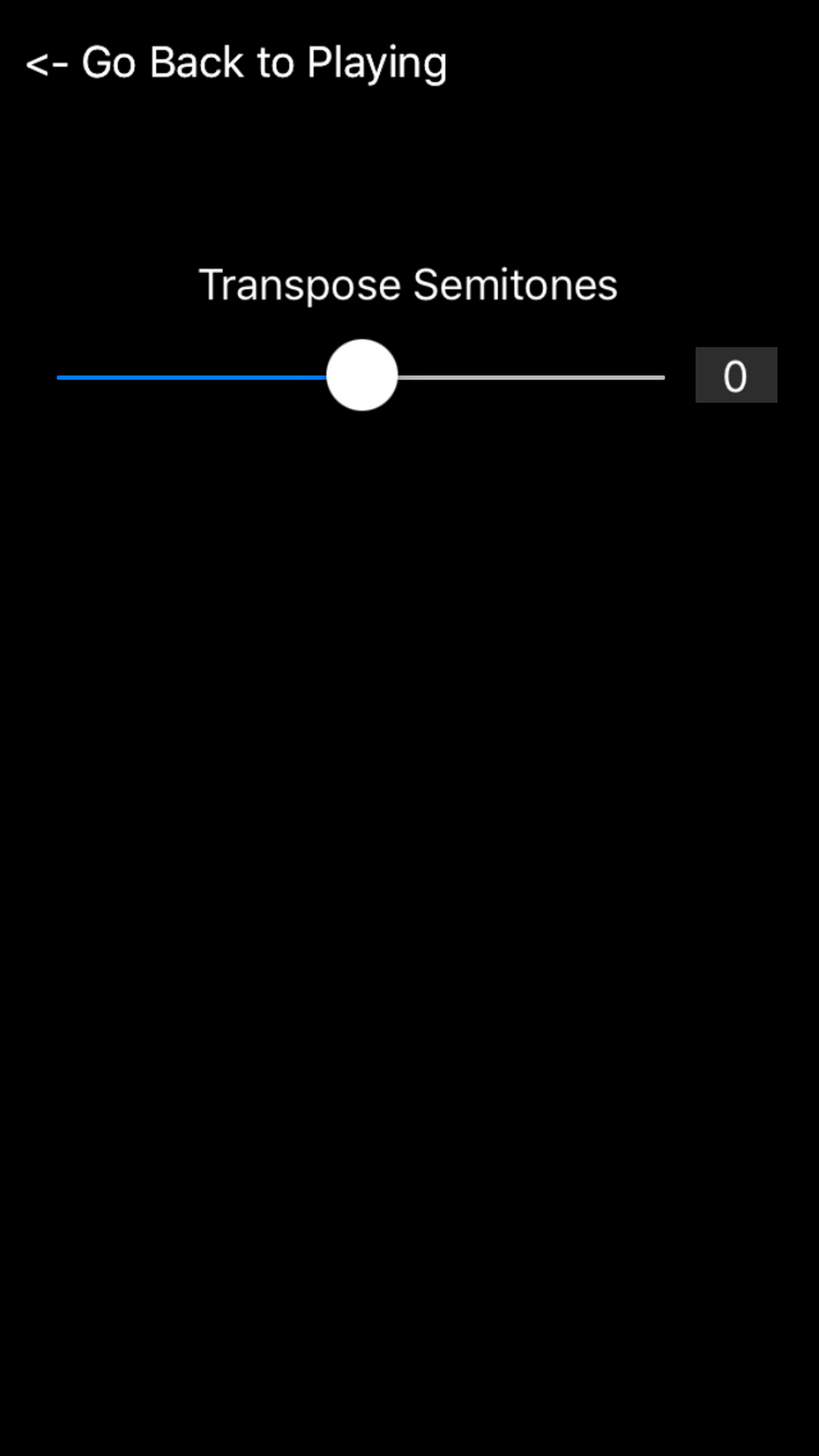
Englitina is an easy to play, authentic-sounding virtual English Concertina. Touch the "?" to show the button note names. Touch the "i" to bring up the settings page where you may transpose the pitch up or down up to one octave in semitone increments. Touch the number to the right of the transpose slider to reset the transpose to zero. When transposed, the note labels do not change, just the pitch produced. The button layout and spacing matches the center portion of a standard Wheatstone Engish Concertina layout, providing all chromatic notes in the two octave range between D4 and C#6. When Charles Wheatstone designed the English concertina, he set it up to match sheet music, one side is the notes between the lines and the other is the notes on the lines. Because English Concertinas play the same note both on a push or a pull of the bellows, it is a very easy instrument to play on the iPhone. You simply touch the buttons on the screen to play the notes. To play, hold the iPhone between your thumb and little fingers of both hands, exactly like a real English Concertina, and press the buttons with your index and middle fingers. Scale patterns alternate between the fingers of the right and left hands. Notes are higher in pitch as you move from the outside to the middle of the screen. Multiple buttons may be pressed at the same time to play chords.