Ratings & Reviews performance provides an overview of what users think of your app. Here are the key metrics to help you identify how your app is rated by users and how successful is your review management strategy.
 4.0
4.0
User reviews affect conversion to installs and app rating. Featured and helpful reviews are the first to be noticed by users and in case of no response can affect download rate.
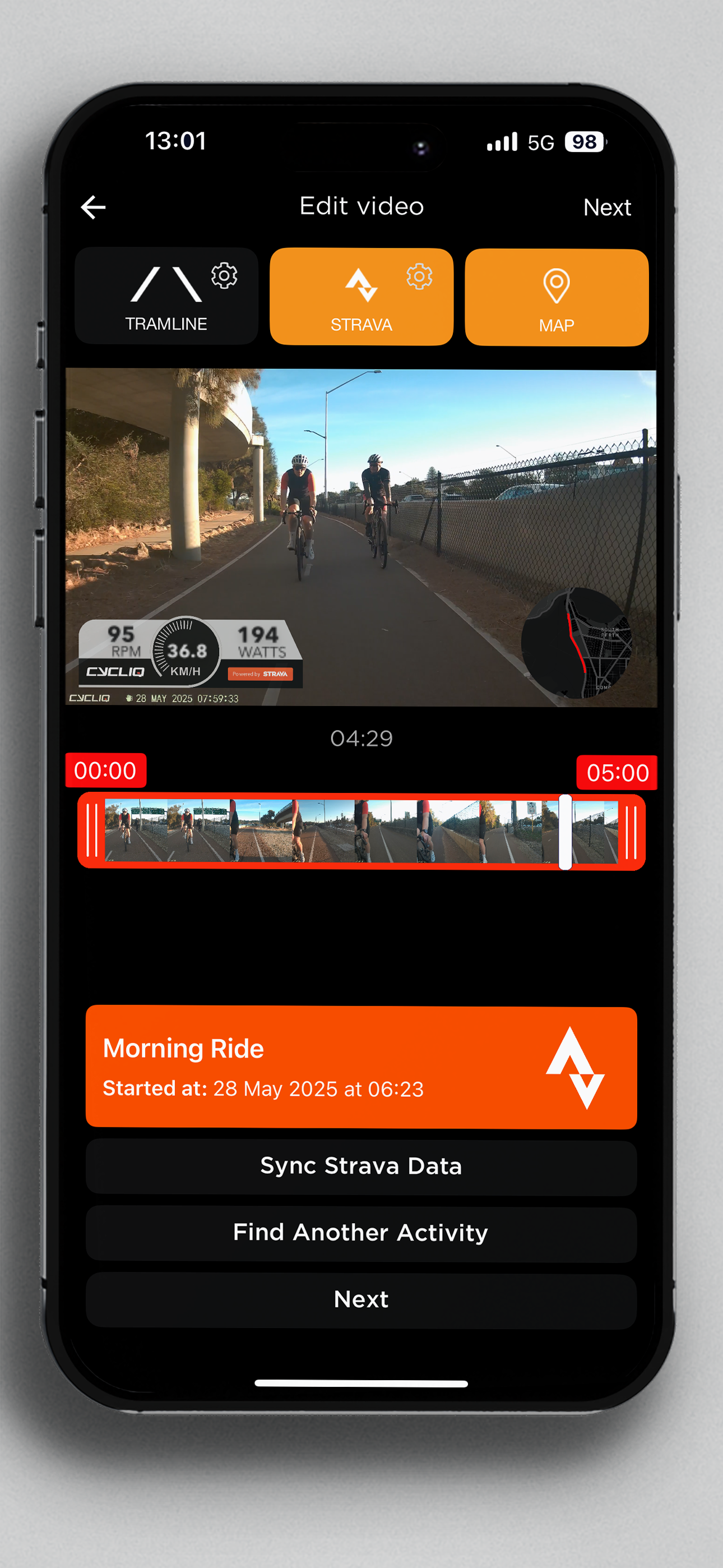
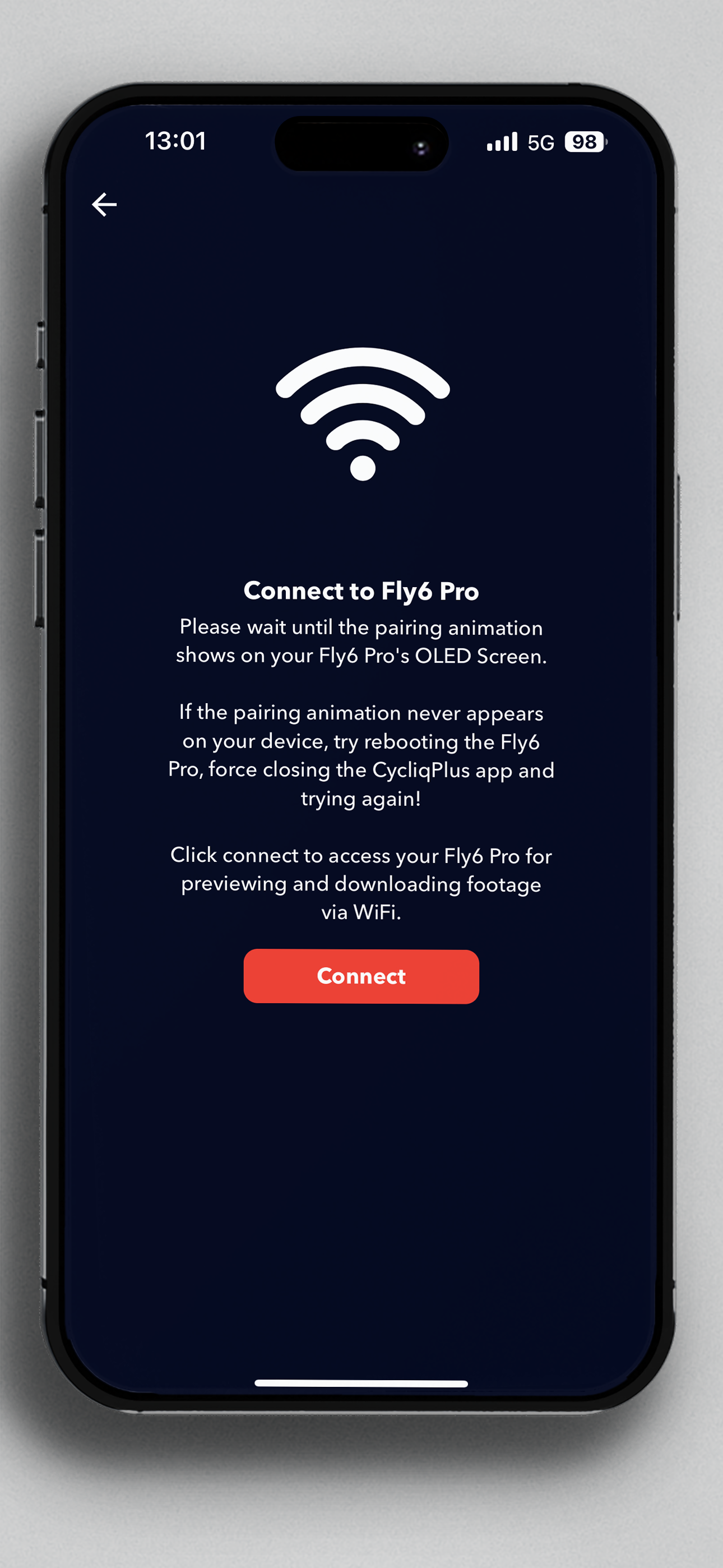
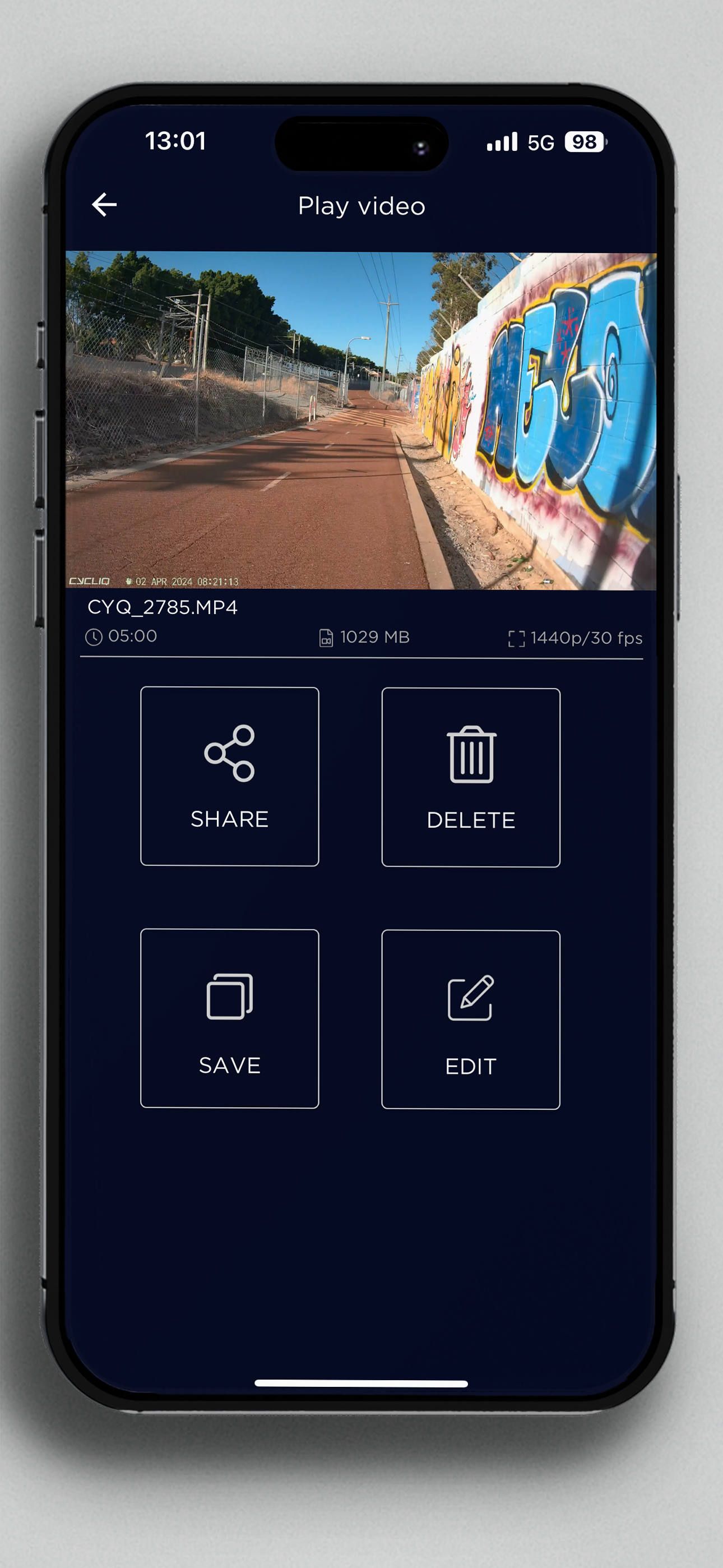
The CycliqPlus App allows you to change the settings and customise your Fly6 Pro, Fly12 Sport, Fly6 GEN 3, Fly12 CE, Fly6 CE or Fly12 bike camera. Choose your preferred camera and light setup to capture everything and stay visible on your rides. Plus, you can now overlay Strava activity and map data on your videos or create an automatic highlight reel of your ride on the Fly. The Fly6 Pro allows for connecting via 5gHz WiFi for live streaming, previewing and downloading your recorded footage on the go. We ALL NEW: OVERLAY STRAVA DATA ON YOUR VIDEOS OVERLAYING STRAVA DATA Connect to your Strava account to CHANGE SETTINGS IN YOUR CYCLIQ BIKE CAMERA Pair your Fly device using the CycliqPlus App, then easily navigate through settings to customise your device. - Change camera settings - Choose your preferred light settings - Adjust sound levels and alerts - Turn Incident Protection mode on/off AUTOMATICALLY CREATE HIGHLIGHT REEL Quickly create a 30 or 60 second snapshot of your ride and share straight to socials without any manual video editing. EDIT YOUR FOOTAGE With this app you’ll be able to quickly edit your videos, add Strava overlays and share to your preferred social platform. - Import Footage from your Fly6 Pro via 5gHz WiFi transfer - Import footage from Fly12 Sport via MicroSD card reader - Import footage from Fly6 CE and Fly12 CE through USB On-The-Go (OTG) (cable connector required) - Import footage from Fly12 via WiFi (not available on CE models) - Edit and trim footage - Connect to Strava and overlay your metrics on to your footage - Add tramlines to your video - Share your finished video on social media