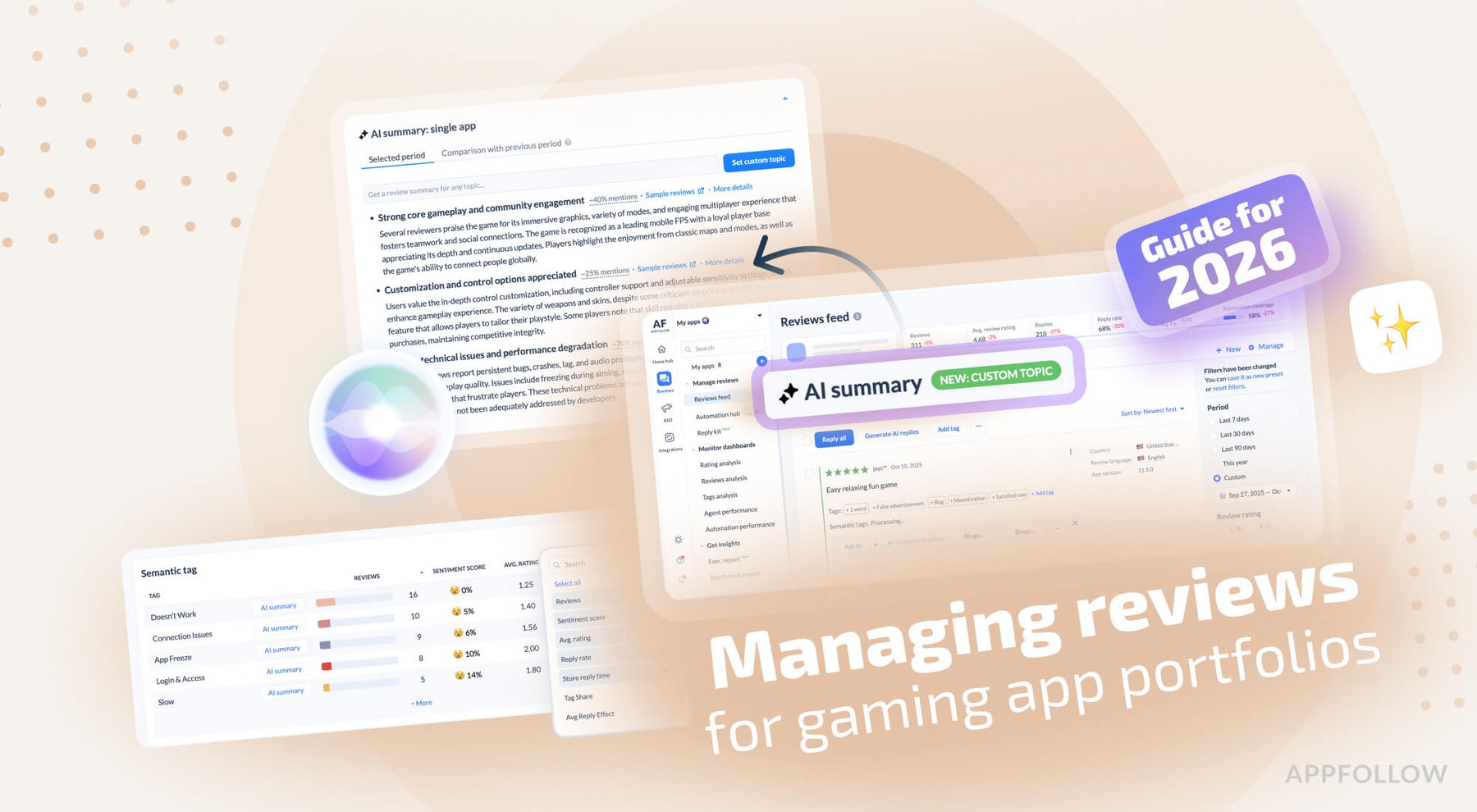
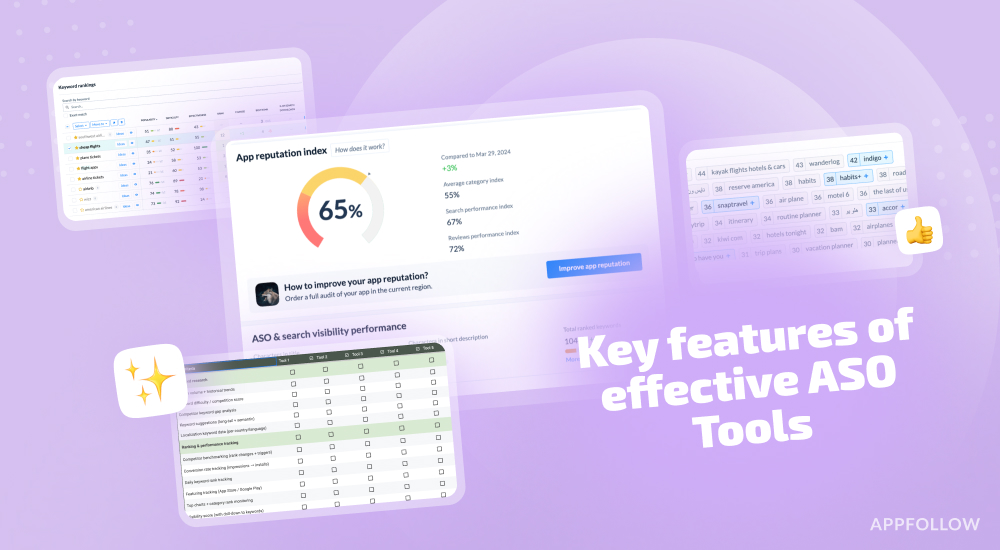
Ratings & Reviews performance provides an overview of what users think of your app. Here are the key metrics to help you identify how your app is rated by users and how successful is your review management strategy.
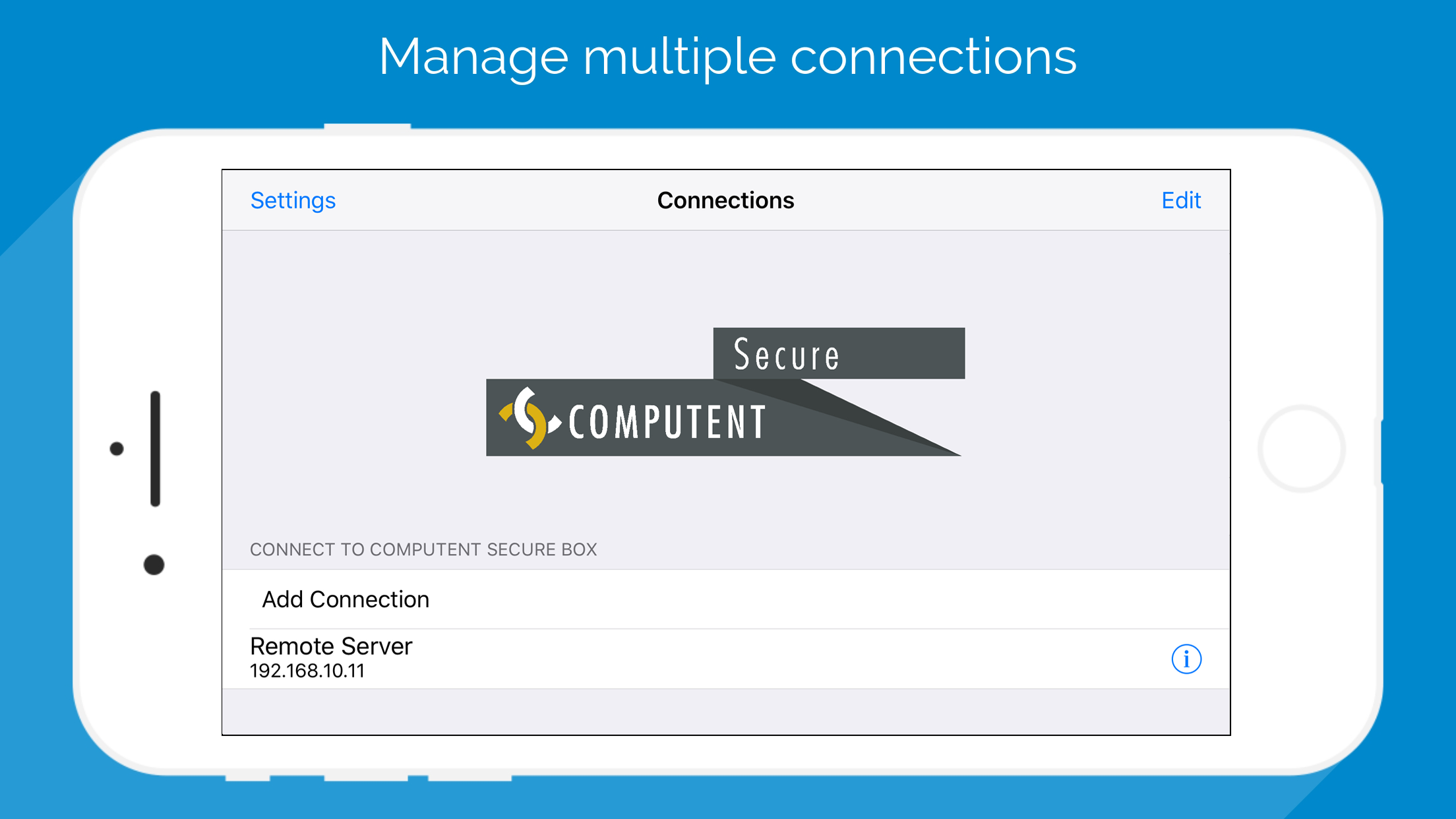
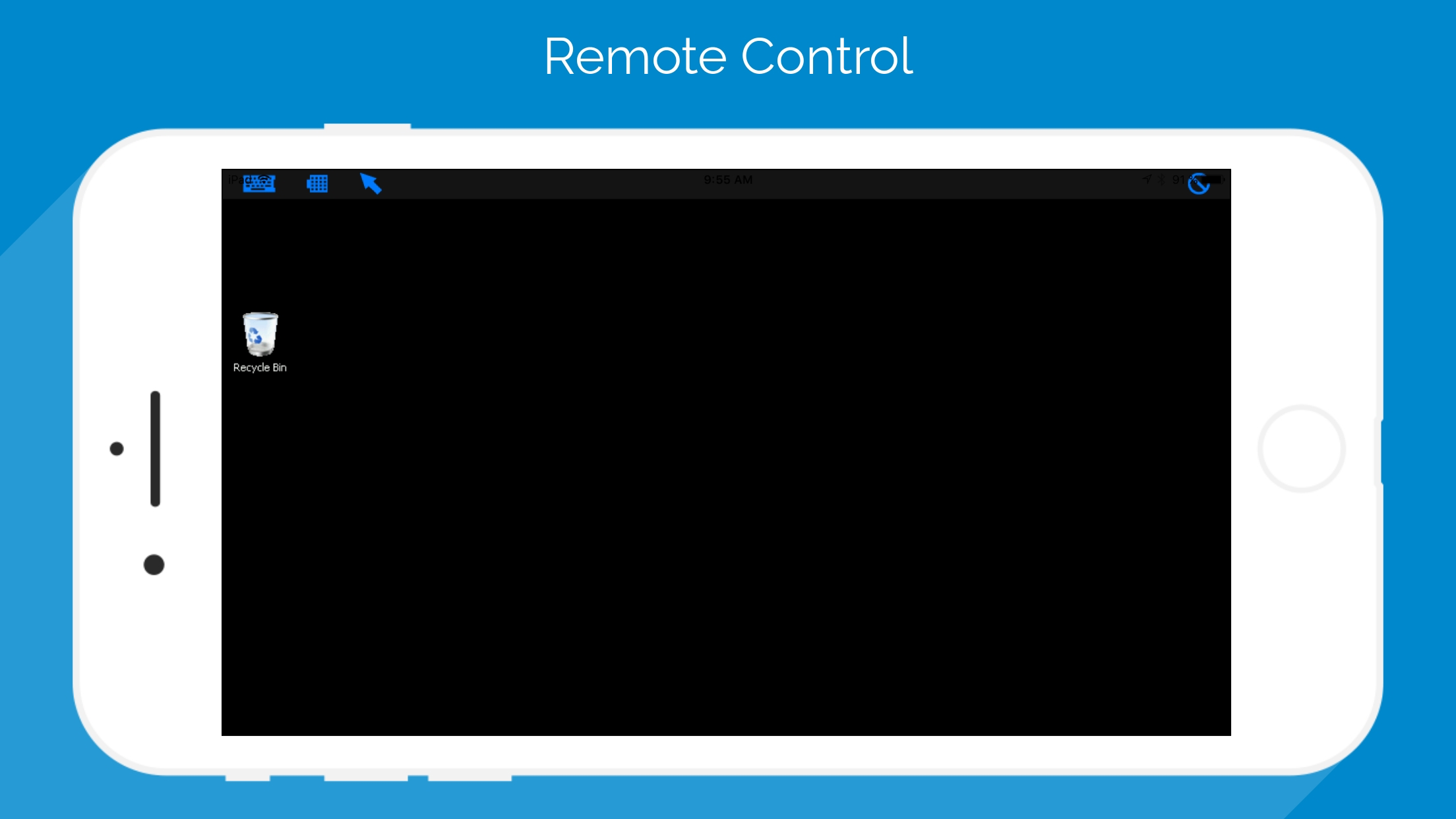
NOTICE: -This app was specially designed for the COMPUTENT Secure Solution ! -Please only purchase this app, if you are using the COMPUTENT Secure Box with a COMPUTENT Secure SSH-Client License ! PLEASE RATE COMPUTENT Secure SSH IF YOU LIKE IT! With COMPUTENT Secure SSH you can access your computer directly with your iPhone, iPad or iPod touch via the COMPUTENT Secure Box! COMPUTENT Secure SSH supports the standardised RDP- and VNC-protocol, which enables you to connect with any computer, no matter which operating system is installed. COMPUTENT Secure SSH is intuitive and very easy to use! If you need help, you will find instructions in this app on how to set up and use COMPUTENT Secure SSH. Feature Highlights: -Support for RDP over SSH -Universal Binary: iPhone, iPad and iPod Touch! Buy once, run on all your devices! -Supports most operating systems capable of running RDP servers: Windows, Linux and Mac OS X -RDP support for Windows 8 ! -SSH supports public-key authentication. Including SSH Key management system to generate, email or copy the SSH keys to clipboard -International keyboard support for servers that don't support direct input mode: German, Swiss-German, Russian, French, Danish and Spanish Keyboard mappings. -Novel Virtual TrackPad allows for precise and intuitive control! Enables you to right-click, scroll with twofinger-swipe or scrollbar, drag&drop with doubletapping and holding down, the same way laptops work! Three trackpad modes including fullscreen! Automated scrolling when reaching the edge of the screen! -Supports BOTH Landscape and Portrait modes -Fullscreen mode -Supports intuitive pinch to zoom and drag to scroll gestures. Options via Zoom button: "Fit Height", "Fit Width" and "1:1" -Special Keys including: Esc, Tab, Alt, Up, Down, Right, Left, PgUp, PgDown, F1..F12, Ctrl-Alt-Del, Windows-key, etc -Individually adjustable quality for every connection -Support for 8bpp, 16bpp and 32bpp color depths -Support for all iOS firmware versions (4.3 - 6.0+)