Ratings & Reviews performance provides an overview of what users think of your app. Here are the key metrics to help you identify how your app is rated by users and how successful is your review management strategy.
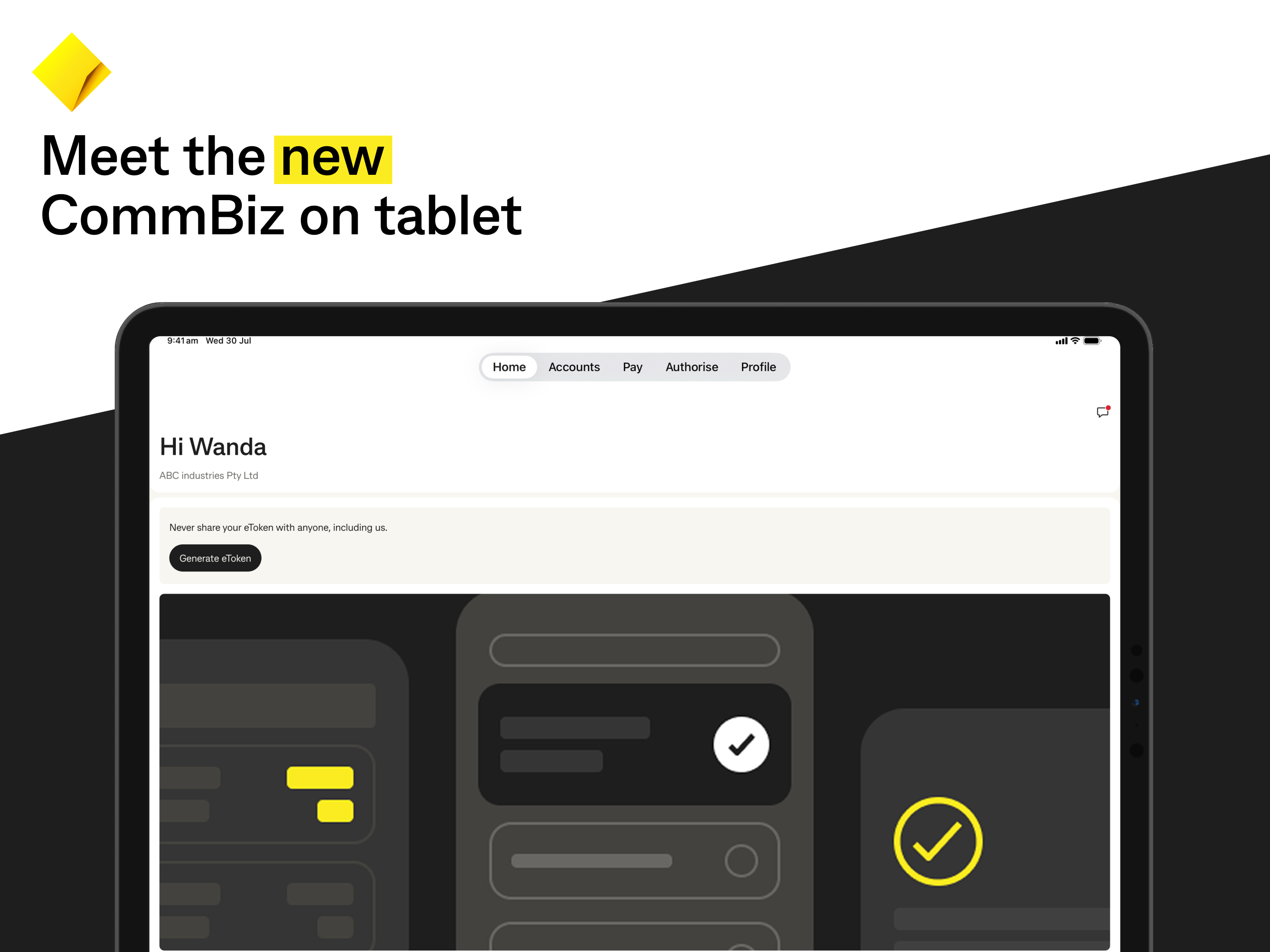
Meet the new CommBiz Mobile. Smart, secure and beautifully simple – developed in collaboration with CommBiz customers. What’s new: • Select and authorise multiple FX trades • Use a Siri shortcut to access eToken and authorise payments • Minor bug fixes Coming soon: • Allow users with merged profiles to register • Log on securely using Face ID or your fingerprint Key features: • Easy log on: faster, PIN-based log on • Search accounts and view balances: get a quick snapshot of your finances • Pay, track and approve: do your business banking on the go, with urgent payments appearing at the top • Advanced security: built-in fraud detection and multi-factor authentication for high-value payments • Modern design: streamlined navigation makes it faster to find and complete key tasks • Simplified keyboard: use your iPhone’s built-in version • Seamless connection: use CommBiz on your desktop and mobile at the same time • Notification control: pause eToken reminders for up to 30 days To get started: • You need to be personally identified as a CommBiz user (your Administrator can set this up) • You need iOS 16 or later • You can register one device for every identified user (e.g. iPhone) Disclaimer: This advice doesn’t consider your objectives, financial situation or needs. Before acting on it, consider whether it’s appropriate for you. To view the CommBiz Terms and Conditions, type commbank.com.au/commbiz-tcs into your browser. Commonwealth Bank of Australia ABN 48 123 123 124