Ratings & Reviews performance provides an overview of what users think of your app. Here are the key metrics to help you identify how your app is rated by users and how successful is your review management strategy.
 2.0
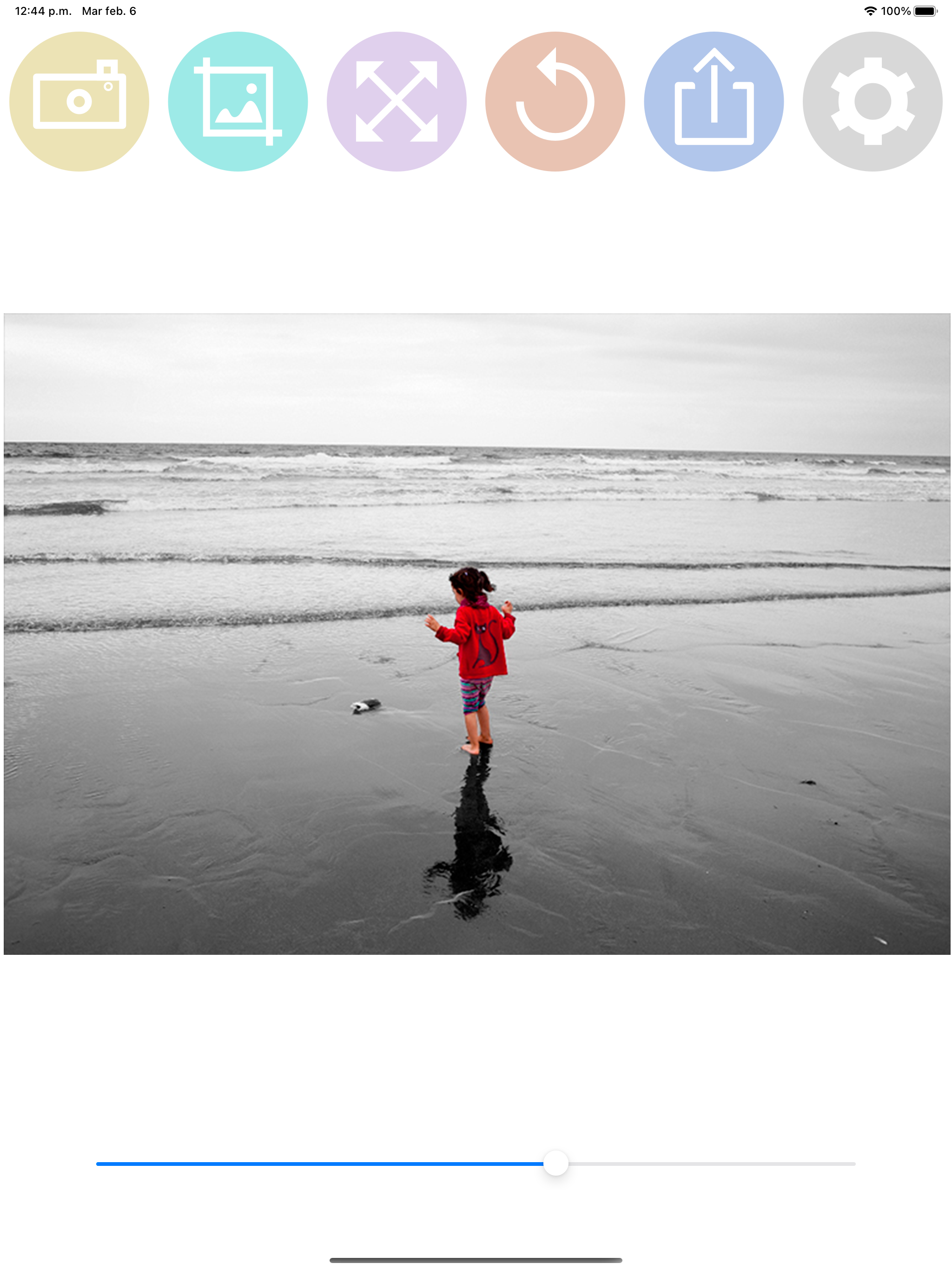
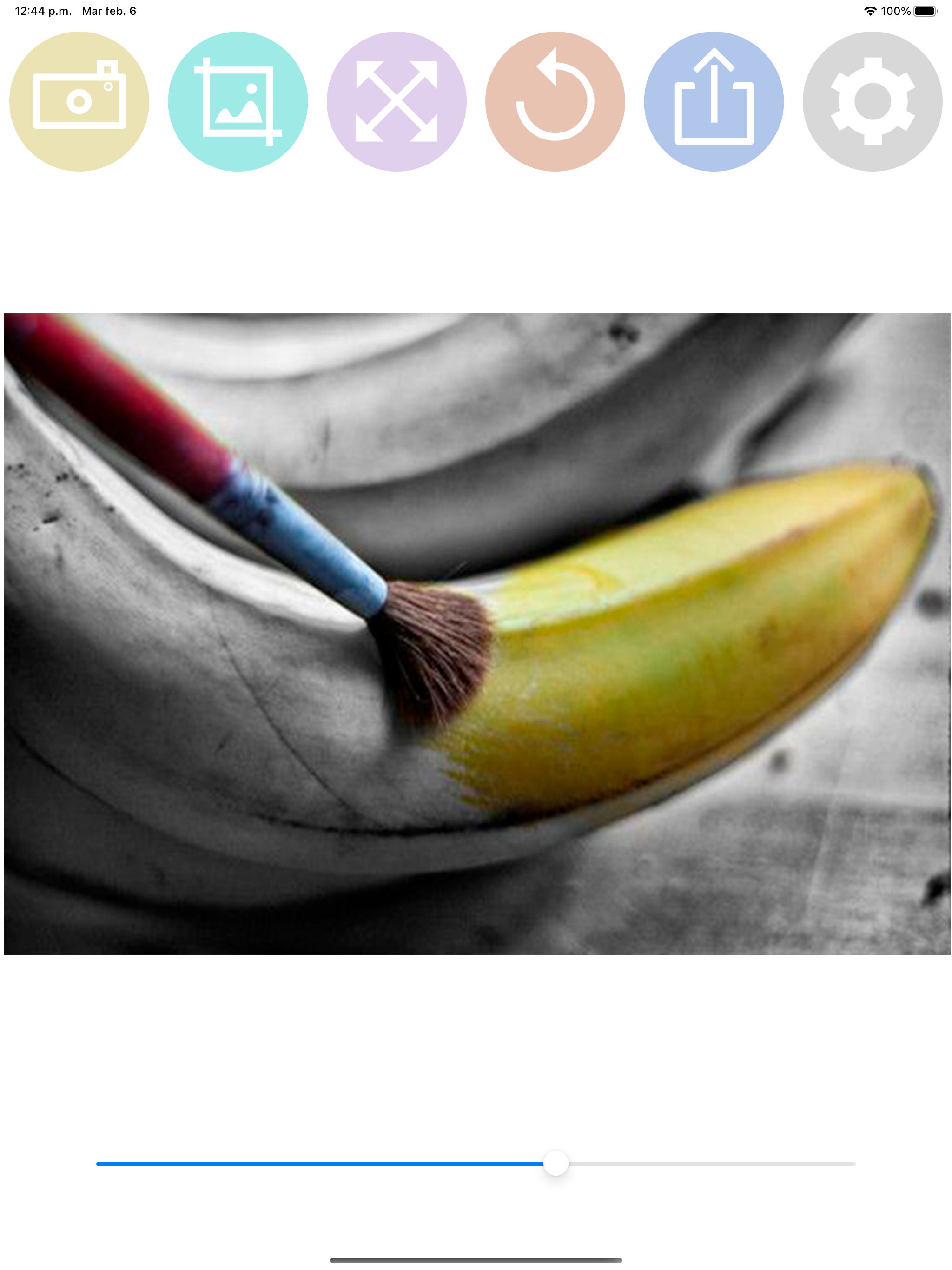
2.0HOW TO USE: - Select a photo from the gallery by pressing the camera button. - Paint with your finger the part of the photo that you want to be colored. - You can change the size of the brush with the slider bar. - You can zoom the photo and move it to better paint the areas of the photo in color. - If you move the photo, you can press the button with the four arrows to put the photo back in place. - If you have made a mistake in a stroke, you can press the undo button. - You have a magnifying glass window to better see what you are painting with your finger. - Share the photo with your friends on your social networks or through messaging applications.