Ratings & Reviews performance provides an overview of what users think of your app. Here are the key metrics to help you identify how your app is rated by users and how successful is your review management strategy.
 5.0
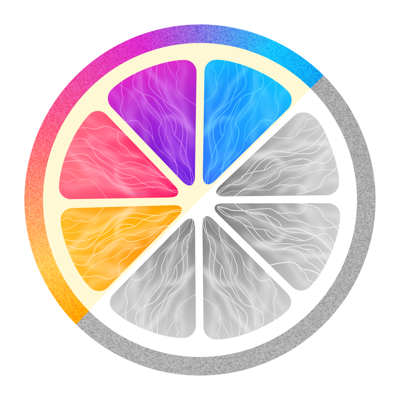
5.0Chromarize makes a picture reduce color to be more vivid. [How to use] Select an image, it is loaded as a monochrome photo. Then you can remain colors using with Dropper function/Swipe by your finger. ■Dropper function ・Select a color After tap the dropper icon, you can choose a color by your finger on an image. ・Adjust a target color range After choosing the color, you can adjust the color range with 3 sliders. ・Remove the target color. Press「×」button to remove the target color. ■Brush function ・Type of brush. Brush :Make area you swiped be colored. Eraser:Remove color from the area you swiped. You can also remove the color you specified by Dropper function. ・Brush size Press「●」button to change the brush size. ・History You can undo/redo brush stroke using with Clockwise/Counter Clockwise arrow buttons. ・Inverse colored area. Inverse colored area and monochrome area.