Ratings & Reviews performance provides an overview of what users think of your app. Here are the key metrics to help you identify how your app is rated by users and how successful is your review management strategy.
 5.0
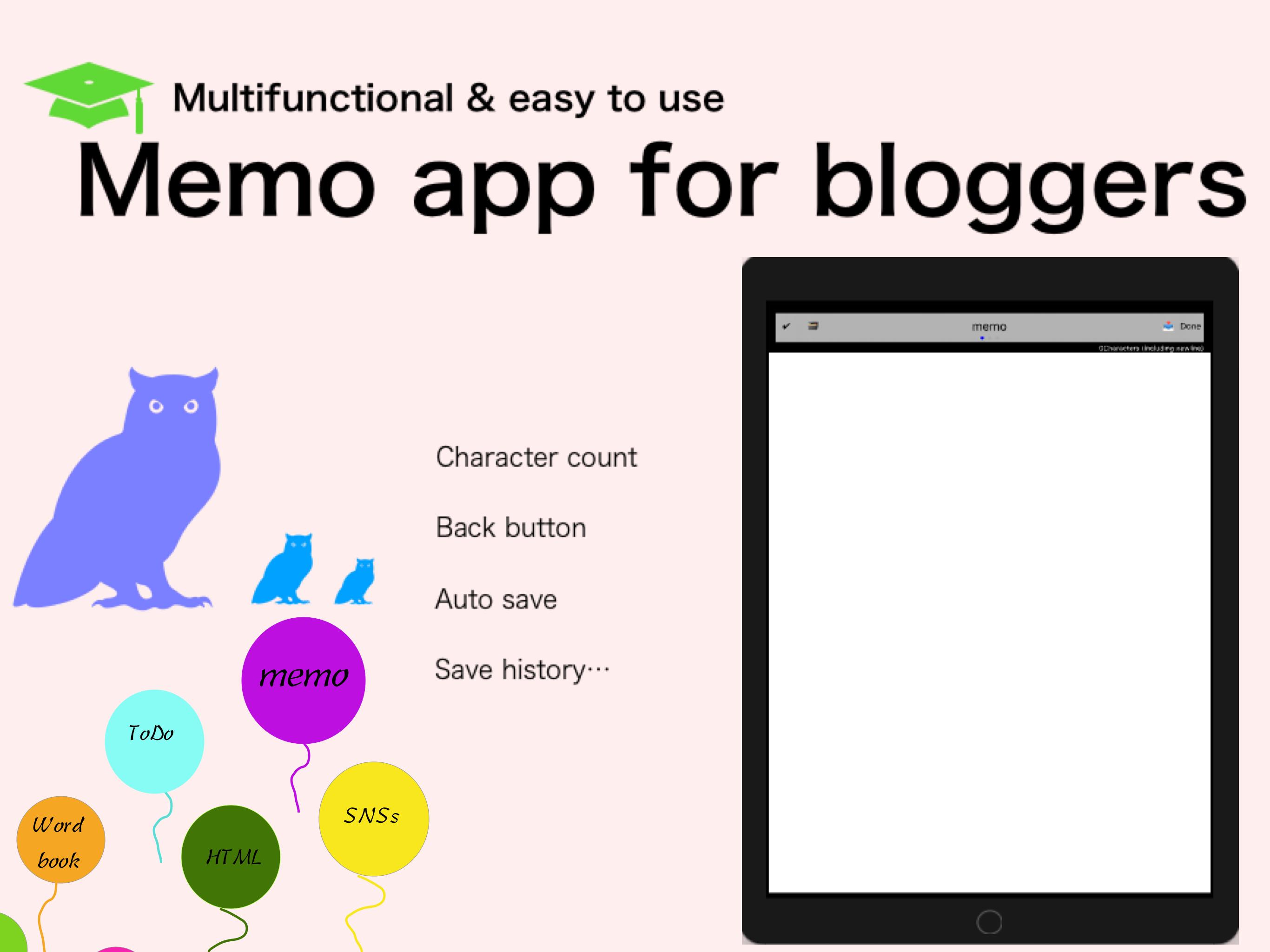
5.0Advanced Notes & Todo List App Make your daily notes more convenient and faster. A multifunctional memo app with simple controls and powerful features, including auto-save, tag management, HTML insertion, flashcard creation, and more. -------------------- Core Features -------------------- - Auto-saving your memos - Character count (customizable counting mode) - Search, replace, and text-to-speech - Send or copy memos - Tag management and password protection - One-tap input for frequently used text - Save and restore editing history - Dual-screen mode (edit while browsing the web) - Insert HTML code (headings, highlights, etc.) - Works as a todo or checklist app - Create and review flashcards -------------------- Quick Access Buttons -------------------- [Favorite Buttons] - Insert your favorite phrases or symbols with one tap - Easily input numbers like 1, 2, 3... or (1), (2)... [Search / Replace Button] - Search text content - Supports single or bulk replacement [Undo / Redo Buttons] - Revert to previous state or redo the action [History Button] - Automatically saves version history for safe recovery -------------------- Editing Modes -------------------- [HTML Insertion Mode] - Add headings and highlights with pre-made HTML templates [Split-Screen Mode] - Edit notes while viewing a web page [Standard Mode] - Clean, distraction-free editing screen * Swipe sideways to switch modes -------------------- Quick Notes (List Input) -------------------- - Rapidly enter multiple items in list format - Easily switch lists by horizontal scrolling -------------------- Flashcard Mode -------------------- [Create Flashcards] - Add multiple items quickly using list input - No need to switch screens for each entry [View Flashcards] - Tap center to reveal answers - Questions in black, answers in red [Use Cases] - Vocabulary, kanji, history Q&A, math, formulas, and more - Great for personal quiz creation -------------------- Other Features -------------------- - Sort memos - Partial or full deletion - Change font size and background color (in settings) -------------------- Memo Screen Guide -------------------- [Keyboard Buttons] - [Star]: Register and reuse common phrases - [*], [-]: Quickly insert symbols - Automatically insert "-" on new lines (optional) [Top Bar Functions] - [Check]: Save to history - [Box]: Search and text-to-speech - [Title]: Editable title - [Send]: Share or copy memo [Character Counter] - Tap the counter to switch count mode Enjoy your note-taking life!