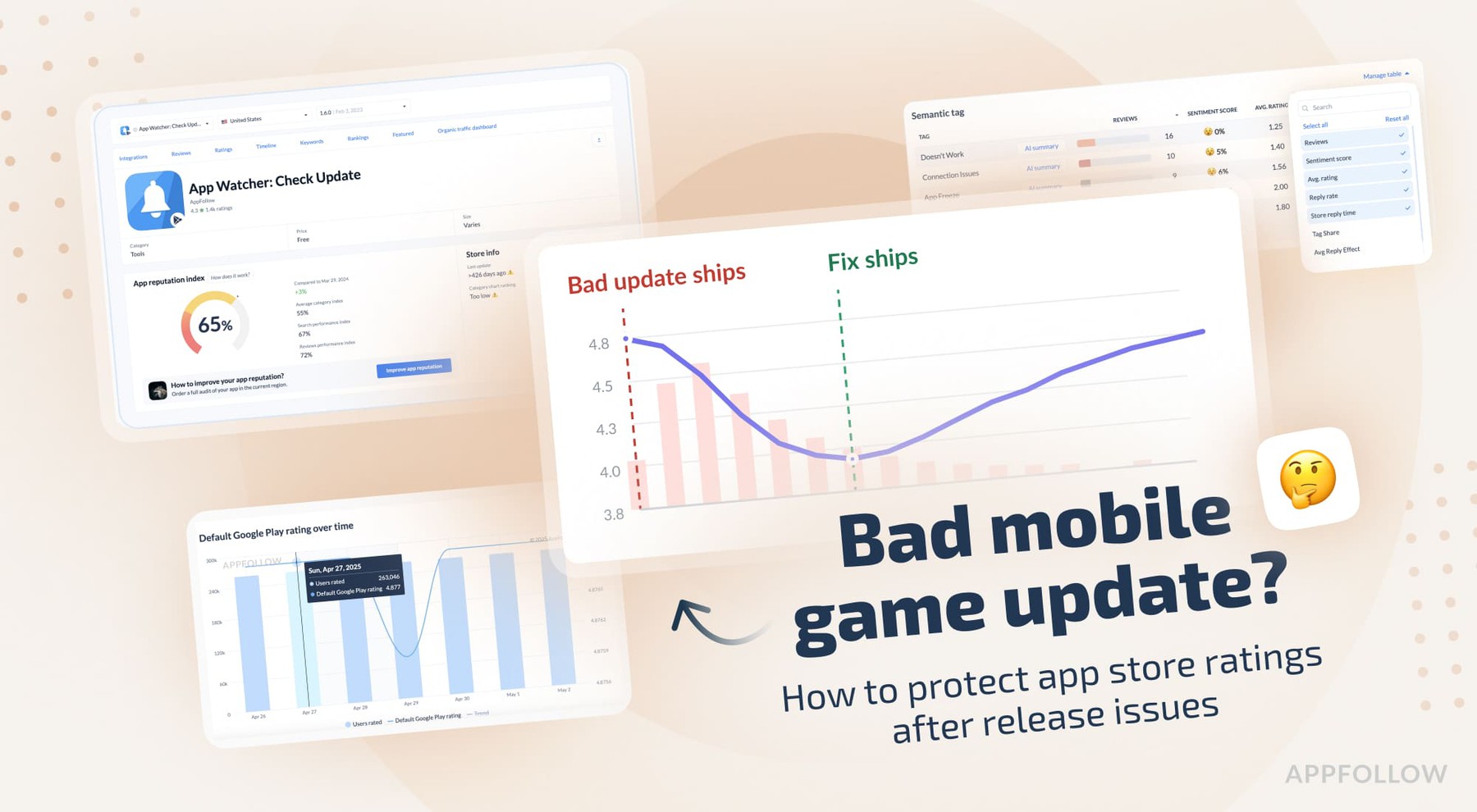
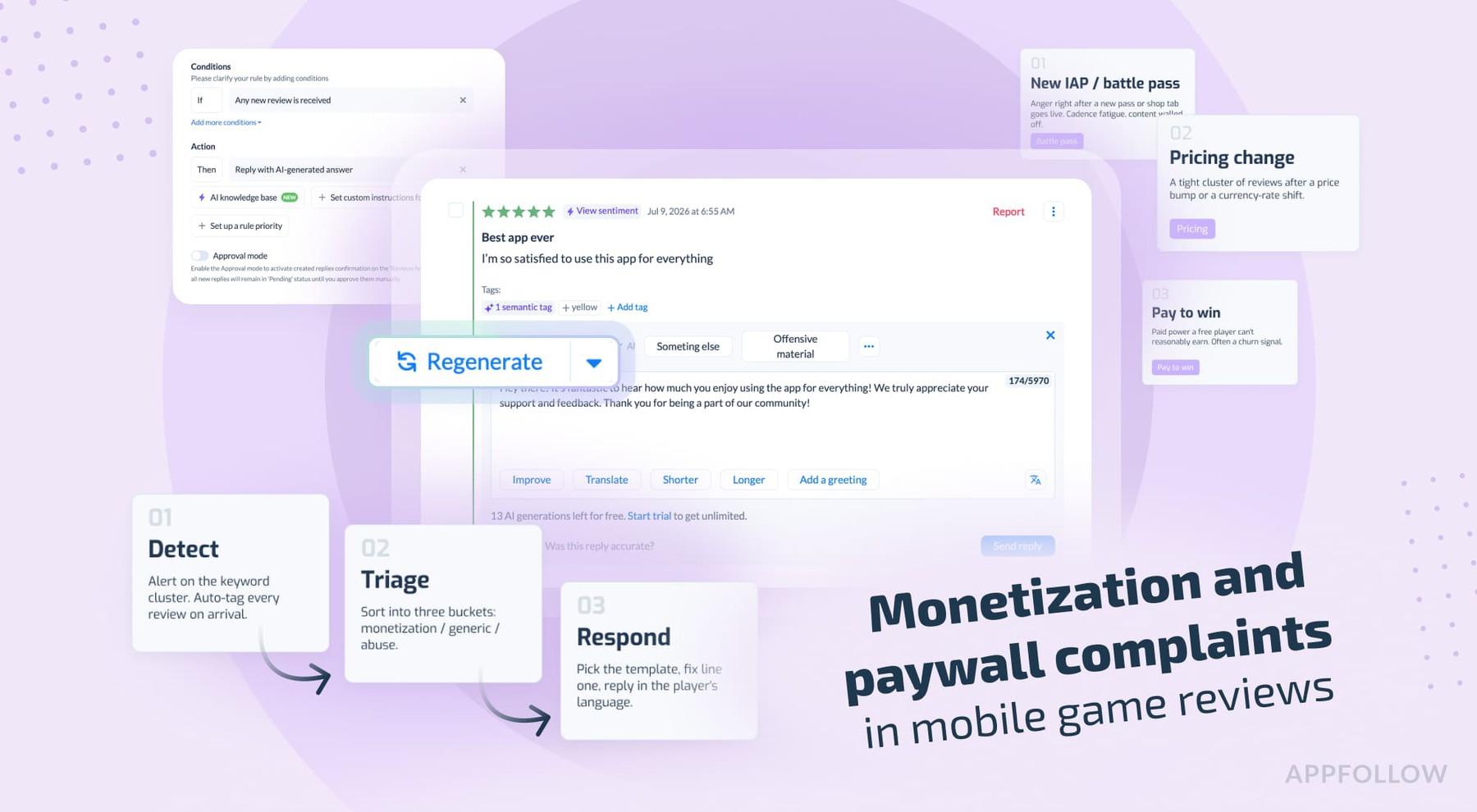
Ratings & Reviews performance provides an overview of what users think of your app. Here are the key metrics to help you identify how your app is rated by users and how successful is your review management strategy.
 3.8
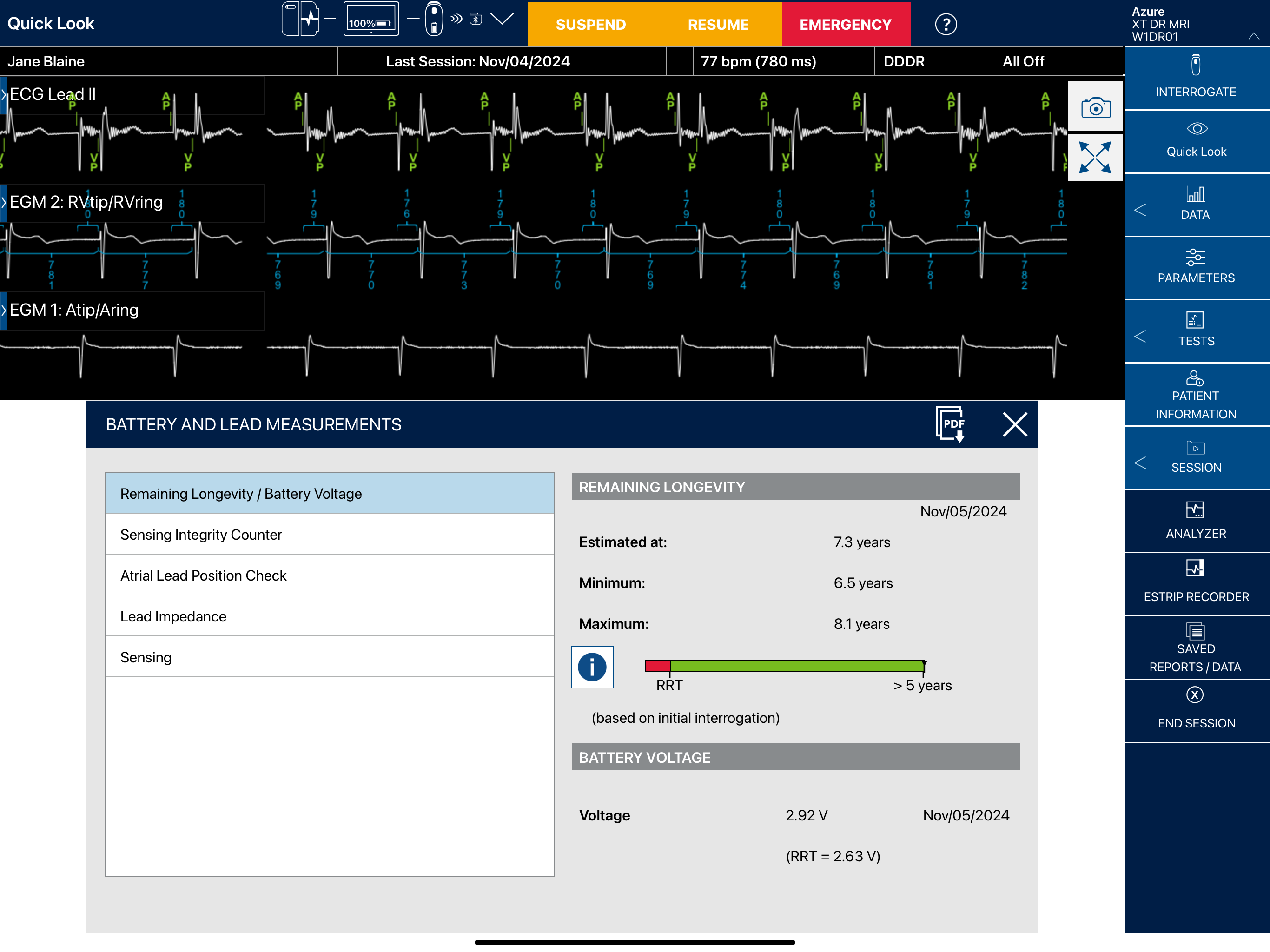
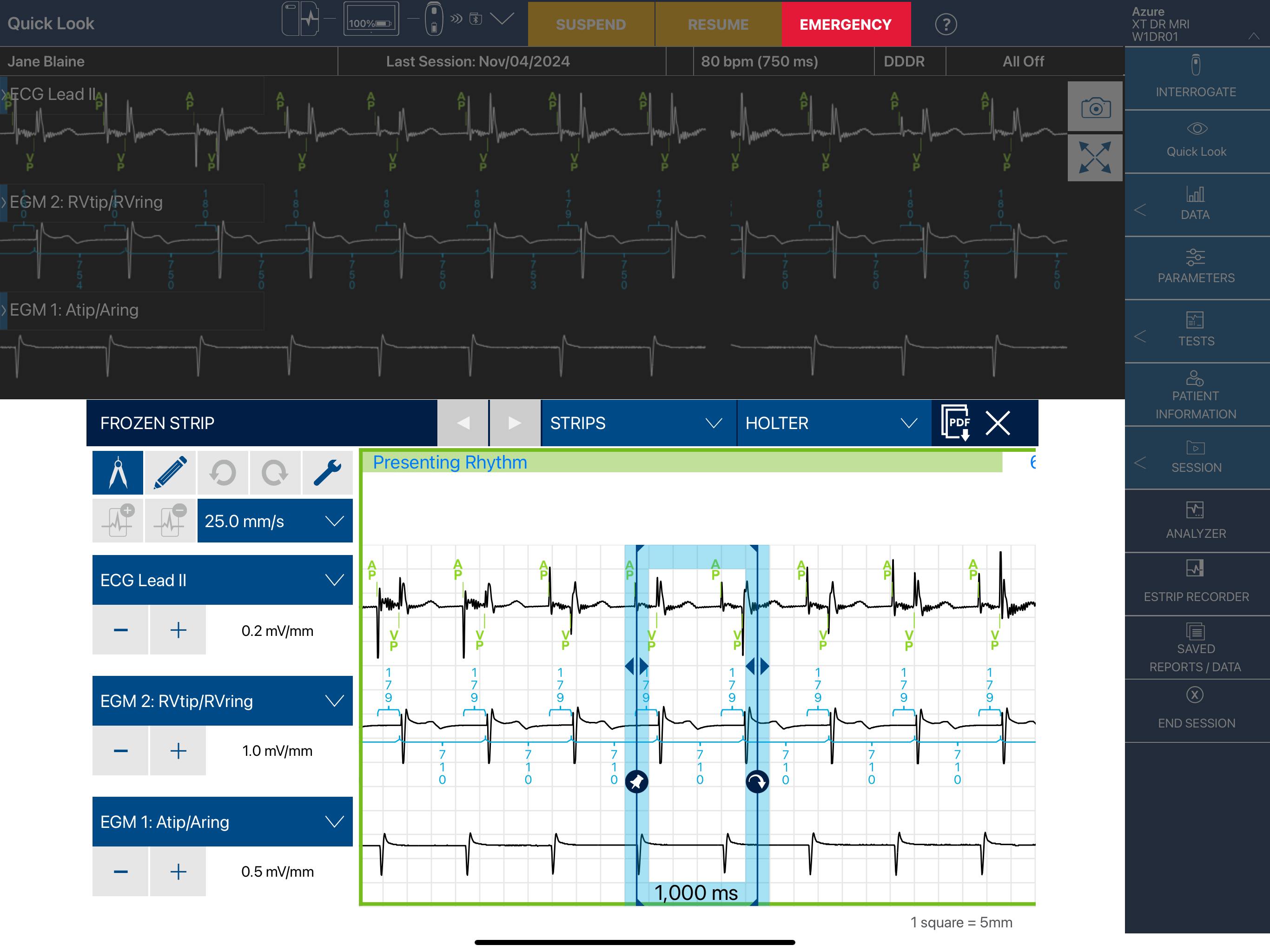
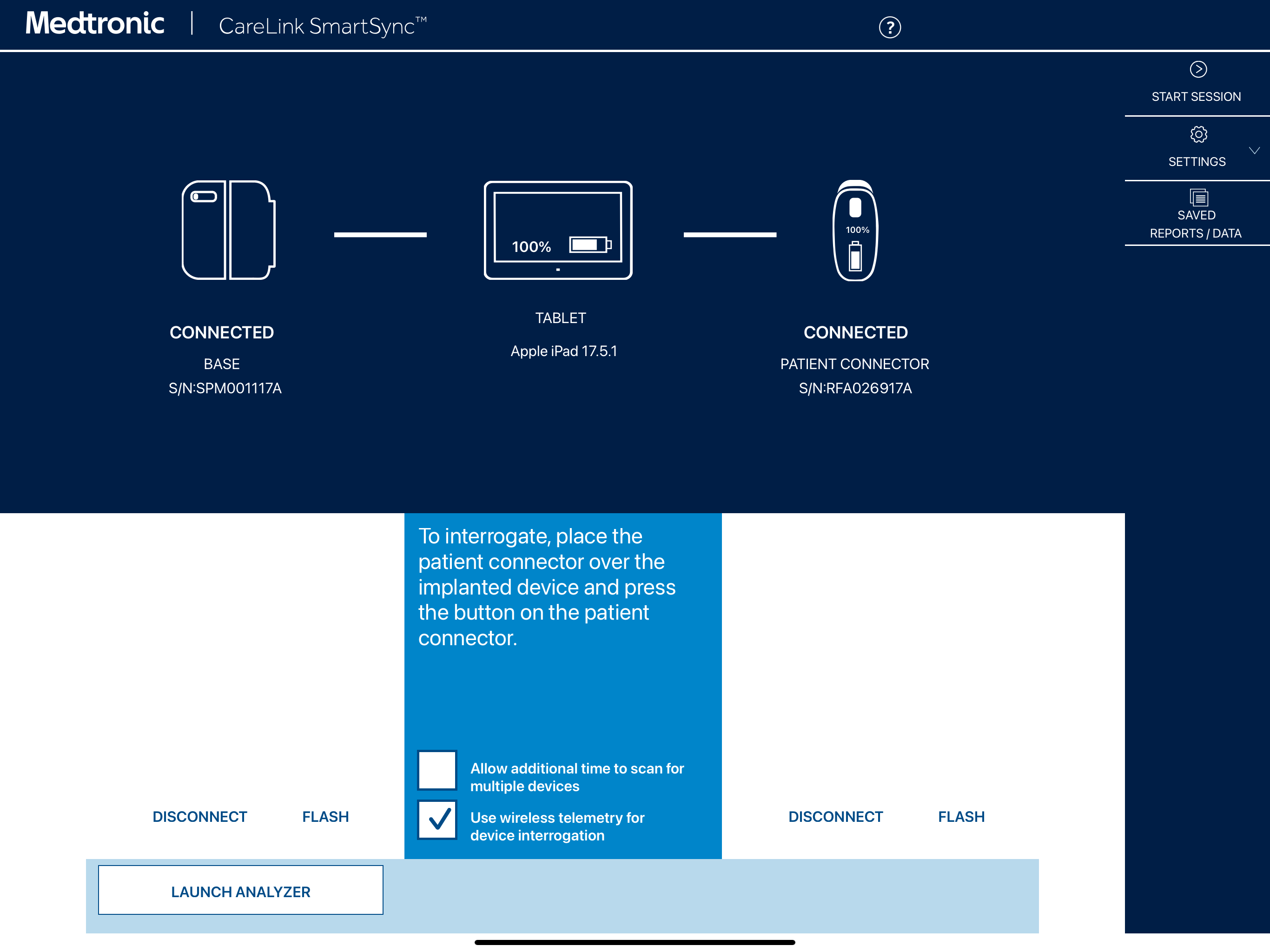
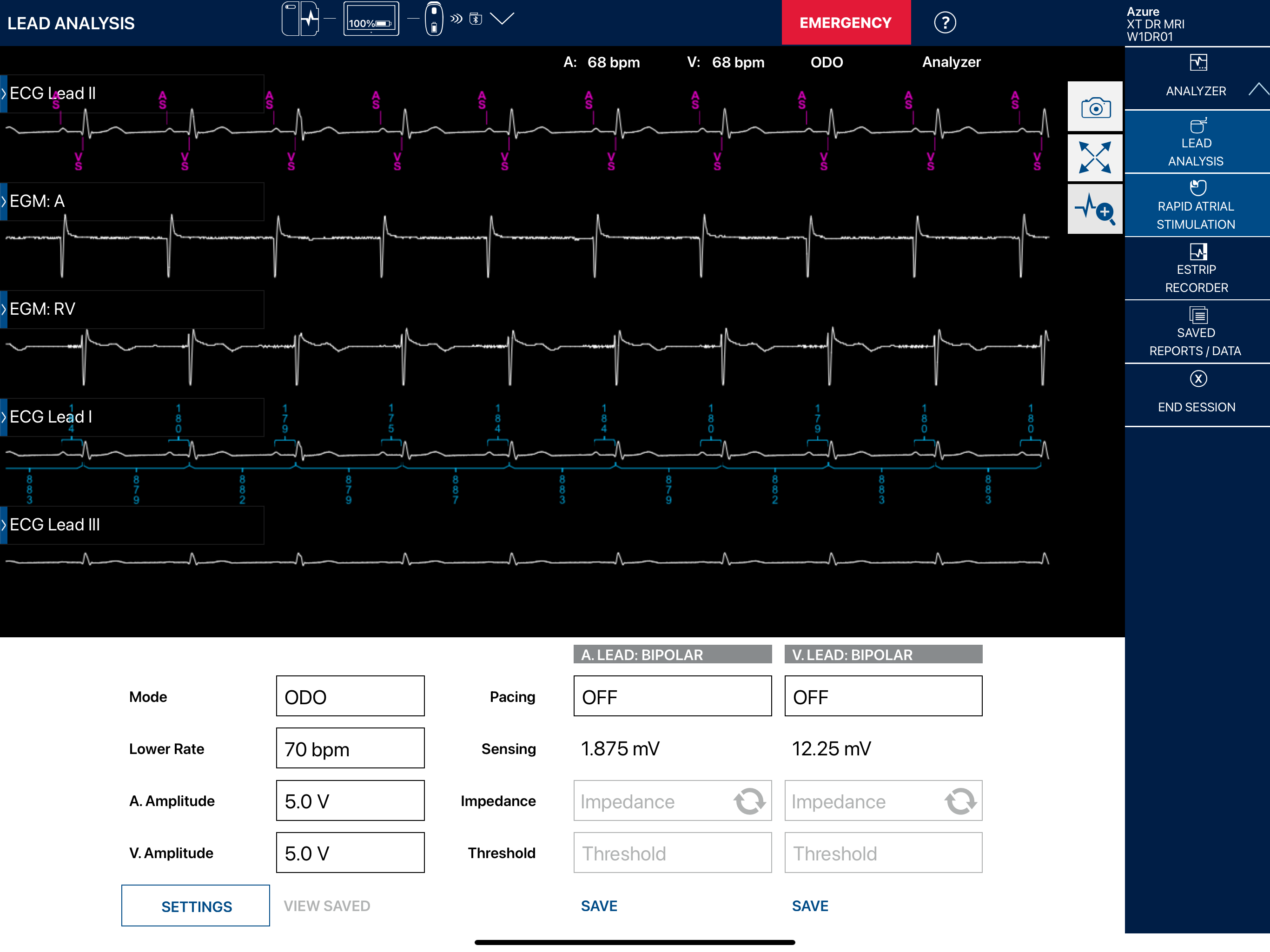
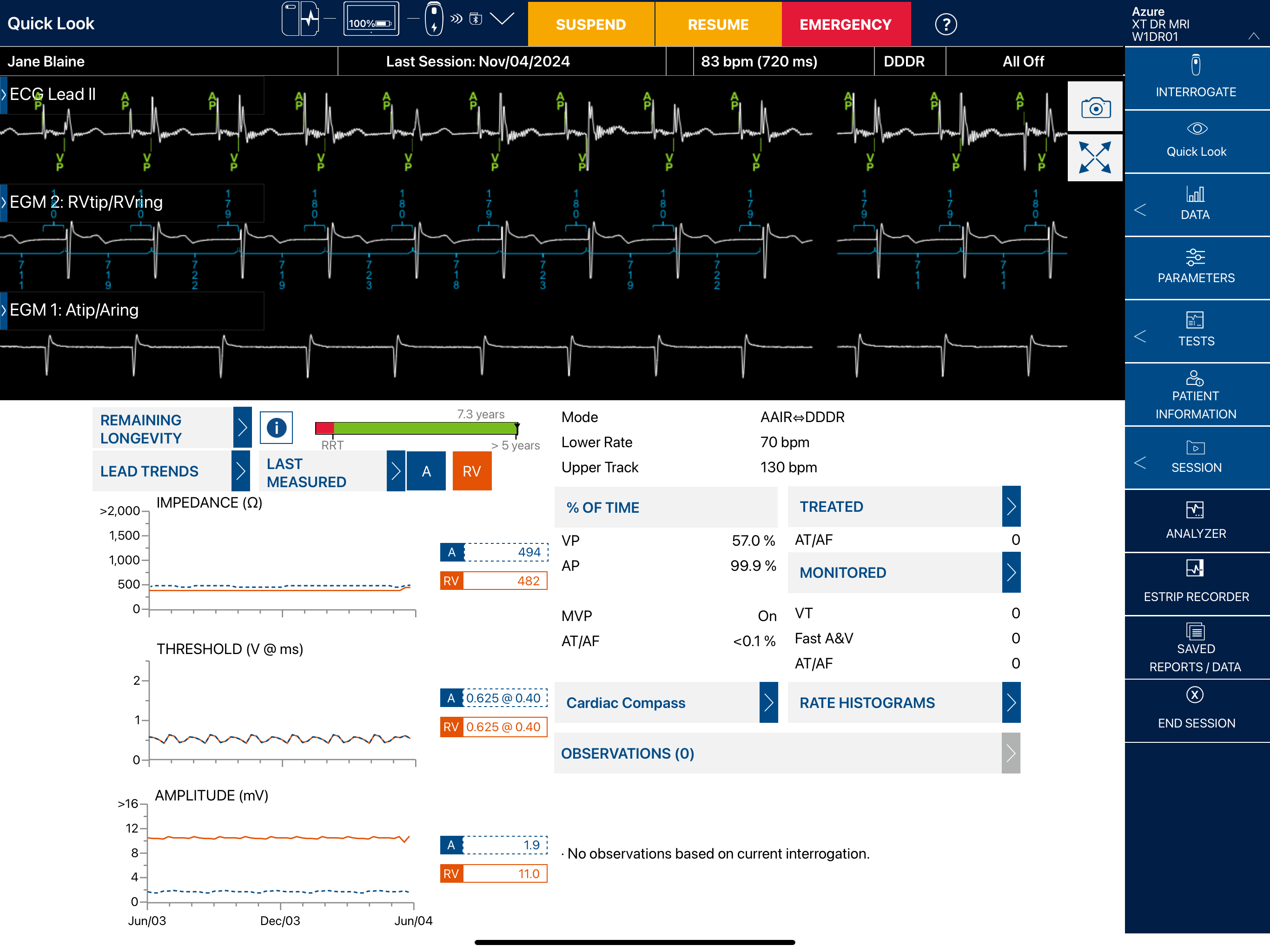
3.8The portable Medtronic CareLink SmartSync™ Device Manager allows clinicians to make programming changes to implantable devices in the operating suite or follow up clinic. The CareLink SmartSync™ Device Manager includes the CareLink SmartSync™ device manager app, CareLink SmartSync™ PSA app (pacing system analyzer), patient connector, base, and an Apple iPad®.* The device manager app is the primary interface of the device manager. The device manager app provides access to the implantable device apps and to the CareLink SmartSync PSA (Pacing System Analyzer) Application. This application includes the following features: • Bluetooth®* connectivity to communicate with the base and patient connector • Tablet connectivity tools for sharing and printing reports • Ability to export data • Ability to update the device manager app software using an Internet connection • Access to the CareLink SmartSync PSA (Pacing System Analyzer) application (referred to as the analyzer) to assess the pacing and sensing performance of the cardiac lead system during the implant of an implantable cardiac device • Access to implantable device apps, which communicate with implantable devices and allow the user to program the implantable device settings and view stored implanted device data The device manager is intended for use by healthcare professionals or Medtronic representatives in a clinical or hospital environment. * For tablet specifications, please consult www.medtronic.com/manuals. † For device compatibility, please consult www.medtronic.com/manuals.