Ratings & Reviews performance provides an overview of what users think of your app. Here are the key metrics to help you identify how your app is rated by users and how successful is your review management strategy.
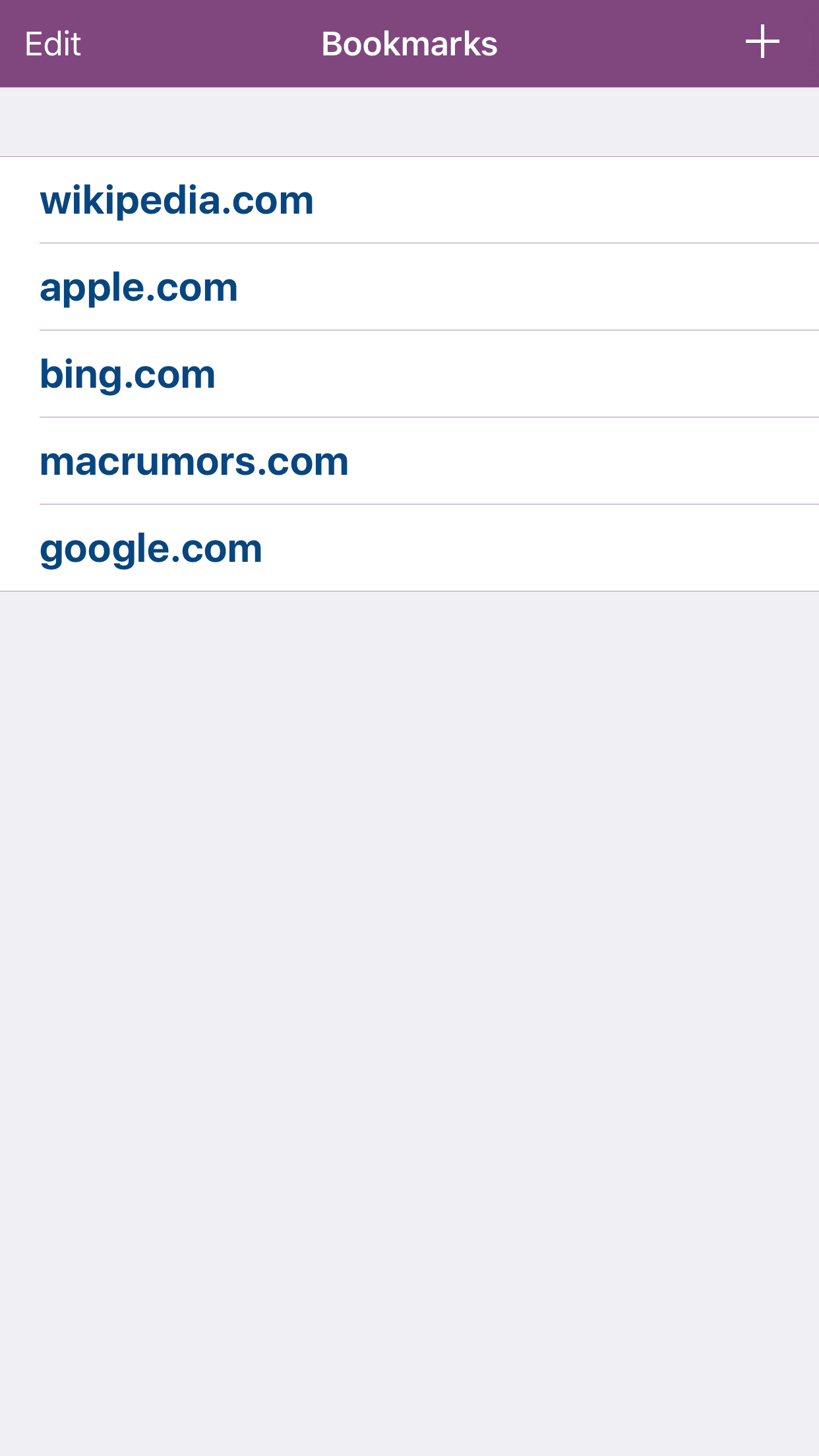
BuddyBrowser is a simple web browser to act as a companion to Safari with a separate bookmark list. BuddyBrowser enables splitscreen multitasking. You have two websites simultaneously on the same screen with the full benefits of Safari. It’s primarily supported on iPad Pro, iPad Air 2 and iPad mini 4. Otherwise, only the modal Safari View Controller extension will be available! Setup steps for the iPad: 1. Open the Safari App. 2. Swipe from the right edge of the iPad's screen to bring up the multitasking window and select BuddyBrowser. 3. Tap the separator between Safari and BuddyBrowser to stick the second window on screen. 4. Use the new Action extension in Safari to save and open your bookmarks to BuddyBrowser.