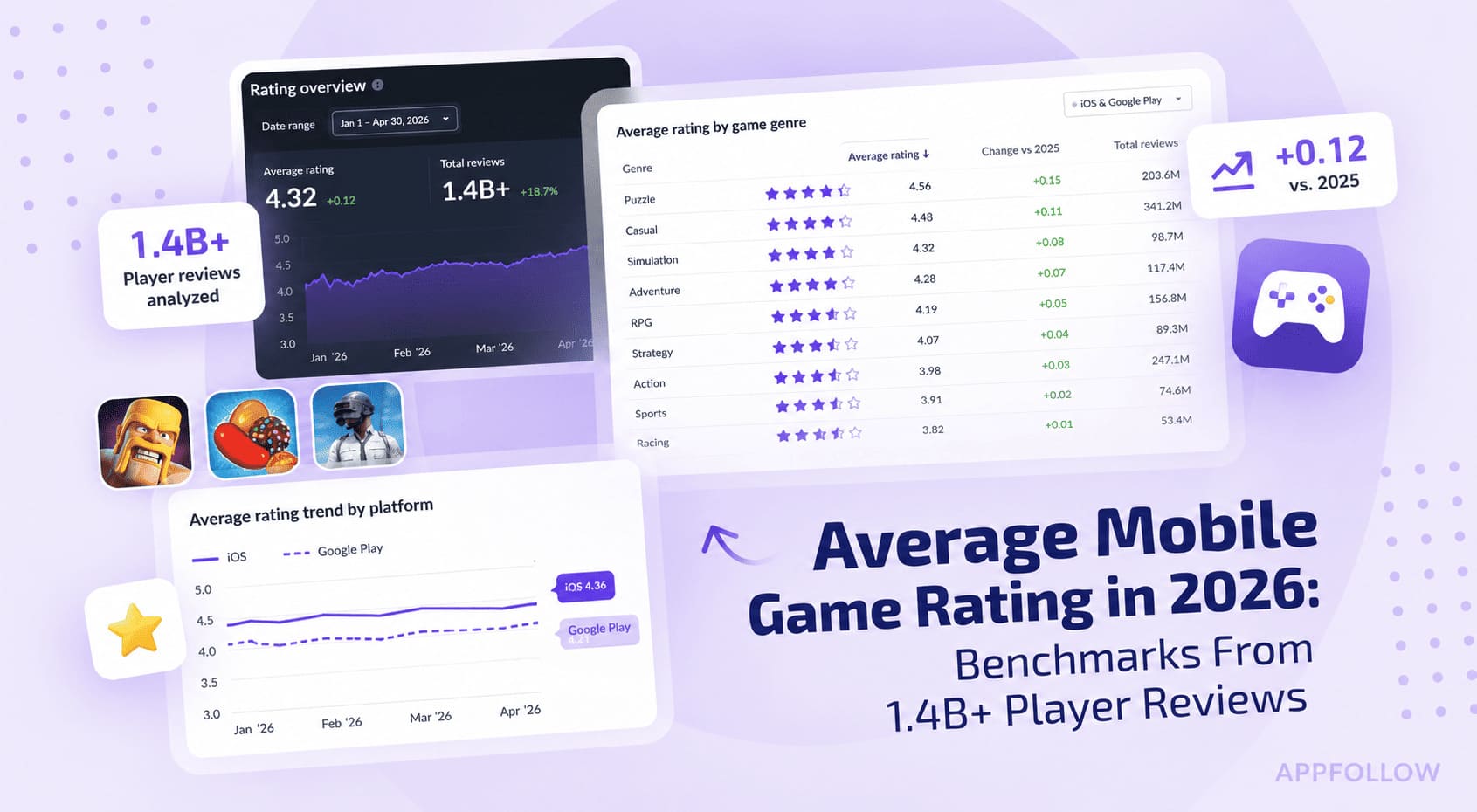
Ratings & Reviews performance provides an overview of what users think of your app. Here are the key metrics to help you identify how your app is rated by users and how successful is your review management strategy.
 1.0
1.0
User reviews affect conversion to installs and app rating. Featured and helpful reviews are the first to be noticed by users and in case of no response can affect download rate.
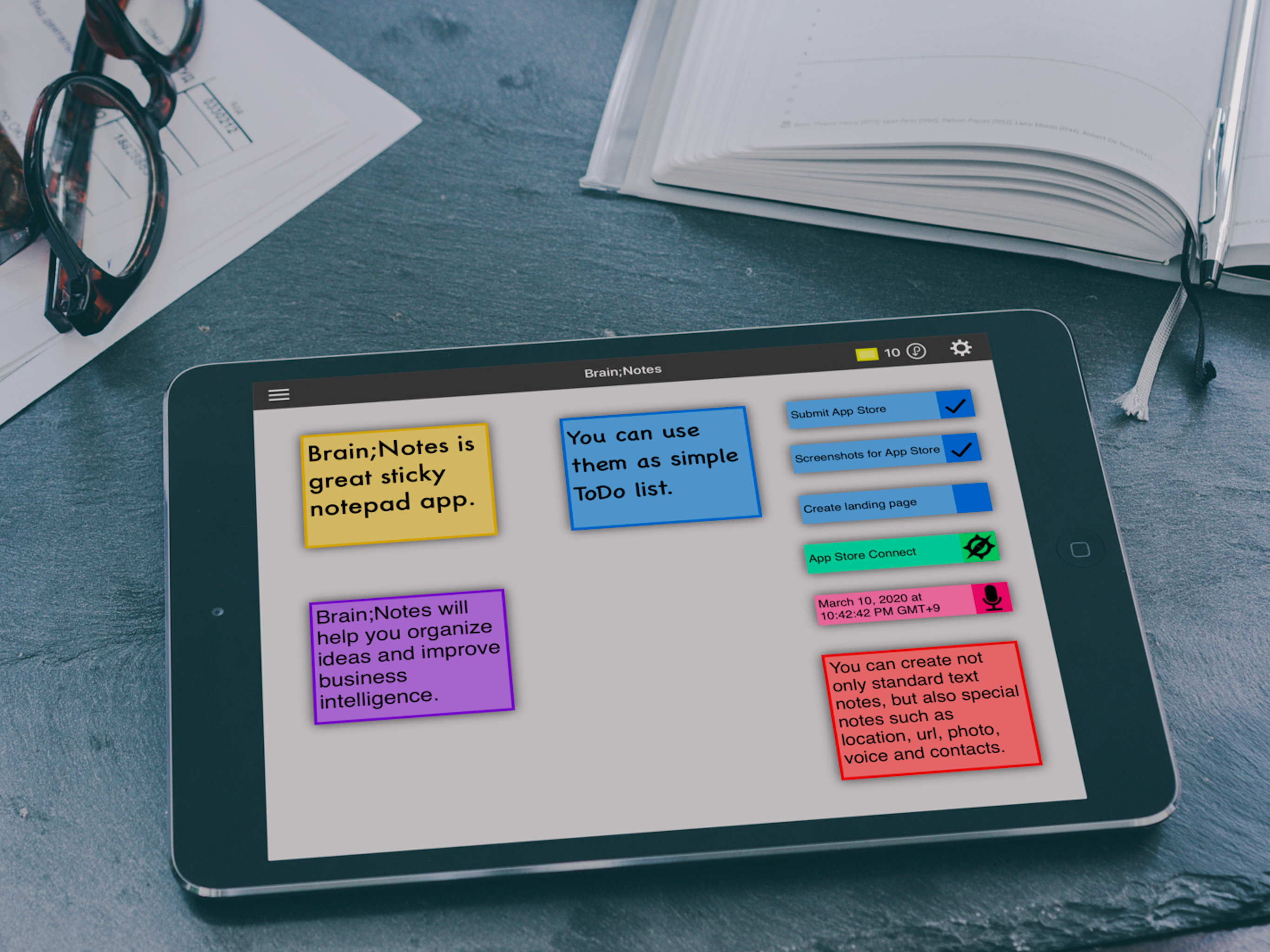
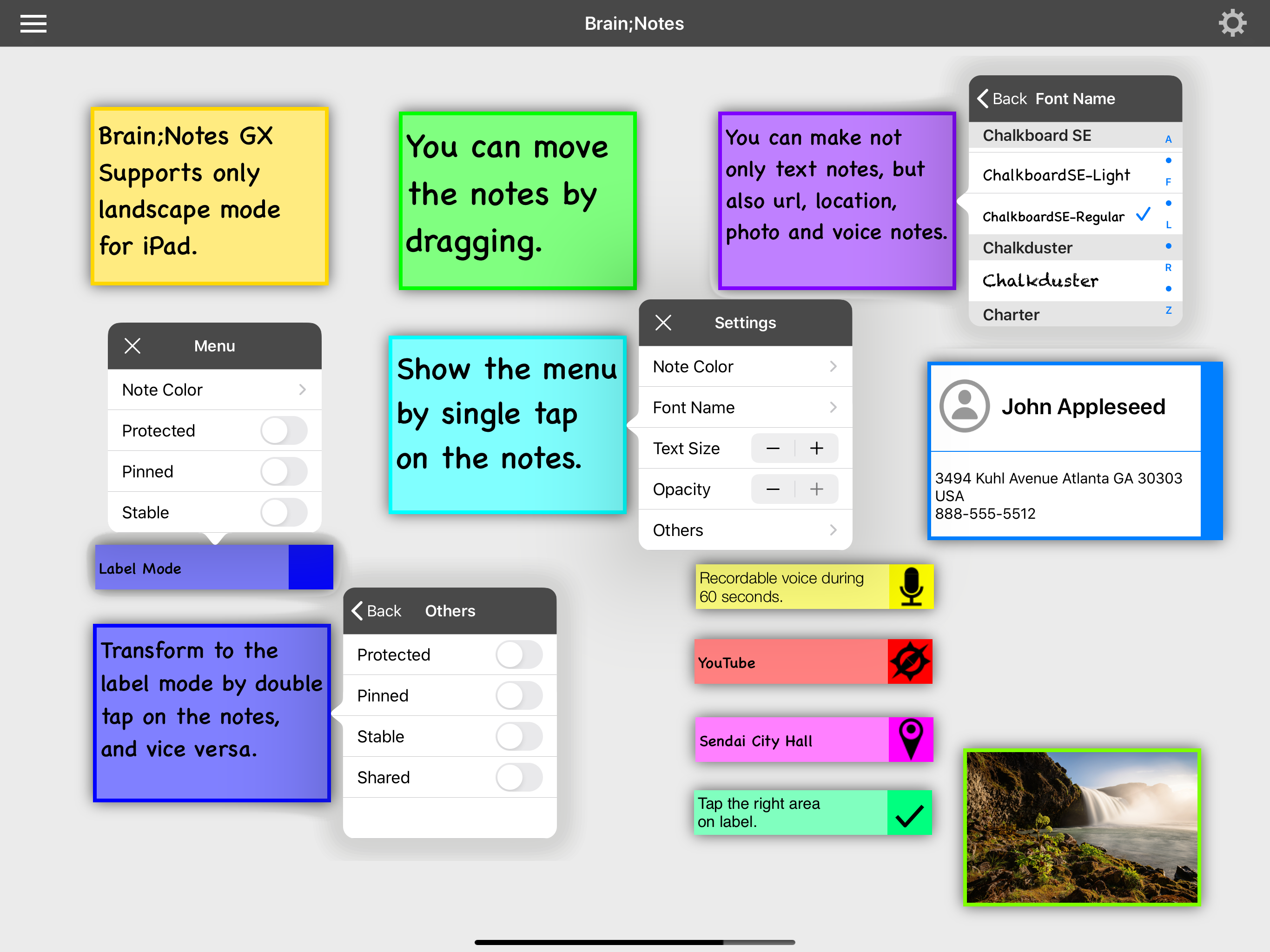
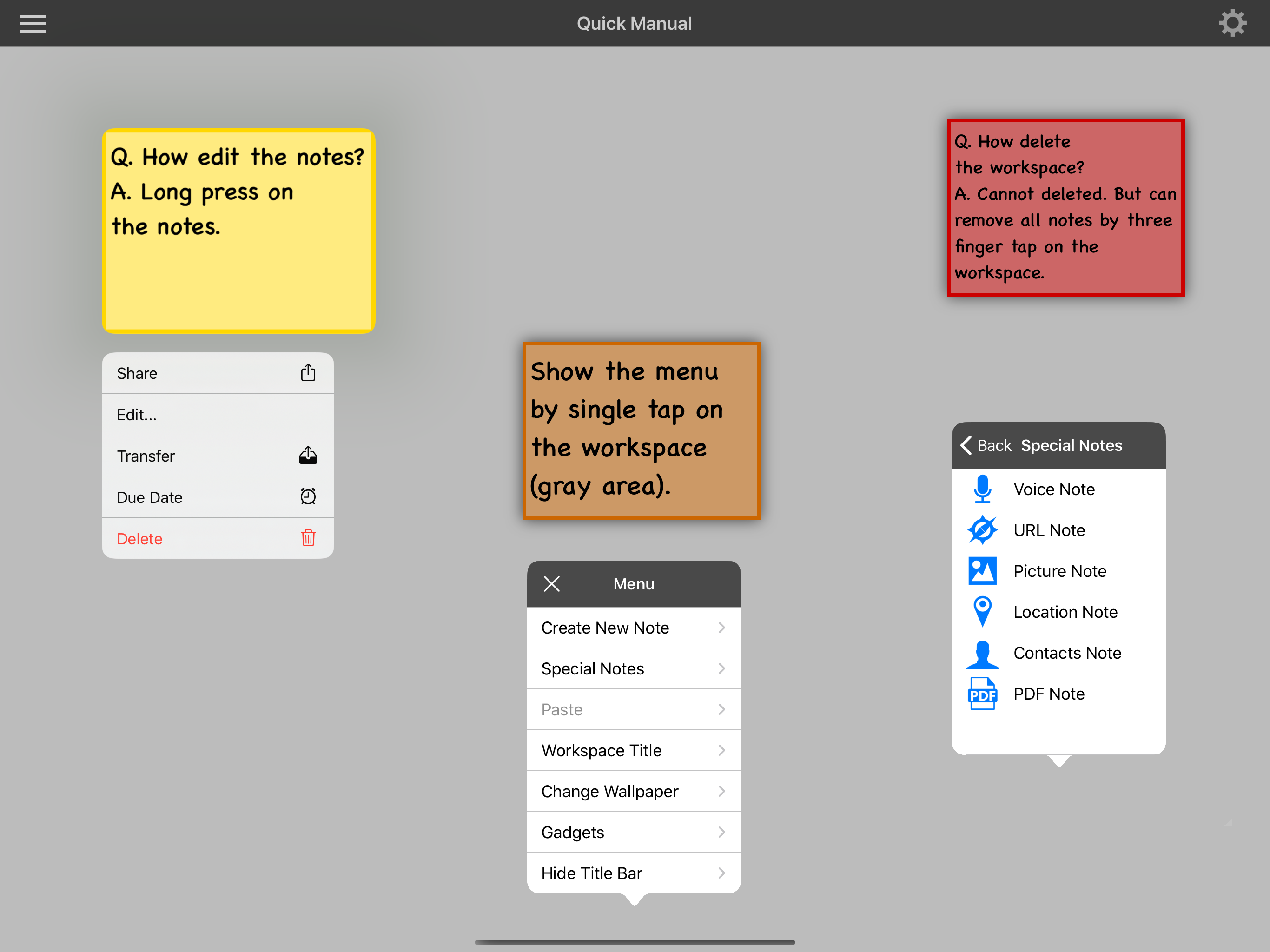
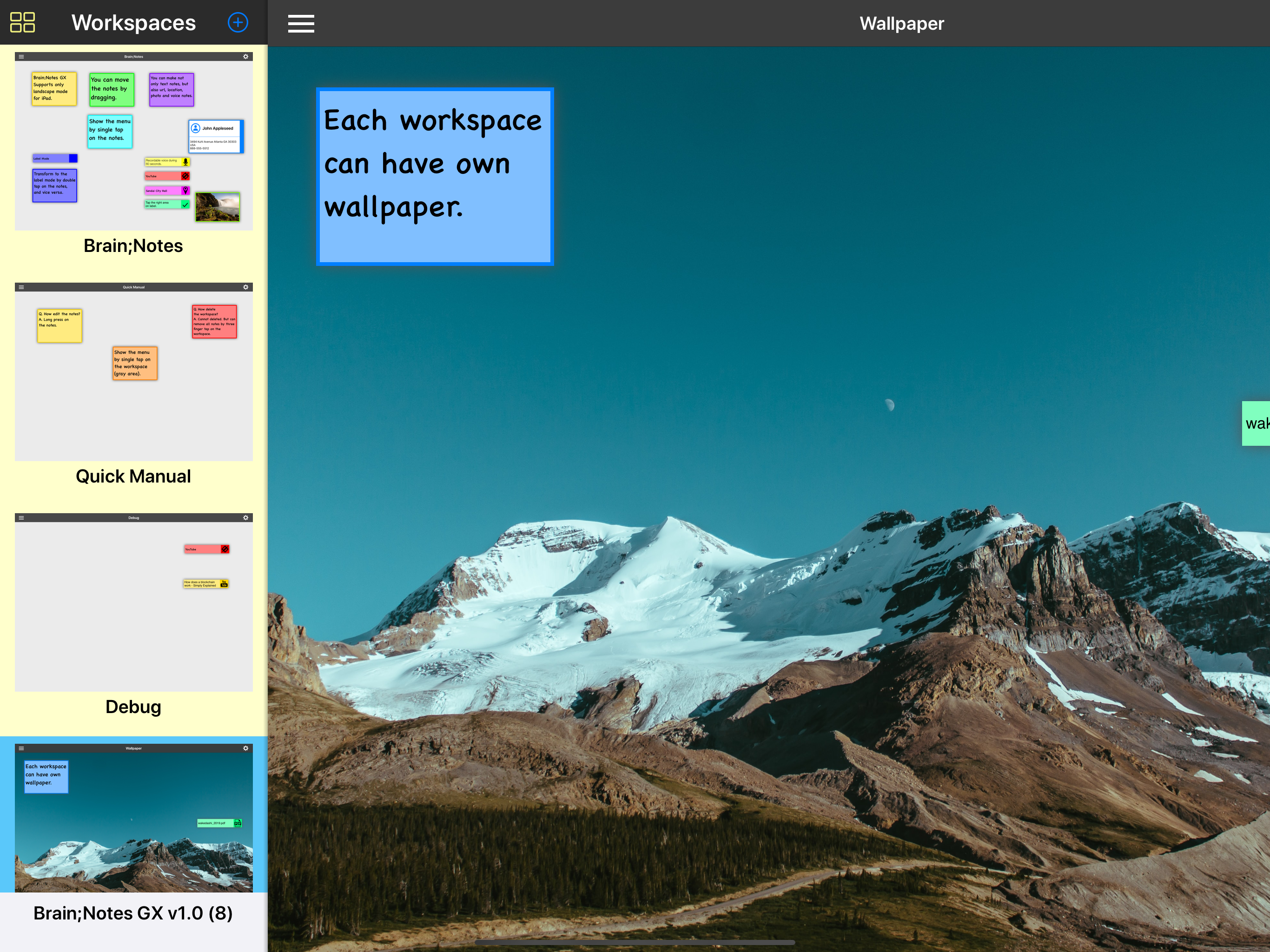
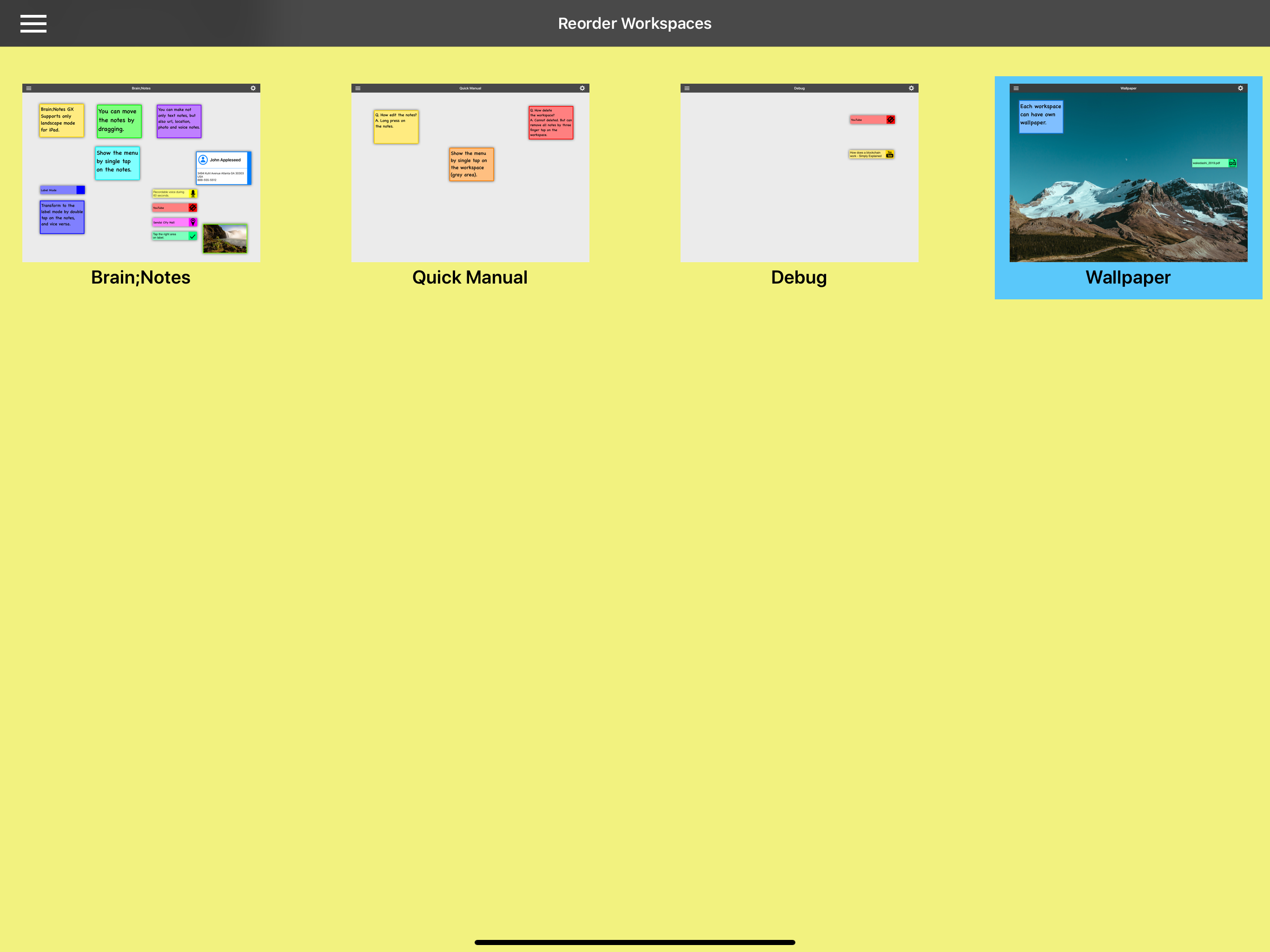
"Brain;Notes" is a scrapbook-like sticky note that uses sticky notes to efficiently organize your ideas and information. You can freely write down not only text but also maps, photos, URLs, and other notes on your workspace. It can be used in a variety of ways depending on your ideas and thoughts, such as mind mapping. Main Features ・Simple menu-driven user interface. ・Available note types: text, photo, location, URL, and voice. ・Voice notes can be recorded for 60 seconds. ・Multiple workspaces are available for managing notes. ・Each workspace can have its own wallpaper. ・Each note can be locked by biometric authentication. ・Notes can be created as events in Calendar.app. ・Notes can be registered in Reminder.app. ・Workspaces can be exported as PDF files. ・AirDrop is supported. ・App supports for Sharing. (Notes can be created by "Share" from other apps. Notes can be created by dragging from other apps.) Unique Features: ・When a note is set to "Stable" mode, it will appear in all workspaces. If you create a new workspace, the note will still appear automatically. ・When a note is set to "Shared" mode, it will only appear in the workspace you select. Attentions: ・There is no ability to delete a workspace. However, you can delete all notes on a workspace with a three-finger tap gesture. Please be careful not to create too many workspaces. ・If there are less than 10 notes left, the app will automatically refill notes to 10 at midnight. Gesture Operations: Workspace (gray area): ・Single Tap: shows menu. ・Double Tap: creates new note. ・Two Finger Tap: reset wallpaper. ・Three Finger Tap: deletes all notes on the workspace. Sticky notes: ・Single Tap: shows menu. ・Double Tap: transforms appearance. ・Long Press: shows context menu.