Ratings & Reviews performance provides an overview of what users think of your app. Here are the key metrics to help you identify how your app is rated by users and how successful is your review management strategy.
 4.6
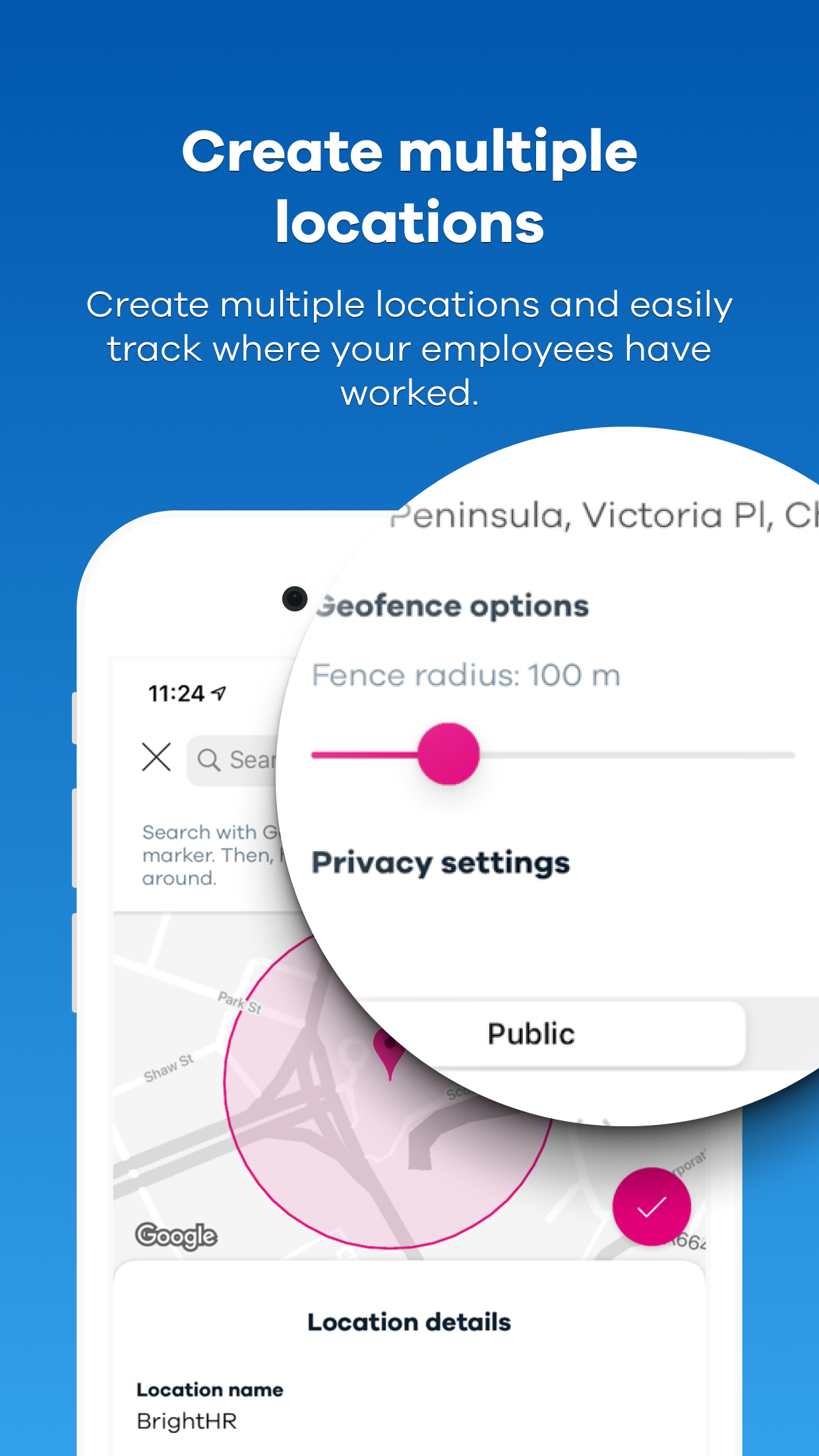
4.6Blip is a free app for BrightHR customers. It lets you easily track your employees’ work hours and locations on the go. Here’s how it works: Geolocation Use the app to create a geofence—a virtual boundary—around your workplace. Then, when your employees enter or leave the geofence, Blip picks up their location and asks them to clock in or out, helping you to know exactly where your staff have worked and how long for. QR codes Alternatively, you can use Blip’s smart scanning system to record your employees’ work hours instead. Your staff use Blip to scan a QR code—a type of barcode—when they arrive and leave work. Then, each time they scan the code, Blip will register them as clocked in or out. It’s that simple. Breaks Blip makes it easy to track breaks, too. At the tap of a button, your staff can log the start and end of their breaks, so you can see how long and how often they take downtime. How Blip helps you: - Check your employees’ work hours and track their location in an instant. - Keep an eye on your employees’ breaks and make sure they’re getting enough downtime. - Change an incorrect shift or break time in a few quick taps. - Create multiple locations and easily track where your employees have worked. - View a full history of an employee’s work hours and filter the date range easily. - Export the work history for an individual or team and save it as a spreadsheet for your records.