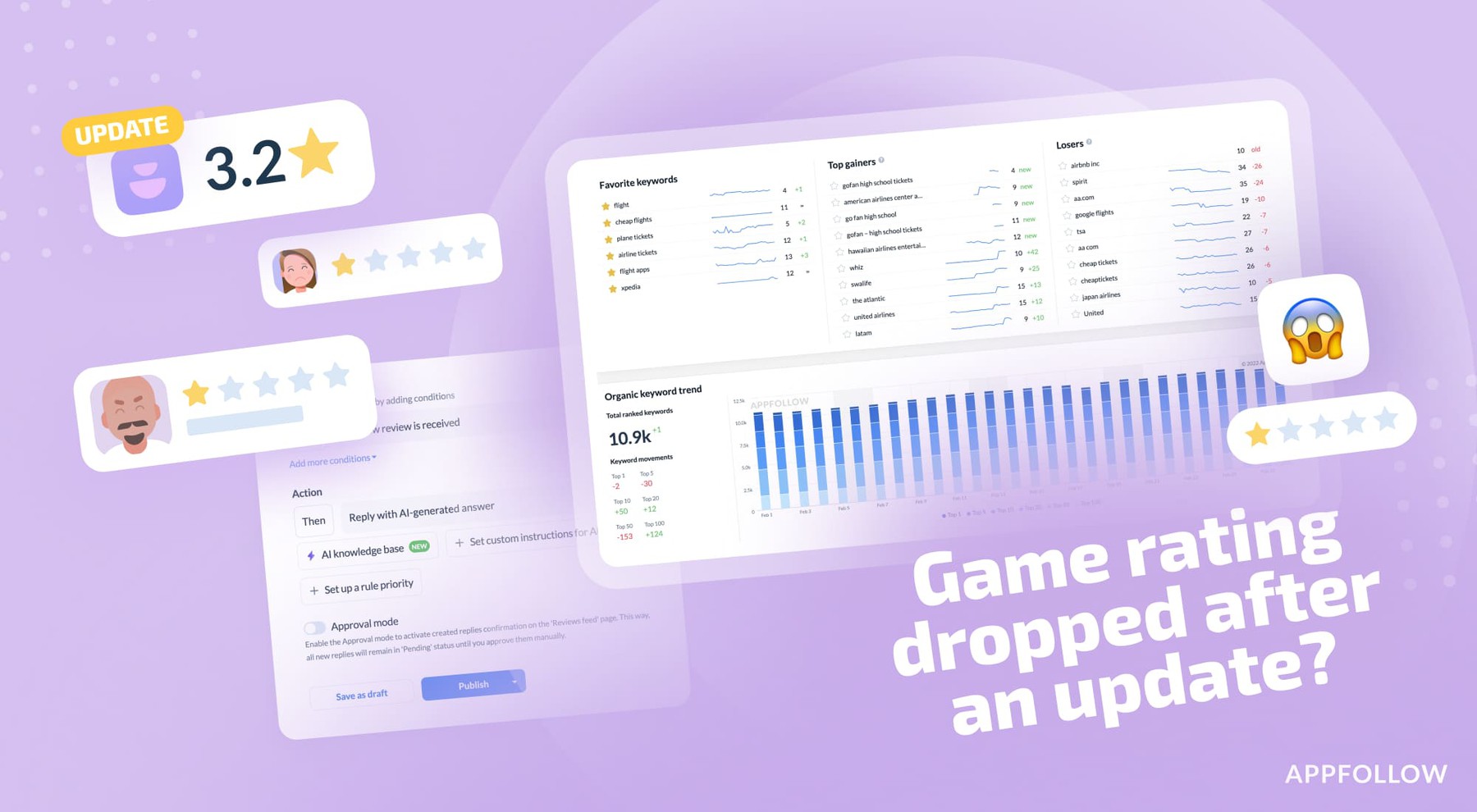
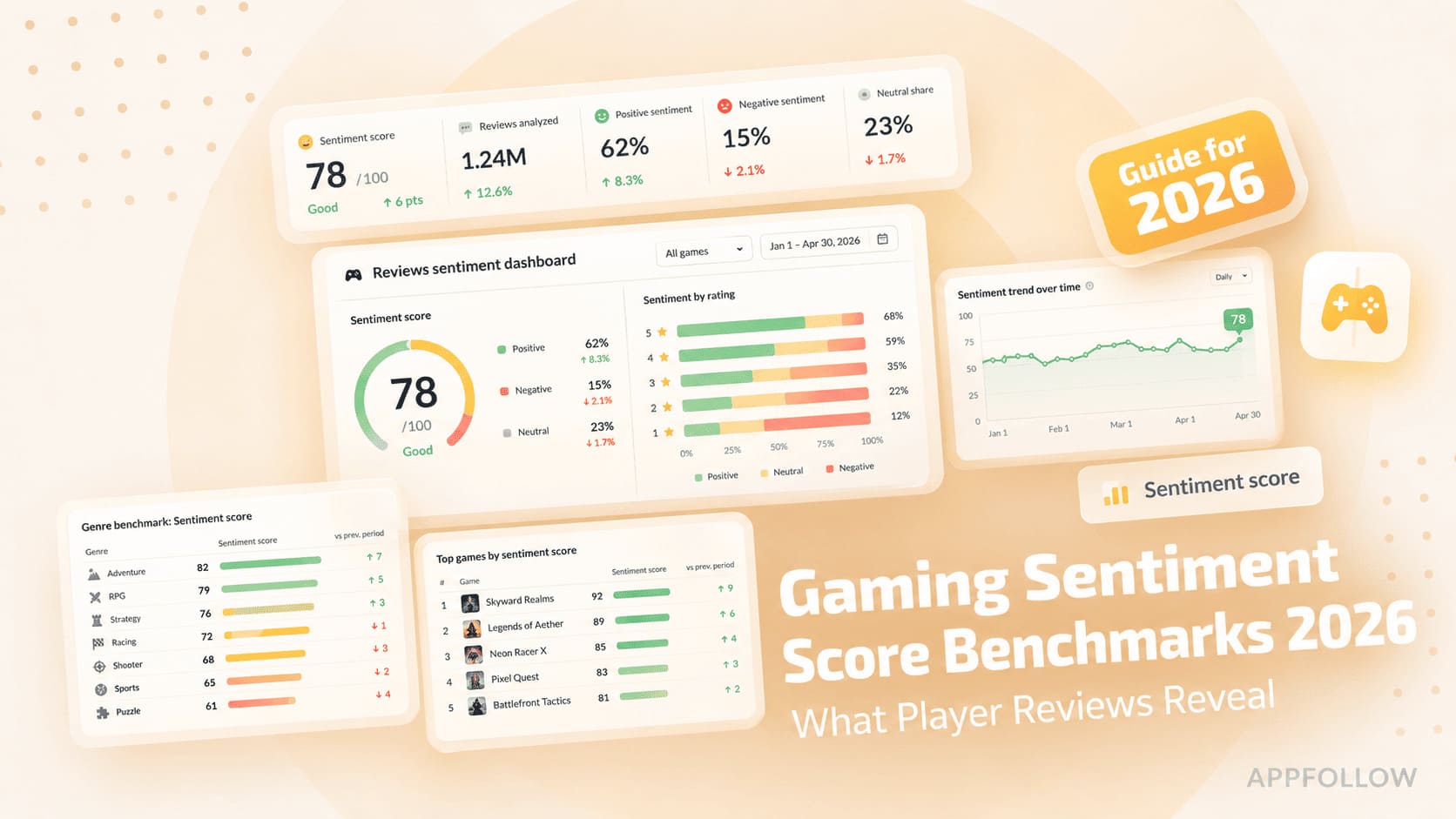
Ratings & Reviews performance provides an overview of what users think of your app. Here are the key metrics to help you identify how your app is rated by users and how successful is your review management strategy.

User reviews affect conversion to installs and app rating. Featured and helpful reviews are the first to be noticed by users and in case of no response can affect download rate.
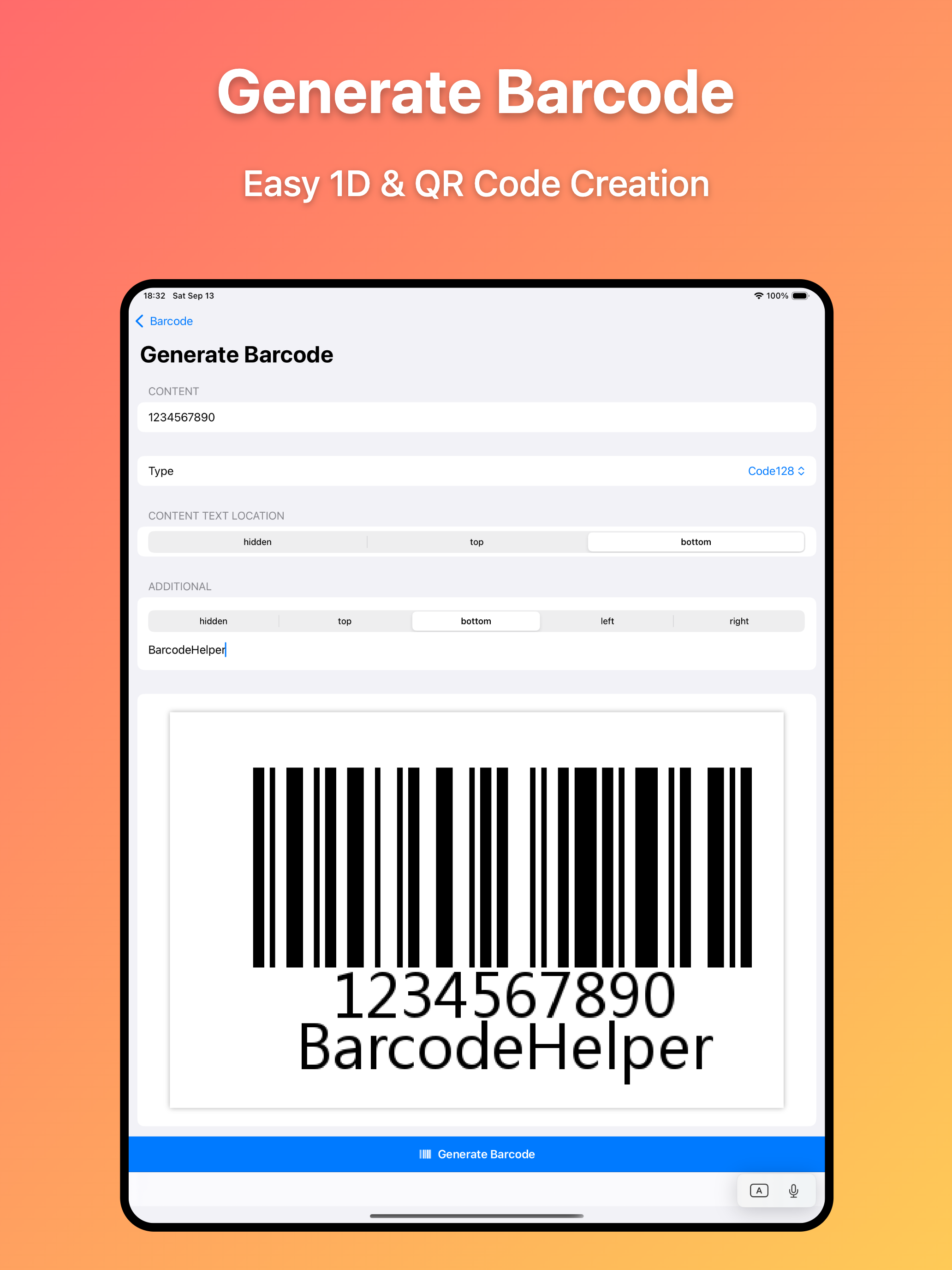
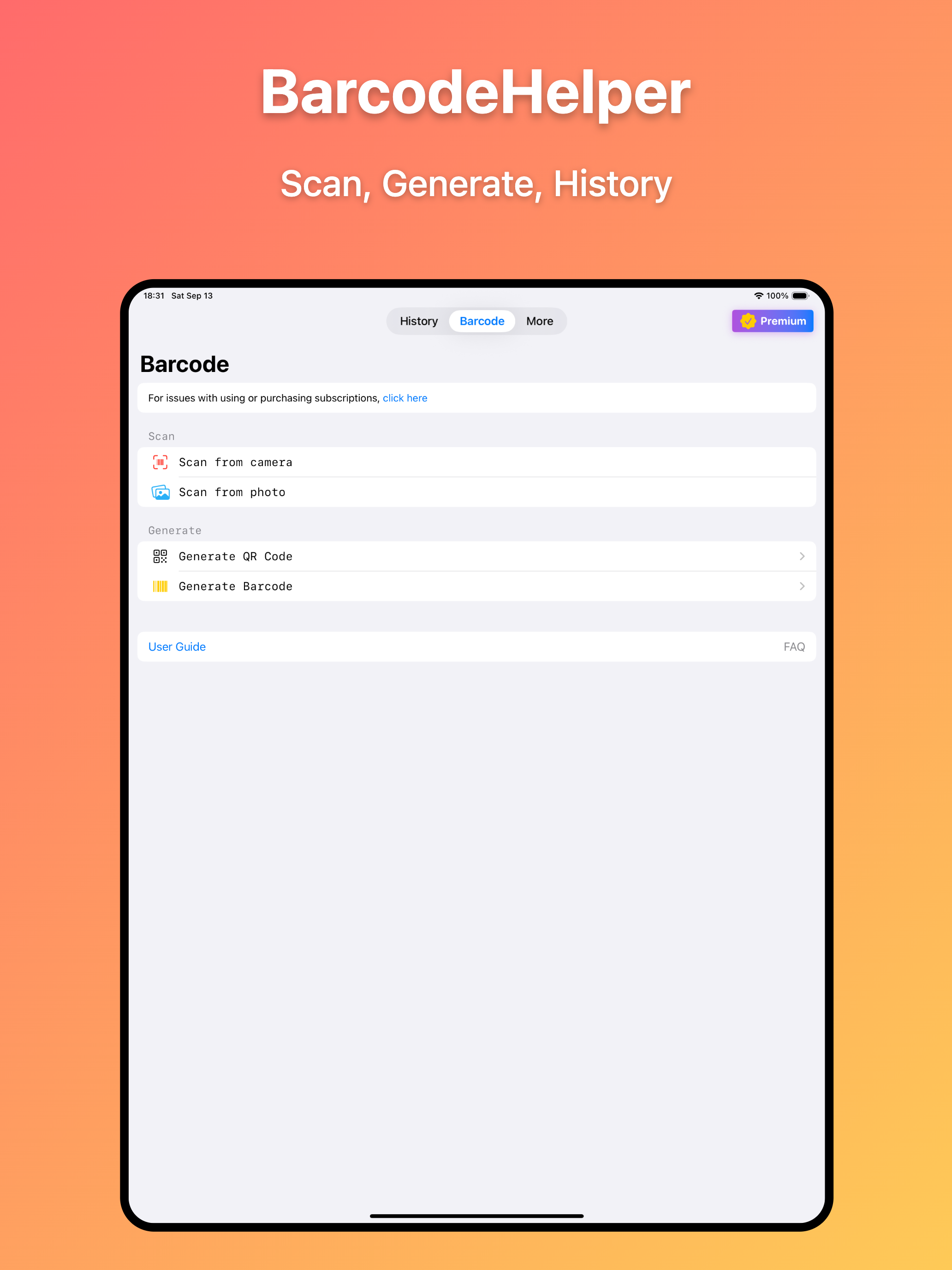
BarcodeHelper is a user-friendly barcode management tool that supports camera scanning and photo album image recognition. With this app, you can easily create various formats of 1D and 2D barcodes, and benefit from powerful history management and export features that cater to both personal and business barcode processing needs. 【Features】 - Camera Scan Recognition Simply tap "Scan from camera" on the home screen to start scanning instantly. The app automatically recognizes barcode information when the scanning area is aligned with the barcode. Use two fingers to zoom and adjust focus for clear recognition in any environment. Supports QR codes, Code39, Code128, EAN-8, EAN-13, UPC-A, UPC-E, Codabar and many other formats. Also features continuous scanning, scan counting, and barcode image saving. - Album Photo Recognition Select "Scan from photo" on the home screen, navigate to your photo album, choose a barcode image, and the information will be instantly and accurately recognized. - Create 2D and 1D Barcode Images Easily generate various types of barcode images. The created barcodes are clear and accurate, with customizable text display positions and the ability to add personal notes. - History Record Management All scan results are automatically saved. On the record details page, you can instantly view all notes and related information. History can be easily filtered by time and source. You can also customize actions when duplicate barcodes are detected. - iCloud Sync and Data Export With iCloud sync enabled, your barcode records are automatically synchronized across all your iOS devices. You can also export history to Excel files (with images), text files, and other formats. 【Premium Subscription】 Benefits: Unlock all premium features. Renewal: Your subscription will automatically renew unless turned off at least 24 hours before the end of the current period. Cancel: You can manage your subscription and turn off auto-renewal in your iPhone's Settings > [Your Name] > Subscriptions. 【Terms of Service and Privacy Policy】 Apple Standard License Agreement: https://www.apple.com/legal/internet-services/itunes/dev/stdeula/ App Privacy Policy: https://app.kanchuan.com/en/barcodehelper/policy 【Contact and Feedback】 Email: ch@kanchuan.com Website: https://app.kanchuan.com/en/barcodehelper



![[Webinar recap] What fintech apps get wrong (and right) in the app stores](https://cdn.appfollow.io/blog/static/appfollow_126bb420-cee0-4ea0-9a8c-6c1d9871175f.jpg)