Ratings & Reviews performance provides an overview of what users think of your app. Here are the key metrics to help you identify how your app is rated by users and how successful is your review management strategy.
 2.7
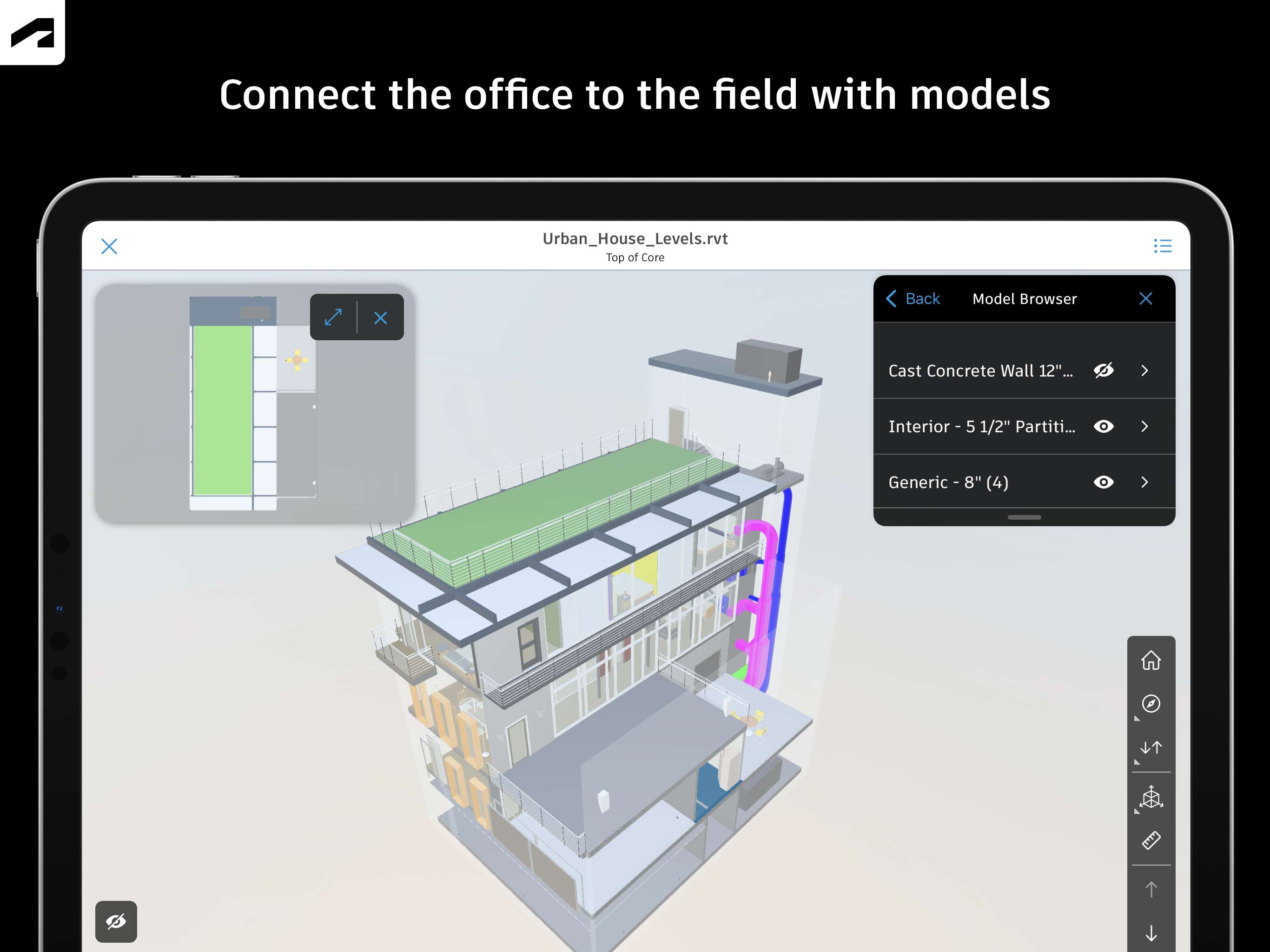
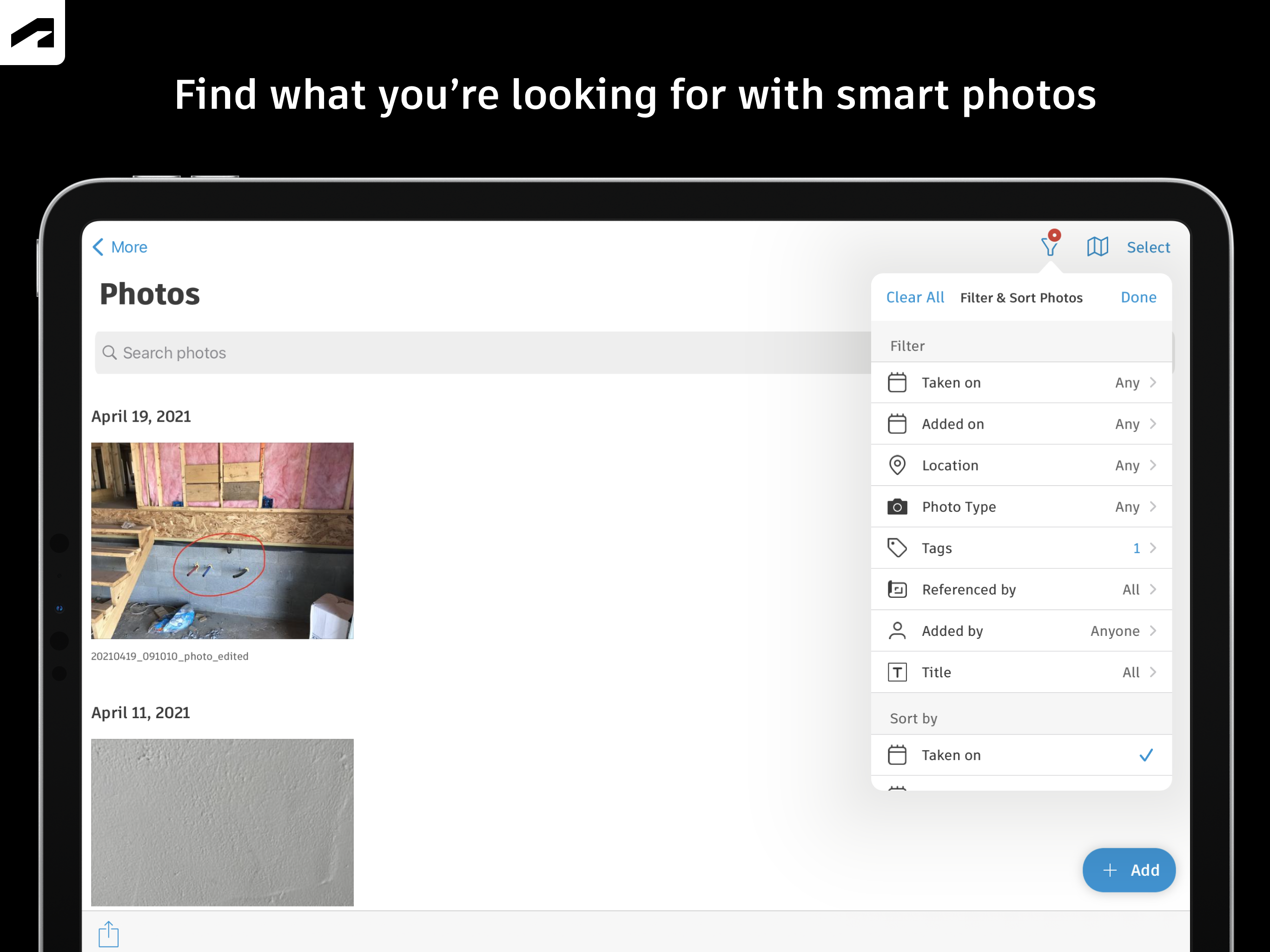
2.7Autodesk Inc. Capture snag list items, mark up drawings, log daily reports, view the latest sheets and review 3D models from the jobsite with the Forma mobile construction app. The Forma mobile app puts the tools and project information you rely on in your hands. Stay connected to your crews on site, manage projects and keep work moving. Make critical decisions faster with the Forma mobile construction app: • Forma Build Essentials for efficient, focused site execution • Forma Build for connecting site execution and project management Forma Build Essentials: Built for lean crews and growing jobs. Projects are quick to set up, easy to access and designed for everyday work on site. • Capture snag list items and issues from the site • Complete daily reports, logs and forms • View current construction sheets, drawings, files and models • Open project files and documentation Latest sheets, files and models View and mark up sheets directly from the jobsite. Access project files and review 3D models to understand design intent and context. Confirm the latest versions before work begins. • View and mark up drawings • Open project files, sheets and construction documents • Review 3D models Snag list and issue tracking Capture snag list items and issues as you walk the jobsite. Track quality concerns. Log safety observations, near misses and good catches. Assign responsibility and track work from open to closed. • Log issues with photos, locations and references • Assign owners and due dates • Track progress from open to closed Daily reports, checklists and forms Capture daily activity and site conditions, complete quality or safety inspections, and attach photos, signatures and supporting files. • Complete daily reports and logs • Record site conditions and project information • Attach photos and signatures Fast mobile workflows Open a project and jump straight into work. • Access sheets, issues, forms, photos and models quickly • Use shortcuts for common site actions • Keep project information accessible as connectivity changes Forma Build: With Forma Build, bring the office and site together to keep projects aligned and on track with connected project management workflows. • Includes core site capabilities • Review project schedules and work plans • Manage RFIs and track responses • Access approved submittals • Capture meeting notes and manage correspondence • Track project assets • Manage document and package reviews Connected across Forma: The Forma mobile app connects you to your Forma project information, construction documents, files and 3D models across Forma Build Essentials, Forma Build, PlanGrid, Forma Design Collaboration and Forma Data Management, while providing access to files created in Autodesk tools like Revit, Navisworks and AutoCAD. See what our customers have to say: "The ability to access 3D models from the field eliminates confusion and allows us to come to a real-time resolution for any issues on site. This capability reduces risk and provides cost and time savings while ensuring we deliver high-quality projects to our clients." Briana Mitchell, Project Manager, Boldt Company "We have about 460 field employees, and for them to access documents in real time directly on their iPhone or their iPad is priceless." Ken Mabe, Director of Field Operations, Eckardt Group