Ratings & Reviews performance provides an overview of what users think of your app. Here are the key metrics to help you identify how your app is rated by users and how successful is your review management strategy.
 4.6
4.6
User reviews affect conversion to installs and app rating. Featured and helpful reviews are the first to be noticed by users and in case of no response can affect download rate.
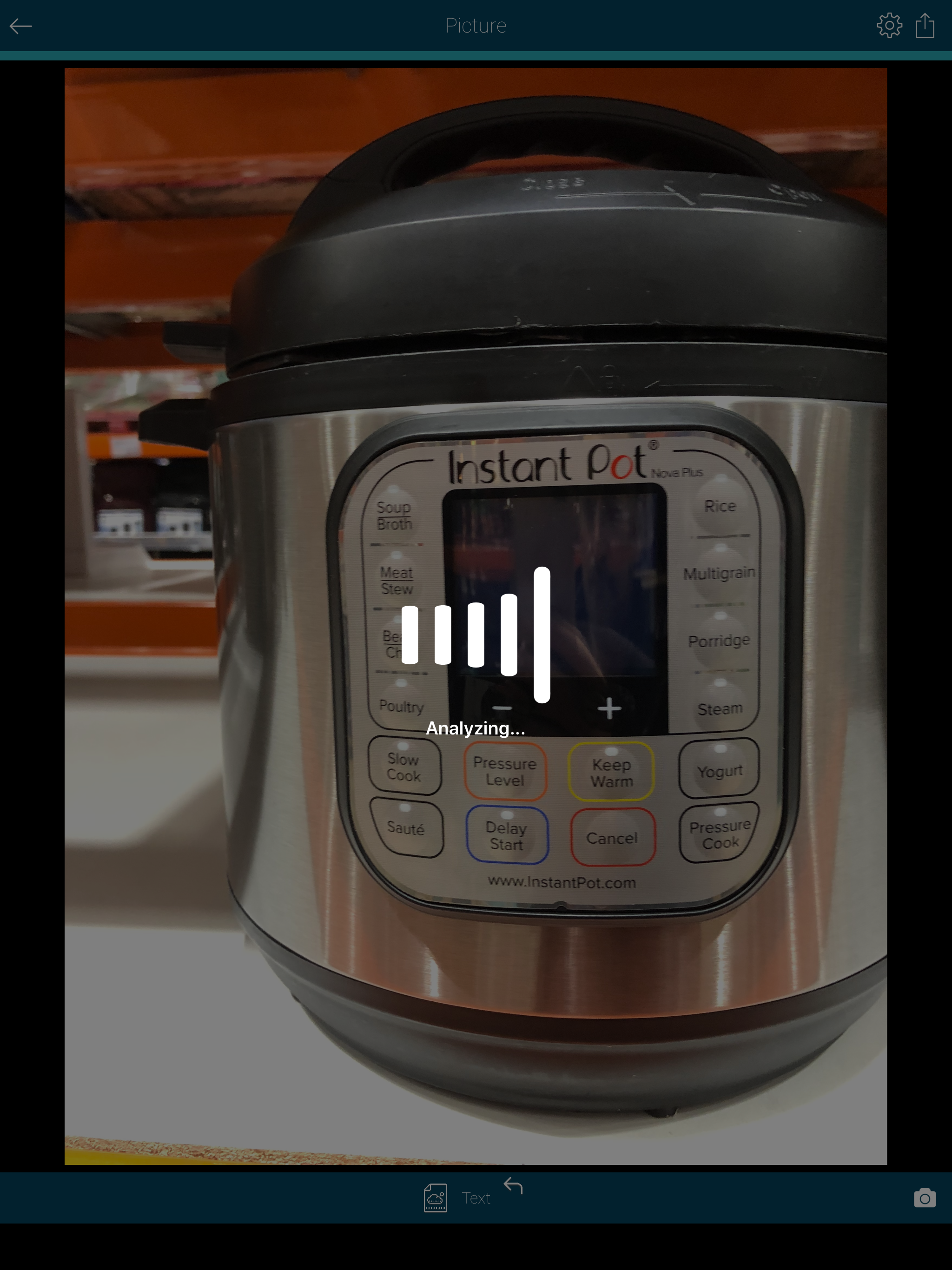
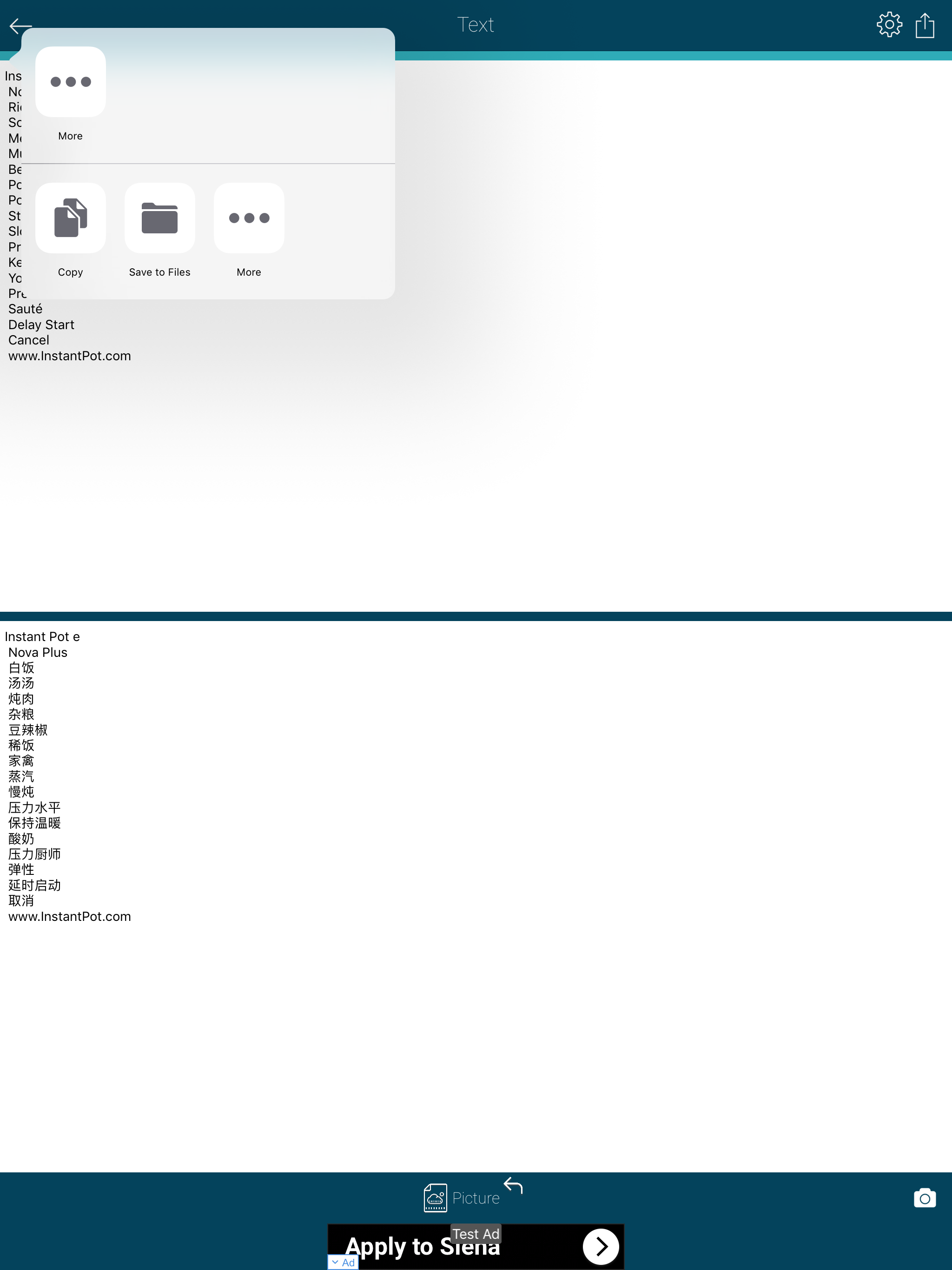
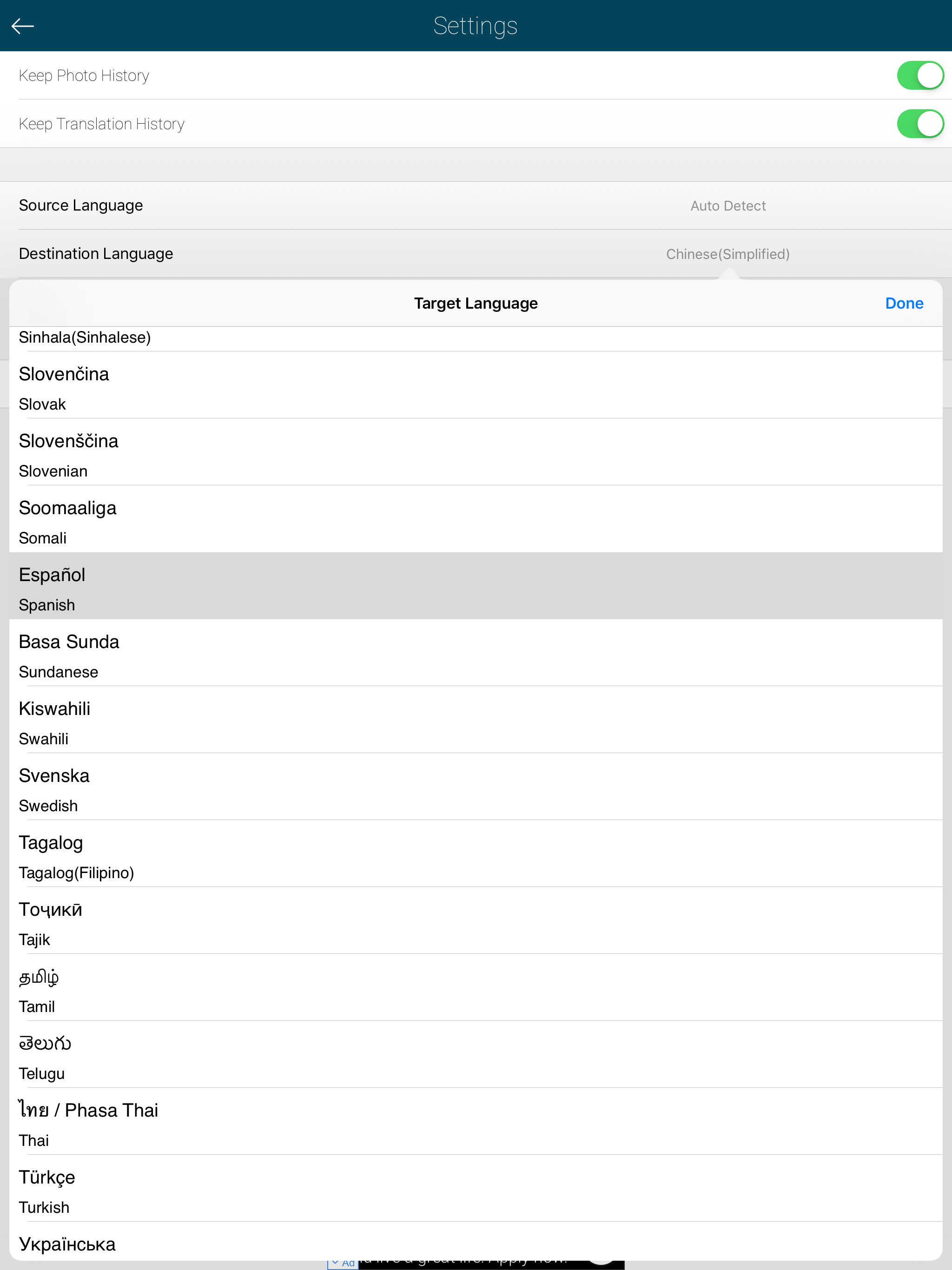
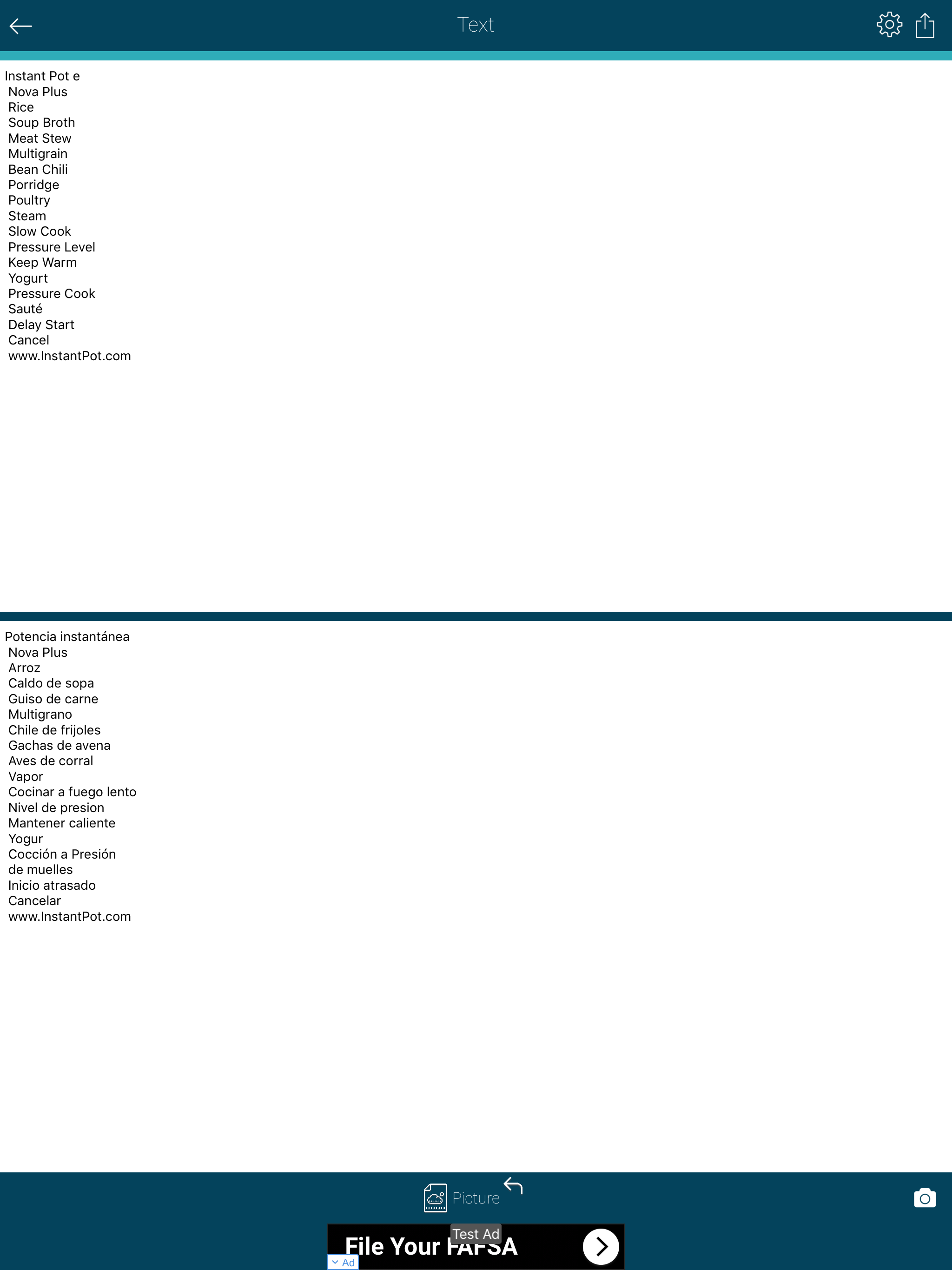
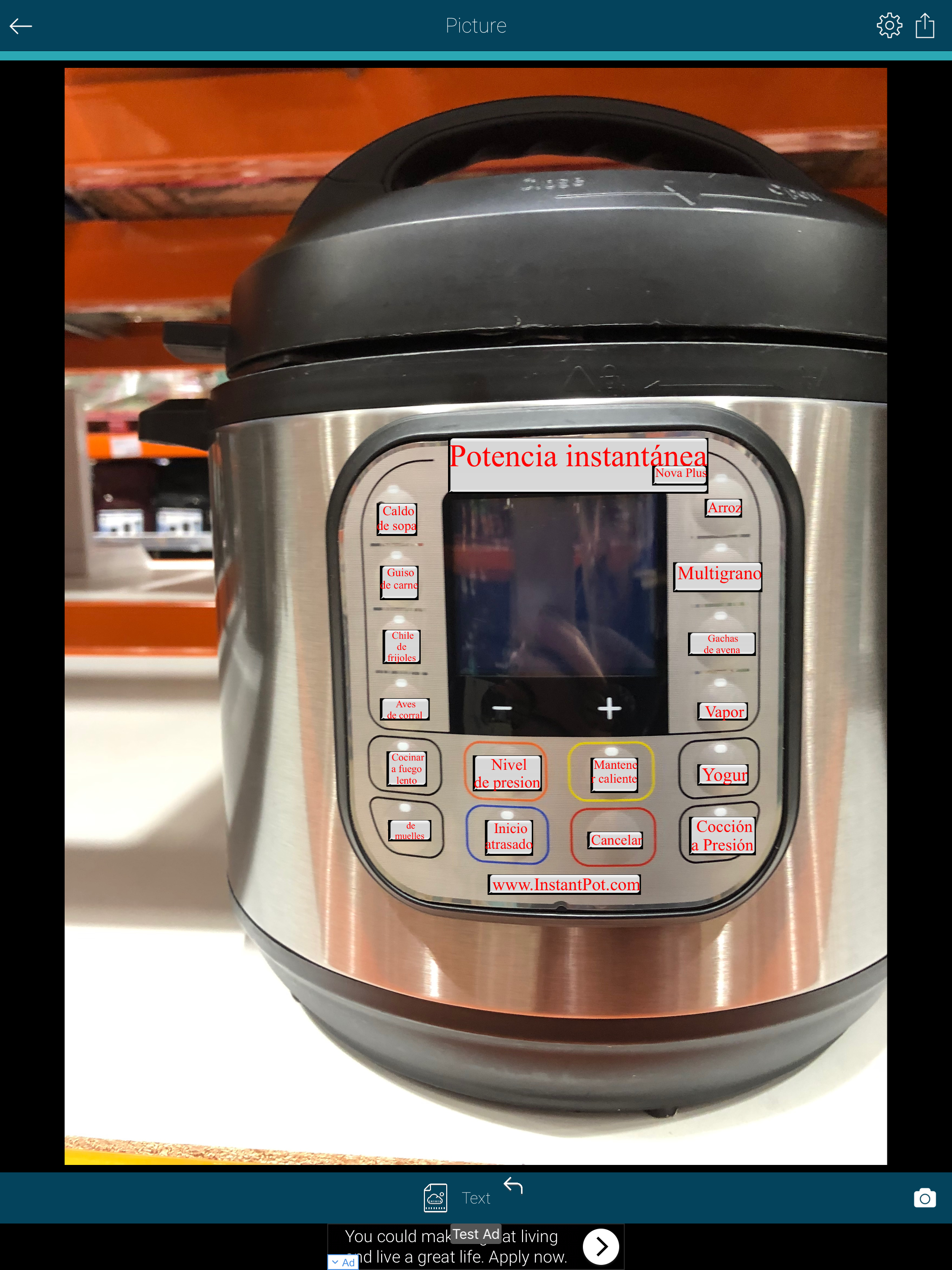
AR Translator will digitize and translate any printed text right on your device! Snap a photo or choose an existing one from your library and the app will instantly extract your text from the picture. Features: • Two Translation Modes: AR(Augmented Reality) and Standart - In AR mode, it places virtual translated images in the real world! - In Standart mode, it makes translation directly on the image and saves as text. • Extract texts from an image with Advanced OCR (optical character recognition) technology supporting more than 100 languages, including English, German, French, Spanish, Italian, Portuguese, Russian, Chinese, Korean, Japanese and Turkish. • Full-text translation for more than 100 languages. • Share the translated text and image on Facebook, Twitter, VKontakte or send as SMS or by email. • All texts and images are saved in history and can be later used at any time. • Import images from your photo library • Option to rotate scanned pages How to use(Standart): • Take a picture of a document, book, sign or anything you want to translate. • Crop the picture, select the target(translation) language and press the "OCR" button • The recognized text will appear on the picture or on the screen with your choice. • Easily change from text view to picture view or vice versa. How to use(AR): • Take a picture of a document, book, sign or anything you want to translate. • The recognized text will appear on the picture as a virtual object in the real world. Use Cases: 1. Travel: Translate sign boards, menus while traveling in another country. 2. Study: Convert documents to shareable texts. 3. Work: Convert office documents to text and then share, or translate it to a language you understand. 4. Learn: Image to text translation helps in learning languages. AR Translator is a very useful application for high school students, college students and when traveling abroad in everyday life. AR Translator with OCR is the powerful tool that turns your iPhone and iPad into a multifunctional mobile scanner with text extraction and translation capability.