


Ratings & Reviews performance provides an overview of what users think of your app. Here are the key metrics to help you identify how your app is rated by users and how successful is your review management strategy.
 4.7
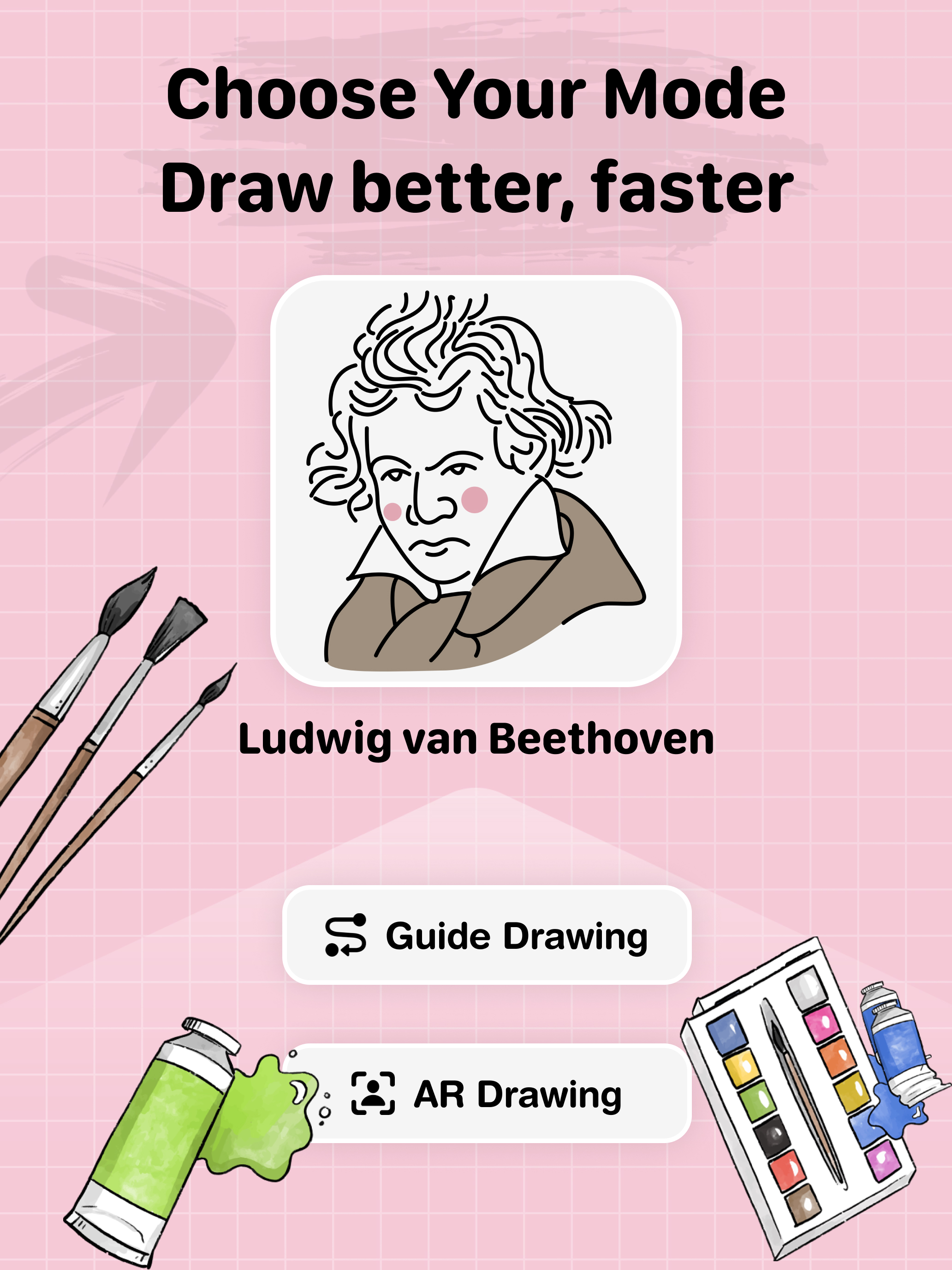
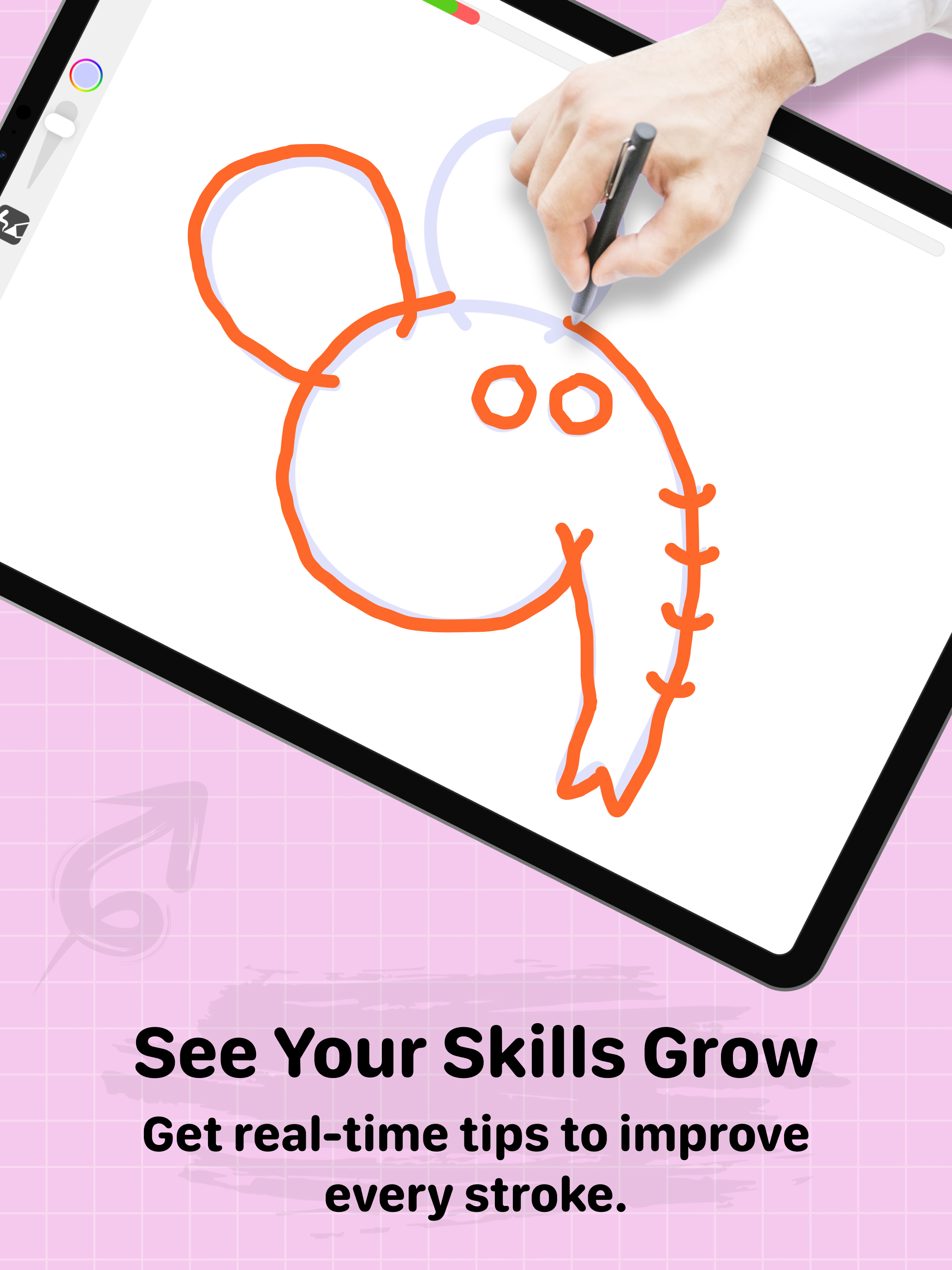
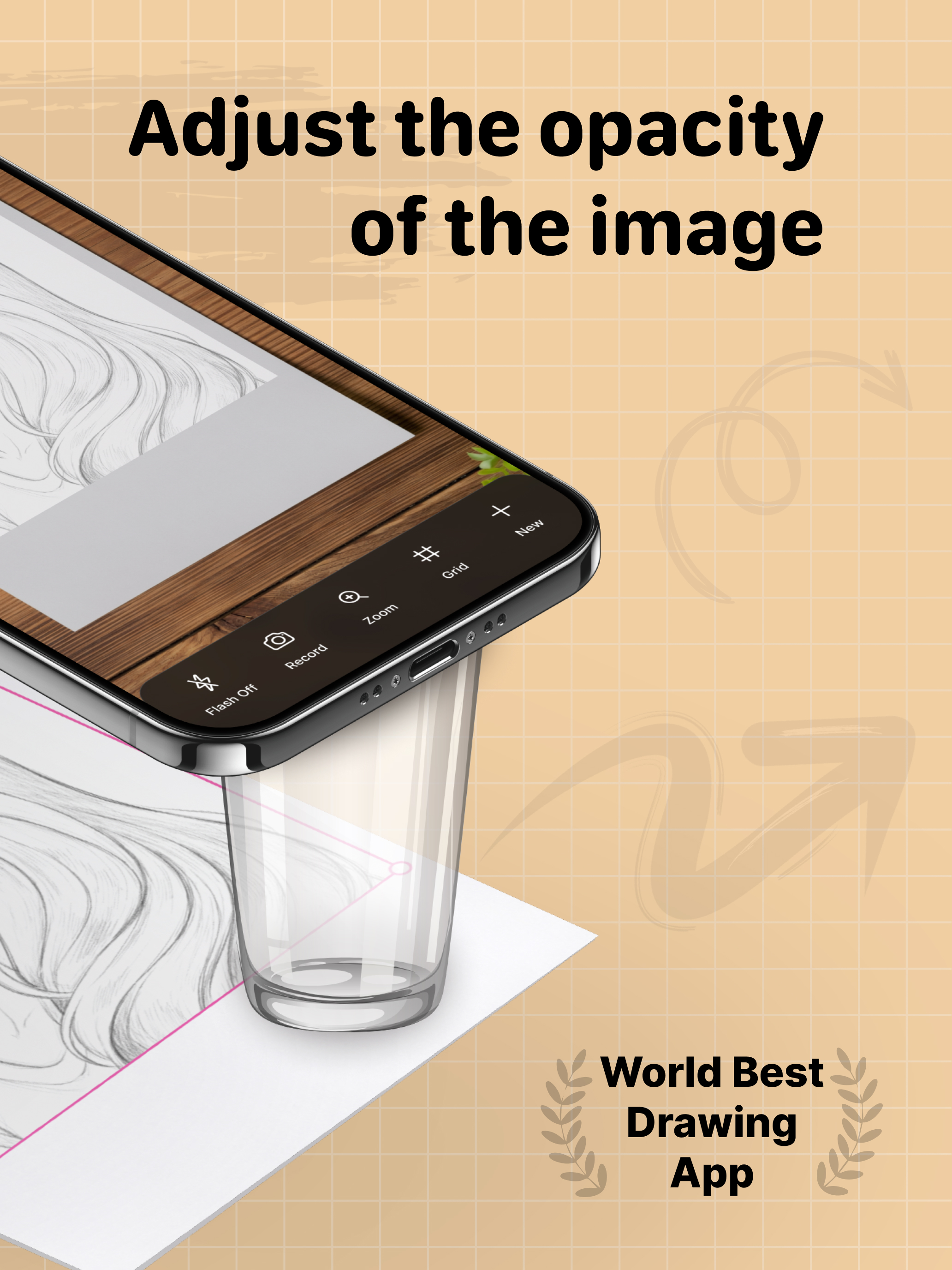
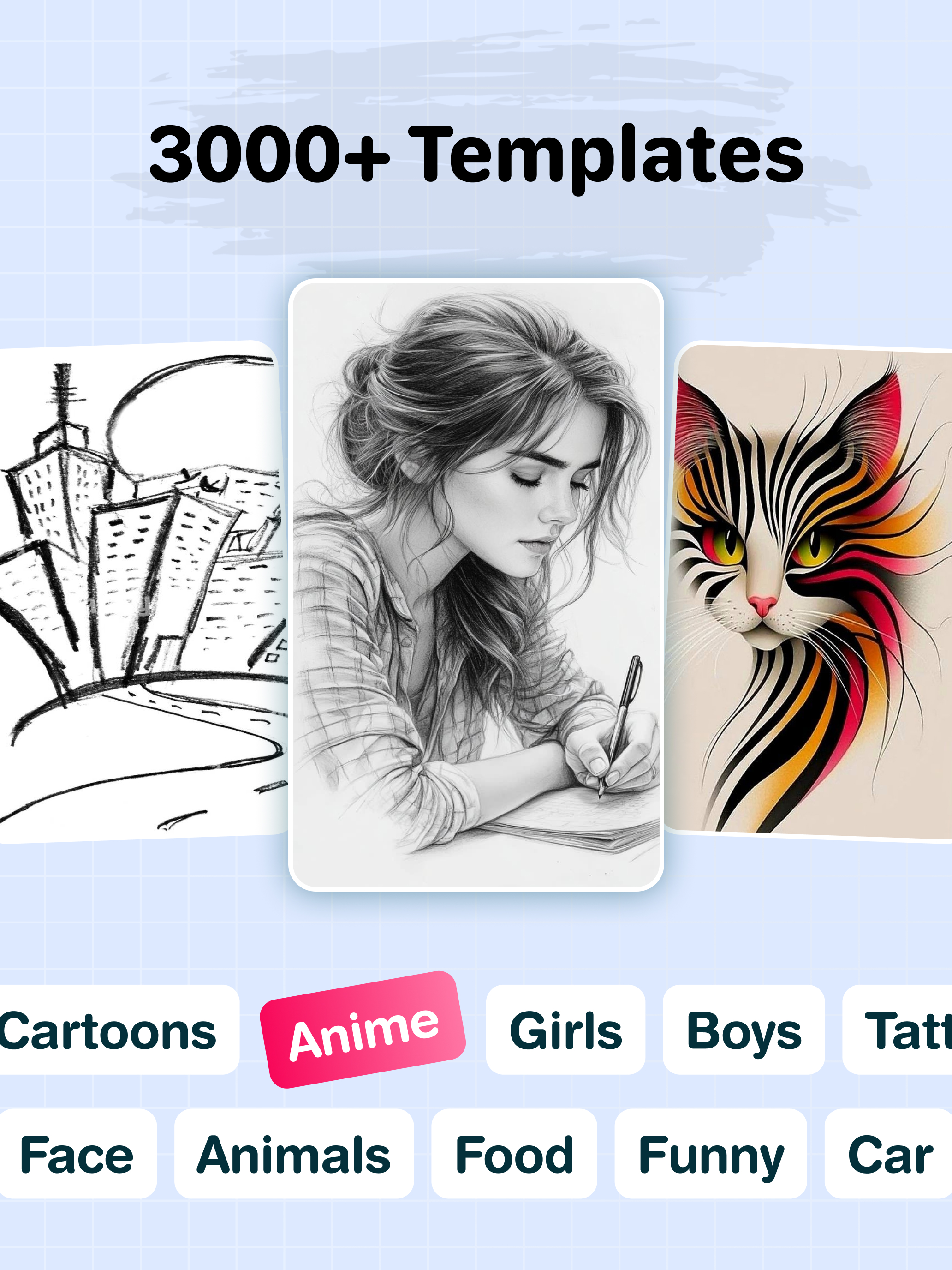
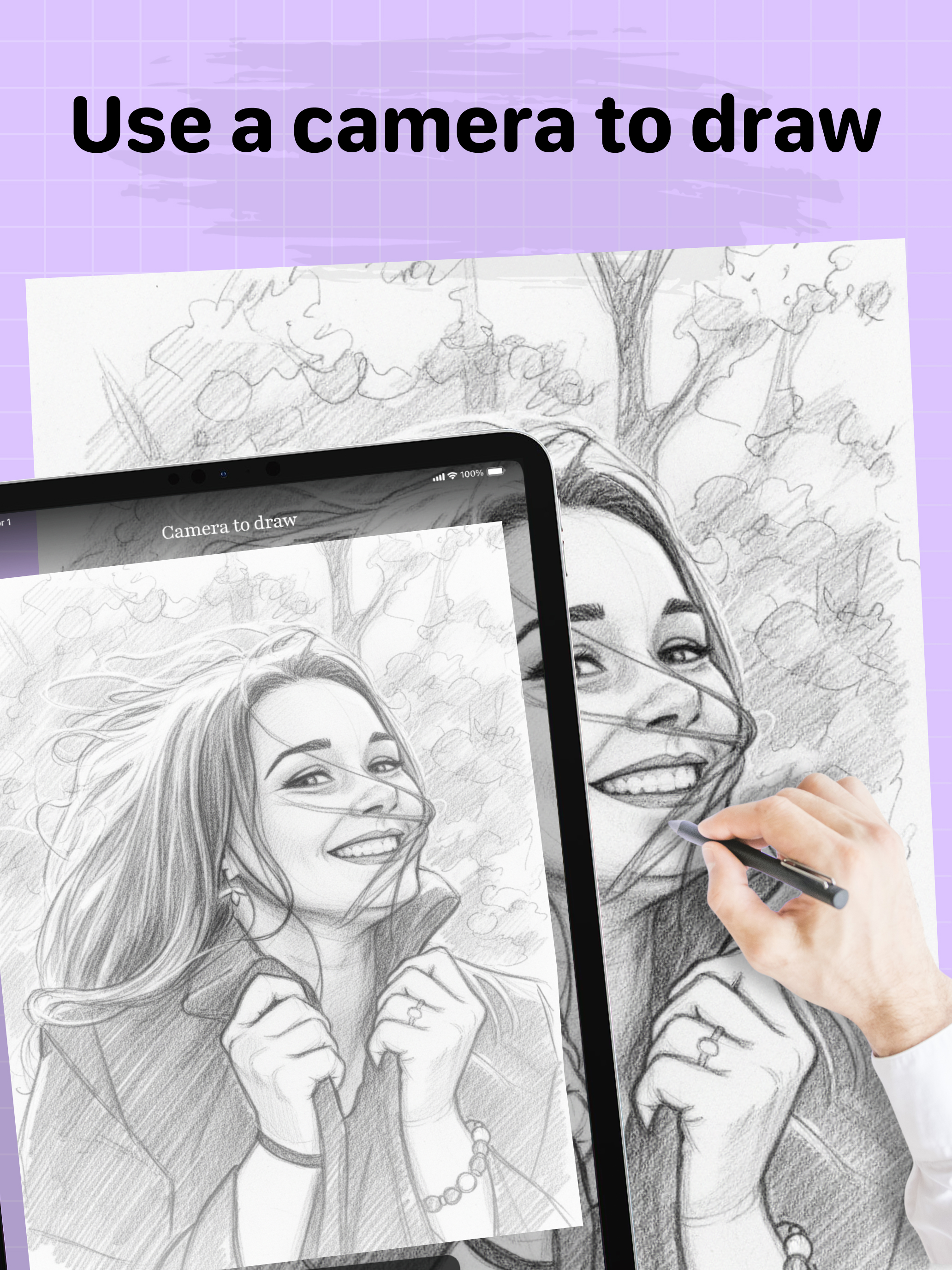
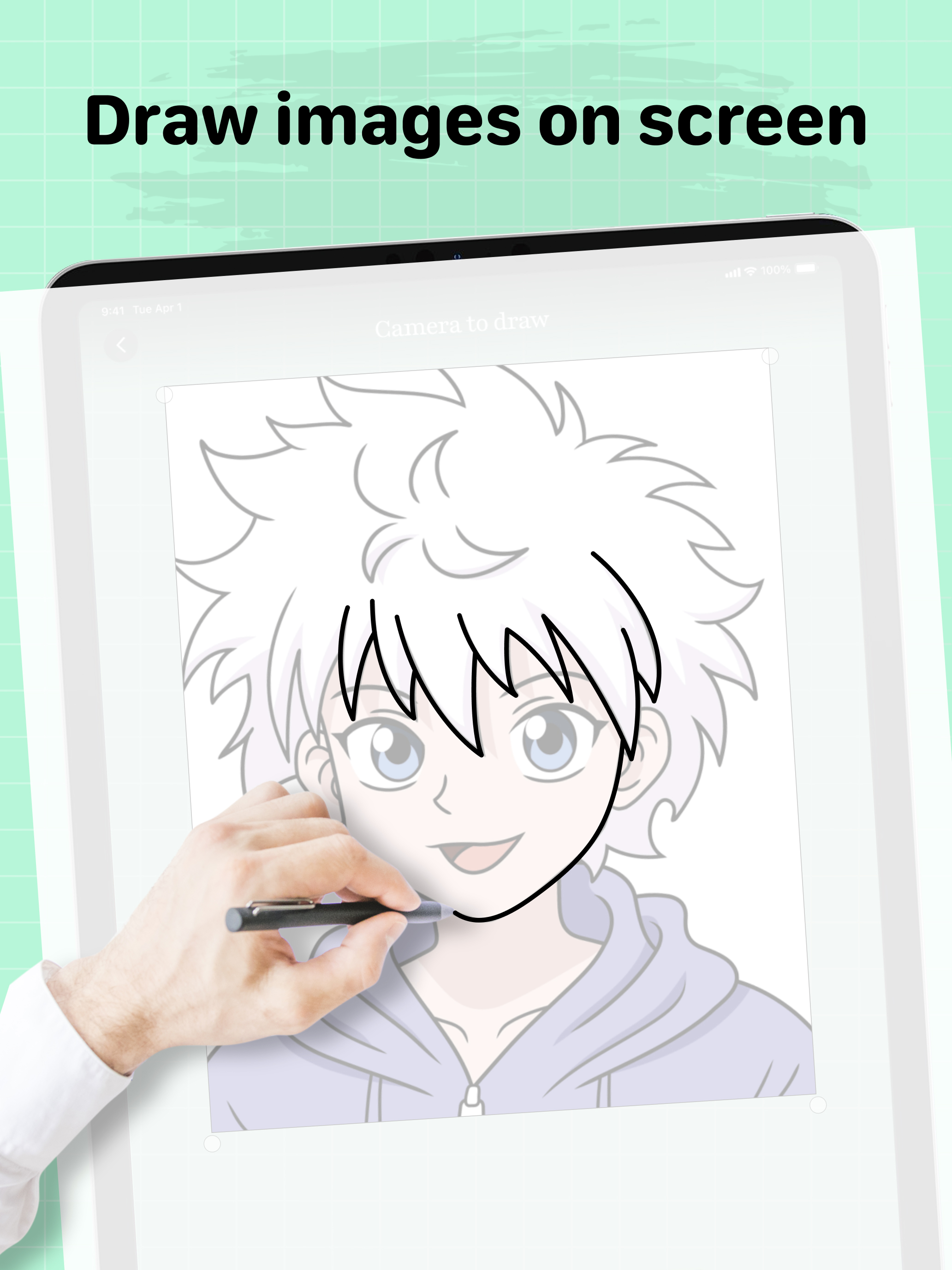
4.7Introducing the new and improved AR Sketch Drawing, now enhanced with powerful learning features of guided drawing to offer the ultimate drawing experience for artists of all levels. Augmented Reality Drawing Meets Guided Learning AR Sketch Drawing’s core strength—using your phone’s camera to project traceable images onto real-world surfaces—remains at the heart of the app. Now, it’s supercharged with Guided, step-by-step tutorials and real-time feedback. Whether you're tracing anime characters, sketching animals, or exploring creative templates, you'll receive guidance and performance evaluations to help you improve. Guided drawing becomes your personal drawing coach. It helps you learn to draw through a fun, game-like experience while analyzing your progress. How is it different from other apps? * It tracks your drawing accuracy • It assesses the quality of your strokes • Well-structured lessons that combine a little theory with plenty of practice • More than just line tracing – try skill-based trainers with instant feedback Beginners can build strong fundamentals and improve gradually. Experienced artists can use this as a daily warm-up to refine and sharpen their skills. It’s a true Drawing guide: - Engage your creative muscles! -It’s interactive, motivating, and enjoyable. AR Sketch Drawing app is a tool that allows users to take a photograph or image and trace over it to create a sketch or drawing. It typically has features such as adjustable line thickness, different brush styles, and an eraser tool. To use the app, the user first selects an image to trace or takes a new photograph. Place phone about 1 feet above and look into the phone and draw on paper. So how does it work? * Select an image from the app or gallery and apply a filter to create a traceable image. After that, you will see that image on the camera screen with transparency & you have to put drawing paper or book anything on which you want to trace and draw. Your image will not appear on paper but a transparent image with camera so that you can trace it on paper. * Draw on paper by looking at the phone with a transparent image. * Select any image and convert it to a tracing image. AR Sketch Drawing Premium Subscription: * With AR Sketch Drawing Premium Subscription, you will have access to all premium features like get access for drawing lessons, explore more creative images with an Ads-Free experience. * AR Sketch Drawing Premium Subscription is billed monthly and annually at the rate corresponding to the selected plan. * Payment will be charged to iTunes Account at confirmation of purchase. * Subscription automatically renews unless auto-renew is turned off at least 24-hours before * Any unused portion of a free trial period, if offered, will be forfeited when the user purchases a subscription to that publication, where applicable. Key Features * AR Tracing: Project images onto paper using your camera and trace with precision. * 2,500+ Guided Lessons: Learn to draw with bite-sized tutorials covering doodling, sketching, painting, and handwriting. * Stroke Evaluation: Receive instant feedback on line accuracy and stroke quality to track your progress. * Creative Templates: Access a vast library of traceable images, including animals, cars, nature, and more. * Apple Pencil Support: Enhance your digital drawing experience on iPad. * Stress-Free Learning: Enjoy a game-like, relaxing environment suitable for beginners and pros alike. Terms of Use :- https://drawtraceandsketch.blogspot.com/2026/02/ar-drawing-ar-sketch.html Privacy Policy :- https://drawtraceandsketch.blogspot.com/2023/06/draw-trace-draw-trace-sketch-app.html







![How to measure customer sentiment for app reviews [7 metrics]](https://cdn.appfollow.io/blog/static/appfollow_1335e02d-b0b3-49f7-9eb6-94171dc7e379.jpg)


