


Ratings & Reviews performance provides an overview of what users think of your app. Here are the key metrics to help you identify how your app is rated by users and how successful is your review management strategy.
 4.7
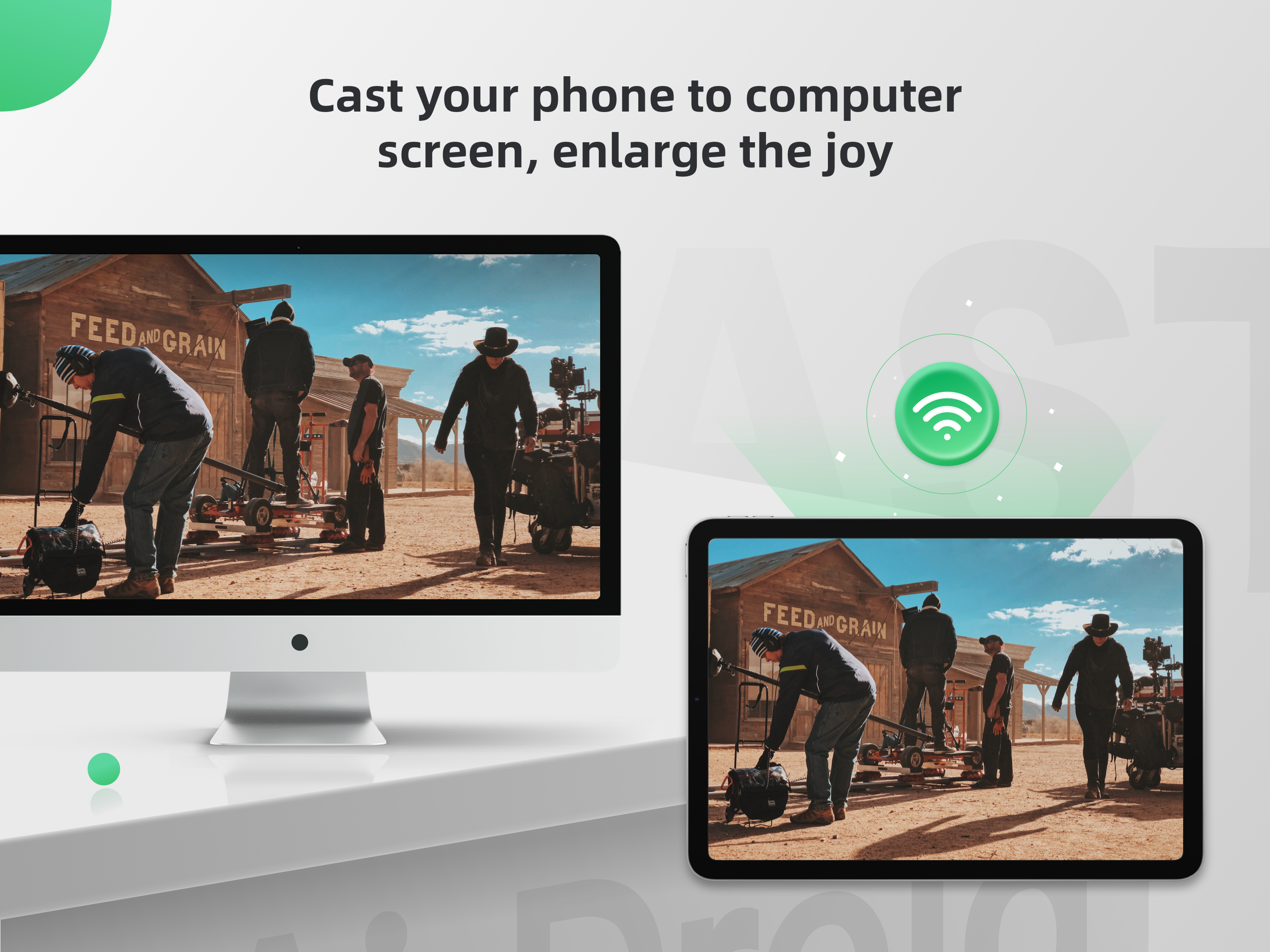
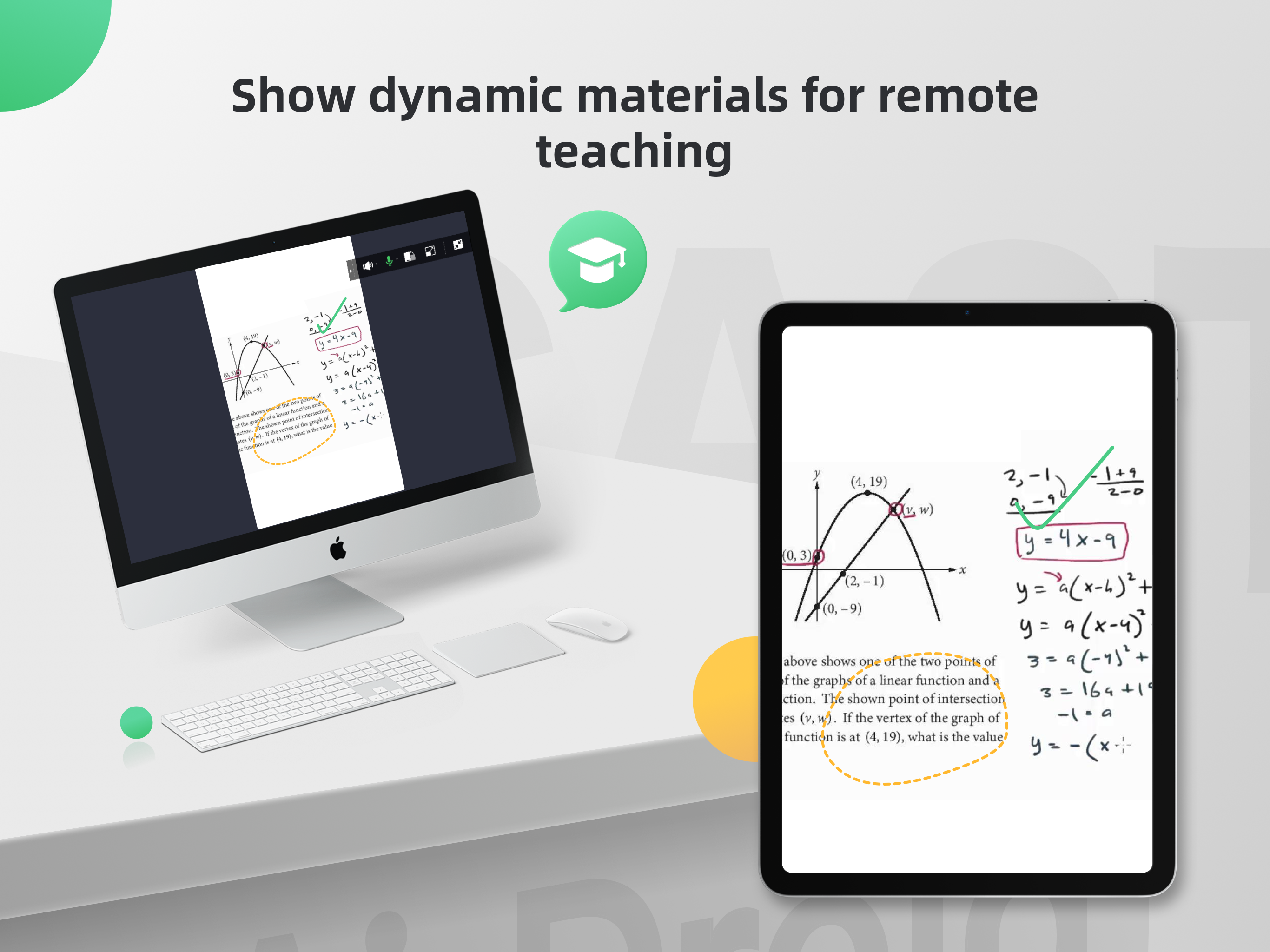
4.7AirDroid Cast is a cross-platform screen mirroring app. It offers seamless screen mirroring via USB / AirPlay / wireless local and remote network, for all devices, including iOS, ,Windows, and Mac. You can share up to 5 screens simultaneously, and remote control the mobile is supported. AirDroid Cast also has a web version: webcast.airdroid.com, enabling screen sharing to any browser without requiring installation on the receiving device. >>>Key Features of AirDroid Cast -Cross-platform Screen Casting This screencasting app is compatible with multiple systems, including iPhone, Windows, and Mac. Supporting screen mirroring from your iPhone/Mac/Windows to your computer or vice versa without hassle. -Connect Devices wirelessly or via a USB cable This app offers you three distinct connection options: wireless, AirPlay, or USB cable. Connect your devices in a way that works best for you. -Mirror the Screen Remotely with Ease AirDroid Cast also works seamlessly in remote networks, providing greater accessibility for remote collaboration. It enables you to effortlessly share your screen with colleagues from afar, making it easier to collaborate on projects, provide feedback, and make changes in real time. -Control Mobile Devices from Computer With its Control feature, you will fully control your iOS device (iPhone/iPad) screen from a laptop or computer. It helps to relax your hand by not having to hold your phone all the time. AirDroid Cast supports casting a maximum of five devices onto a single screen simultaneously, making it ideal for businesses or individuals who need to multitask efficiently. >>>Perfect for Various Screen Mirroring Occasions -Personal use -Business Meeting -Online class/Education -Live streaming -Movies/Sports video mirroring -Presentation -Gaming -Work from home >>> Payment - Payment will be charged to iTunes Account at confirmation of purchase - Subscription automatically renews unless auto-renew is turned off at least 24 hours before the end of the current period - Account will be charged for renewal within 24 hours before the end of the current period. The cost depends on the selected plan - The user may manage subscriptions, and auto-renewal may be turned off by going to the user's Account Settings after purchase - Any unused portion of the free trial will be forfeited when the user purchases a subscription > >>Feedback: For any further suggestions or questions, please feel free to contact us at support@airdroid.com Privacy Policy: https://cast.airdroid.info/#/Privacy EULA: https://cast.airdroid.info/#/Eula Payment Terms: https://cast.airdroid.info/#/Payment





![How to measure customer sentiment for app reviews [7 metrics]](https://cdn.appfollow.io/blog/static/appfollow_1335e02d-b0b3-49f7-9eb6-94171dc7e379.jpg)

