Ratings & Reviews performance provides an overview of what users think of your app. Here are the key metrics to help you identify how your app is rated by users and how successful is your review management strategy.
 4.0
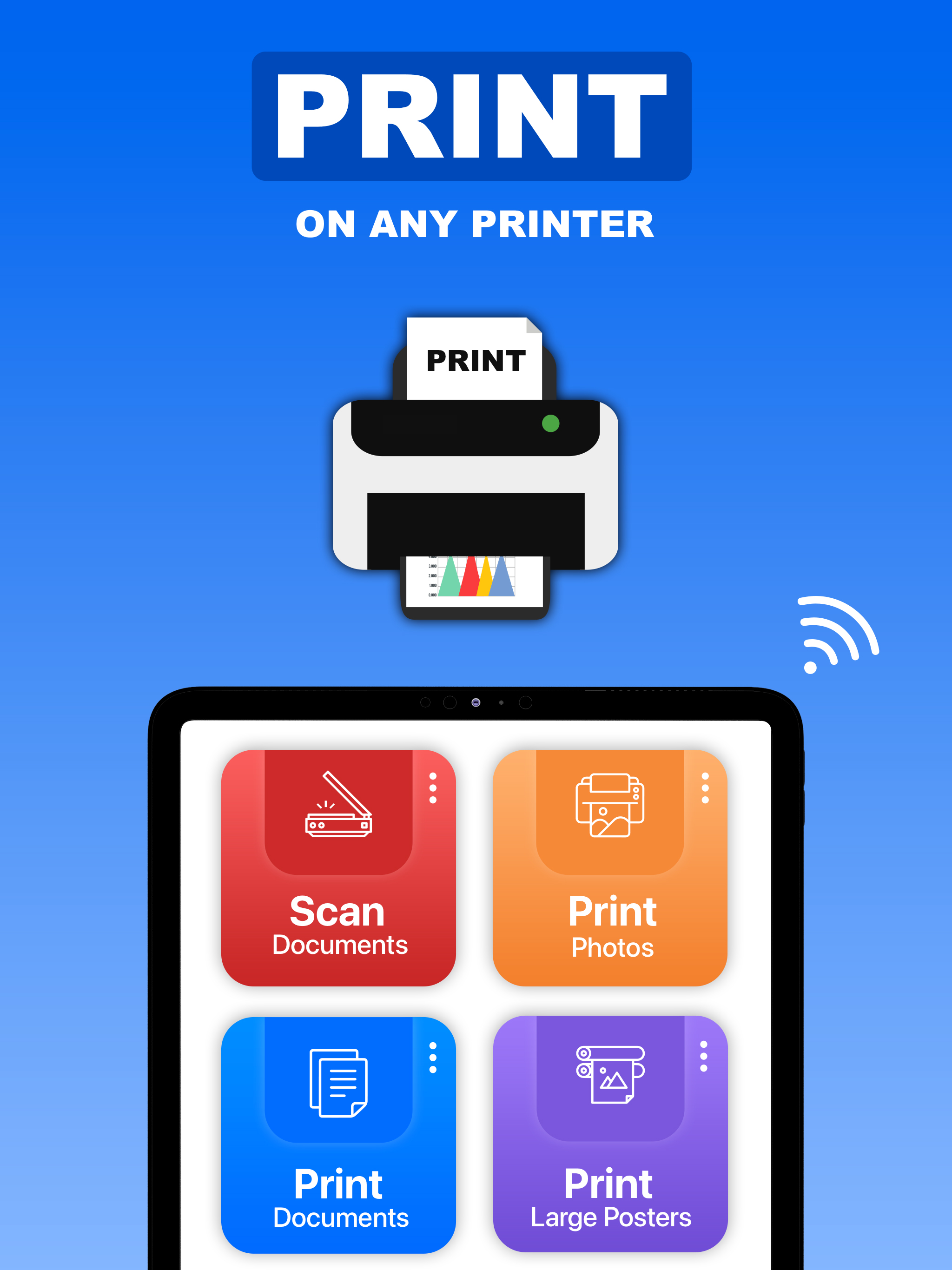
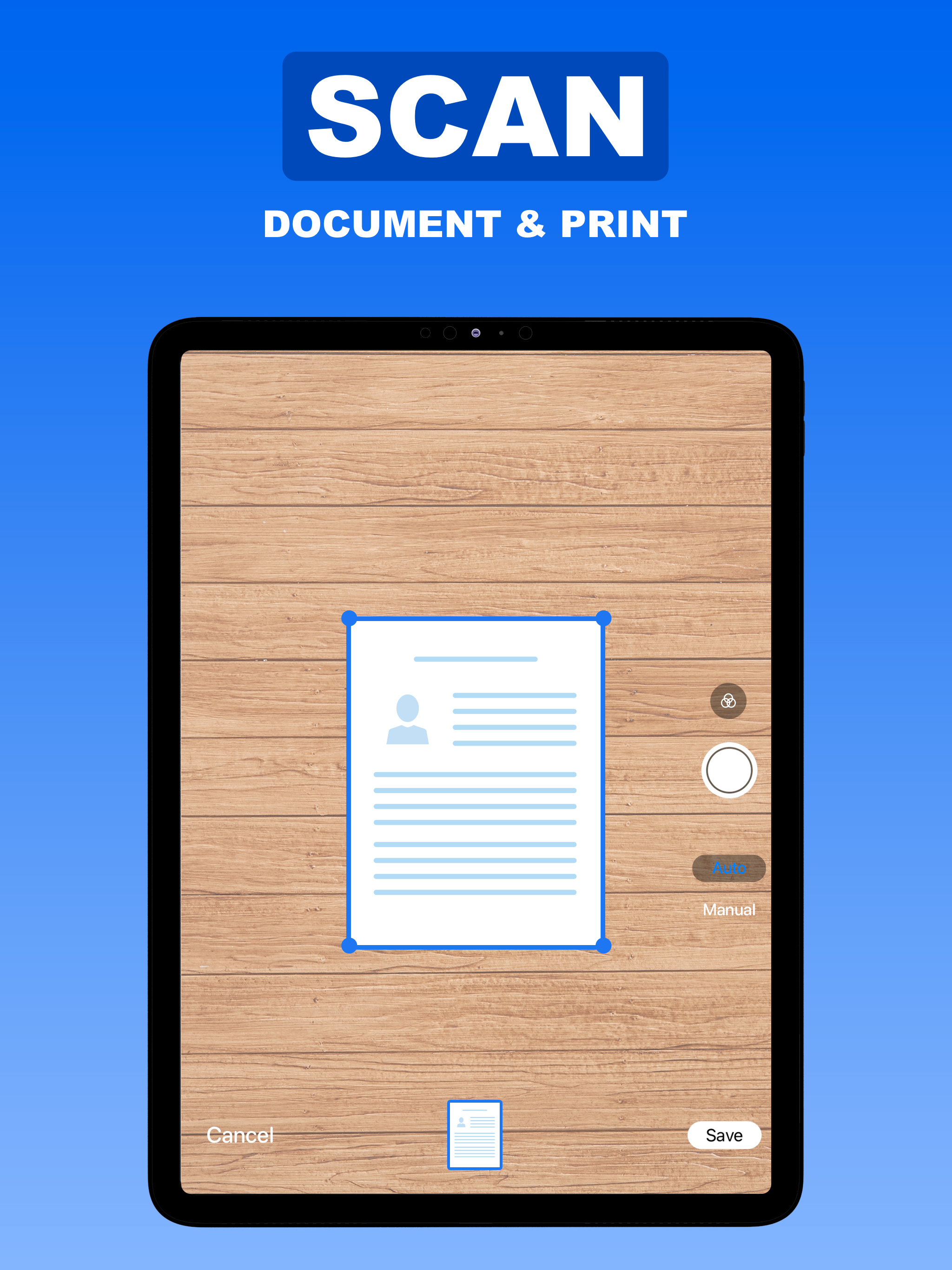
4.0Air Printer App: Air Print helps you print photos and documents from your iPhone or iPad. Choose any AirPrint-compatible printer, including HP, Epson, Brother, or Canon, and start printing in just a few seconds. Whether you need to print an important document, a memorable photo, a large poster, or extracted text, this all-in-one printer app provides convenient tools for your everyday printing needs. KEY FEATURES ◆ PRINT FROM IPHONE OR IPAD Print documents and photos wirelessly from your iPhone or iPad using an AirPrint-compatible printer. No additional drivers or complicated setup are required. ◆ PRINT PHOTOS Choose your favorite photos from your camera or photo library and print them within seconds. Select and print multiple photos whenever needed. ◆ PRINT DOCUMENTS Access documents stored on your device or in iCloud and send them directly to your smart printer. Conveniently manage and print your important personal, school, or business files. ◆ SCAN DOCUMENTS Turn your iPhone or iPad into a portable document scanner. Use your device’s camera to scan documents, receipts, forms, notes, and photos, then prepare them for printing. ◆ PRINT LARGE POSTERS Transform your favorite photo into a large poster. Divide an image across multiple printable pages, adjust the layout according to your needs, and combine the printed pages to create a bigger poster. ◆ COPY TEXT FROM PHOTOS Extract text from photos and scanned images using built-in text recognition. Copy, edit, save, share, or print the extracted text whenever you need it. ◆ WEB PAGES Enter anything on the web and print it instantly with our smart printer. ◆ CUSTOMIZE PRINT SETTINGS Prepare your content before printing by adjusting available options such as paper size, page orientation, number of copies, color preferences, and layout. AIRPRINT SUPPORT Air Printer App works with AirPrint-compatible models from popular manufacturers, including HP, Epson, Brother, Canon, Samsung, Dell, Lexmark, Xerox, Panasonic, Ricoh, Toshiba, Sharp, and many others. Your iPhone or iPad and printer must be connected to the same Wi-Fi network, and the selected printer must support AirPrint. EVERYDAY PRINTING MADE SIMPLE Air Printer App is suitable for printing: • Photos and images • Scanned documents • Personal and business files • Receipts and forms • School assignments • Travel documents • Large posters • Text extracted from images From scanning a document to printing a photo, Air Printer App brings essential printing tools together in one convenient place. Choose your content, select your printer, and print in just a few simple steps. Download Air Printer App today and make printing from your iPhone or iPad faster, easier, and more convenient. Subscription Options: - Air Printer App is free to download. It contains preferable auto-renewing subscription options for Unlimited Use. - Once you subscribe to any of your preferable options, you can enjoy all the features of the app. - Payment will be charged to iTunes Account at confirmation of purchase. - Subscription automatically renews unless auto-renew is turned off at least 24-hours before the end of the current period. - Account will be charged for renewal within 24-hours prior to the end of the current period, and identify the cost of the renewal. - Subscriptions may be managed by the user and auto-renewal may be turned off by going to the user's Account Settings after purchase. Privacy Policy: https://sites.google.com/view/nilu-technologies/privacy-policy Terms of Use: https://sites.google.com/view/nilu-technologies/termsconditions