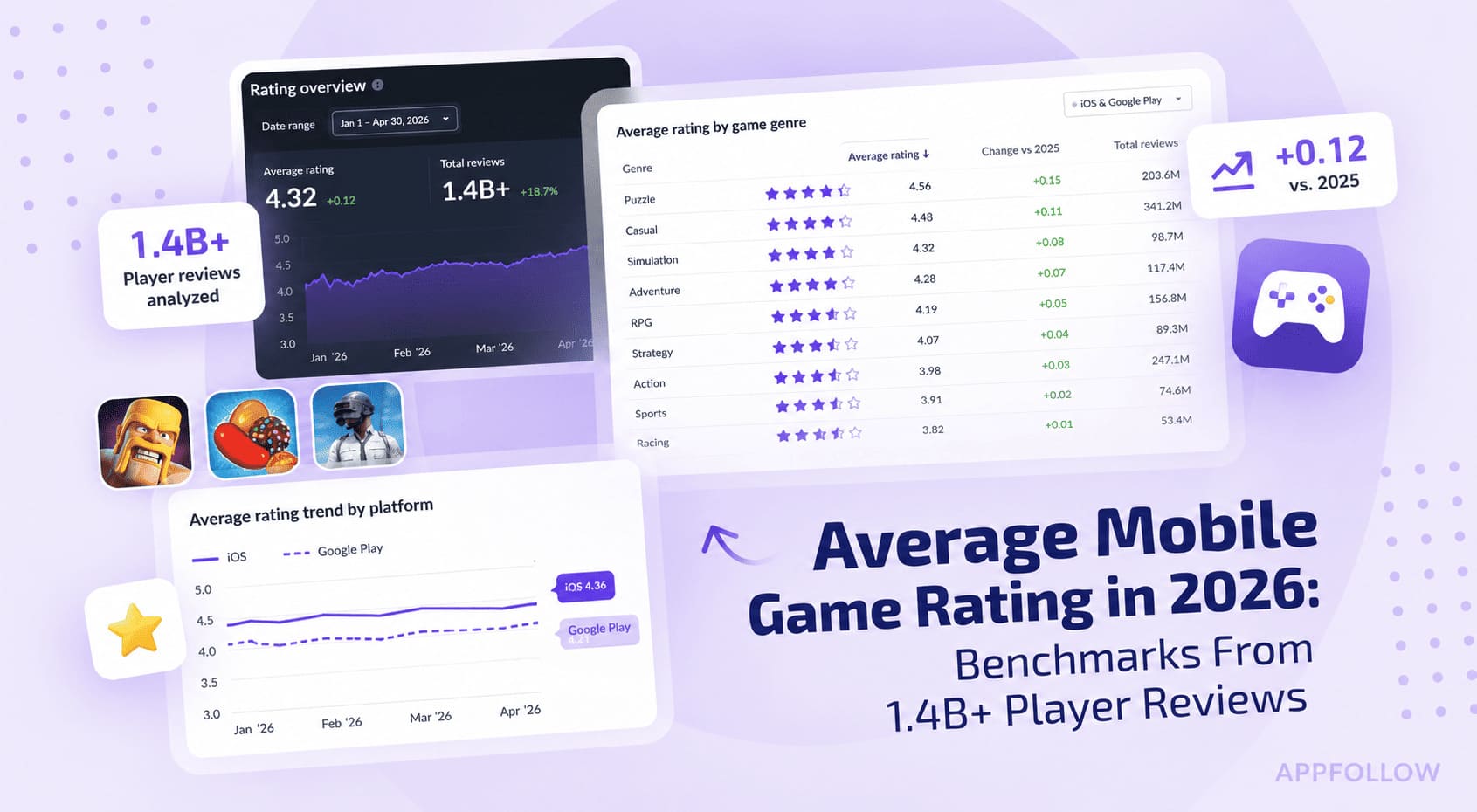
Ratings & Reviews performance provides an overview of what users think of your app. Here are the key metrics to help you identify how your app is rated by users and how successful is your review management strategy.
 5.0
5.0AI Humanizer — Advanced AI Text Enhancement Tool Humanize AI text in seconds. Rewrite, paraphrase, and improve AI-generated content so it reads natural, fluent, and human-like. AI Humanizer turns mechanical AI phrasing into clear, engaging writing. Our models vary sentence structure, smooth transitions, and adapt tone & style—so your message stays the same, but the text feels genuinely written by a person. Why people choose AI Humanizer Natural language refinement – Fixes AI-like patterns and awkward phrasing. Keeps your meaning – Restructures sentences while preserving intent and key ideas. Clarity & readability – Improves flow, removes redundancy, boosts fluency. Fast & efficient – Paste up to 3,000 characters and get results in seconds. Private & secure – Your text is processed securely; we respect your content. Perfect for Students & writers – Polish drafts and make AI text easier to read and review. Content creators & marketers – Rewrite for blogs, social posts, and landing pages. Professionals – Produce natural-sounding emails, memos, and reports. Advanced features Deep restructuring – Goes beyond synonyms to vary syntax and rhythm. Tone & style control – Choose formal, neutral, or casual to match your voice. Originality enhancement – Create distinctive rephrases while keeping the message. Multi-language support – Humanize text across 130+ languages. Continuous improvements – Regular updates for quality and consistency. How it works Paste your text • 2) Pick a tone (or keep Auto) • 3) Tap Humanize and copy. Use AI Humanizer to humanize, rewrite, paraphrase, and rephrase AI text into natural, trustworthy writing—fast. Note: Always review the output and follow your school or workplace guidelines. AI HUMANIZER FEATURES REQUIRE A SUBSCRIPTION. Plans and prices may vary by region. Manage or cancel anytime in your App Store account settings. Terms of Use: https://www.apple.com/legal/internet-services/itunes/dev/stdeula/