Ratings & Reviews performance provides an overview of what users think of your app. Here are the key metrics to help you identify how your app is rated by users and how successful is your review management strategy.
 1.0
1.0
User reviews affect conversion to installs and app rating. Featured and helpful reviews are the first to be noticed by users and in case of no response can affect download rate.
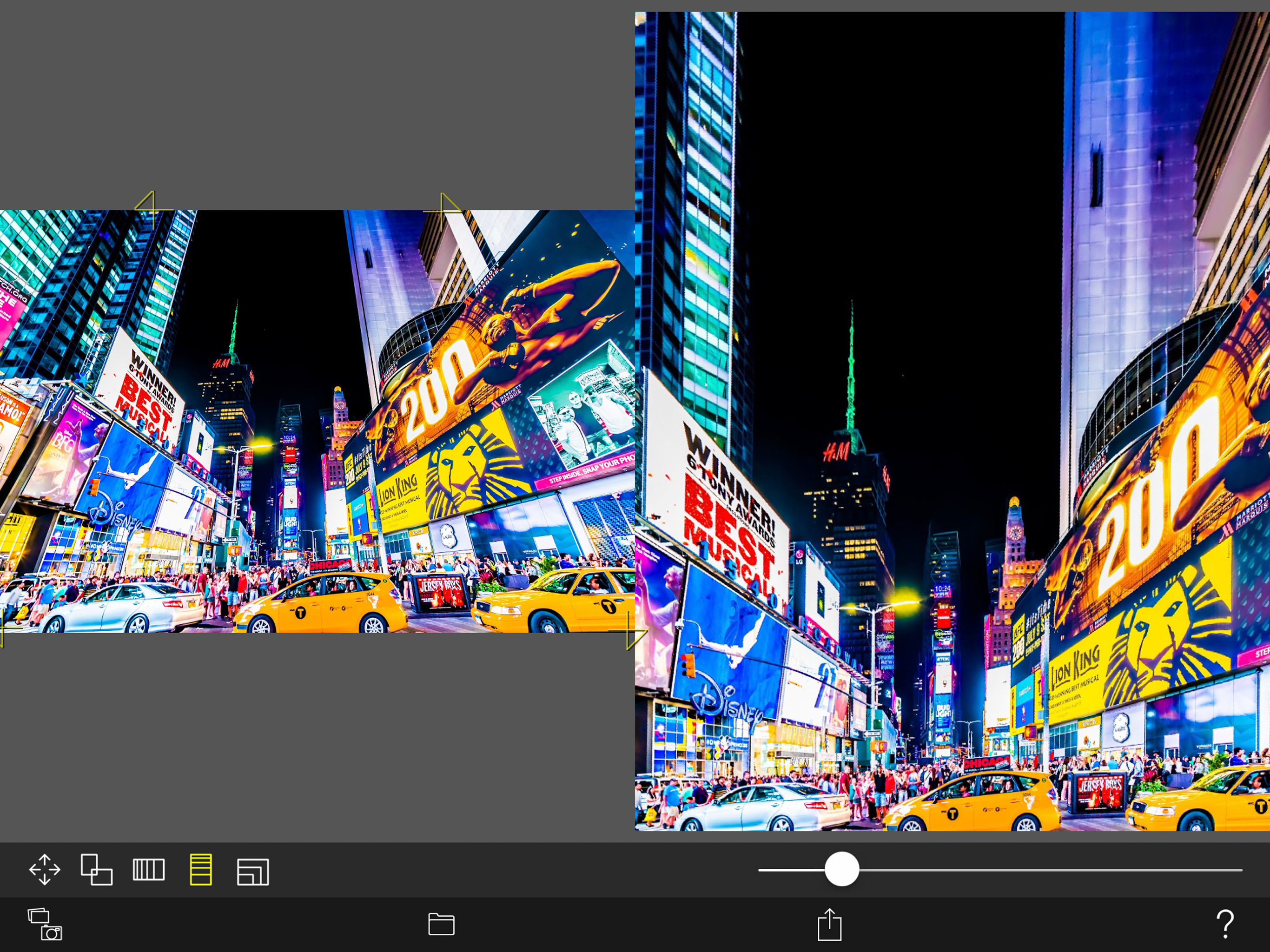
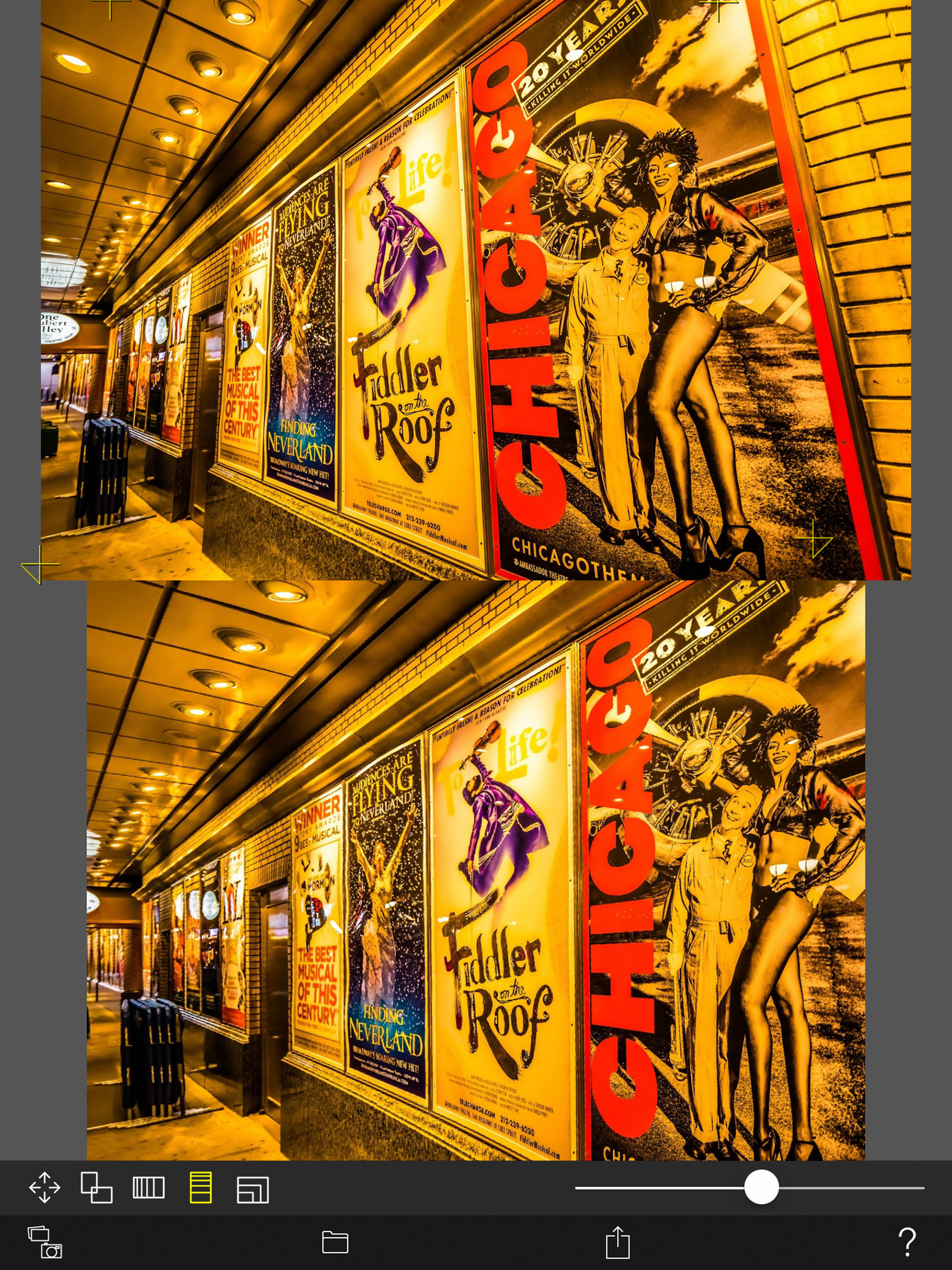
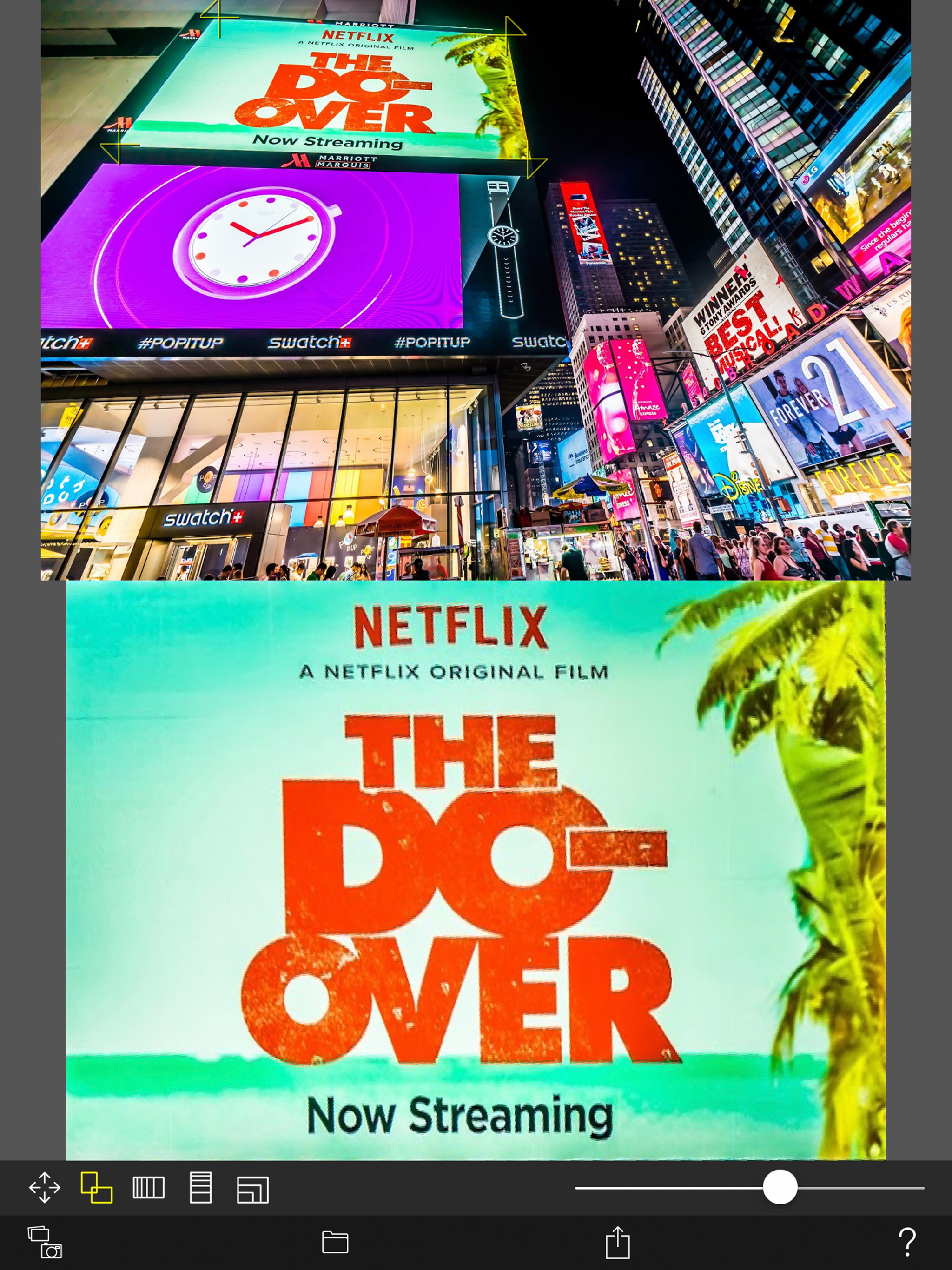
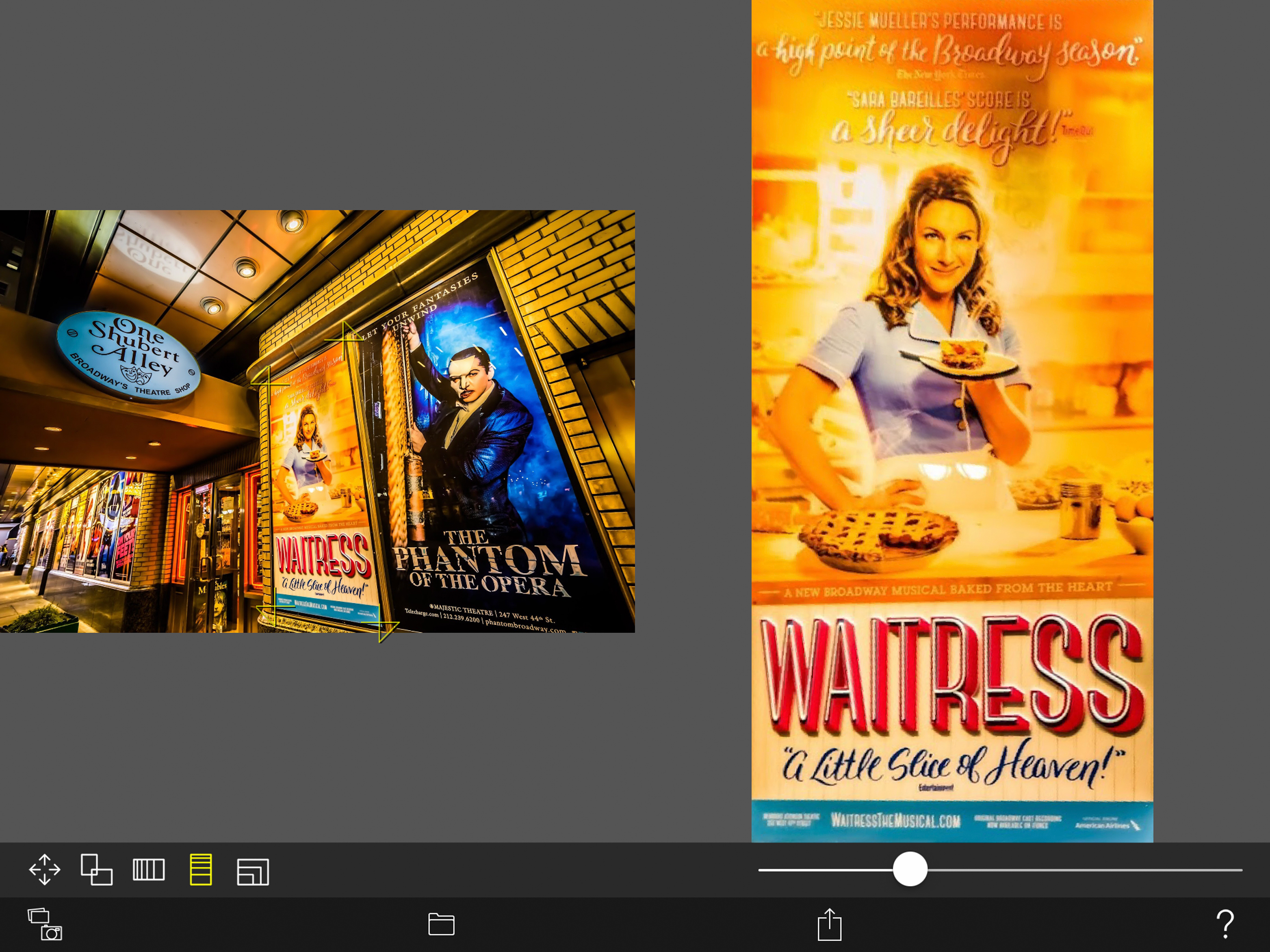
This is a camera app that corrects distortion and perspective of photos. Whole photo, Documents, posters, arts such as paintings and calligraphy, exhibits, screens, blackboards, whiteboards, signs, screens, timetables, etc. You may want to leave a photo as a memo by taking photos with your smartphone camera or tablet camera. The problem is that the image of the picture is distorted by the influence of the camera lens. Even if the subject is at a right angle, it will not be a right angle photo. If the subject is rectangular, it will be a quadrangle with perspective. You can convert such perspective distorted quadrangle to the original subject rectangle. Cut out a free-form quadrangle from the photo and convert it to a rectangle. The cropping quadrangle does not have to be a right angle, and it is OK to use a trapezoid, a rhombus, a parallelogram, or a freeform quadrangle. If you can not shoot the subject directly in front of you, the photos will have perspective. To be precise, even if taken straight ahead, some distortion is inevitable. However, with this app, even photos taken from an oblique direction can be converted to rectangular images viewed from the front. You can edit the position of the corner mark for clipping while checking the clipping image on the preview screen in real time. Material picture - Photographing (camera) - Selection of photo (camera roll) Save cropped image - Save image (Camera roll) - Image sharing (Twitter, Facebook, LINE, Dropbox etc.) Cropped image settings - 4 corner marks for clipping (movement by drag operation) - The amount of movement of the corner mark - aspect ratio - Horizontal perspective correction - Vertical perspective correction - Resolution of saved image