Ratings & Reviews performance provides an overview of what users think of your app. Here are the key metrics to help you identify how your app is rated by users and how successful is your review management strategy.
 3.0
3.0
User reviews affect conversion to installs and app rating. Featured and helpful reviews are the first to be noticed by users and in case of no response can affect download rate.
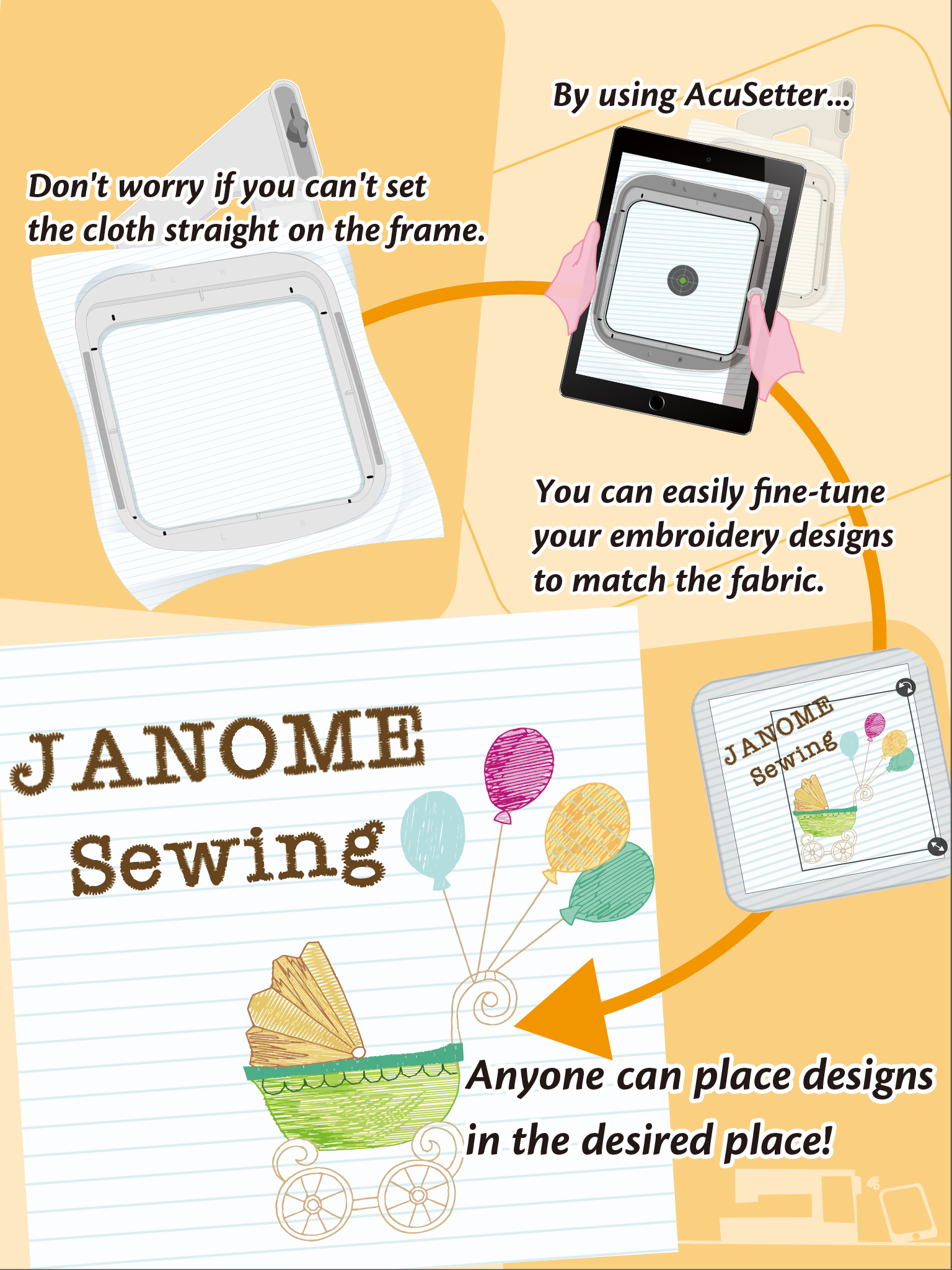
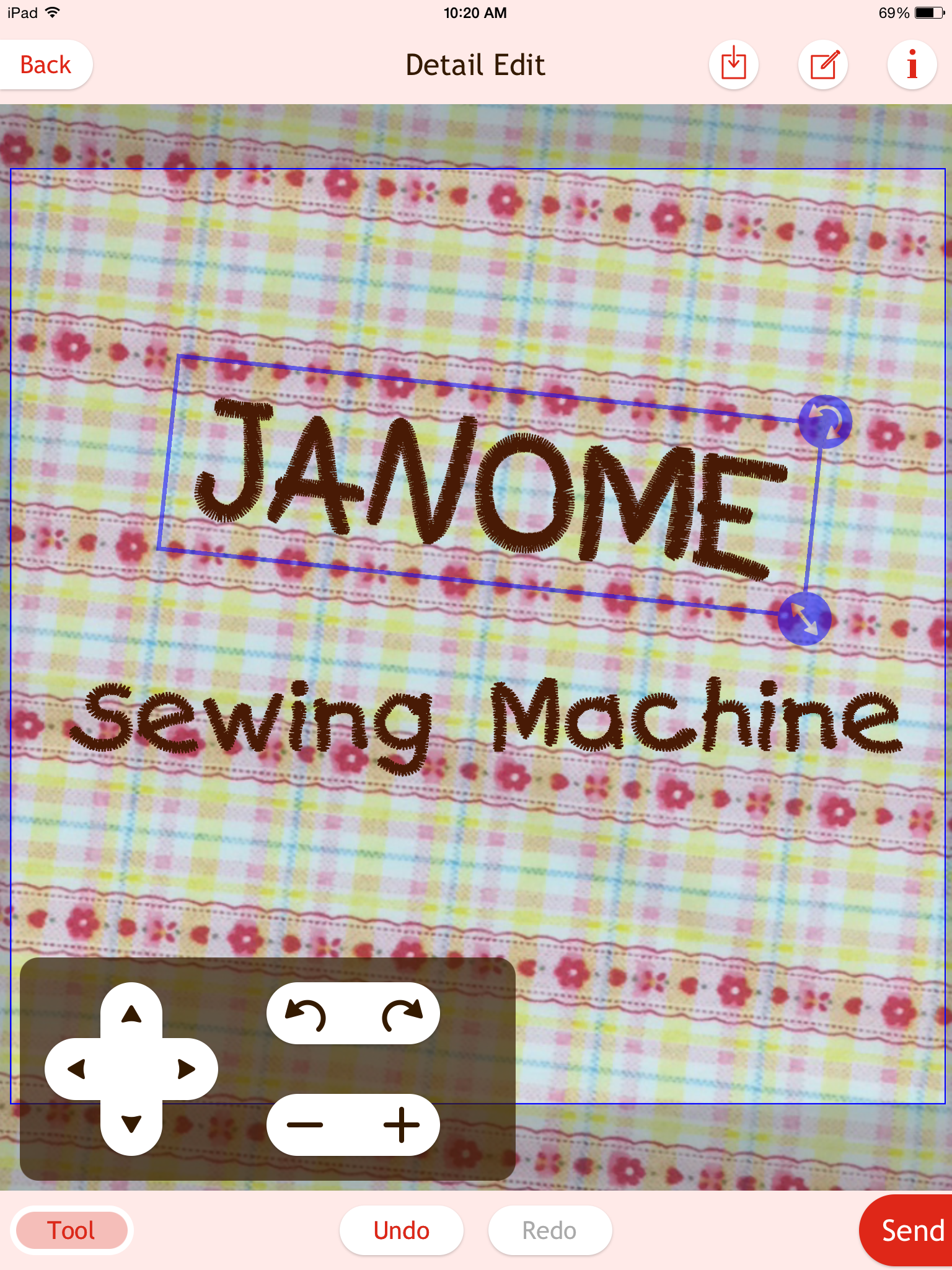
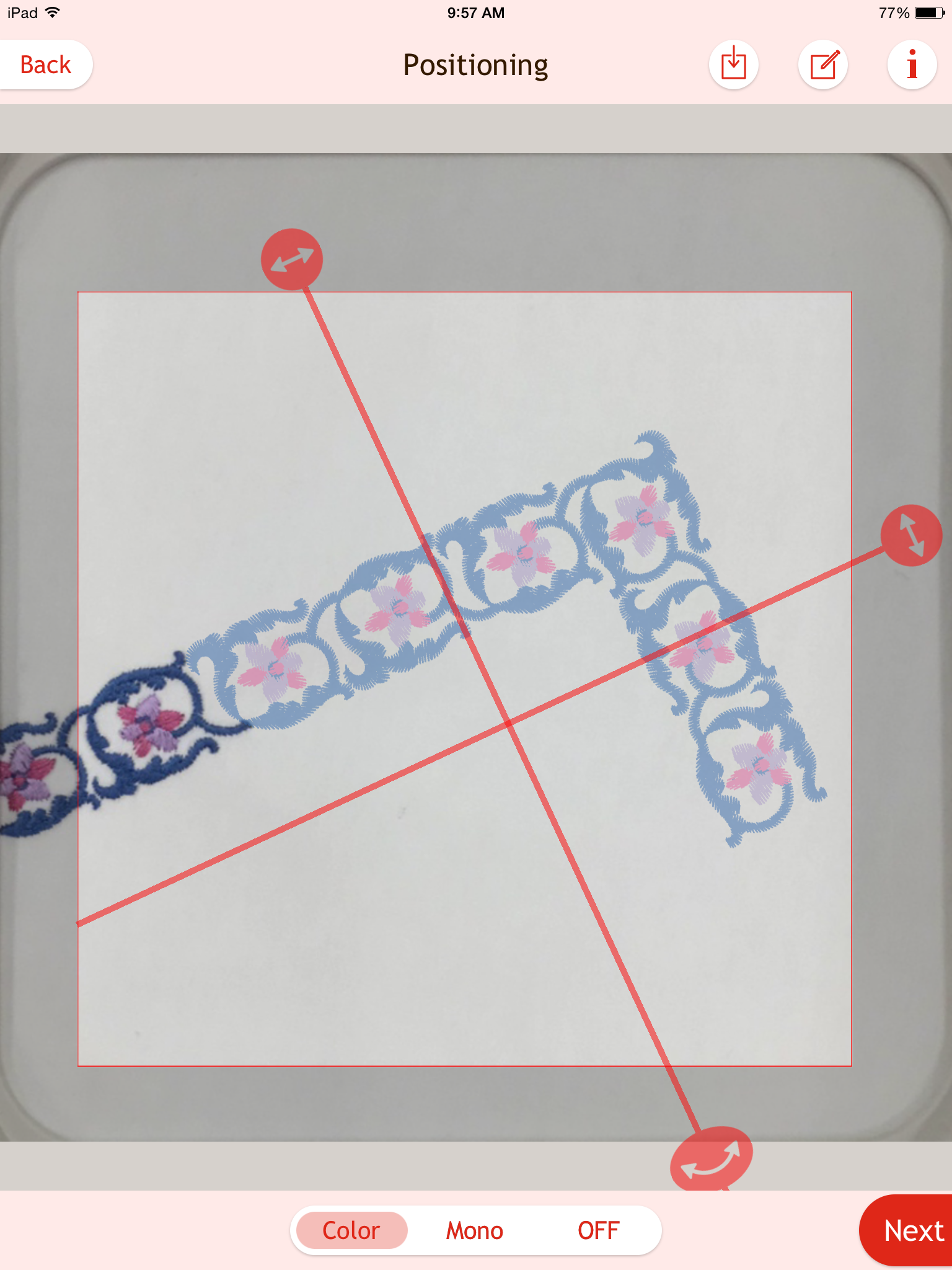
The AcuSetter app allows you to adjust the position of designs using your iPad and Wireless LAN before embroidering. Even if the fabric shifts a little when it is inserted in the hoop, reinserting it isn't necessary. By taking a photo of the embroidery hoop with the fabric inserted in it, the design can be easily arranged while checking various fabric conditions (shifting of the fabric's position, fabric patterns, embroidery already sewn, cross lines etc.). AcuSetter is compatible with the following sewing machine models: Please check the following web page : https://www7.janome.co.jp/global/softupdate/acusetter/ Link with Sewing Machine ・After receiving embroidery designs from the sewing machine's Ready to Sew mode, you can arrange the position of the designs. ・By sending the arranged embroidery designs to the sewing machine , you can embroider wherever you want. Hoop calibration Calibrate the app to match your machine in particular hoops. Set the combination of sewing machine, hoop, carriage, and tablet. Compatible embroidery hoops Please check the following web page : https://www7.janome.co.jp/global/softupdate/acusetter/ Other features By changing themes, you can switch to a screen display of your choice. Conditions ・The iPad is connected to Wireless LAN ・The sewing machine is connected to the same wireless LAN access point as the iPad *For iOS 14 or above, please allow the app access to find and connect to devices on your local network.