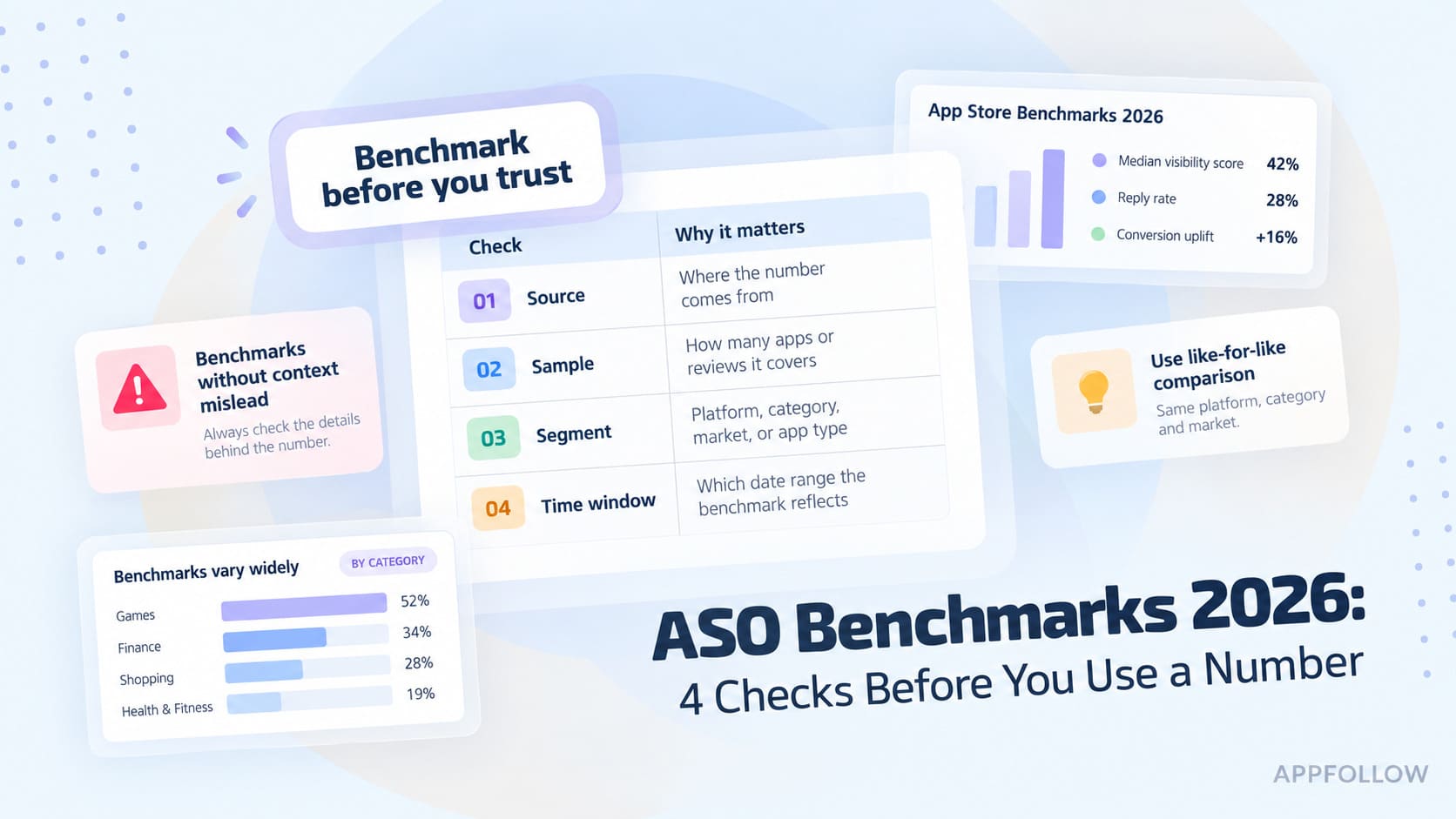
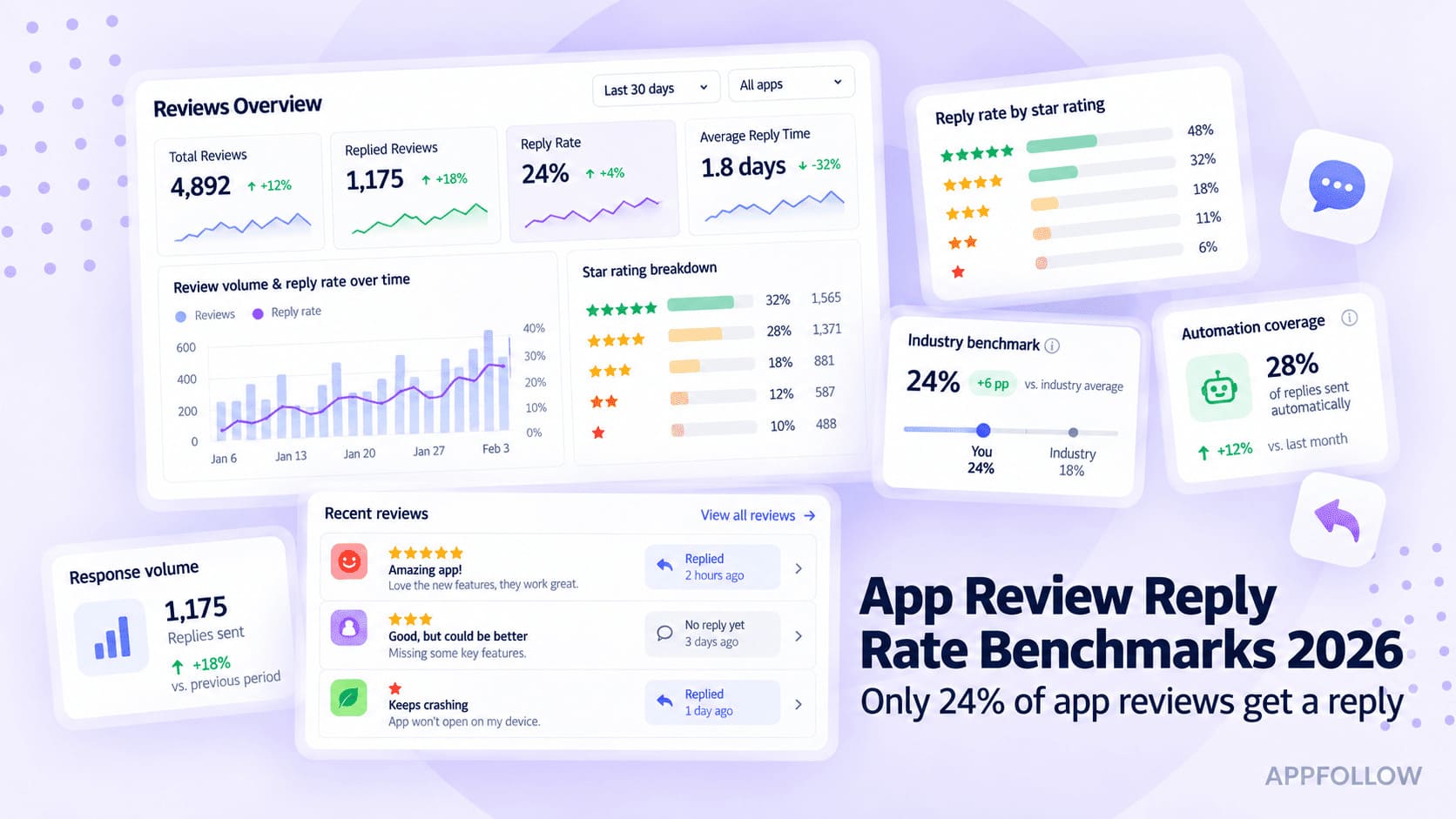
Ratings & Reviews performance provides an overview of what users think of your app. Here are the key metrics to help you identify how your app is rated by users and how successful is your review management strategy.
 1.0
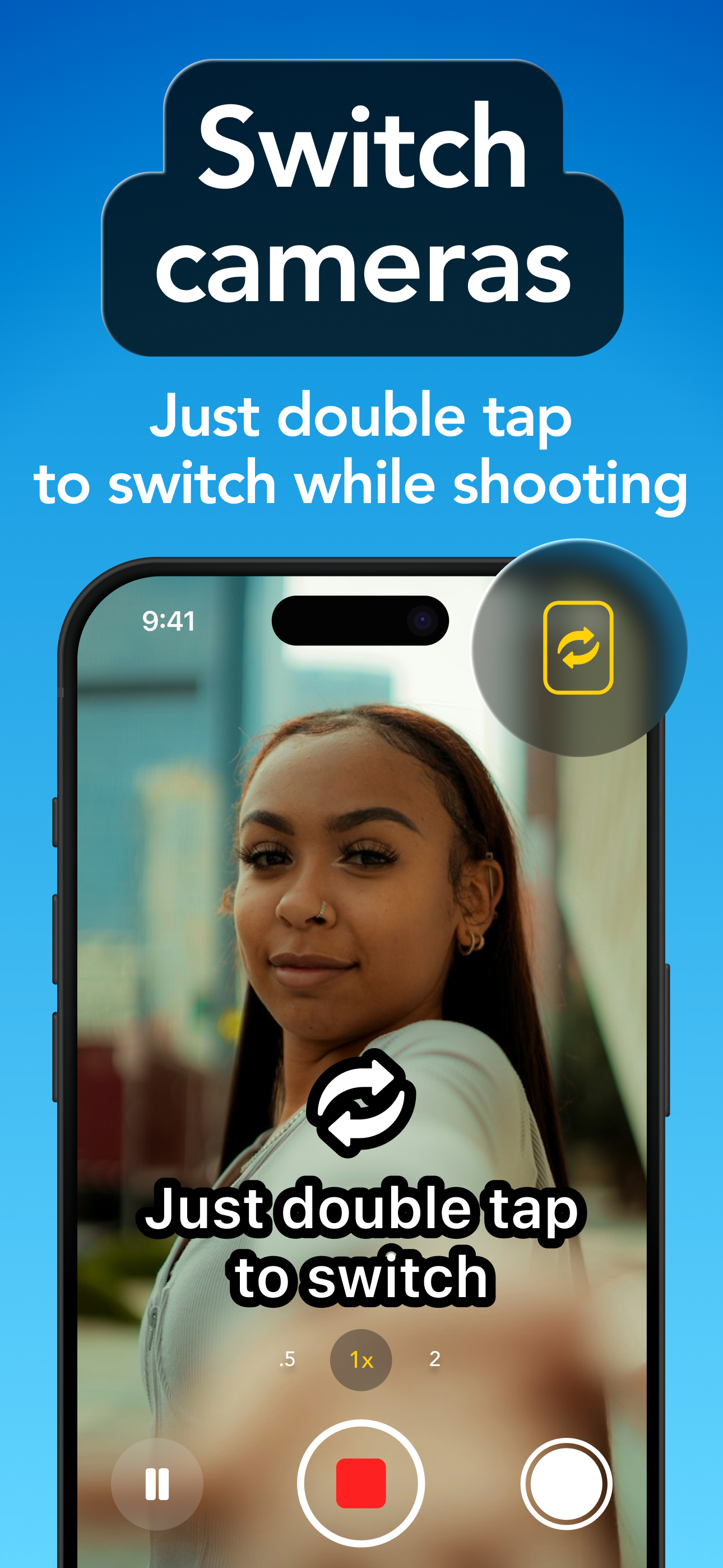
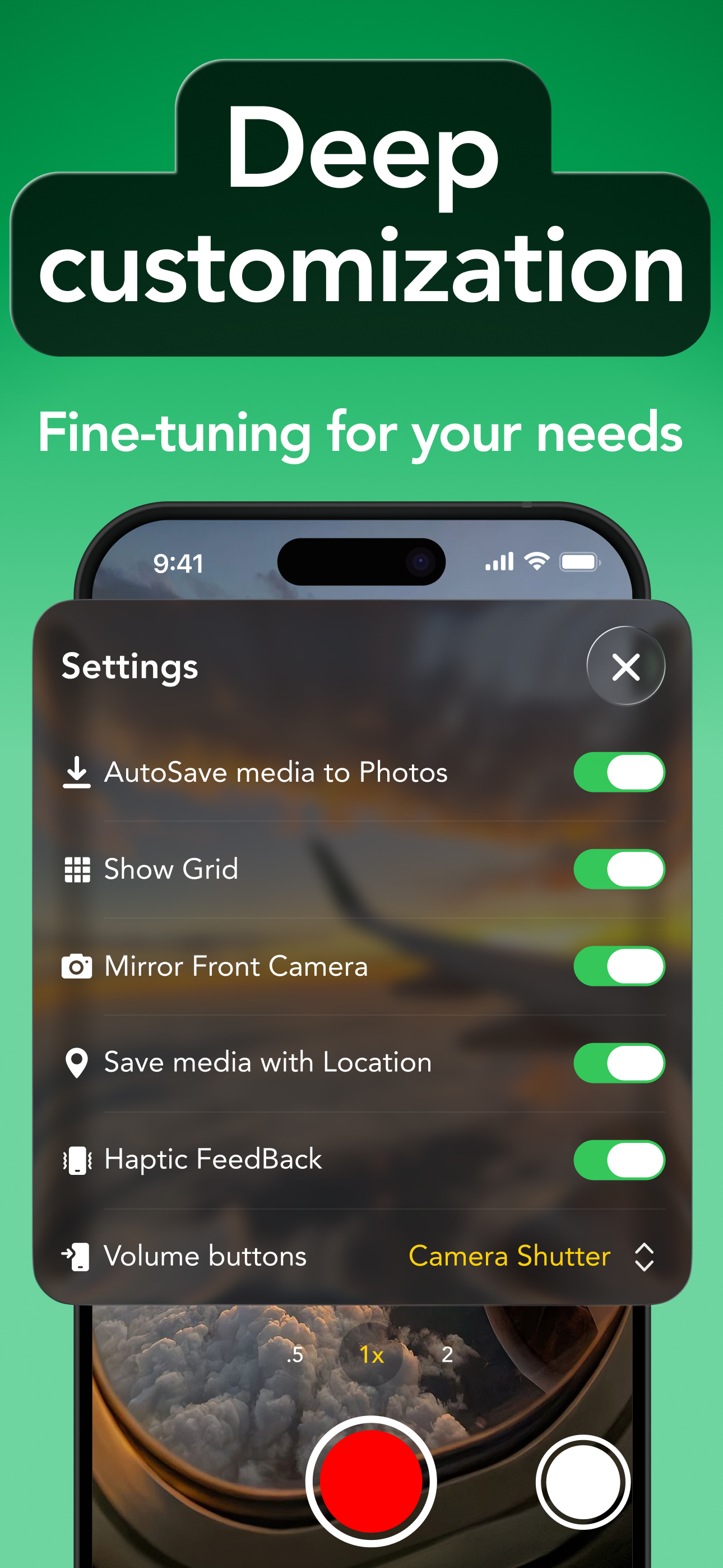
1.02Cam – Dual Camera Video Recorder Capture more of every moment with 2Cam. Record with your front and back cameras at the same time, create reaction videos, vlogs, interviews, tutorials, and more — all from one app. > Made for Creators Whether you're filming reactions, daily vlogs, interviews, tutorials, travel moments, behind-the-scenes content, or everyday memories, 2Cam gives you flexible tools to capture both perspectives at once. > Dual Camera Recording Record yourself and what’s happening around you simultaneously. Choose your preferred camera layout and easily switch camera positions to create videos that show both sides of the moment. • Record with front and back cameras at once • Switch camera positions • Choose different picture-in-picture shapes • Adjust the camera overlay directly on the preview • Record in portrait or landscape mode • Use flash when available > Built-In Telepromter Stay on script without looking away from the camera. The built-in teleprompter helps you record presentations, tutorials, talking videos, and other content with confidence. • Type or paste your script • Display your text directly over the camera preview • Adjust font size and text alignment • Choose text color and opacity • Set your preferred scrolling speed • Play, pause, and navigate through your script while recording > Customize your Video Get more control over how your videos look and feel. • Choose between 24, 30, and 60 FPS • Select 720p, 1080p, or 4K resolution • Record in 9:16, 4:3, or 1:1 aspect ratio • Enable video stabilization • Adjust audio quality • Mirror the front camera • Use a grid for better framing • Control recording with volume buttons • Add location data to your media when enabled > Your Media Gallery Keep the photos and videos you create organized directly inside 2Cam. • Browse your recordings by date • Preview photos and videos in full screen • Select and manage multiple files • Save media to your device • Share your creations • View video duration and playback progress • Quickly access your latest capture from the camera > Autosave Want your captures saved automatically? Enable AutoSave to streamline your workflow and keep your media ready outside the app. Some features and recording options may depend on your device capabilities. Certain features require Premium access. Dual recording is available on: iPhone XS, iPhone XS Max, iPhone XR, iPhone 11 and above to latest version Privacy Policy: https://2cam.io/privacy Terms of Use: https://2cam.io/terms Contact: support@visionapps.link Subscription Terms Subscriptions automatically renew unless auto-renewal is turned off at least 24 hours before the end of the current subscription period. You can manage or cancel your subscription through your account settings. Your account will be charged when the purchase is confirmed. Any unused portion of a free trial period, if offered, may be forfeited when purchasing a subscription where applicable.