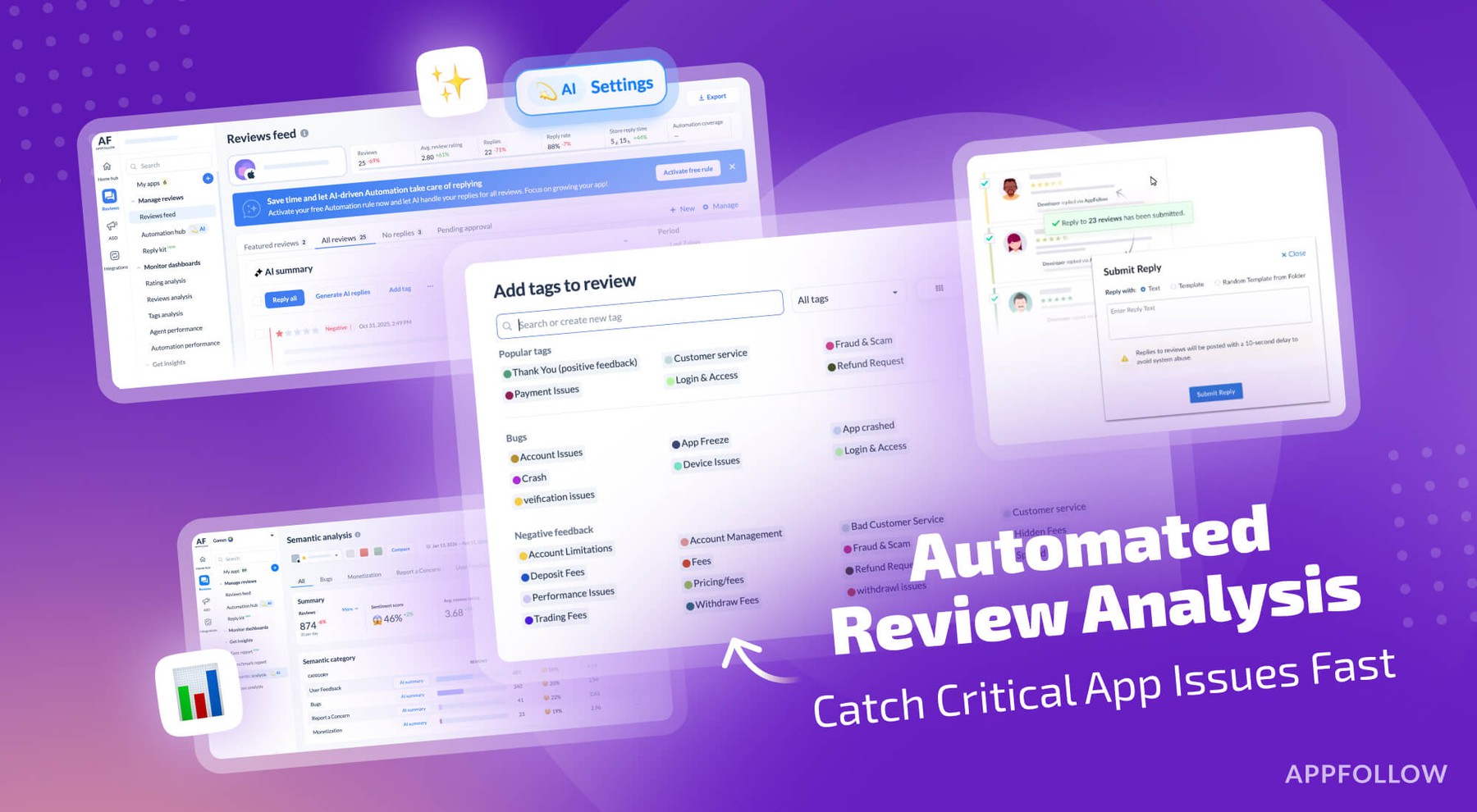
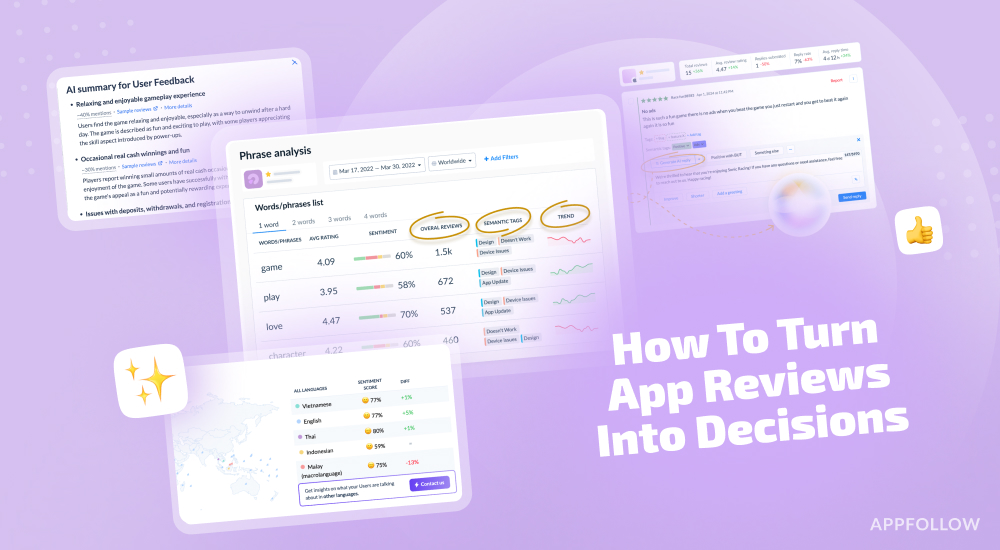
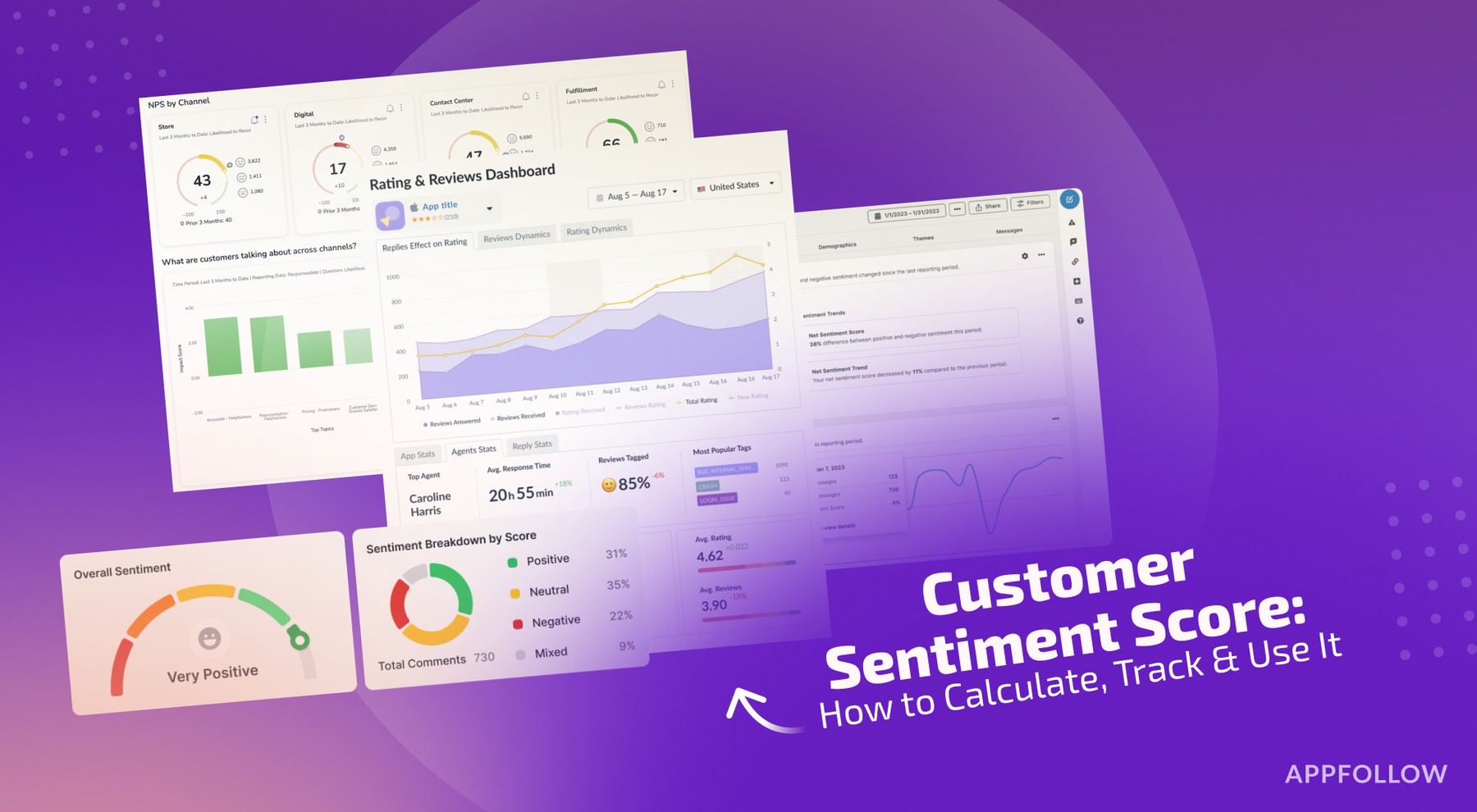
Ratings & Reviews performance provides an overview of what users think of your app. Here are the key metrics to help you identify how your app is rated by users and how successful is your review management strategy.
 3.5
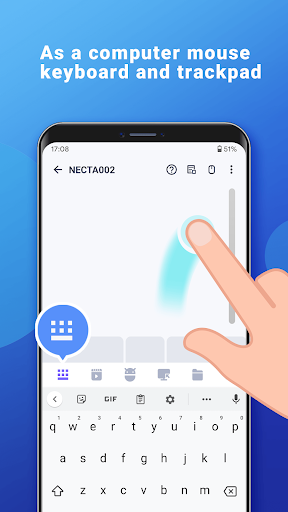
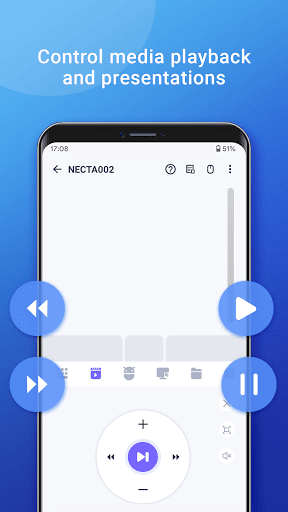
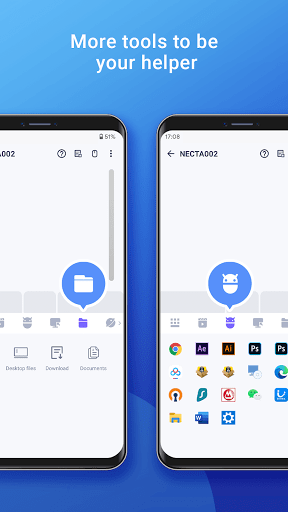
3.5🚀 Your Phone = Ultimate PC Remote: Mouse, Keyboard, Trackpad & MORE! 🚀 Tired of jumping up to control your PC or Mac? Transform your Android phone into a powerful wireless mouse, keyboard, trackpad, and command center! Effortlessly control your Windows, macOS, or Linux computer from your couch, bed, or across the room – all over your local WiFi. 🌟 NEW! Game-Changer: Remotely copy/paste and open URL on Your Computer from ANYWHERE (via internet)! Unlock the Full Potential of Your Phone: Precision Control: Smooth touchpad, Air Mouse (gyro!), & full keyboard (emoji 😂 included!). Supports any Android keyboard. Power User Features: NEW Internet Remote: Shutdown/Restart PC from anywhere! Media Master: Control Spotify, VLC, YouTube (web), Netflix (web), QuickTime & more! (Unlock Premium) Present Like a Pro: Remote PowerPoint/Keynote control. Voice to Text: Dictate directly to your PC! App Launcher & File Browser: Start apps & find files instantly. Game Pad Mode: Play Roblox & other PC games remotely! (Premium) Remote Desktop (RDP): See your PC screen on your phone. (Premium) Restart, logout, sleep, shutdown your PC, send phone clipboard text to computer, or open any URL on your PC — all instantly over the internet(Premium) Universal Remote: Control IR TVs (Samsung, LG, Apple TV, TCL) with your phone's IR blaster! (Requires hardware) Seamless Compatibility: Works flawlessly with Windows 7/10/11, macOS, and Linux (Ubuntu, Debian, Raspberry Pi, Mint & more). Smart & Secure: Password protection & Dark Mode (Android 10+). ✅ Super Simple Setup in Seconds: 1. Download the FREE Mouse Server for your PC/Mac/Linux: [http://wifimouse.necta.us](http://wifimouse.necta.us) 2. Install & Run it (ensure firewall allows port 1978). 3. Connect your phone & computer to the SAME WiFi. 4. Open the app & control instantly! 🔐 Permissions Explained: Full Network Access: Essential for connecting to your computer. Control Vibration: Provides tactile feedback for key presses (feels real!). Transmit Infrared: Only needed if using the TV remote feature (requires IR blaster). 👉 Ditch the Dongles & Extra Remotes! Download WiFi Mouse NOW and Turn Your Phone into the Ultimate Control Hub!