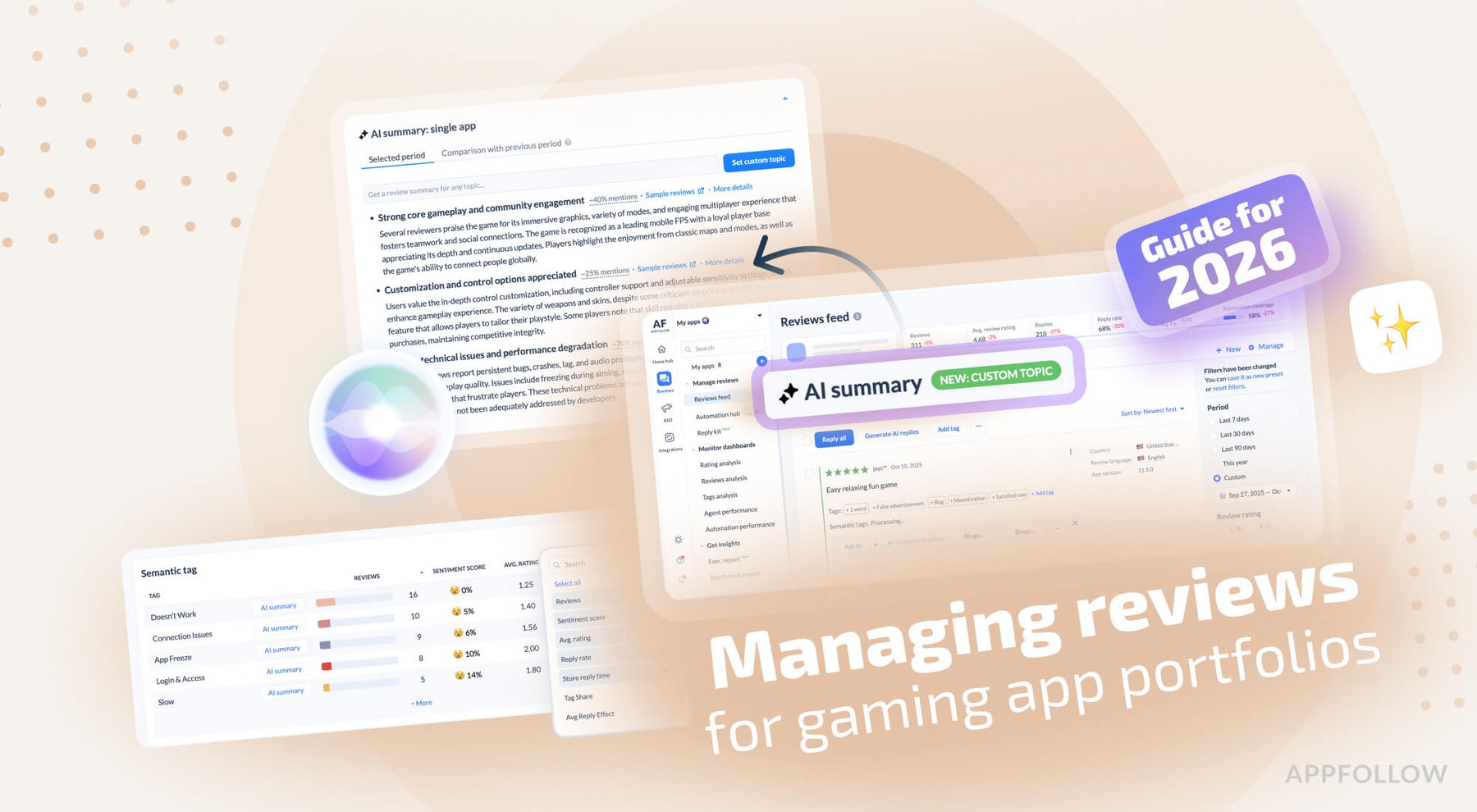
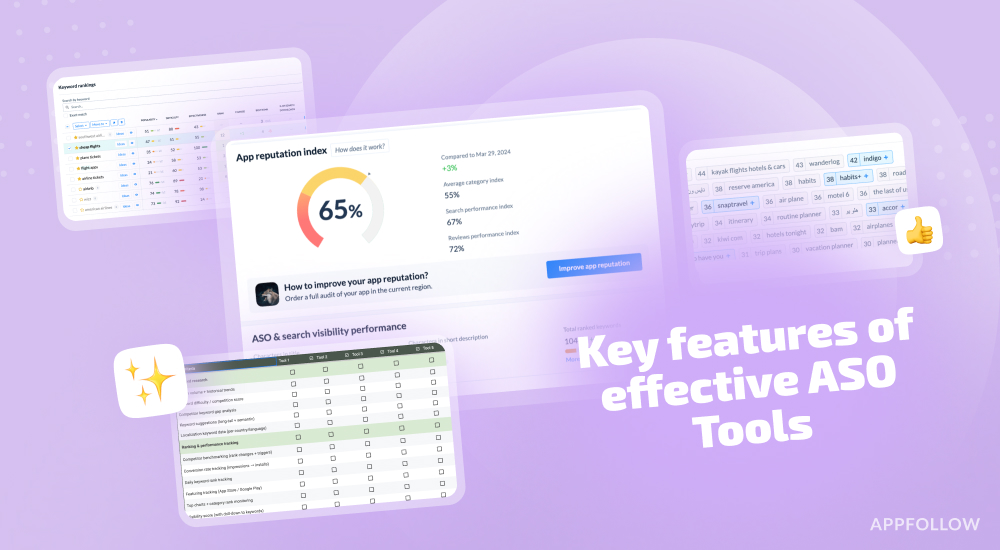
Ratings & Reviews performance provides an overview of what users think of your app. Here are the key metrics to help you identify how your app is rated by users and how successful is your review management strategy.
 3.7
3.7Black Friday and Cyber Monday Sale - $0.99, regular price $1.99 The best and the original remote Android mouse and keyboard out there. AndroMouse converts your phone into wireless mouse, keyboard, and more. Connection with your computer is made either using your existing wi-fi or using Bluetooth. AndroMouse also features speech-to-type which uses Google speech recognition to make your work easier. Works with Windows/Mac/Linux *** Ads free ** Great for presentations. * Loads of new features are added in AndroMouse 6.0 Relax in your bed and search YouTube with your voice. You need to run AndroMouse Desktop Server on your computer to use AndroMouse. Please visit http://andromouse.com to download free desktop server, to watch an intro video and for a quick tutorial. Mouse features: ★ Tap click ★ Two finger tap to double click ★ Scrollbar ★ Easy drag and drop ★ Right click ★ Left handed mode ★ Middle mouse button Keyboard features: ★ Standard keyboard ★ Function and special keys Other features: ★ Automatic server detection ★ Speech-to-type ★ Connect using Wi-Fi (Windows/Mac/Linux) or Bluetooth (Windows) ★ Save remote connections ★ Clean UI Numpad features ★ Dedicated Numpad ★ Numlock Custom Remote ★ Create your own remote ★ Add custom buttons with your own actions Media player features ★ Media remote with media buttons ★ Control Windows Media Player/iTunes/YouTube/Netflix/Spotify ★ Browse your computer's media files System remote ★ Use this remote to restart/logoff/shutdown your system File Browser ★ Browse your computer's file in your phone ★ Click on a file to open it on your computer Game Controller ★ Use AndroMouse as your remote game computer ★ Easily programmable buttons Presentation Remote ★ Great while doing your powerpoint presentation ★ Can also be used in photo viewer ★ Buttons to go next/previous slide ★ Integrated mouse functionality ★ Ability to view computer's screen on the app Shortcuts ★ Program your own custom shortcut keys Languages - English, Spanish, and French AND MORE Please visit www.andromouse.com to learn how to use AndroMouse and download the server.