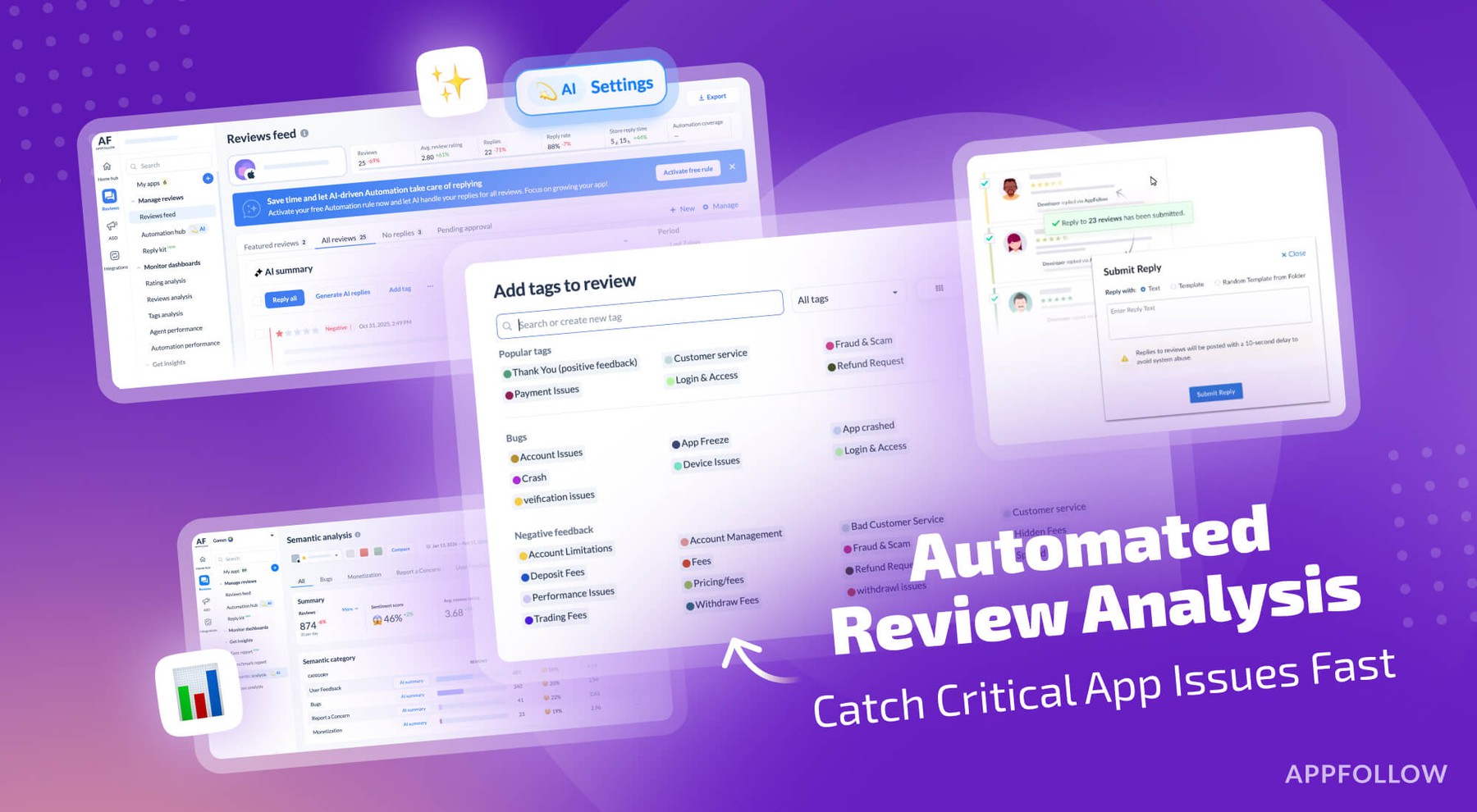
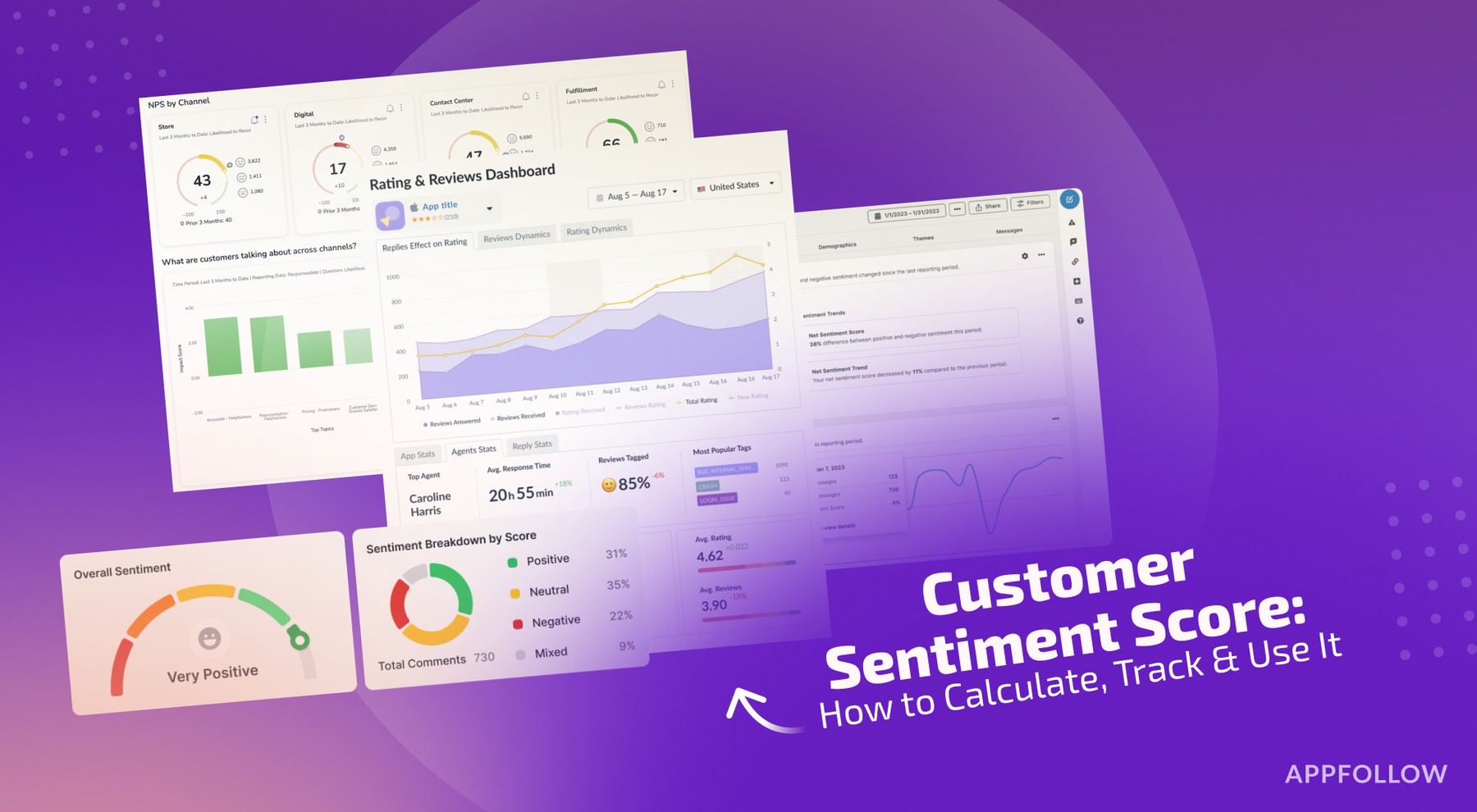
Ratings & Reviews performance provides an overview of what users think of your app. Here are the key metrics to help you identify how your app is rated by users and how successful is your review management strategy.
 3.7
3.7This app provides you a simple and easy way to screenshot the screen. Either the free-form cutting or the full-screen cutting as you like, you can easily get it done! ▶ Free-form snip - Draw a freeform shape around an object. ▶ Rectangular snip - Draw a rectangle around the object. ▶ Full-screen snip - Capture the entire screen. ▶ Share screenshot to commonly used apps, such as Messages, Email, Twitter and Facebook. ▶ Gallery 【More ways to trigger the screenshot】 - Floating Icon:You can place this floating icon anywhere on the screen as per your need - Notification:Click the notification to take a screenshot - Key Combination:Press 'Power key' and 'Volume down key' for two seconds - Shake:Shake the device to take a screenshot