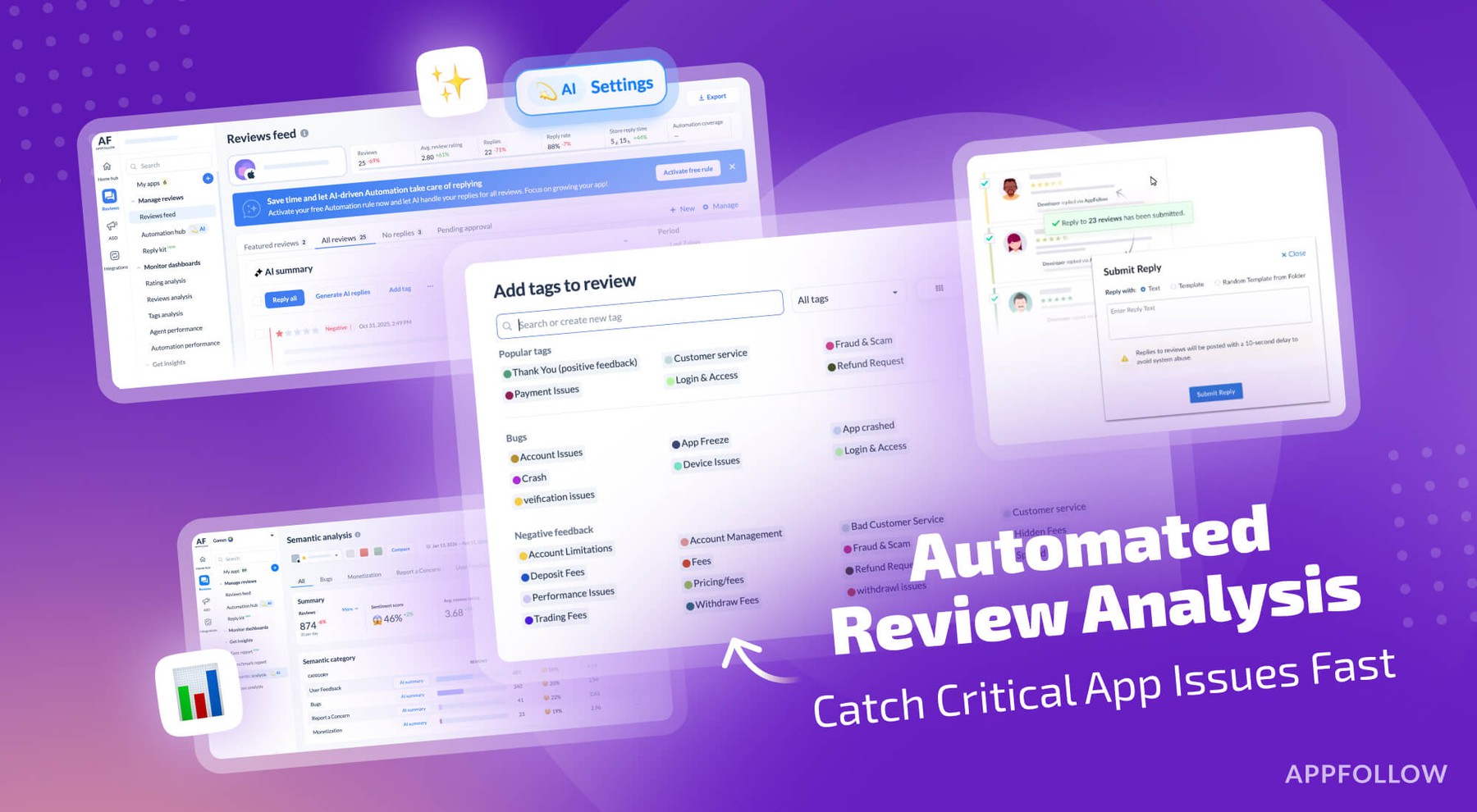
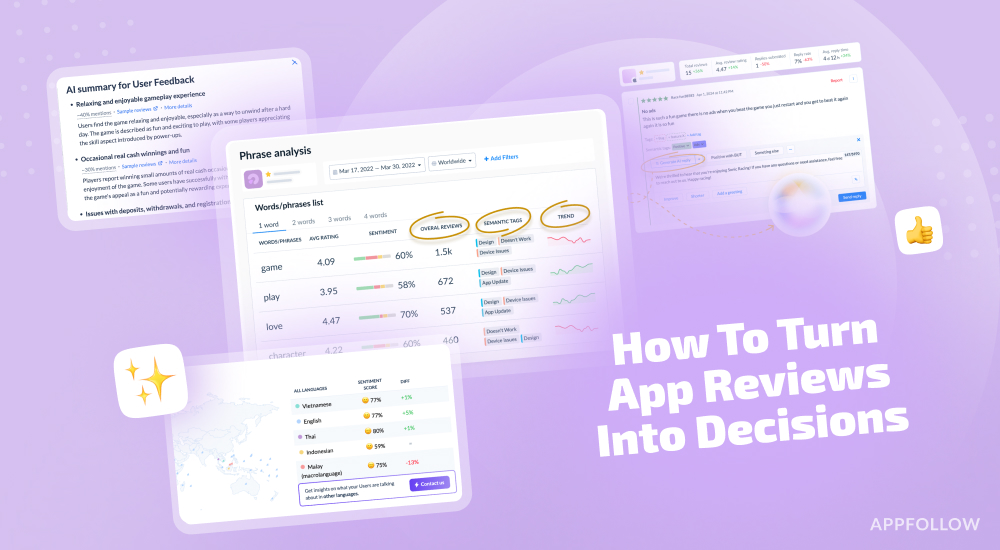
Ratings & Reviews performance provides an overview of what users think of your app. Here are the key metrics to help you identify how your app is rated by users and how successful is your review management strategy.
 4.6
4.6This is a fast and convenient QR code scanner. It is a QR code reader with features: read and scan QR codes, barcodes, generate QR codes, generate simple barcodes. ►Readers support multi-function: QR code reader, industrial barcodes reader. QR Code Scanner is a very good tooling application, it can read and scan most of the popular code formats currently. For example: read QR code, scan barcode, Aztec code, EAN code, UPC code, etc. How to use this application is very simple, you just need to open the app, and put the scanner in front of the QR code. The app's reader will quickly focus itself and convert the results for you. ►Automatically convert data One of the remarkable points of this application is that it will rely on the scanned information from the QR code, converting it to more common data formats such as VCard contacts, SMS messages, email addresses, links. , geographic location, product code, phone number, etc. From there, it can give you more options after scanning the barcode. For example, after scanning a QR code containing a person's contacts, you can choose to add a new contact to your contacts or copy a phone number to call that person. If you scan a barcode, you can use the search feature provided in the scan results screen to check the authenticity of the product code. The application will open the browser and search for the product code scanned from the barcode. ►Encryption tools, QR code generation In addition to scanning QR codes, QR Scanner also supports you to create QR code with barcode generation feature. It supports many popular barcode formats such as: QRcode, industrial barcode, PDF-417 code, EAN code, Aztec code, Data Matrix, UPC code, ITF, etc. For QR codes, the application provides a few options available for the data types you often use. You can select a contact or a phone number in the phonebook to be encoded into a QR code. Not only that, you can encrypt Wifi networks, links, coordinates, events, emails or any other text. The encoding limit can be up to more than 4000 characters for the QR code generator. To generate QR code in the application is very easy, you just need to select the type of code or data type, then enter the information to be encoded. The result screen allows you to choose a color and review the input, then press Save to save to memory or choose to share the QR code with your friends. A place to store and share QR code with others All QR code scan results and QR code generation results are saved in the app's history screen. You can review your QR code in this list and share with everyone. Our QR code scanner - barcode scanner and code generator is compatible with most android devices right now. It will be an indispensable tool on your phone.


![How to measure customer sentiment for app reviews [7 metrics]](https://cdn.appfollow.io/blog/static/appfollow_1335e02d-b0b3-49f7-9eb6-94171dc7e379.jpg)