Ratings & Reviews performance provides an overview of what users think of your app. Here are the key metrics to help you identify how your app is rated by users and how successful is your review management strategy.
 3.6
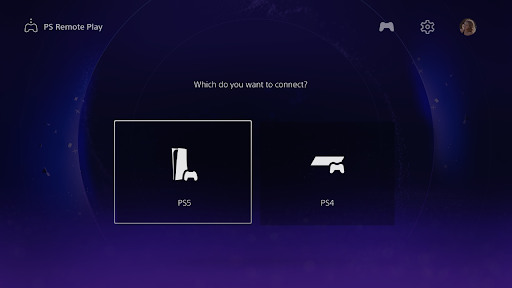
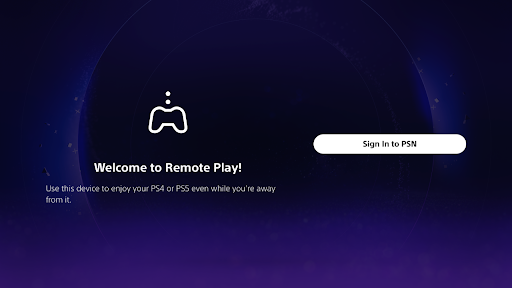
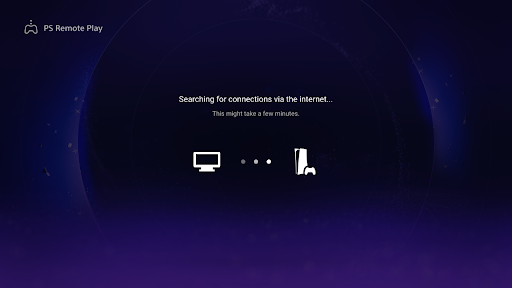
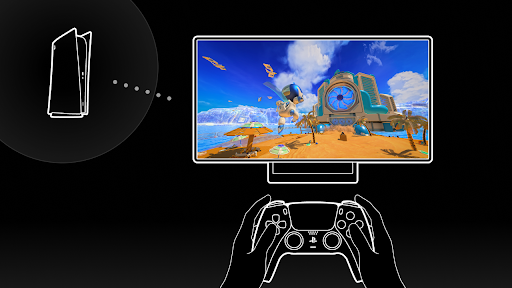
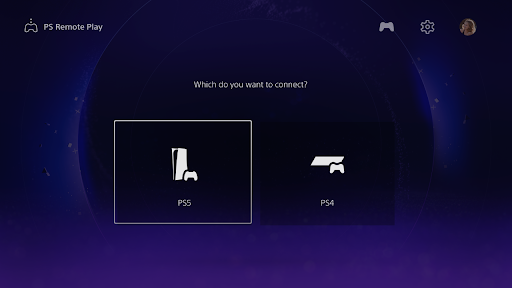
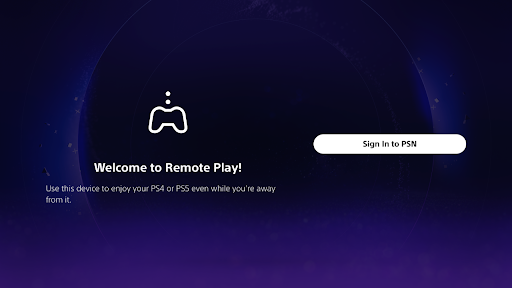
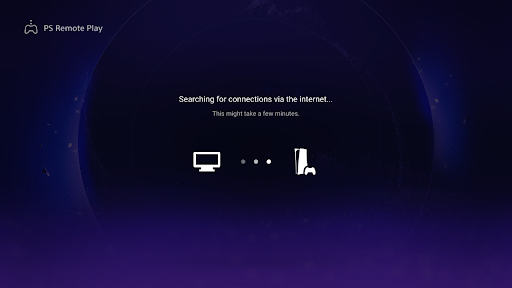
3.6PS Remote Play allows you access your PS5® or PS4® and play games remotely on your TV or monitor. You need the following items to use this app: • Android TV OS 12 or later installed on your TV, Chromecast with Google TV, or Google TV Streamer. (We recommend setting your TV or monitor to low latency game mode) • A DualSense™ wireless controller or DUALSHOCK®4 wireless controller • A PS5 or PS4 console with the latest system software version • An account for PlayStation™Network • A fast and stable internet connection (We recommend using a wired connection or 5 GHz Wi-Fi network connection) Verified devices: • Sony BRAVIA series For information about supported models, visit the BRAVIA website. www.sony.net/bravia-gaming • Chromecast with Google TV (4K model or HD model) • Google TV Streamer Note: • This app may not work properly on unverified devices. • This app may not be compatible with some games. • Your controller may vibrate differently than when playing on your PS5 or PS4 console, or your device might not support it. • Depending on the signal conditions of Android TV built-in televisions, Chromecast with Google TV, or Google TV Streamer, you might experience input lag when using your wireless controller. App subject to end-user license agreement: www.playstation.com/legal/sie-inc-mobile-application-license-agreement/