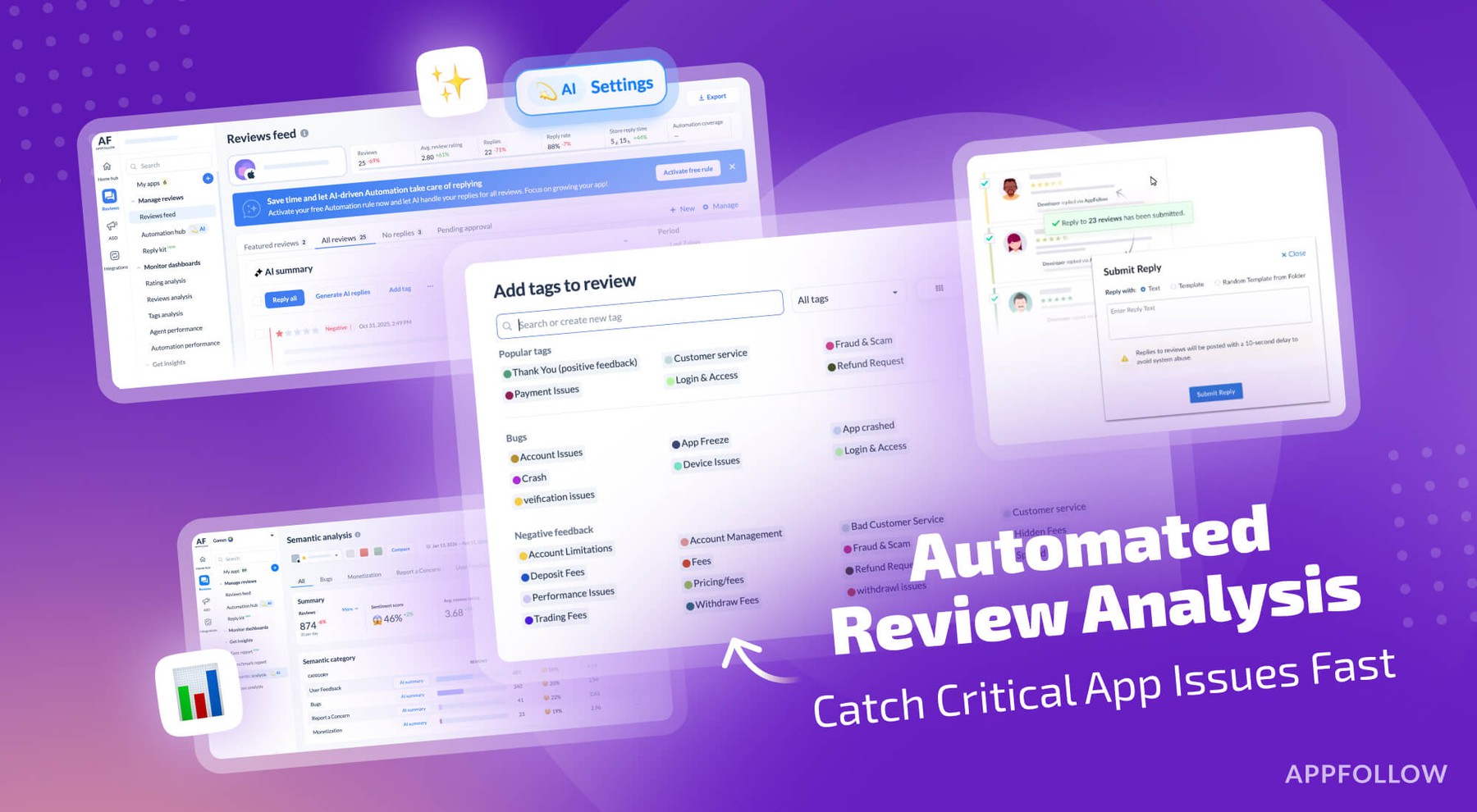
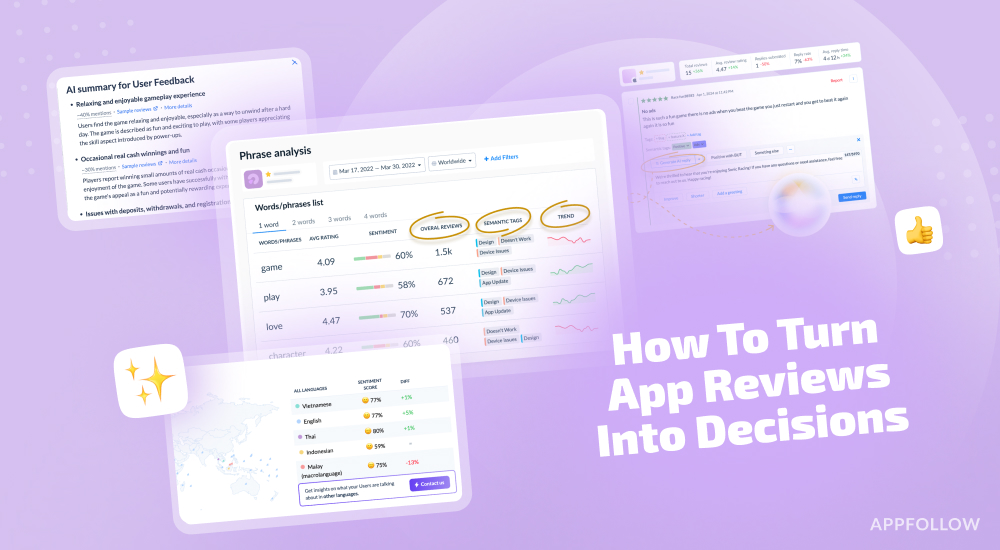
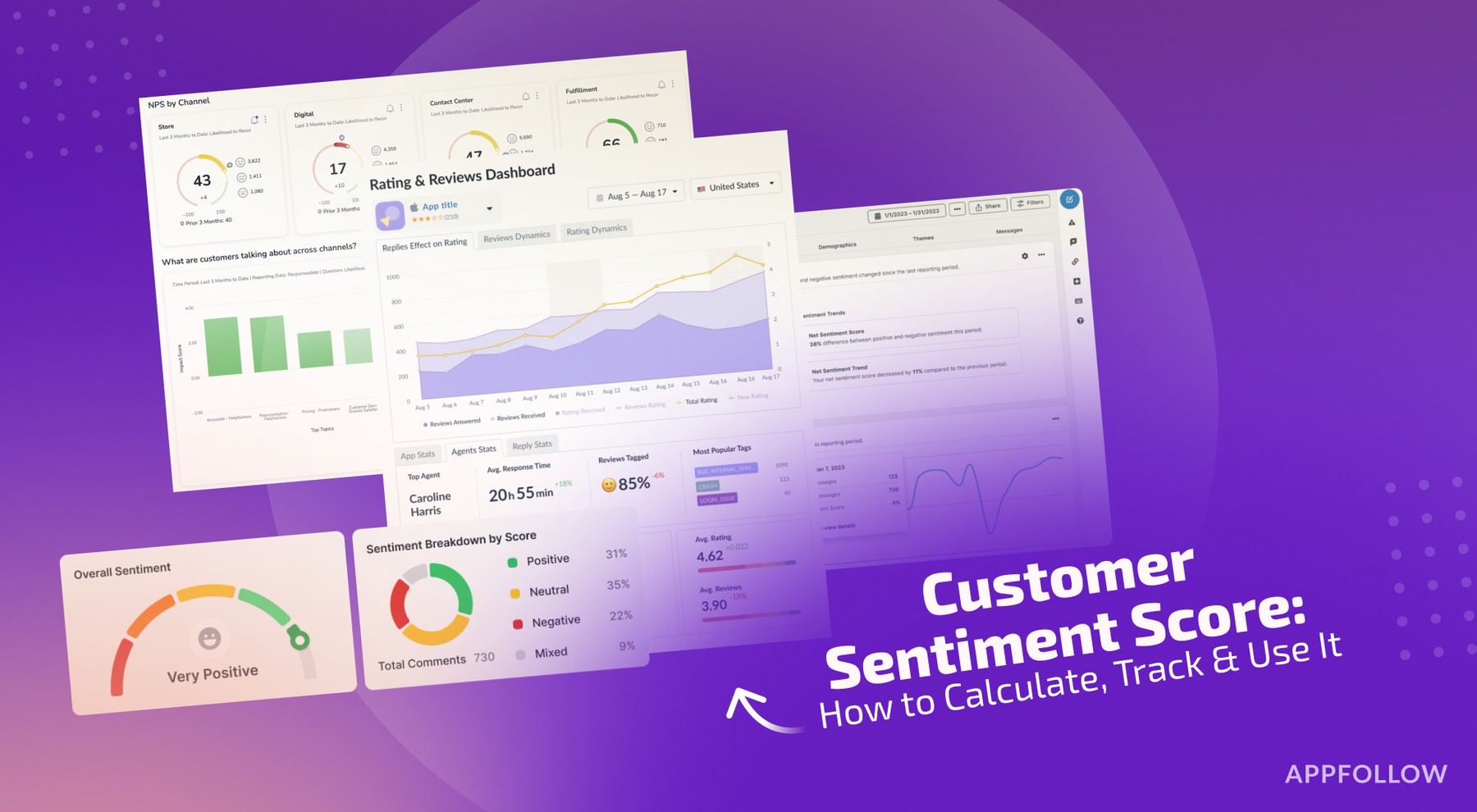
Ratings & Reviews performance provides an overview of what users think of your app. Here are the key metrics to help you identify how your app is rated by users and how successful is your review management strategy.
 4.4
4.4PDF Converter Pro is an easy-to-use app to convert multiple image files to one PDF file offline. Jpg to PDF converter, png to PDF converter All files to PDF Converter is a document converter that allows you to transform files to other extensions or formats. You can easily convert DOC, TXT, PPT, WORD, JPG, PNG, XLS to PDF formats. Now you can convert Photos, Documents, Contacts and Text Messages in to PDF Files easily with this pdf converter. It has a lot of Features which are available for free which are normally available as premium features in other PDF reader and PDF converter app. PDF Converter Pro is an image converter that works without internet. You can convert or Convert your jpg in PDF with the help of this PDF converter app, and also convert photo to Bmp. It will be the best PDF converter application of 2021. Features :- 🌟 Creating PDF directly from the camera 🌟 Convert your Text Messages into pdf format with pdf converter. 🌟 Convert Documents from MS Office to pdf with pdf converter. 🌟 Creating PDF from one or several images from gallery 🌟 Standard PDF 🌟 Custom document and photo orientation 🌟 High-speed PDF creation 🌟 File sharing in any convenient way 🌟 Saving a copy on your device 🌟 No Watermark 🌟 Image optimization 🌟 No Sign up required 🌟 View or Delete PDF files. 🌟 Extract images from PDF. 🌟 Split PDF & also Merge PDF. 🌟 Convert text files to PDF. 🌟 Remove pages from PDF. First, you choose any JPG files on your Android phone, select a preset PDF page size or enter page width and height, set PDF page orientation, then tap the "Convert to PDF" button to start conversion. JPG to PDF Converter uses multithreading to improve conversion speed. It only takes a few seconds to convert hundreds of image files. We added some exclusive features like dark mode, shortcut your favorite PDF converter and much more to give you a great experience with Smart PDF Tools. We don't require any registration to use our app. It's 100% free to use and no limitations in converting your PDF documents. PDF Reader is a pdf reading tool. It can help you to easily manage, and open all the Pdf files on your phone. You can also share files with your friends, classmates and colleagues via email using this PDF converter pro. Convert files with PDF Converter to a portable document format. This converter is for everyone who wants to convert Word to PDF or into other formats or vice versa, without any hassle. PDF to text converter and export PDF so this is called Free PDF reader for android. Convert PDF and fast PDF with PDF to text with export PDF. The best way to convert PDF documents to common file formats and vice versa right on your Android device. Save Word, Excel, PowerPoint or Work documents, web pages, photos and even clipboard content as professional quality PDFs. Everything from a multi million contract to a web page you want to read later can be saved as a PDF in just a few taps. Thank You