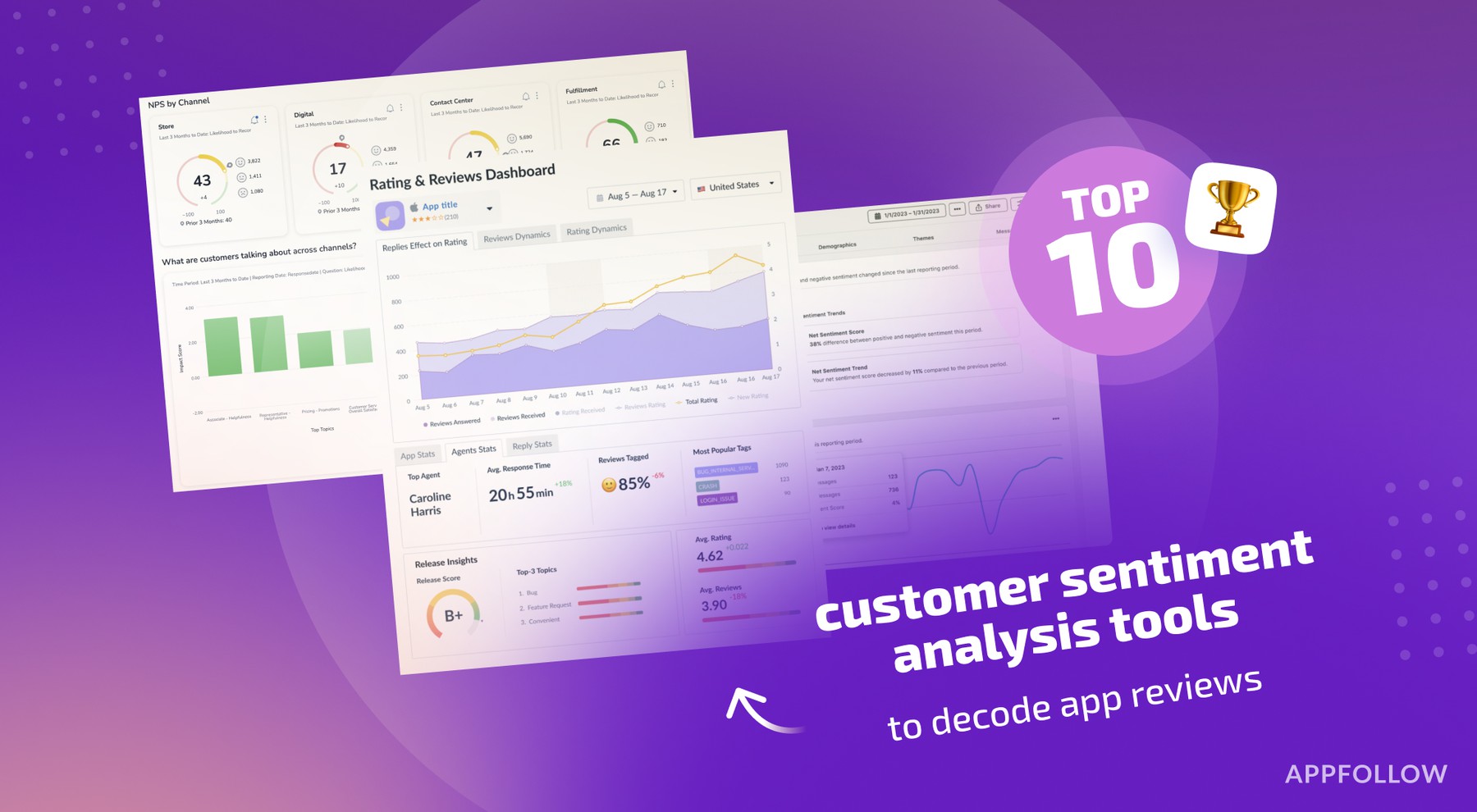
Ratings & Reviews performance provides an overview of what users think of your app. Here are the key metrics to help you identify how your app is rated by users and how successful is your review management strategy.
 4.6
4.6This TUTORIAL App includes all topics of Computer fundamentals such as input devices, output devices, memory, CPU, motherboard, computer network, virus, software, hardware etc. A computer is an advanced electronic device that takes raw data as an input from the user and processes it under the control of a set of instructions (called program), produces a result (output), and saves it for future use. This TUTORIAL explains the foundational concepts of computer hardware, software, operating systems, peripherals, etc. along with how to get the most value and impact of computer technology. In this TUTORIAL, students will become familiar with the basic principles of a personal computer, including the internal hardware, the operating system, and software applications. Students will gain practice in using key applications, such as word processors, spreadsheets, and presentation software, as well as understand social and ethical issues around the Internet, information, and security. Chapters: 1. Computer Basics -Computer Generation -Computer History -Computer Block-Diagram -Central Processing Unit (CPU) -Video Display Unit (VDU) -Input/Output Devices: Keyboard, Mouse -Types of Computer -Computer Memory -Computer Data 2. Computer Hardware -Computer Cables -Computer Bus -Expansion Slot -Device Drivers -Installation -Plug-and-Play 3. Software -Programming Language -Translation -System Software -Application Software -Computer Language Paradigm -Operating System Basic -BIOS -System Utility -Antivirus 4. Word Processing -Text Formatting -Table Creation & Basics -Spell-Check -Threasure -Printing a Documents 5. Spreadsheet -Excel: Basic Operations 6. PowerPoint: Introduction & Basic Operations 7. Computer Network -LAN-WAN -Computer Network Topology -Network Hardware -Network Devices 8. Internet -WWW -Web Browser -Search Engine & URL -ISP -DNS -IP -Internet and Intranet -Website -Email and Netiquette -Skype 9. Smart Gadget: Smart Phone, 4KTV, Kindle etc. 10. Impact of Computer -Data Analysis -Computer Accounting -Computer Investment -Inventory Control -Graphics & Multimedia -Robotics -Cyber Security -Audio and Video Conferencing