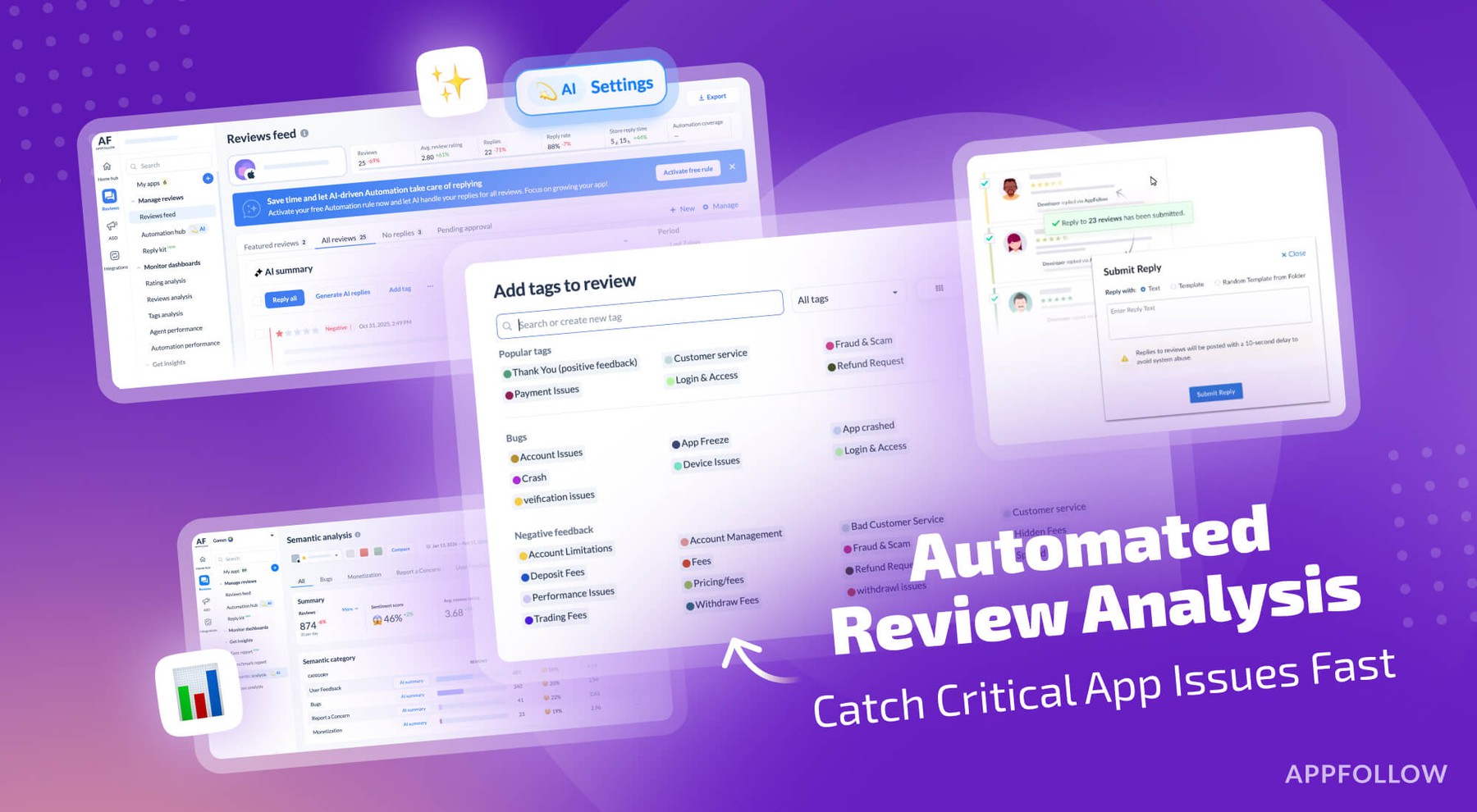
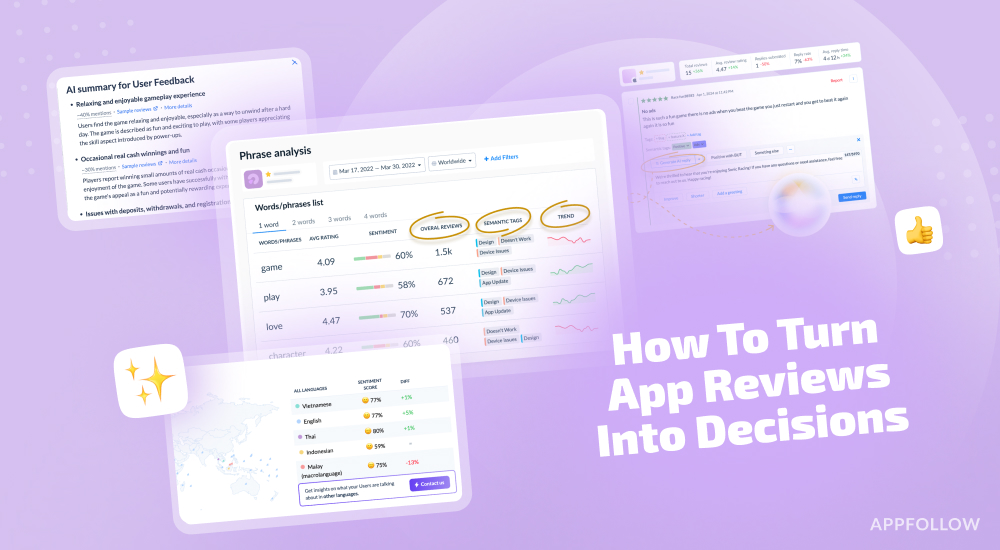
Ratings & Reviews performance provides an overview of what users think of your app. Here are the key metrics to help you identify how your app is rated by users and how successful is your review management strategy.
 4.2
4.2Today’s Internet is full of websites trying to steal your personal information, infect your devices or spread harmful content. With Multi-Device Security, you can ensure you and your loved ones are protected and safe in the digital world whether on your tablet or smartphone. Multi Device Security is a companion app and an extension of the Frontier Secure security solution. Multi-Device Security can be downloaded to 10 devices and licenses can easily be shared with family members and friends. You can protect you and your loved ones from hackers and criminals while browsing on any mobile device whether at home or on-the-go. Parental controls are included to ensure your children are safe too. You decide what content your children can and can't see and when they can go online. With Frontier Multi-Device Security, you can: • Protect all of your mobile devices • Keep your finances and personal data safe while banking or shopping online • Keep your devices clear of malware and viruses • Safeguard your children while surfing the internet with parental controls • Manage of all your devices through an easy-to-use, web-based management console SEPARATE ‘SAFE BROWSER’ ICON IN LAUNCHER Safe browsing works only when you are browsing the Internet with Safe Browser. To easily allow you to set Safe Browser as default browser, we install this as an additional icon in the launcher. This also helps a child launch the Safe Browser more intuitively. DATA PRIVACY COMPLIANCE Frontier always applies strict security measures to protect the confidentiality and integrity of your personal data. See the full privacy policy here: https://www.f-secure.com/en/web/legal/privacy/frontier THIS APP USES THE DEVICE ADMINISTRATOR PERMISSION Device Administrator rights are required for the application to perform and Frontier is using the respective permissions in full accordance to Google Play policies and with active consent by the end-user. The Device Administrator permissions are used for Parental Control features, in particular: • Preventing children from removing the application without parental guidance • Browsing Protection THIS APP USES ACCESSIBILITY SERVICES This app uses Accessibility services. Frontier is using the respective permissions with active consent by the end-user. The Accessibility permissions are used for Family Rules feature, in particular: • Allowing a parent to protect child from unsuitable web content • Allowing a parent to apply device and apps usage restrictions for a child. With the Accessibility service applications usage can be monitored and restricted.


![How to measure customer sentiment for app reviews [7 metrics]](https://cdn.appfollow.io/blog/static/appfollow_1335e02d-b0b3-49f7-9eb6-94171dc7e379.jpg)