Ratings & Reviews performance provides an overview of what users think of your app. Here are the key metrics to help you identify how your app is rated by users and how successful is your review management strategy.
 4.7
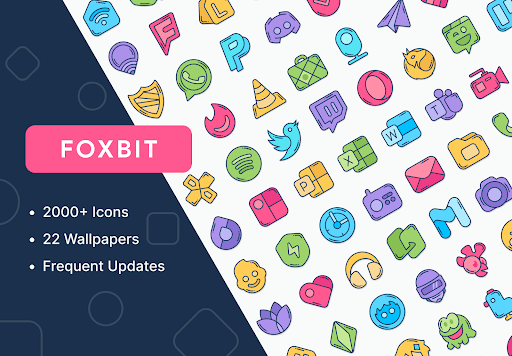
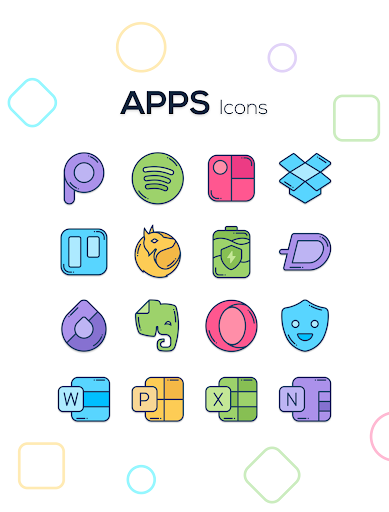
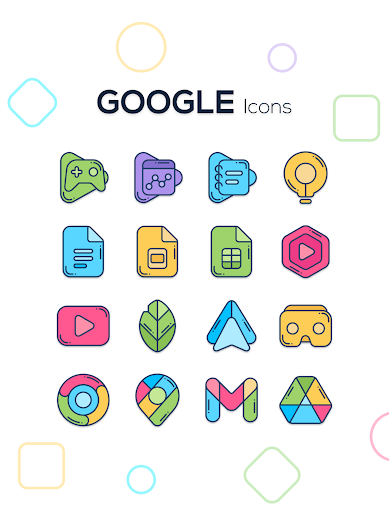
4.7Tired of having the usual icons, Foxbit arrived with a new concept to illuminate your screen with beautiful icons. Features: ★ 2100+ Icons ★ 28 Wallpapers ★ Dynamic calendar icons ★ Support for many launchers How to apply these icons? 1. Install a compatible Launcher 2. Open Foxbit, go to the Apply section and select your Launcher Supported Launchers: Smart Launcher - Nova Launcher - Lawnchair - Action Launcher - Apex Launcher - Flick Launcher - GO Launcher - Hyperion Launcher - Lucid Launcher - Microsoft Launcher - Mint Launcher - Niagara Launcher - Pie Launcher These launchers have been tested and are fully compatible, but they will probably work with other launchers not mentioned here. How to apply on Samsung phones? 1. Download Good Lock from the Galaxy Store 2. Open Good Lock and download Theme Park 3. Launch Theme Park and select Icon > Create New 4. Tap Iconpack and choose Linebit 5. Assign a name and save it 6. Tap the new pack and select Apply Contact If you have any questions send me an email to edzon.dm@gmail.com