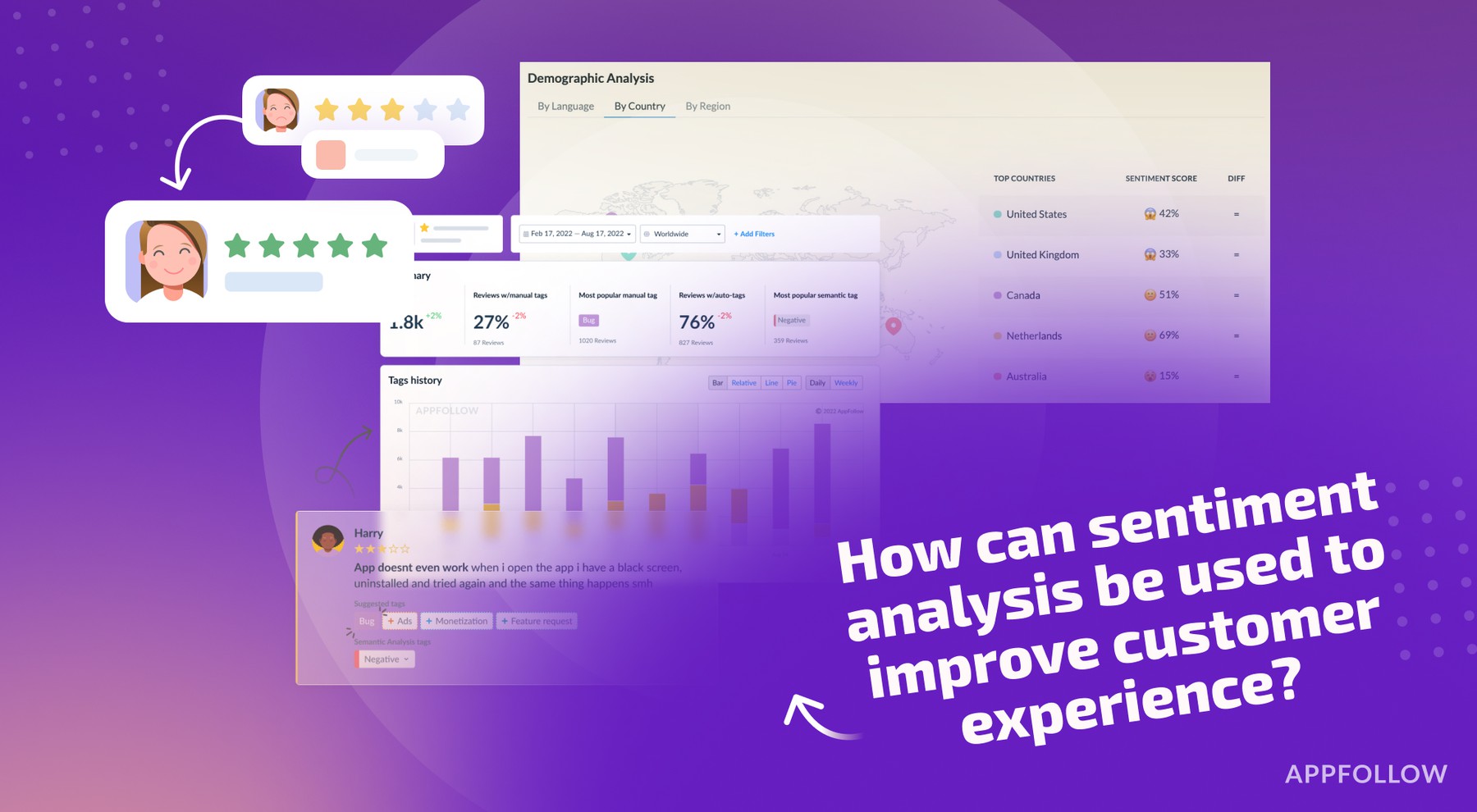
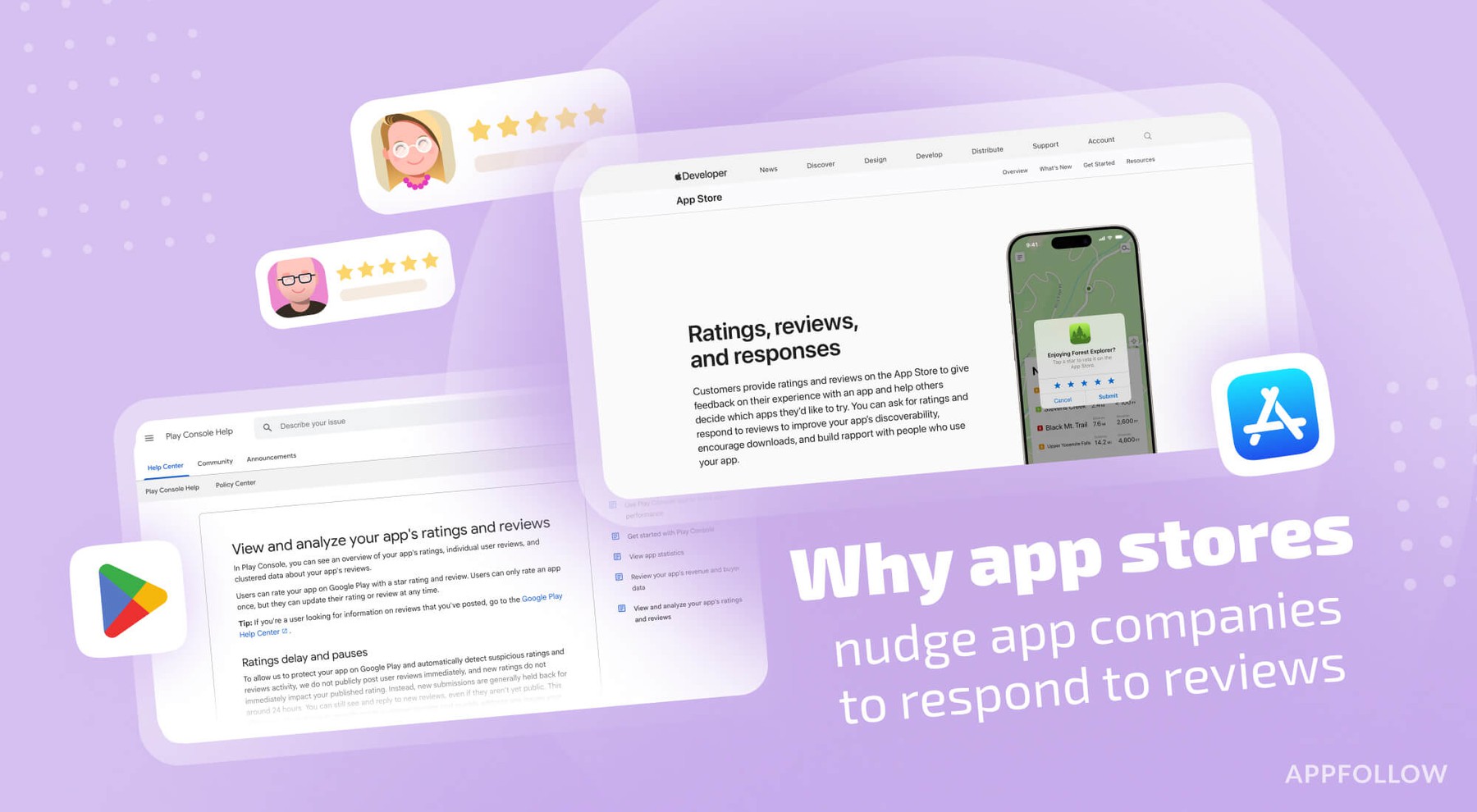
Ratings & Reviews performance provides an overview of what users think of your app. Here are the key metrics to help you identify how your app is rated by users and how successful is your review management strategy.
 3.9
3.9Dell Mobile Connect minimizes distractions by allowing you to make calls, send texts, get notifications, transfer files and control your phone conveniently from your Dell computer. Put your phone away and use it through your computer’s screen, touch, mouse or keyboard! Features: • Hands-free phone calls – Make and take phone calls using your PC’s speakers and microphone. • Text messaging – Send and receive SMS and MMS messages from your computer. • Notifications – Receive your phone notifications and interact with them using your Dell system. • Contacts – Search through your phone’s contacts and make a call or send an SMS directly from the app. • Screen mirroring – See your phone screen and control it with your keyboard, mouse or touchscreen. • File Transfer – Drag and drop files between your phone and your Computer. Instructions: • Download this companion app. • Download and install the main Dell Mobile Connect application on your Windows 10 device (available on the Microsoft Store). • Launch Dell Mobile Connect and follow the on-screen prompts. It’s that easy! Systems Requirements: • Android 6 and above. • A 2018 or newer Dell computer with Windows 10. • The Dell Mobile Connect PC app (available on the Microsoft Store). Support: For troubleshooting and other questions, please contact Dell at www.dell.com/support NOTE: We’re continuously adding support for additional Android phones. Upgrade Dell Mobile Connect to get the latest capabilities on your device. Dell Mobile Connect minimitza les distraccions permetent fer trucades, enviar textos, notificar notícies, transferir fitxers i controlar el telèfon còmodament des de l’ordinador Dell. Poseu el telèfon fora i utilitzeu-lo a la pantalla, al tacte, al ratolí o al teclat de l’ordinador. Característiques: • Trucades de mà lliure: realitzeu i realitzeu trucades mitjançant altaveus i micròfon del vostre PC. • Missatgeria de text: envia i rep missatges SMS i MMS des de l’ordinador. • Notificacions: rep les notificacions del seu telèfon i interactua amb elles mitjançant el sistema Dell. • Contactes: cerqueu els contactes del telèfon i feu una trucada o envieu un SMS directament des de l'aplicació. • Mirallatge de la pantalla: vegeu la pantalla del vostre telèfon i controleu-la amb el vostre teclat, ratolí o pantalla tàctil. • Transferència de fitxers: arrossegueu i deixeu anar els fitxers entre el telèfon i l’ordinador. Instruccions: • Baixeu aquesta aplicació acompanyant. • Baixeu i instal·leu l’aplicació principal de Dell Mobile Connect al dispositiu Windows 10 (disponible a la botiga Microsoft). • Inicieu la connexió de Dell Mobile Connect i seguiu les indicacions a la pantalla. És tan fàcil! Requisits del sistema • Android 6 i versions posteriors. • Un equip Dell 2018 o més recent amb Windows 10. • L’aplicació PC de Dell Mobile Connect (disponible a la botiga Microsoft). Suport: Per resoldre problemes i altres preguntes, contacteu amb Dell a www.dell.com/support NOTA: Afegim contínuament suport per a telèfons Android addicionals. Actualitzeu Dell Mobile Connect per obtenir les últimes funcions del dispositiu.