Ratings & Reviews performance provides an overview of what users think of your app. Here are the key metrics to help you identify how your app is rated by users and how successful is your review management strategy.
 4.4
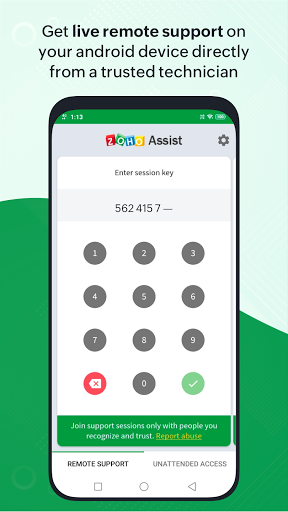
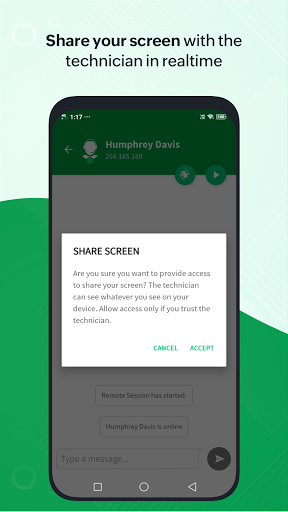
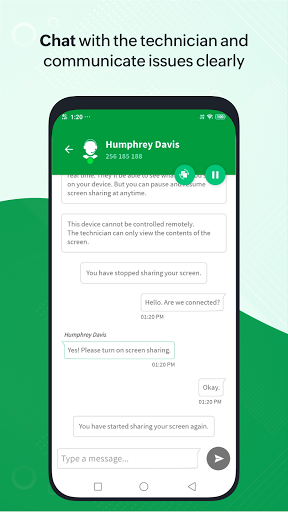
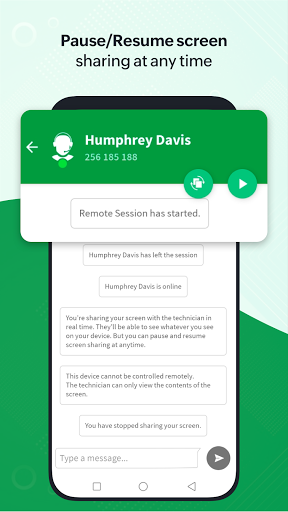
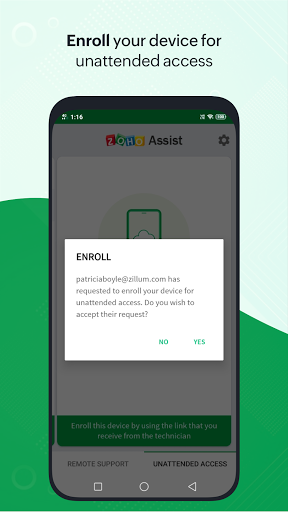
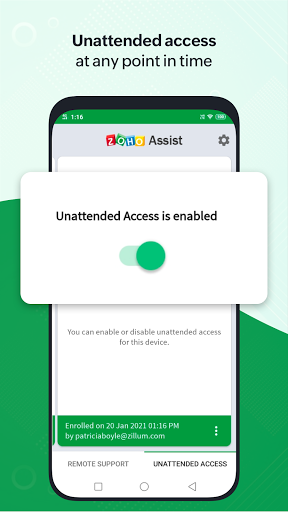
4.4Get high-quality remote support for your mobile device with the Zoho Assist – Customer app. Technicians can securely access your device to troubleshoot issues in real time. Whether it's remote support or unattended access, the app ensures a smooth support experience—anytime, anywhere. Disclaimer: This app uses the Device Administrator permission on your device in order to facilitate remote control and screen sharing. Please contact assist@zohomobile.com for further clarification. To report a scam or suspicious activity, visit our https://www.zoho.com/assist/report-a-scam.html page. To join a Remote Support session Step 1: Download and install the Zoho Assist – Customer app from the Play Store. Step 2: Join the session by either opening the invitation link sent by the technician via email, or entering the session key provided by the technician directly in the app. Step 3: After granting consent, the technician will securely access your device to provide support. You can end the session at any time by simply tapping the back button. Unattended access You can easily enroll your Android device for unattended access by your trusted technician at any time. Simply click the deployment link shared by your technician to grant them seamless access without any further action required on your part. You can also enable or disable unattended access whenever needed. Features - Share your screen securely with the technician. - Get remote assistance with full device control. - Pause or resume screen sharing and access anytime. - Send and receive files in any format during the session. - Chat instantly with the technician within the app.


![How to measure customer sentiment for app reviews [7 metrics]](https://cdn.appfollow.io/blog/static/appfollow_1335e02d-b0b3-49f7-9eb6-94171dc7e379.jpg)