


Ratings & Reviews performance provides an overview of what users think of your app. Here are the key metrics to help you identify how your app is rated by users and how successful is your review management strategy.
 3.7
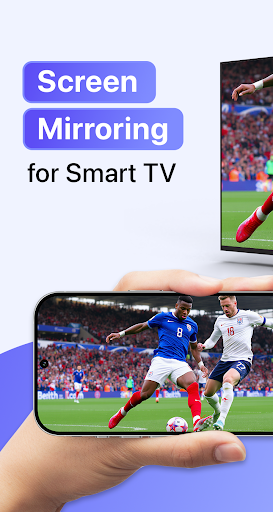
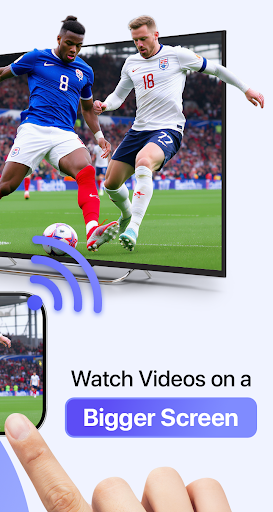
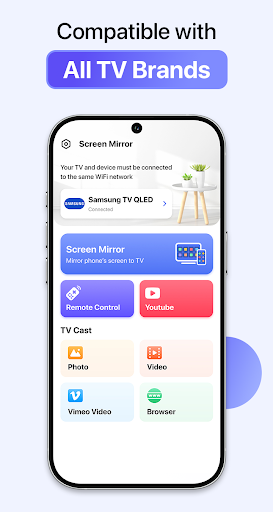
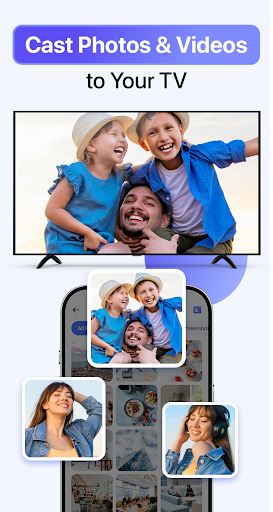
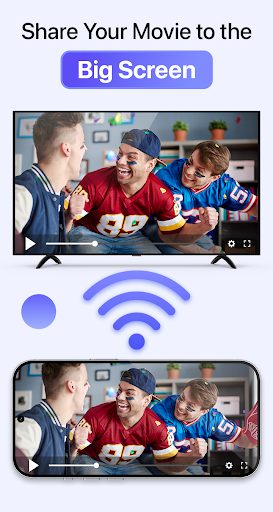
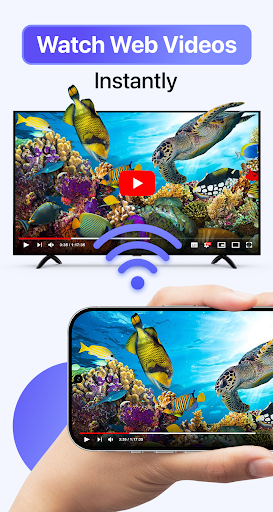
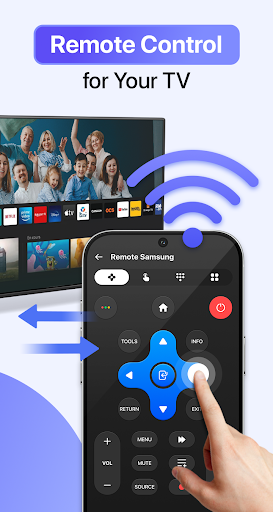
3.7Ever wished your phone screen could instantly appear on your TV? Cast to TV & Screen Mirroring lets you easily mirror your phone screen to TV and stream videos, photos, music, apps, and games wirelessly. Whether you’re watching movies, sharing memories, or presenting your work, turning your phone into a big-screen experience has never been easier. With fast and stable screen mirroring, you can connect your phone to TV without cables or extra hardware. Cast to TV & Screen Mirroring is designed to deliver smooth performance, low latency, and clear display quality on most smart TVs. 🌟 Enjoy Everything from Your Phone on TV: - Mirror your phone screen to TV in real time. - Stream videos, photos, music, and apps to a larger display. - Share games, presentations, and documents instantly. - Control playback, volume, and navigation directly from your phone. - Experience wireless screen sharing with minimal delay. Whether at home or at work, phone to TV mirroring makes content sharing simple and intuitive. 📺 Works with Most Smart TVs & Streaming Devices: Chromecast. Roku TV. Amazon Fire TV / Fire Stick. Xbox. Samsung. LG. Sony. Hisense. Panasonic. TCL and other smart TVs. AirPlay TV and DLNA-supported devices. The app automatically detects nearby TVs on the same Wi-Fi network, ensuring a quick and secure connection every time. 🚀 Easy Setup – Start in 3 Simple Steps: Step 01: Connect your phone and TV to the same Wi-Fi network. Step 02: Open Cast to TV & Screen Mirroring. Step 03: Select your TV to start mirroring or streaming. No cables, no complicated settings — just instant phone to TV sharing. 💡 Why Choose Cast to TV & Screen Mirroring? - Fast and stable wireless screen mirroring. - Smooth performance for videos, games, and apps. - No additional devices or setup required. - Optimized for most smart TV brands and streaming platforms. - Ideal for entertainment, sharing, and professional presentations. Turn your phone into a powerful entertainment hub and enjoy everything on a bigger screen, anytime you want. ⚠️ DISCLAIMER: This app is not affiliated with Google Chromecast, Roku, Amazon Fire TV, Samsung, LG, Sony, Hisense, Panasonic, TCL, AirPlay, or any other mentioned brands.


![How to measure customer sentiment for app reviews [7 metrics]](https://cdn.appfollow.io/blog/static/appfollow_1335e02d-b0b3-49f7-9eb6-94171dc7e379.jpg)
