


Ratings & Reviews performance provides an overview of what users think of your app. Here are the key metrics to help you identify how your app is rated by users and how successful is your review management strategy.
 3.8
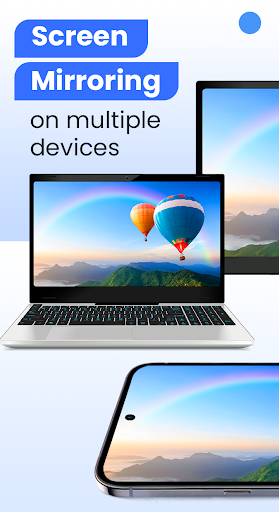
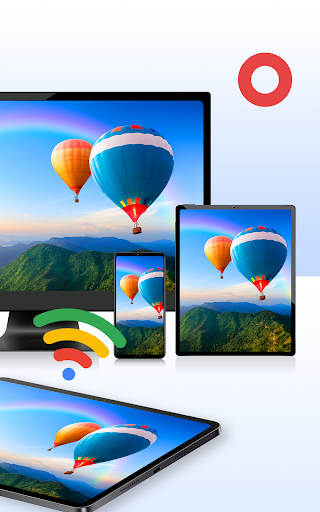
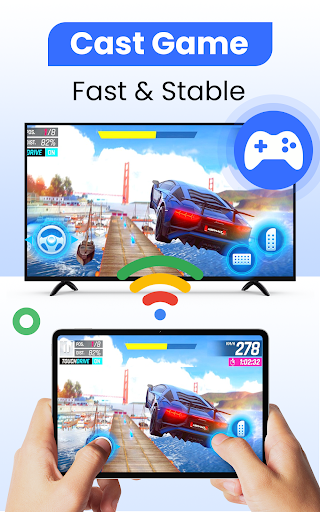
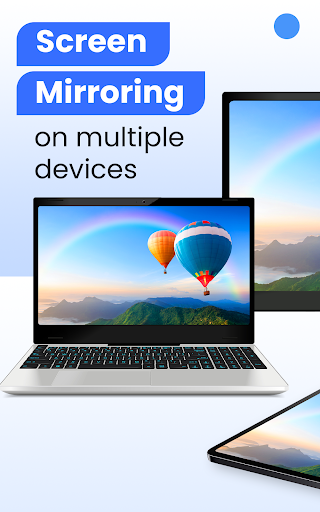
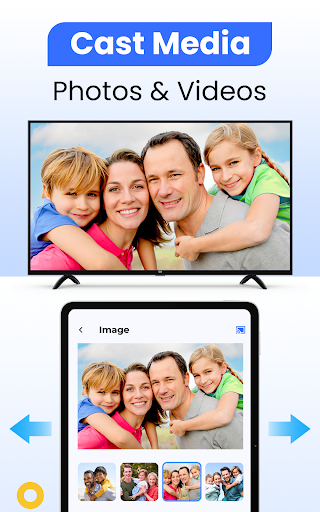
3.8Transform the way you stream with Cast for Chromecast & TV Cast — the smarter way to cast for Chromecast and enjoy everything on your Chromecast TV. Stream videos, mirror your screen, and control playback directly from your phone in just seconds. No cables. No extra devices. Just smooth, reliable casting built for everyday life. From movie nights and family photo sharing to business presentations and gaming sessions, your Chromecast TV becomes more powerful when everything is just one tap away. STREAM BETTER ON CHROMECAST TV Experience smooth and stable casting designed specifically for Chromecast users. Whether you're watching online videos, streaming local files, or sharing live content, this app makes cast for Chromecast simple and seamless. • Watch online videos on your Chromecast TV • Cast local videos, music, and photos instantly • Mirror your phone screen in real time • Control playback without switching devices Everything works over the same Wi-Fi network — no complicated configuration required. SMART SCREEN MIRRORING Need more than just streaming? Screen mirroring lets you display your entire phone on your Chromecast TV. Perfect for: • Presentations and remote meetings • Online classes and tutorials • Gaming on a larger screen • Browsing and live sharing Low latency and stable performance ensure your content looks clear and responsive. CAST FOR CHROMECAST — MADE SIMPLE - Getting started takes less than 30 seconds: - Connect your phone and Chromecast TV to the same Wi-Fi - Open the app and select your Chromecast device - Choose Cast or Screen Mirroring - Enjoy big-screen viewing instantly - No technical knowledge required. FULL CONTROL FROM YOUR PHONE Turn your device into a smart remote for your Chromecast. • Play / Pause • Volume control • Fast forward & rewind • Easy navigation Everything you need to manage your Chromecast TV experience in one place. BROAD DEVICE COMPATIBILITY Designed to work smoothly with: • Google Chromecast & Chromecast Ultra • Chromecast TV devices • Roku Stick & Roku TVs • Amazon Fire TV & Fire Stick • Samsung, LG, Sony, TCL, Vizio, Hisense Smart TVs • Xbox One / 360 • Apple TV (AirPlay support) • DLNA & UPnP receivers One app. Multiple streaming possibilities. PERFECT FOR • Movie nights at home • Streaming web videos • Sharing family memories • Business presentations • Online learning • Gaming sessions If you own a Chromecast TV, this app helps you get more from it. IMPORTANT NOTICE This app is not affiliated with or endorsed by Google or Chromecast. Chromecast is a trademark of Google LLC. All other trademarks belong to their respective owners. Your Chromecast TV is built for more than small-screen streaming. Download Cast for Chromecast & TV Cast today and enjoy a faster, smoother way to cast for Chromecast anytime.











![How to measure customer sentiment for app reviews [7 metrics]](https://cdn.appfollow.io/blog/static/appfollow_1335e02d-b0b3-49f7-9eb6-94171dc7e379.jpg)


